
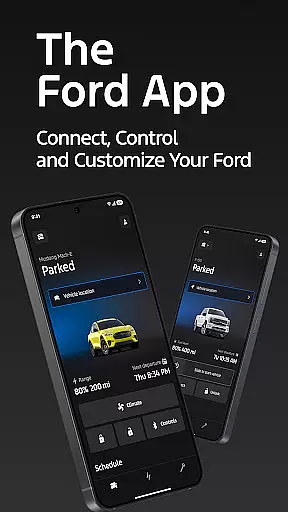
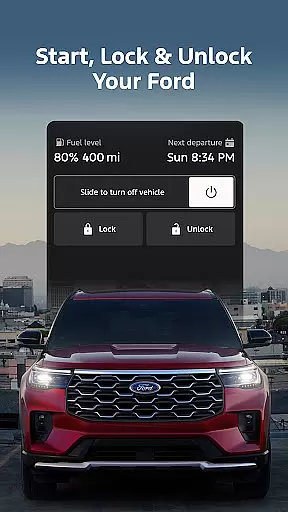
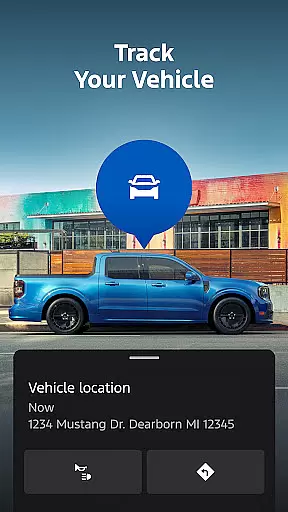
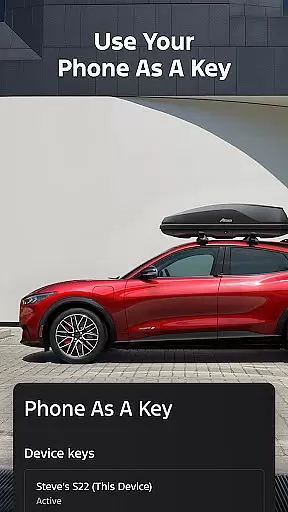
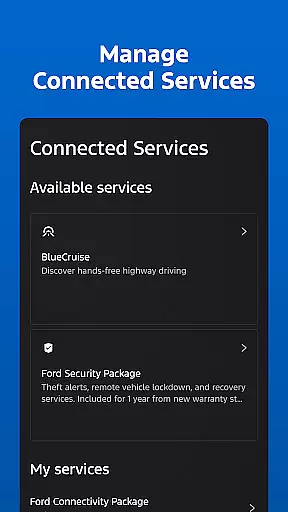
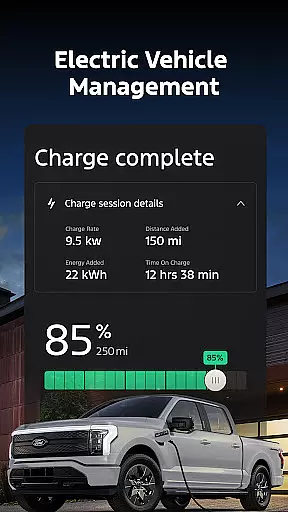
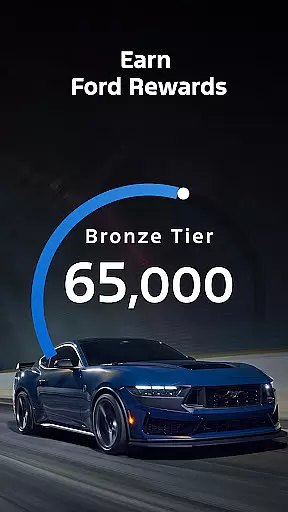
The Ford app is a comprehensive mobile solution designed to enhance the ownership experience for Ford vehicle owners. This application serves as a centralized platform that provides users with remote access and control over their vehicles, including features like remote start, lock and unlock capabilities, and GPS tracking. All these functionalities come at no additional cost, making it an essential tool for modern Ford drivers.
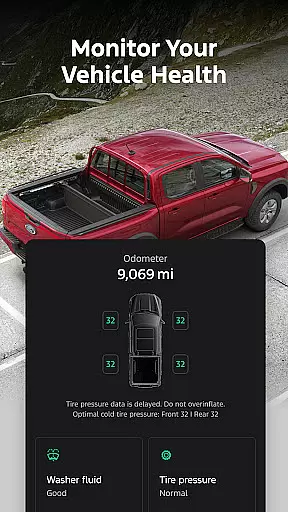
In addition to remote features, the app offers robust vehicle management tools. Users can monitor fuel or battery range status, access vehicle statistics, and even use their phone as a key. The app also facilitates service scheduling with certified dealers, provides detailed information for electric vehicle owners, and supports various connected services. Regular updates ensure users always have access to the latest features, while integration with Wear OS devices extends functionality to smartwatches.
The Ford app distinguishes itself through an impressive array of features designed to simplify vehicle ownership. Its remote functionality allows users to start their vehicle, lock and unlock doors, and locate their car using GPS - all from their smartphone. These features are particularly valuable in extreme weather conditions or when you need to locate your vehicle in crowded parking areas.
For electric vehicle owners, the app provides crucial information about charge levels and enables preconditioning of the vehicle's interior temperature. The integrated service scheduling feature helps maintain optimal vehicle performance by connecting owners with authorized service centers. Additionally, the app's support for over-the-air software updates ensures vehicles remain up-to-date with the latest technological advancements. The inclusion of Ford Rewards adds another dimension to the ownership experience, allowing users to earn points redeemable for various Ford-related services and products.
Companion app integration refers to the seamless connection between a primary application and its wearable counterpart. For Ford app users, this means being able to interact with their vehicle directly from a Wear OS smartwatch.
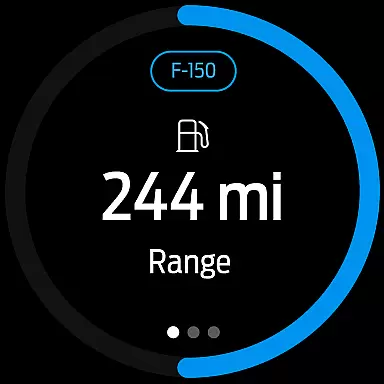
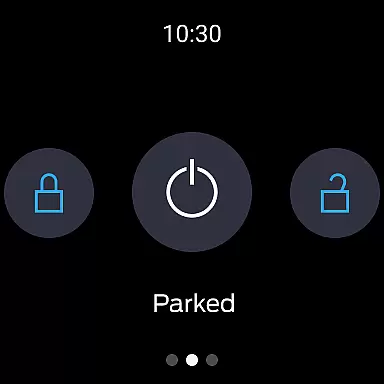
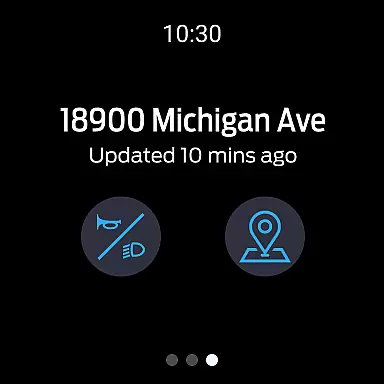
The Ford app offers an intuitive interface on your smartwatch, allowing you to send commands and check your vehicle's status right from your wrist. This includes actions such as remote start, lock and unlock, which are easily accessible without needing to take out your phone.
This level of integration provides convenience and peace of mind, ensuring that critical vehicle controls are always within reach. Whether you're in a meeting or carrying groceries, the ability to manage your Ford vehicle with a simple tap on your watch is not only practical but also enhances the user experience significantly.
By leveraging companion app integration, Ford ensures that drivers have a cohesive and efficient way to stay connected to their vehicles, enhancing both functionality and accessibility through wearable technology.
Wear OS/device compatibility is crucial for ensuring that applications function correctly across different devices, including smartwatches running on Wear OS. The Ford app supports this by being compatible with select smartphone platforms and Wear OS devices.
With the Ford app, users can enjoy features like remote start, lock and unlock, and vehicle status checks directly from their Wear OS smartwatches. This compatibility extends the appu2019s utility beyond smartphones, making it versatile and adaptable to various tech ecosystems.
This compatibility ensures that regardless of the device you're using, you'll have access to essential Ford app functionalities. It reflects Ford's commitment to integrating advanced technology into everyday life, providing users with flexibility and control over how they interact with their vehicles.
Ultimately, Wear OS/device compatibility enhances user engagement by offering a consistent and reliable experience across multiple devices, reinforcing Ford's dedication to innovation and customer satisfaction.
User-friendly interface
Comprehensive vehicle control
Regular feature updates
Integrated service scheduling
Electric vehicle support
Limited to newer models
Requires active subscription
Occasional connectivity issues
Device compatibility restrictions
Learning curve for new users

"PER27 Galaxy Digital" is a digital Wear OS watch face designed by PERSONA
 4.10
4.10
Calming & relaxing sounds for sleeping and stress relief. Stay focused all day!
4.20
Wear Os Watch Face - Animated Snow - Sesonal for Christmas & Winter
4.2
Current temperature, weather hourly, weather radar by the weather forecast app
4.40
A modern premium sporty hybrid watch face for Wear OS by Ballozi
4.70
Fitness interactive virtual pet super fighter boy watch face
4.3
A digital watch face that celebrates Christmas.
4.00
A realistic hybrid watch face with many customization options.
4.60
Back up your contacts & access them anywhere
4.30
Beautiful, colorful and practical watch face. For Wear OS devices.
5.00
Kia Access makes getting your vehicle information easier than ever
4.60
Gym & home workout plans with strength training, exercise tracking, HIIT & more.
4.60
Stylish, Energizing and Modern Watch Face crafted by Dominus Mathias.
4.50
Fast and smart typing with Emojis, GIFs, and more
4.50
Premium hybrid watch face with many customizations for Wear OS devices.
4.40
Embrace the festive spirit with our Christmas Countdown watchface for Wear OS
4.10
Stay in touch with your friends and family using LINE!
3.40
Christmas is near, let's count together the days left until Santa comes
4.5
Funny animated watch face for Thanksgiving
4.3


User Reviews