




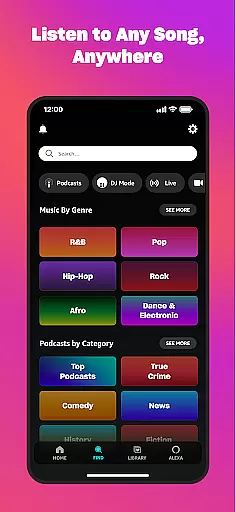



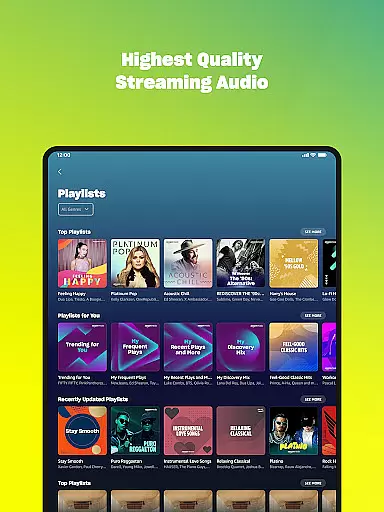
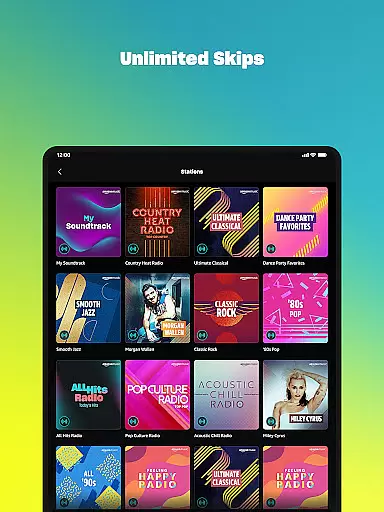

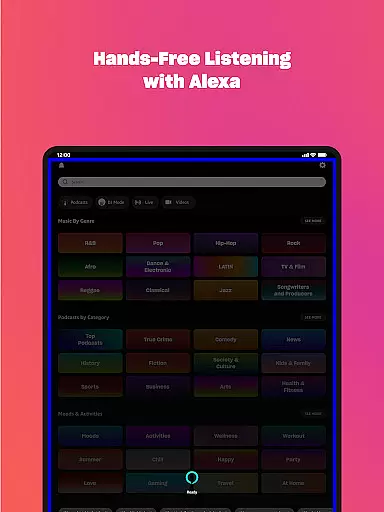
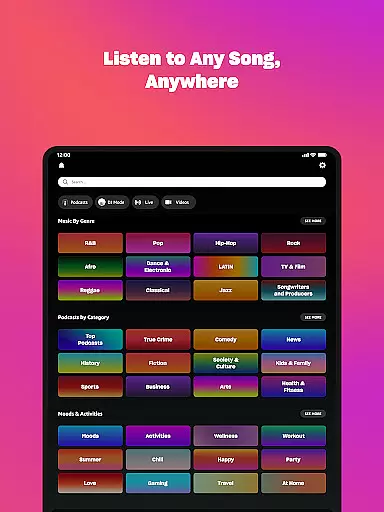



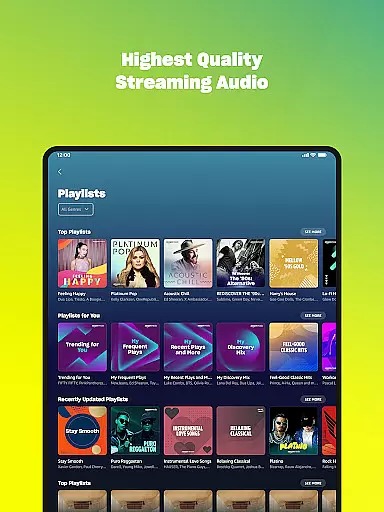
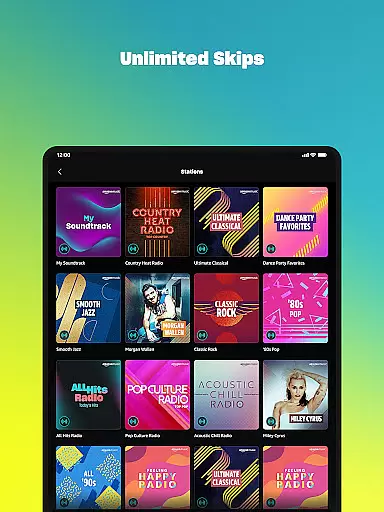

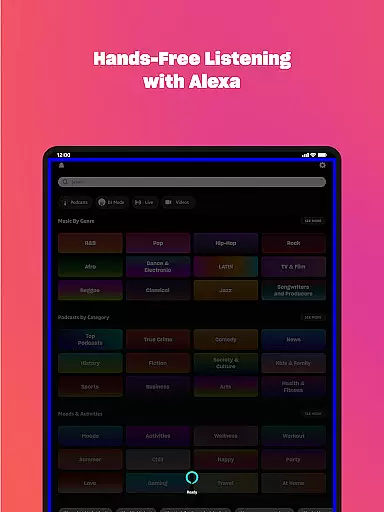
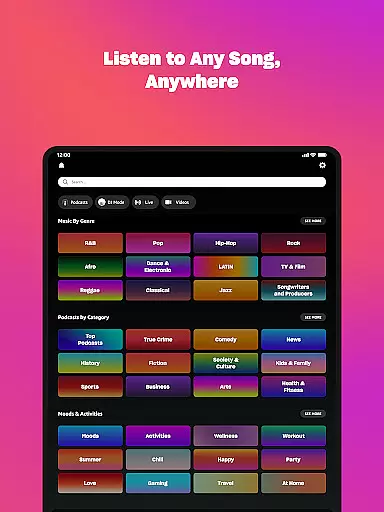



Amazon Music is a comprehensive music streaming service that transforms the way users discover and enjoy their favorite tunes. The app offers both free and premium options, allowing users to stream thousands of stations and top playlists with ads or opt for an ad-free experience through Prime membership or Amazon Music Unlimited.
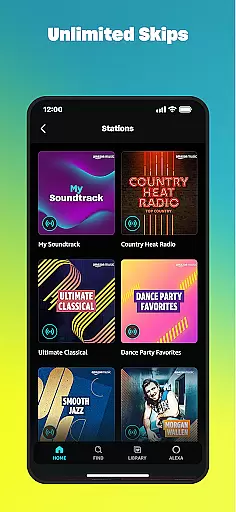
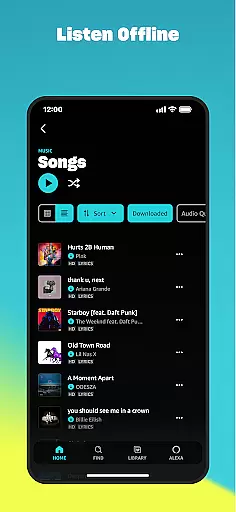
The core functionality includes access to millions of songs, podcasts, and audiobooks. Prime members enjoy ad-free music and the largest catalog of ad-free top podcasts, while Amazon Music Unlimited subscribers get unlimited skips, offline listening, and spatial audio. The app also supports playlist imports from other platforms and provides personalized recommendations based on user preferences.
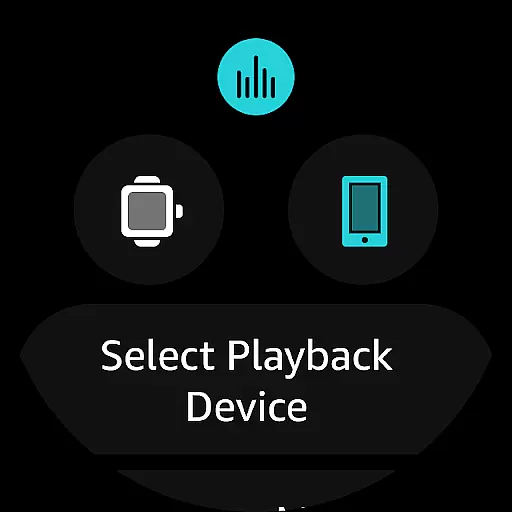
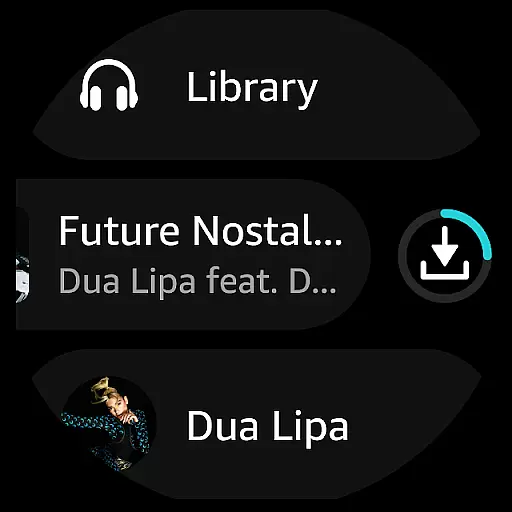
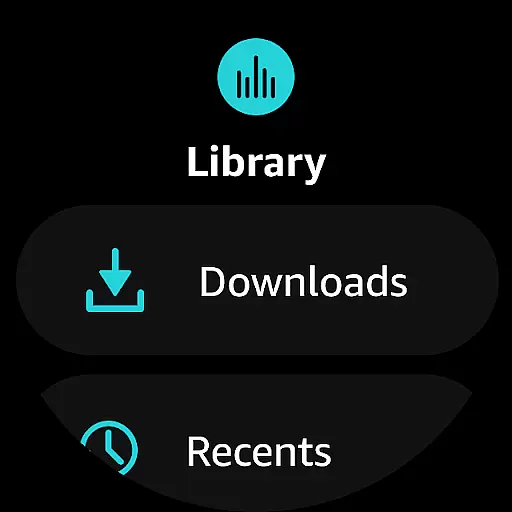
Ideal for Android Wear users, Amazon Music lets you control playback directly from your smartwatch and download content for offline listening. Whether you're commuting or working out, this feature ensures uninterrupted music access wherever you go.
Amazon Music stands out with its tiered service offerings and device integration capabilities. The free version provides access to thousands of stations and podcasts, while Prime members enjoy an expanded catalog of ad-free music and podcasts. The Amazon Music Unlimited plan takes it further with 100 million songs, audiobooks, and special features like spatial audio.
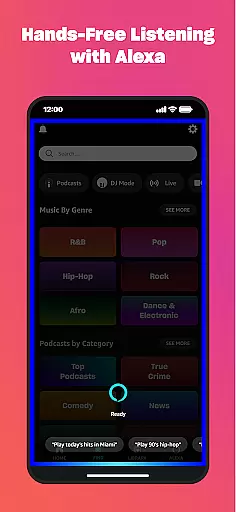
The app's recommendation engine helps users discover new content based on their listening habits. Its playlist import feature allows seamless migration from other platforms. For Android Wear users, the app offers advanced wearable-specific functions including voice search, playback control, and offline mode support.
Additional notable features include MP3 purchases storage in Amazon cloud, shuffle play options, and the ability to cast music from your watch to compatible Android devices. These features collectively create a versatile music streaming experience that caters to different user needs and device ecosystems.
Companion app integration is essential for a seamless experience between mobile devices and wearables. Amazon Music ensures that your favorite playlists, albums, and recommendations are accessible directly from your Wear OS device.
The app allows users to control playback on compatible Android devices right from their wrist. This feature enhances convenience by enabling users to manage their music without needing to take out their phone.
With companion app integration, users can download playlists and albums onto their smartwatch. This functionality supports offline listening, which is particularly beneficial when users are on the go and may not have consistent internet access.
This integration highlights Amazon Music's commitment to providing a cohesive ecosystem where users can enjoy their music library across different devices effortlessly.
Ensuring compatibility with Wear OS and various devices is crucial for an optimal user experience. Amazon Music offers robust support for Wear OS, allowing users to access their music libraries directly from their smartwatches.
The application is designed to work seamlessly with a range of Wear OS devices, ensuring that users can enjoy top recommendations and search for favorite artists, albums, and playlists easily. This compatibility extends the app's utility beyond smartphones, integrating it into the user's daily wearable technology.
Amazon Musicu2019s compatibility includes features like casting to and controlling playback on compatible Android devices. This interconnectedness provides a versatile and flexible way to enjoy music, whether at home or on the move.
By focusing on broad device compatibility, Amazon Music enhances user engagement and satisfaction, making it a reliable choice for those who rely on wearable tech for their entertainment needs.
Extensive music library
Ad-free listening options
Offline playback support
Personalized recommendations
Cross-device compatibility
Limited free features
Subscription costs
Regional restrictions
Complex pricing tiers
Occasional connectivity issues

Walking app for weight loss: walk & step tracker, pedometer, indoor treadmill
 4.60
4.60
Wear Os Watch Face - Animated Snow Effect & Christmas Lights
4.5
Animated Watch Face and Customizable with 24 Backgrounds. Perfect for Christmas!
3.90
Beautiful artistic animated digital watch face, with a customizable layout!
4.40
Bold, Modern Hybrid Watch Face for Wear OS. 10 Colors, Rich Info Display.
4.30
Get helpful reminders, take progress photos and find answers to your questions.
3.90
Minimalistic design modern digital watch face.
4.2
The most customizable hybrid watch face. For Wear OS 5.0, API 34+ and later
4.70
Your local weather forecast, storm tracker, radar maps & live weather news
3.40
Gym Log & Workout Tracker | Fitness Journal, Training & Weight Lifting Planner
4.90
Real-time weather radar with temperatures, warnings, hurricanes, and widgets
4.80
A modern premium sporty hybrid watch face for Wear OS by Ballozi
4.70
Rose gold watch face with festive lights & customizable features.
4.60
To-Do List: daily schedule planner, task organizer, to do reminder app, calendar
4.60
Calming & relaxing sounds for sleeping and stress relief. Stay focused all day!
4.20
Animated video-game inspired “secret agent” simulation, right on your wrist!
4.20
Wear Os Watch Face - Animated Snow Effect & Magic Spark - 6 Scenes
4.10
Hyper-Realistic Airplane Dashboard Watch Face With 10 Skins and Custom AOD
4.00
3 Complications. All shadow on/off. 30 Themes color palette...
4.3


User Reviews