
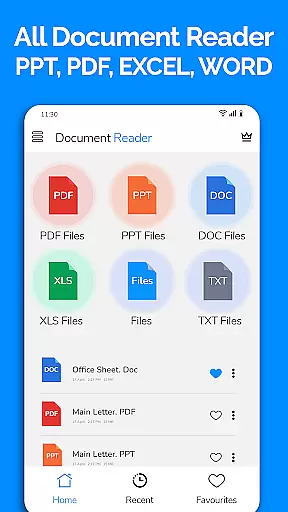
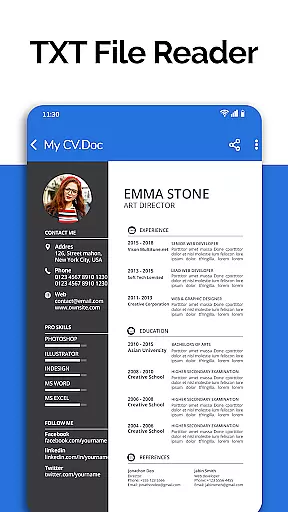
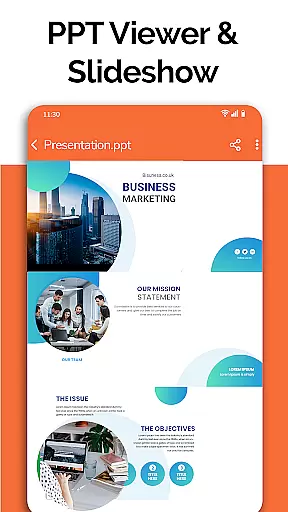
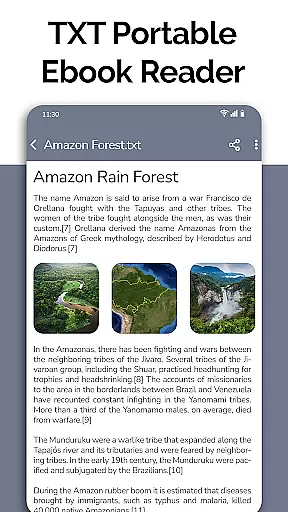
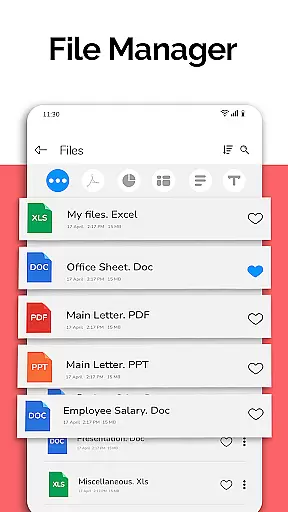
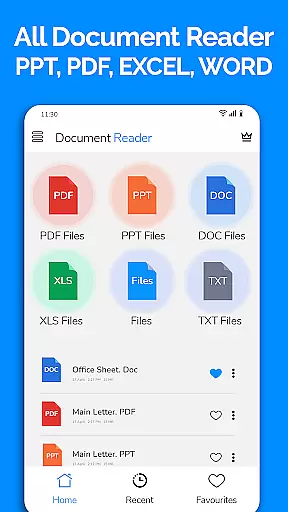
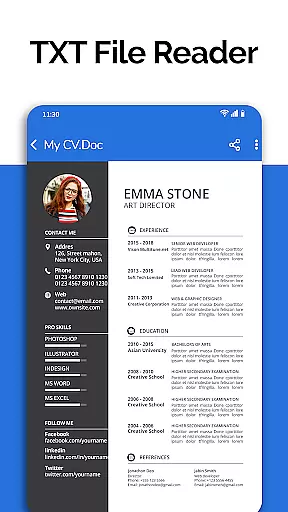
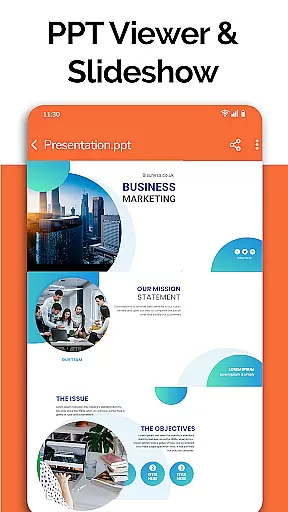
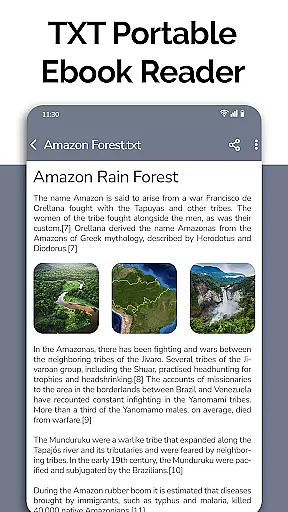
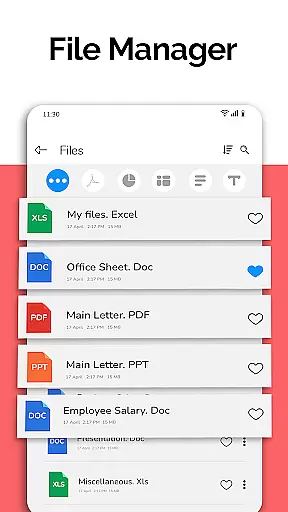
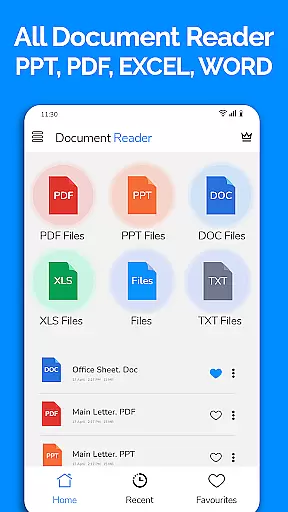
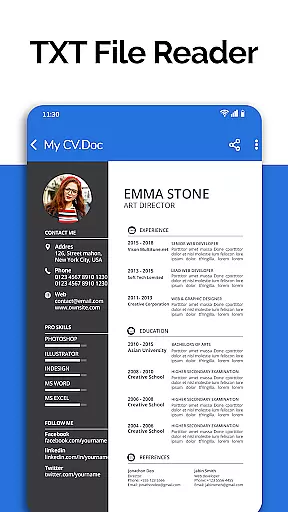
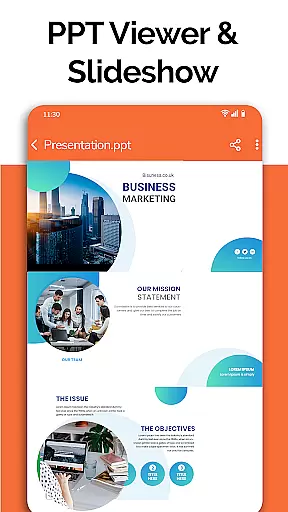
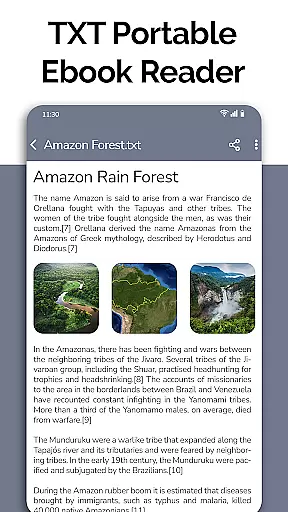
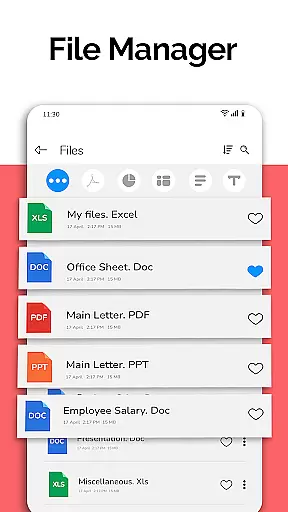
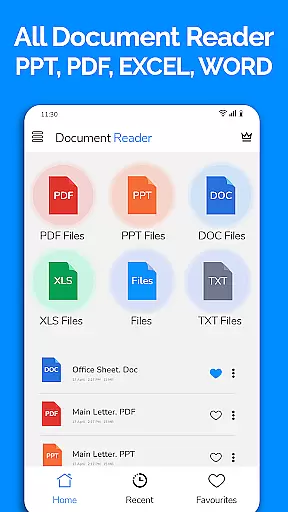
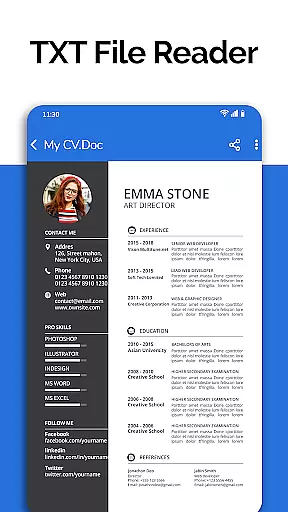
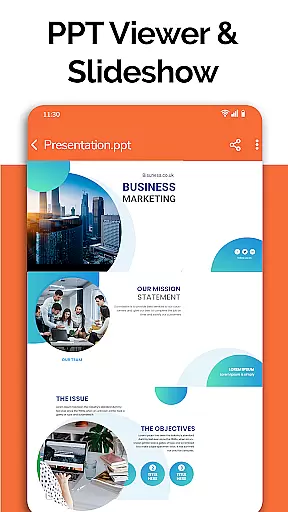
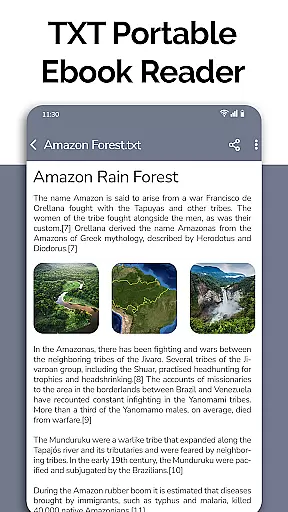
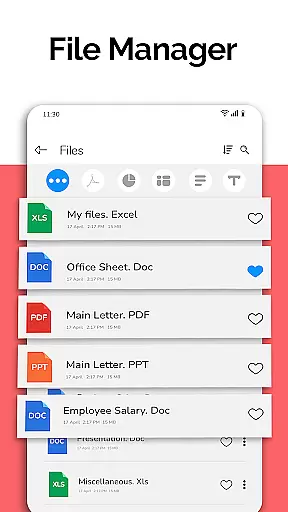
All Document Reader is a comprehensive document management solution that allows users to open, view, and manage various office file formats within a single app. This includes Word, PDF, Excel, PowerPoint, and TXT documents, eliminating the need for multiple applications. The app provides an intuitive user experience with its built-in file manager that organizes files by type, making it easy to search and share documents.
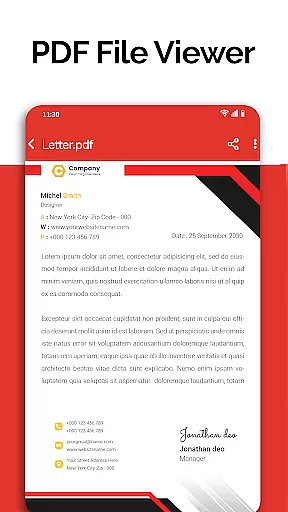
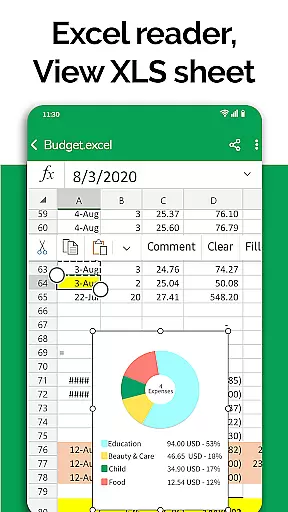
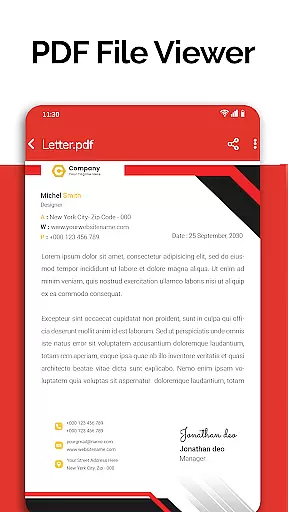
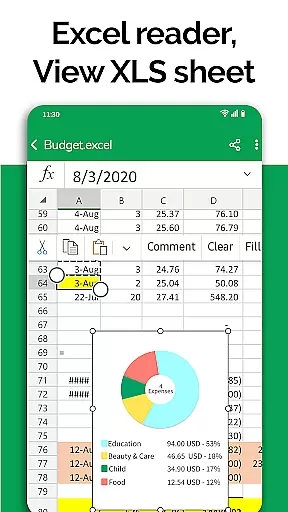
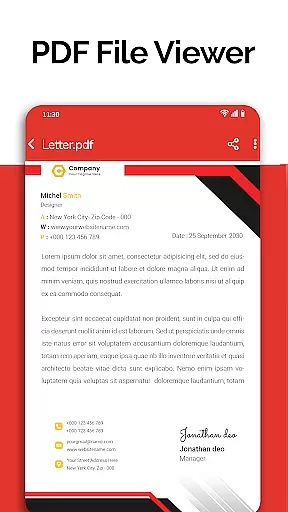
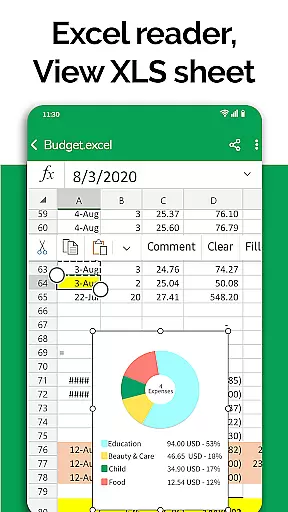
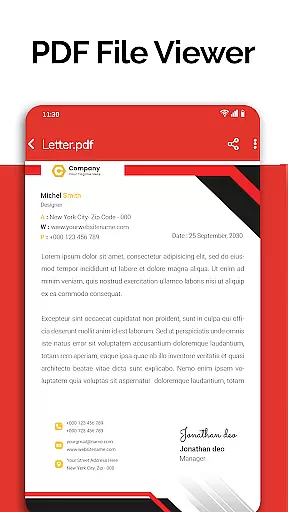
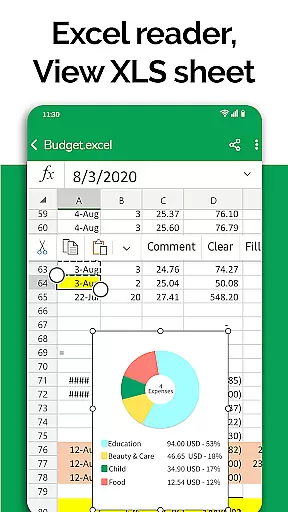
One of the core features of All Document Reader is its powerful PDF reader, which supports everyday activities like reading newspapers or viewing business invoices. Additionally, the app offers specialized viewers for different file types, ensuring high-quality rendering of Excel charts, PowerPoint slides, and Word documents. With capabilities such as document editing, text display, and even upcoming features like dark mode and image-to-PDF conversion, this app is designed to meet diverse user needs in a business environment.
The app's value lies in its ability to streamline document handling on mobile devices without sacrificing functionality. Whether preparing presentations, reviewing budgets, or studying for exams, users can rely on All Document Reader to provide a seamless experience across different document types, enhancing productivity and convenience.
All Document Reader stands out due to its extensive feature set tailored for business professionals. The app includes dedicated readers for DOC, XLSX, PPT, PDF, and TXT files, each optimized for performance and ease of use. For instance, the PDF reader not only displays documents but also supports advanced functions like text search and annotation, which are crucial for efficient document review.
Beyond basic viewing, the app offers practical tools such as a file manager that automatically sorts and organizes documents, simplifying navigation. Users can perform essential file operations like deleting, renaming, and sharing directly from the app interface. Moreover, the inclusion of a document scanner and editor means users can create and modify content on the go, further boosting their workflow efficiency.
Upcoming enhancements promise to add even more value, with features like dark mode for comfortable nighttime reading and voice search for hands-free operation. These innovations underscore the app's commitment to providing a versatile and user-friendly platform for managing digital documents effectively.
Collaborative work features are essential for modern business applications, enabling teams to work together efficiently regardless of location. All Document Reader offers robust collaborative capabilities through its comprehensive document management system.
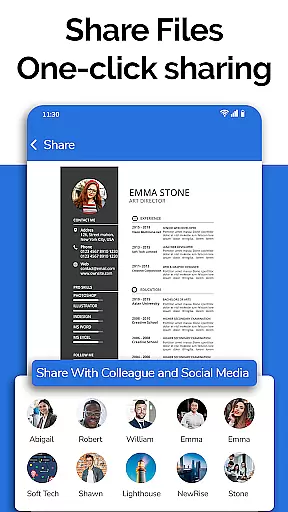
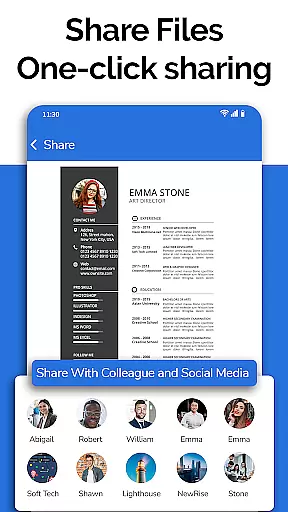
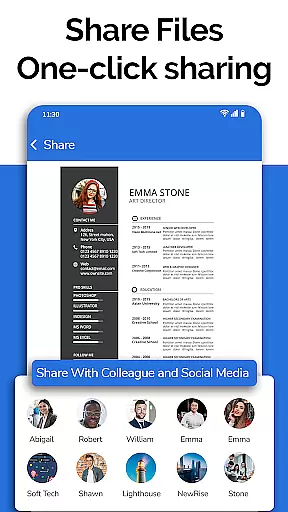
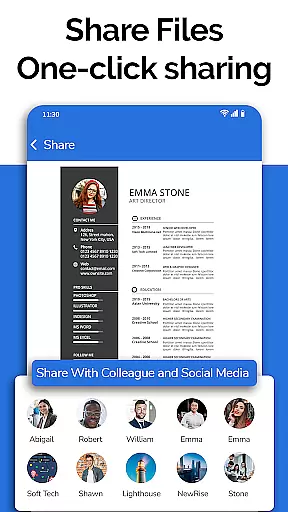
The application allows users to view, edit, and share various document formats including Word, Excel, PowerPoint, PDF, and TXT files. This versatility ensures that team members can collaborate on different types of documents without compatibility issues, streamlining the workflow process.
Additionally, the built-in file manager simplifies document organization by automatically sorting and categorizing files. Users can easily access file information such as path, size, and modification date, making it simpler to manage shared resources and maintain version control across the team.
These collaborative features not only enhance productivity but also foster better communication among team members, allowing them to focus on content creation rather than technical obstacles.
Effective task management is crucial for maintaining productivity and meeting deadlines in business environments. All Document Reader provides comprehensive task management features tailored for document-related workflows.
The application's document scanner and editor functions enable users to prepare and organize various types of documents, from presentation slides to examination papers. The ability to create, modify, and manage different document formats in one place significantly reduces the time spent on task switching and application management.
Furthermore, the app's file viewer and manager components offer advanced sorting and organizational tools. These features help users prioritize their tasks by providing clear overviews of document statuses, modification histories, and sharing options.
By integrating these task management capabilities, All Document Reader helps professionals maintain better control over their document workflows, ultimately leading to improved efficiency and more successful project outcomes.
User-friendly interface
Multi-format support
Integrated file manager
Advanced PDF tools
Document editing capabilities
Limited free features
Ads in the free version
Large app size
In-app purchases required
Occasional bugs reported

 4.70
4.70
AI-powered document scanner with auto enhance for perfect PDFs.
4.60
Take the stress out of storage with the all-in-one app to manage your space.
3.70
Recover what matters — quickly and easily.
4.70
Use Generative Summary to understand your rental or insurance docs in seconds.
4.70
Delivery Track App - Tracking with Fedex, USPS, UPS, DHL. Monitor your Orders.
3.20
Build a store in minutes with our full suite of AI tools. Start for free!
4.20
Master crypto trading with real-time simulations and exciting challenges!
4.50
No more passwords, easier sign-in, and greater protection for your accounts.
4.60
BuildCalc - the easiest AND the most advanced construction calculator app.
4.80
Finance, Investing, Stocks, Trading and Stock news
4.60
Measure distances, surfaces and draw plans in seconds with CamToPlan!
4.40
Shop, deliver, and earn with the Spark Driver™ App
4.10
Work happy with AI Companion
4.10
Quickly open and manage PDF files on your device.
3.80
Windows App allows you to connect to remote PCs and virtual apps.
3.70
Roadie connects people with stuff to send with drivers already going that way.
3.50
We are a dynamic team of creatives people of design, marketing, web & apps
3.00
viewing and sharing PDFs and other files—anytime, anywhere!
4.0


User Reviews