
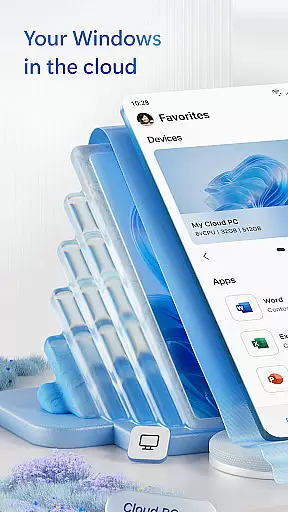
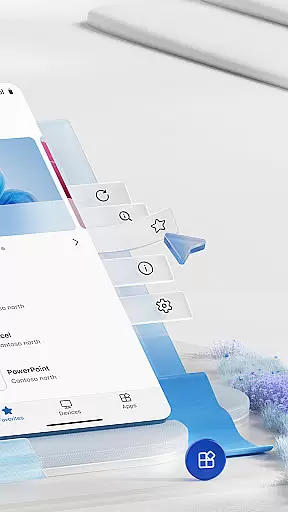
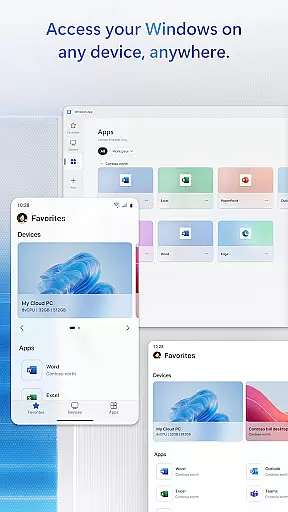
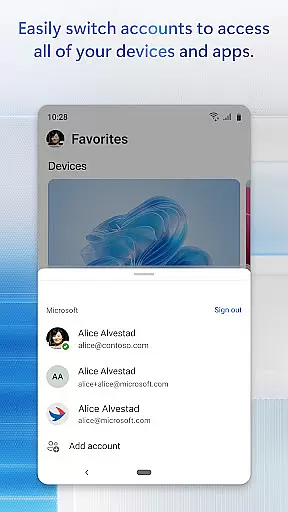
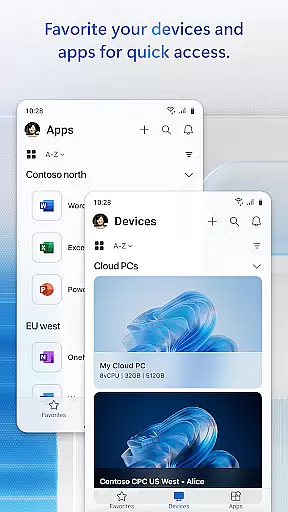
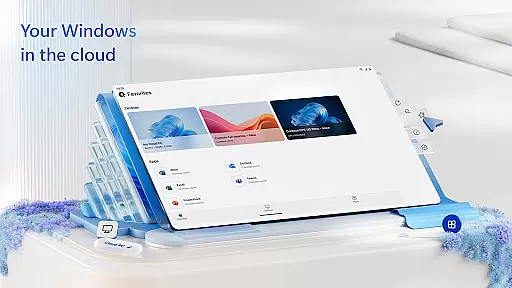
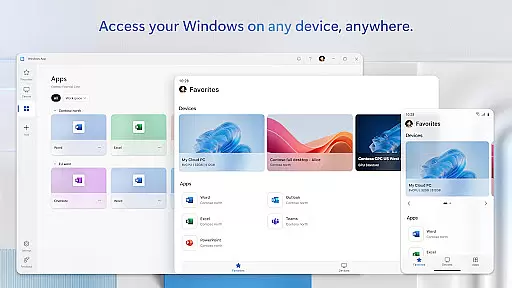
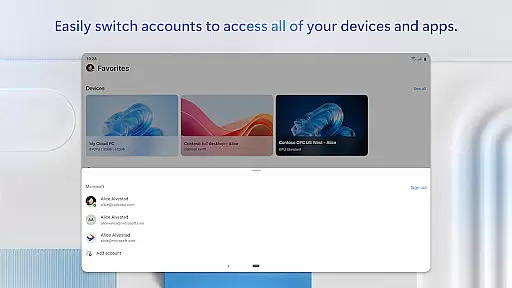
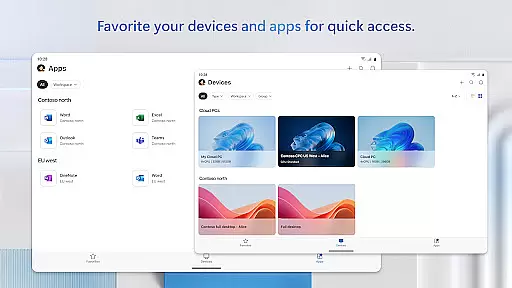
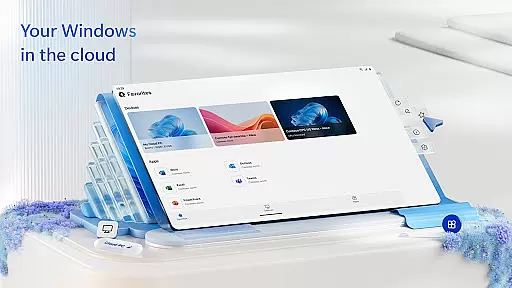
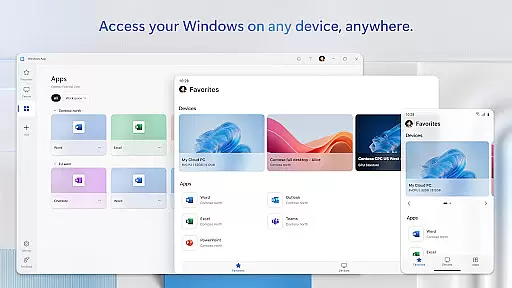
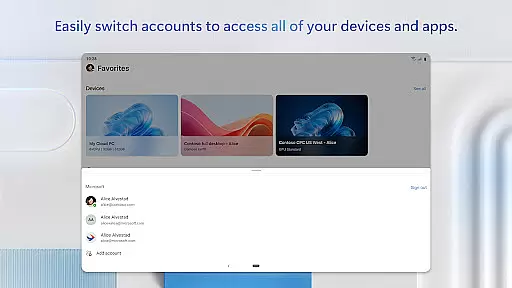
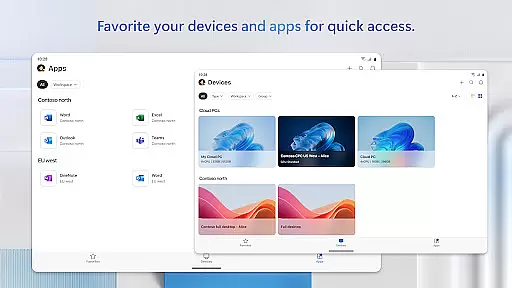
Windows App is a business-oriented remote desktop solution that enables users to securely connect to various Windows environments. These include Azure Virtual Desktop, Windows 365, Microsoft Dev Box, Remote Desktop Services, and remote PCs. The app ensures comprehensive access to essential work resources while maintaining enterprise-grade security protocols.
Designed for productivity on the go, this application supports all Android devices running Android 11 and above. This includes tablets, smartphones, VR headsets, and Chromebooks that can run apps from the Play Store. With its robust feature set, Windows App delivers a seamless remote working experience across different device types and network conditions.
The true value of Windows App lies in its ability to provide consistent Windows experiences regardless of location or device. Business professionals can access their complete desktop environment, including applications, files, and system settings, making it an ideal solution for remote work scenarios and hybrid office environments.
Windows App stands out with its comprehensive feature set tailored for business use. The application's core functionality revolves around secure remote connections to various Windows services and environments. It implements advanced encryption protocols and multi-factor authentication to ensure enterprise-level security during remote sessions.
A key differentiator is its broad compatibility with multiple remote desktop solutions. Users can seamlessly switch between Azure Virtual Desktop, Windows 365, and other Microsoft remote services without needing separate applications. The app also offers optimized performance through adaptive codec selection and bandwidth optimization techniques, ensuring smooth operation even on mobile networks.
Additional features include multi-touch gesture support, customizable keyboard layouts, and peripheral redirection capabilities. These technical implementations enable users to maintain their productivity workflows while working remotely. The application's regular updates through the Play Store ensure continuous improvement and feature expansion based on user feedback and technological advancements.
Collaborative work features are essential for modern business applications, enabling teams to work together efficiently regardless of physical location. Windows App excels in this area by providing secure connections to remote Windows environments such as Azure Virtual Desktop and Windows 365.
This application allows users to access their desktops and applications from Android devices, ensuring that team members can collaborate in real-time. With support for a wide range of devices including tablets, smartphones, and even VR headsets, it ensures that collaboration is not limited by hardware constraints.
The ability to connect to various remote services like Microsoft Dev Box and Remote Desktop Services enhances teamwork by allowing employees to utilize powerful computing resources remotely. This flexibility supports dynamic work environments where team members may be distributed across different locations.
Effective task management is crucial for maintaining productivity in a business setting. Windows App offers robust tools for managing tasks through its seamless integration with remote Windows experiences. Users can organize and prioritize their work directly from their Android devices.
By connecting to Azure Virtual Desktop or Windows 365, users gain access to full-featured desktop environments where they can manage complex projects and multitask efficiently. The app's compatibility with multiple device types ensures that task management is versatile and adaptable to different workflows.
Furthermore, the ability to access remote PCs and other services means that users have consistent access to their files and applications, streamlining task management processes. This consistency helps maintain focus and efficiency, allowing professionals to stay productive no matter where they are working from.
Enterprise-grade security
Multi-platform support
Seamless integration
Regular updates
Optimized performance
Limited customization
Android 11+ required
Occasional lag
No iOS version
Subscription needed

viewing and sharing of PDFs
 3.60
3.60
Find jobs and make money fast with JobStack.
4.60
BuildCalc - the easiest AND the most advanced construction calculator app.
4.80
Amazon A to Z is the place to manage your work-life at Amazon.
4.50
Get instant construction estimates: accurate home repair & material calculator.
4.70
A secure, all-in-one team collaboration app
4.30
Delivery Track App - Tracking with Fedex, USPS, UPS, DHL. Monitor your Orders.
3.20
Find jobs near you and temp work in minutes, from your phone.
4.50
ADP Mobile Solutions is an employee self service app
4.50
Start earning fast. Apply Today.
4.80
Use Generative Summary to understand your rental or insurance docs in seconds.
4.70
Access to Paylocity, empowering employees with information they need 24/7.
4.70
Ship, Track, Find a Location or Get a Quote with UPS. Anytime. Anywhere.
4.60
Collaborate seamlessly with Google Chat, part of Google Workspace
4.50
Measure distances, surfaces and draw plans in seconds with CamToPlan!
4.40
Make money as a delivery driver with DoorDash and work when you want as a Dasher
4.30
Quickly open and manage PDF files on your device.
3.80
Access All PDF Files
3.40
Completed Course Lectures on how to use IBM Maximo in Maintenance issues
4.4


User Reviews