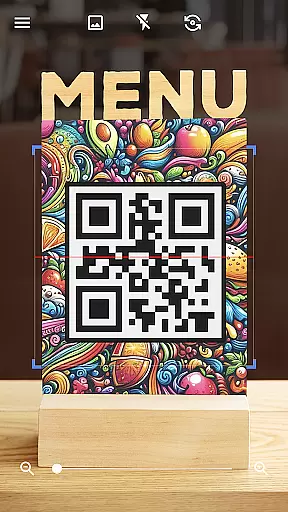
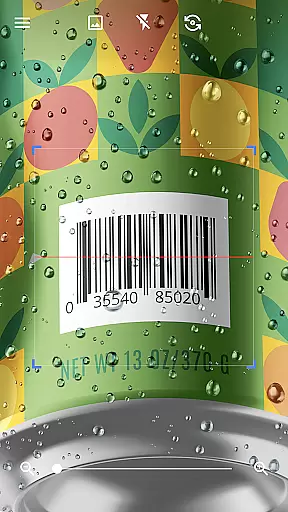

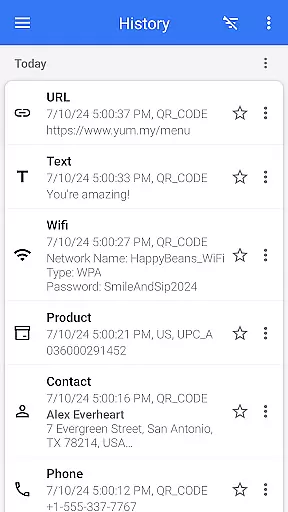
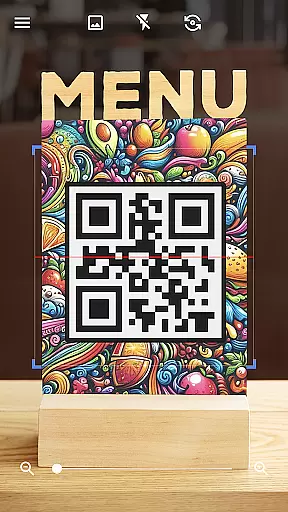
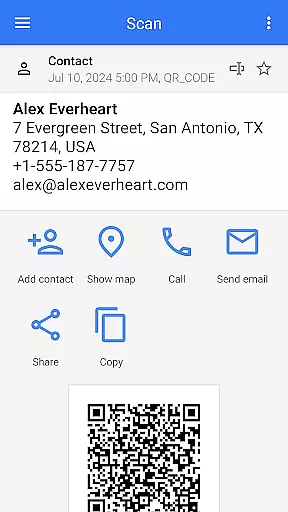
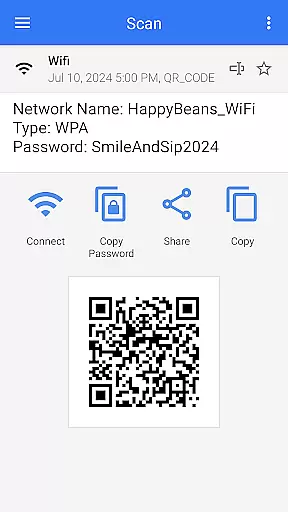
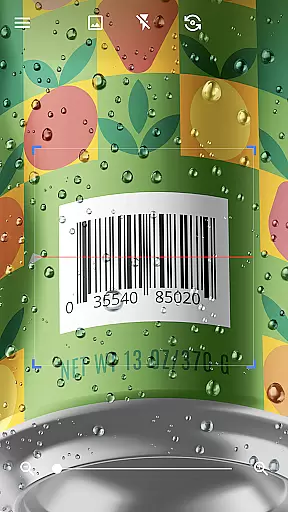

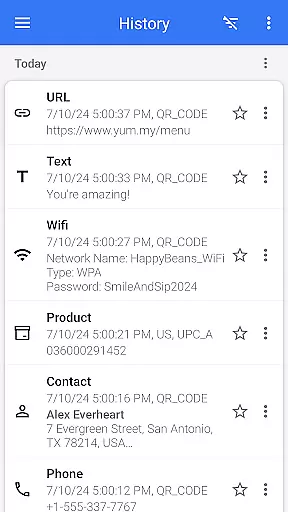
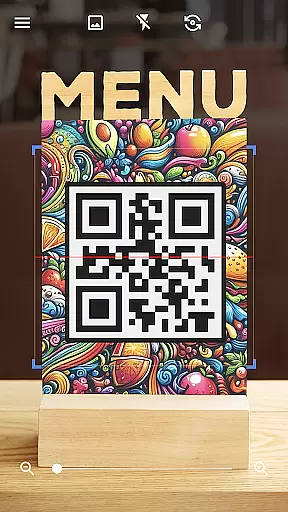
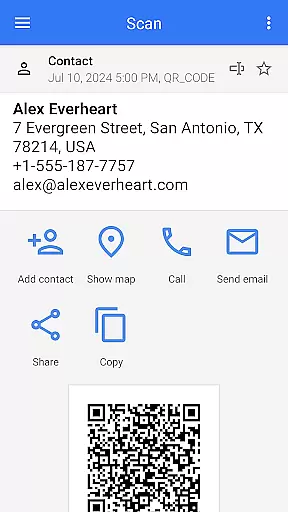
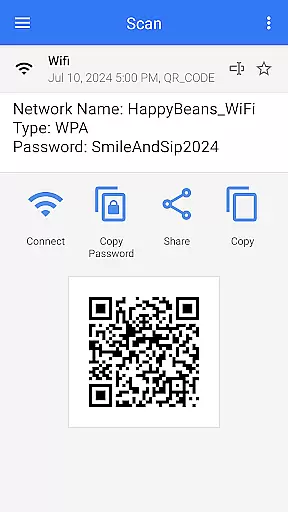
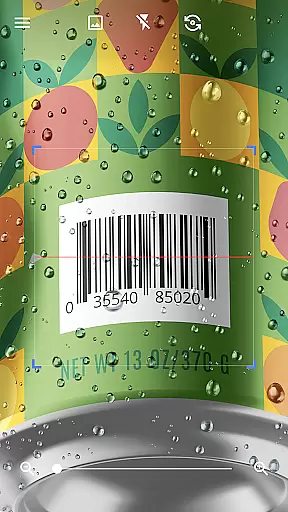

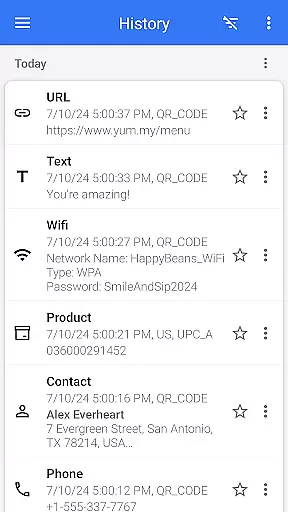

QR & Barcode Scanner is a versatile tool designed for Android users who need quick and reliable scanning of QR codes and barcodes. This app stands out with its automatic scanning feature, eliminating the need for manual input or adjustments. Simply point your camera at any QR code or barcode, and the app will instantly scan and decode it.
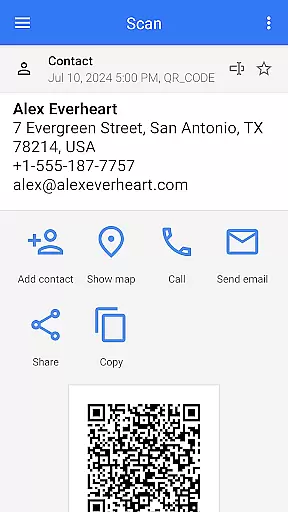
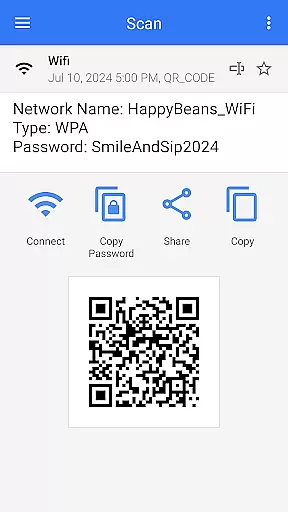
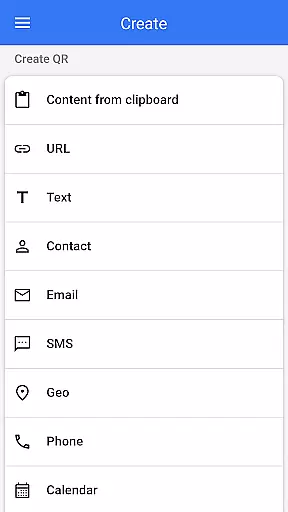
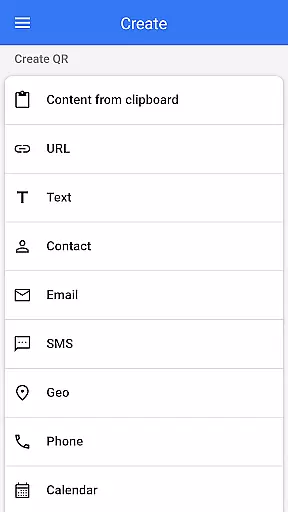
The application supports all standard QR code and barcode formats, including text, URLs, ISBNs, product details, contacts, calendar events, emails, locations, Wi-Fi information, and more. After decoding, users are presented with relevant action options based on the scanned content type. Additionally, the app doubles as a QR code generator, allowing users to create custom QR codes by entering desired data.
With added functionalities like flashlight support for low-light conditions, pinch-to-zoom for distant codes, batch scanning, and export/import capabilities, QR & Barcode Scanner is an indispensable tool for both personal convenience and professional efficiency.
QR & Barcode Scanner offers a comprehensive set of features that cater to various user needs. One standout feature is its automatic scanning capability, which allows users to quickly scan QR codes and barcodes without pressing buttons or adjusting settings. The app's ability to decode numerous formats such as text, URLs, ISBNs, and Wi-Fi details ensures versatility in different scenarios.
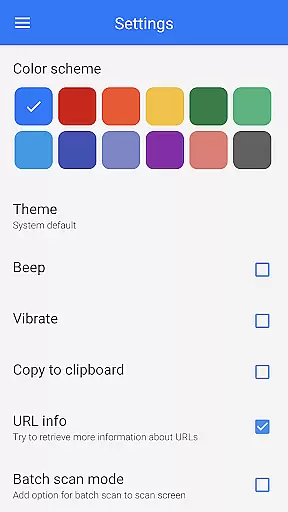
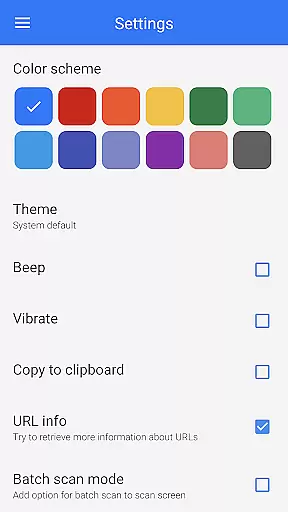
In addition to scanning, this app functions as a robust QR code generator. Users can easily generate QR codes from entered data, clipboard content, or even images from their gallery. Advanced functionalities include batch scanning mode for processing multiple codes simultaneously, customizable themes with dark mode support, and easy sharing options via social media or other apps.
Other notable features include the ability to scan product barcodes for price comparisons, scan QR codes for Wi-Fi passwords, and manage favorites for quick access. With options to export scan results as .csv or .txt files, QR & Barcode Scanner provides a complete solution for efficient code management.
QR & Barcode Scanner stands out for its exceptional core functionality, which centers on the accurate and efficient scanning of various codes. The app is designed to automatically detect and scan QR codes and barcodes without any additional input from the user, such as pressing buttons or adjusting zoom, ensuring a seamless experience.
The effectiveness of this tool is demonstrated by its ability to read all types of QR codes and barcodes, including those for text, URLs, ISBNs, products, contacts, calendars, emails, locations, Wi-Fi networks, and more. Once scanned, the app decodes the information and presents users with relevant options based on the type of code scanned, allowing for appropriate actions to be taken.
For users, this means they can quickly access information or perform actions linked to the codes they encounter in their daily lives. Whether it's scanning product barcodes to compare prices or reading QR codes to connect to Wi-Fi networks, the app delivers precise results that enhance convenience and save time.
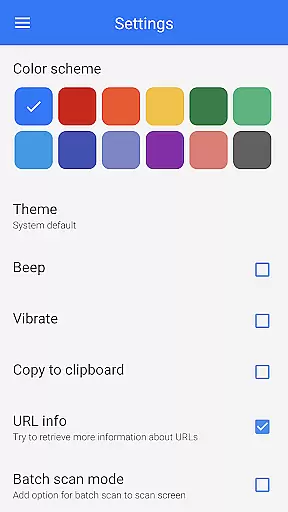
The interface of QR & Barcode Scanner is crafted to offer simplicity and an intuitive user experience. With no unnecessary clutter or complicated settings, the app allows users to swiftly navigate through its features, making it accessible even to those who may not be tech-savvy.
Upon opening the app, users are greeted with a straightforward scanning screen that requires nothing more than pointing the camera at a code. This ease of use eliminates any learning curve and ensures that users can start scanning codes immediately after installation without the need for tutorials or guides.
Moreover, the app includes helpful functionalities like a flashlight for low-light conditions and pinch-to-zoom for distant codes, enhancing the overall user experience. These features are integrated into the interface in a non-intrusive manner, maintaining the app's simplicity while providing users with tools that make scanning more versatile and reliable.
User-friendly interface
Automatic scanning
Versatile format support
QR code generation
Batch scanning mode
Limited iOS functionality
Occasional ads
Permissions required
No cloud sync
Basic design

HD Video player and downloader for all formats, fast & smooth 4K video playback.
 4.60
4.60
Family Locator, Share location, StayConnect with your family in real time
3.90
Create your own live wallpaper or check out thousands already made presets
3.90
Detect hidden spy camera with advanced scanning {{ Premium version }}
4.00
Signal Strength, Mobile, Wifi, Speed Test, Bad Signals, Cellular, 5G, LTE, 4G
4.20
Making emulation easy for everyone!
4.30
The Ultimate Bluetooth Keyboard & Mouse. Securely control your PC, Mac, and more
4.50
Support Fossify apps with a warm thank you!
5.00
The Ultimate Flex Drivers Utility App - Convenient Tapping & Block Filters
4.70
Unit and currency converter with easy and simple UI.
4.80
Bedrock Together: Join any bedrock server on Xbox/PS
4.80
Creation, Learning, Entertainment & More — The All-in-One AI Search Engine
4.70
HD Camera captures every special moment.
4.60
Quickly switch to an encrypted DNS server on Android TV
4.50
Clean up large files and similar photos, fast and easy to use
4.40 4.10
4.10
A convenient photo, video, and file recovery tool.
4.00
Unleash gamepad precision for ultimate mobile gaming dominance.
3.90
Safely recover deleted photos, videos, and files with a single easy tap.
3.70


User Reviews