
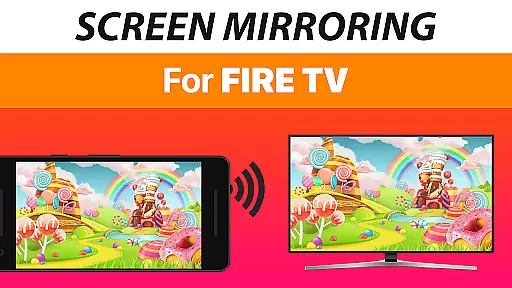
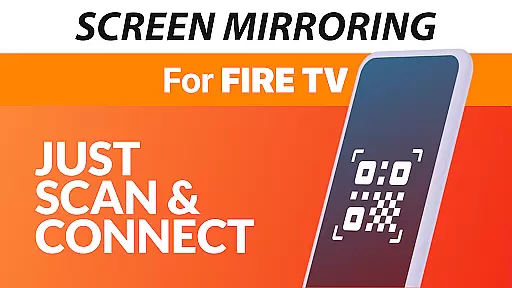
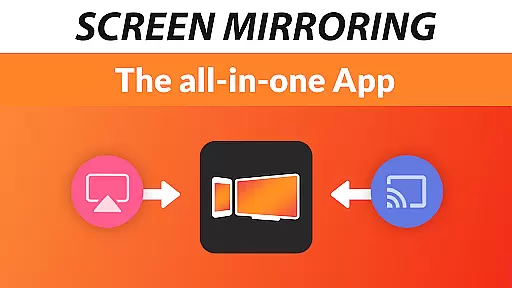
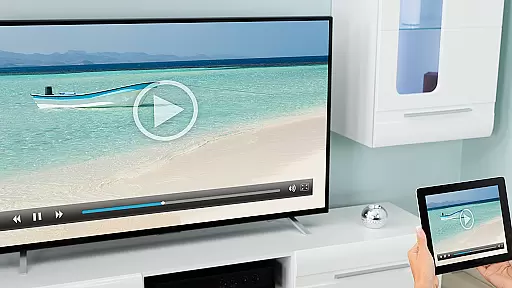
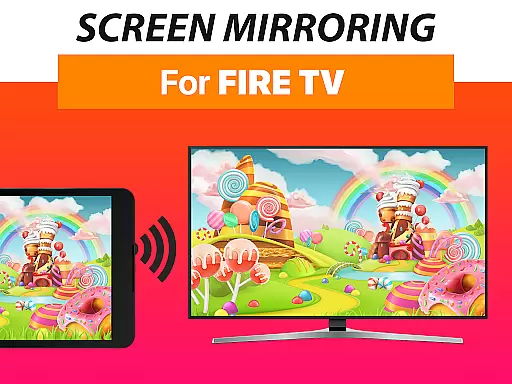
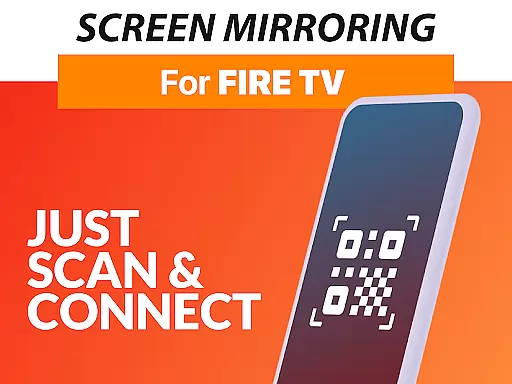
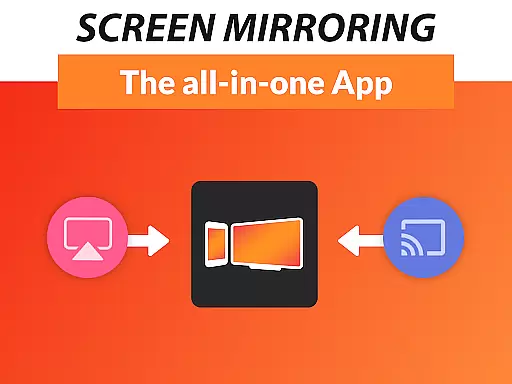
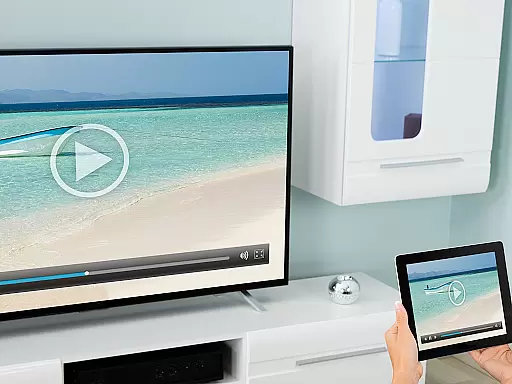

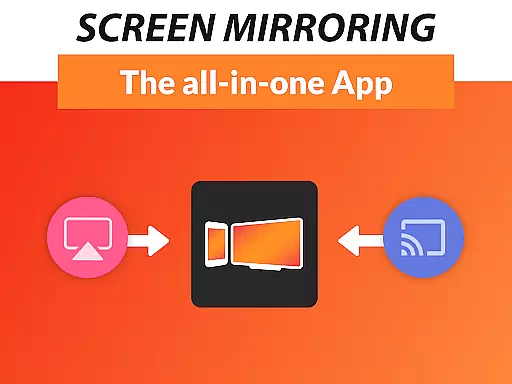
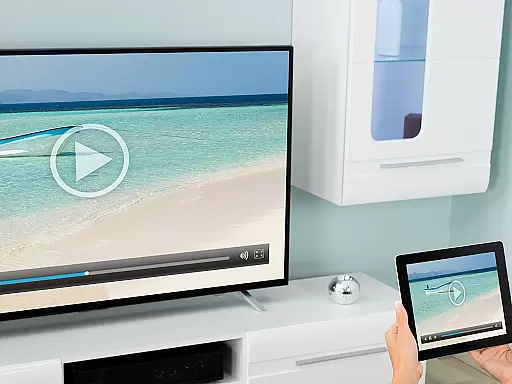
Screen Mirroring + for Fire TV is a powerful tool designed to mirror your screen in real-time with HD quality to Fire TV devices. This includes Fire TV Sticks, Boxes, Cubes, and compatible Smart TVs such as Insignia and Toshiba TVs.
The app allows users to share photos, videos, games, websites, apps, presentations, and documents effortlessly. It stands out from the built-in Fire TV Screen Mirroring by offering superior device support and ease of use. With compatibility across all Android devices running Android 5.0 and above, it ensures a seamless experience.
Whether you're looking to share content with friends and family or enhance your presentations, this app provides a reliable solution. Its performance is optimal under good Wi-Fi conditions, especially when using 5Ghz networks, making it an ideal choice for those seeking high-quality screen sharing.
Screen Mirroring + for Fire TV boasts several standout features that make it a top choice for screen sharing. Firstly, it supports all Android devices with Android 5.0 and above, ensuring broad compatibility. This feature eliminates the need for complex settings adjustments, providing a super easy and unified setup process on all supported devices.
Another key feature is its optimized performance under good Wi-Fi network conditions, particularly with 5Ghz Wi-Fi, which enhances the quality of the mirrored content. Additionally, sound support is available for devices running Android 10 and above, enriching the user experience.
For users requiring assistance, the app offers support and feedback through email contact at info@screenmirroring.app. Developed by the creators of VIDEO & TV CAST, a globally recognized casting app, Screen Mirroring + for Fire TV leverages years of expertise to deliver a superior mirroring solution.
Screen Mirroring + for Fire TV delivers exceptional core functionality by enabling real-time HD screen sharing to Fire TV devices. This includes compatibility with Fire TV Sticks, Boxes, Cubes, and select smart TVs like Insignia and Toshiba.
The app stands out through its broad device support, working seamlessly with all Android devices running version 5.0 and above, as well as all Fire TV hardware. Its unified setup process eliminates the need for complex adjustments in Android settings or Wi-Fi configurations, making it accessible even to non-technical users.
Performance is optimized under strong Wi-Fi conditions, particularly when using a 5GHz network, ensuring minimal lag during screen sharing sessions. Additionally, sound support is available for Android 10 and newer versions, enhancing multimedia presentations.
By offering these robust features, Screen Mirroring + ensures accurate mirroring of photos, videos, games, websites, apps, presentations, and documents, providing significant value to users who wish to share content effortlessly with friends and family.
Screen Mirroring + for Fire TV excels in delivering an intuitive and user-friendly interface that simplifies the screen sharing process. The app removes barriers typically associated with screen mirroring by offering a streamlined setup that works across all supported Android and Fire TV devices without requiring changes to system settings or Wi-Fi options.
Its design emphasizes ease of use, allowing users to initiate screen sharing quickly and efficiently. With clear instructions and straightforward navigation, even first-time users can mirror their screens without hassle.
Furthermore, the app's developers have optimized performance based on user feedback, ensuring that the interface remains responsive and reliable. This focus on simplicity extends to troubleshooting, where users can easily reach out for support via email at info@screenmirroring.app.
Overall, the app's intuitive design enhances accessibility, empowering users to share content confidently while enjoying a seamless experience.
User-friendly interface
Wide device compatibility
High-quality mirroring
Sound support on newer devices
Reliable customer support
Requires good Wi-Fi
No iOS support
Premium version needed
Limited offline functionality
Occasional connectivity issues

 4.50
4.50
Change your GPS location instantly. Simulate routes anywhere in the world.
4.90
Family Locator, Share location, StayConnect with your family in real time
3.90
Enjoy smooth gameplay with Game Booster
4.90
App that Recover your pictures, videos or files after you delete them.
4.20
Detect hidden spy camera with advanced scanning {{ Premium version }}
4.00
Signal Strength, Mobile, Wifi, Speed Test, Bad Signals, Cellular, 5G, LTE, 4G
4.20
The one-and-only remote control for PC, Mac, and Linux
4.70
Your personal health butler
3.60
Protect your device with antivirus, storage cleanup, and system monitoring
4.70
With videos, electrical calculators, and built-in ebook, Ugly’s has your answer.
4.50
Complete kernel toolbox with features to manage and tweak your rooted device
4.30
PC precision for mobile gaming: dominate with keyboard and mouse!
4.30
Making emulation easy for everyone!
4.30
1-Click close all background apps on Android TV
3.90
Create your own custom widget with endless possibilities
3.90
Safely recover deleted photos, videos, and files with a single easy tap.
3.70
A non-root local ADB shell client. READ BELOW!
3.40
Save any video in HD - paste the link, download fast and watch offline.
4.3


User Reviews