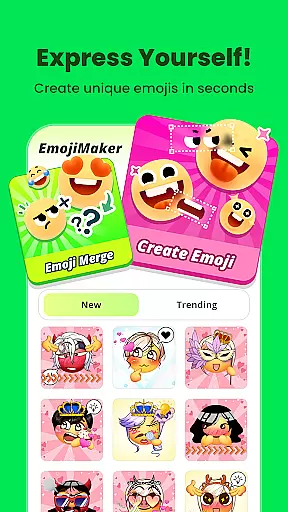
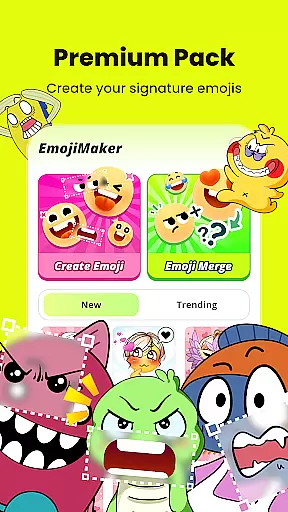
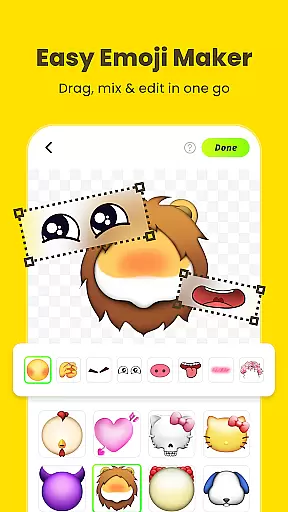
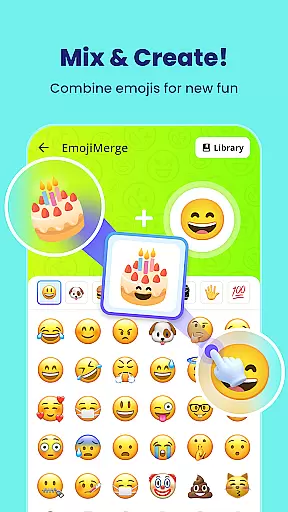
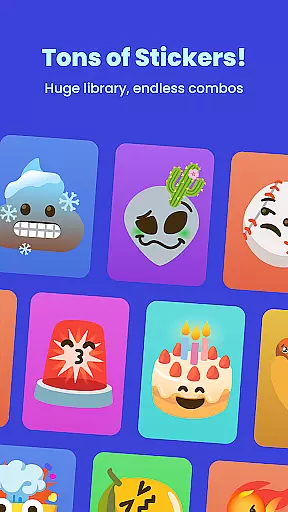
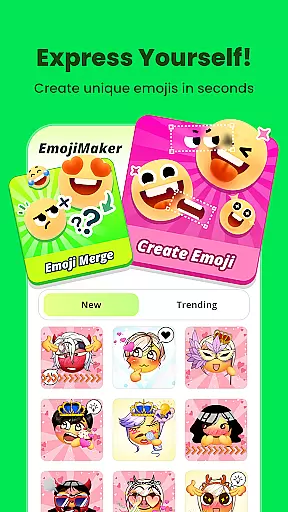
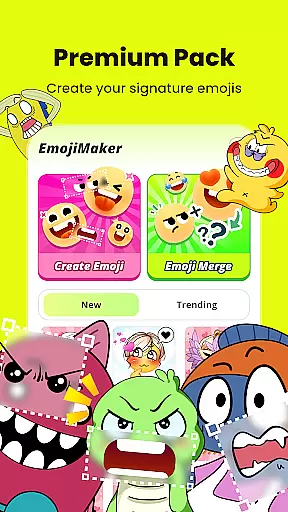
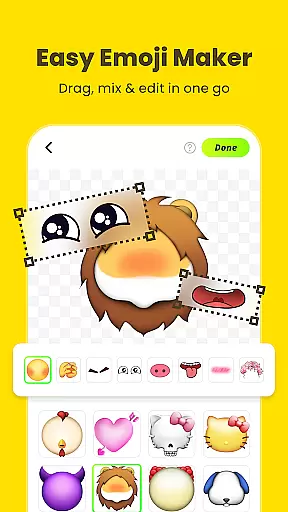
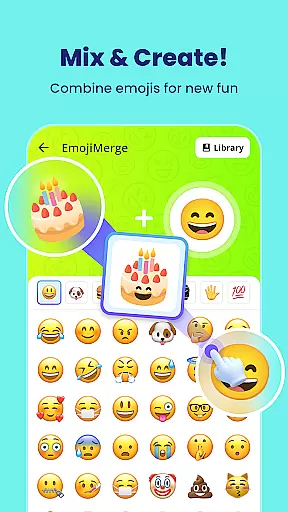
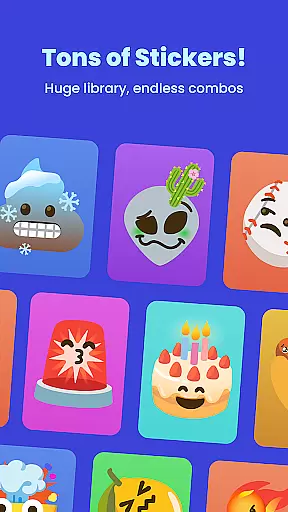
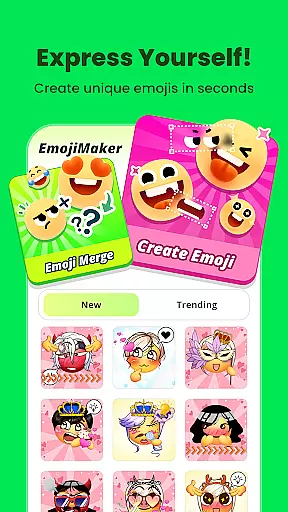
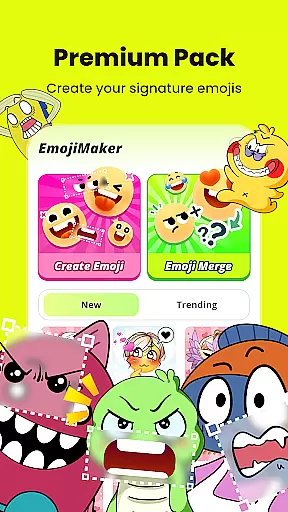
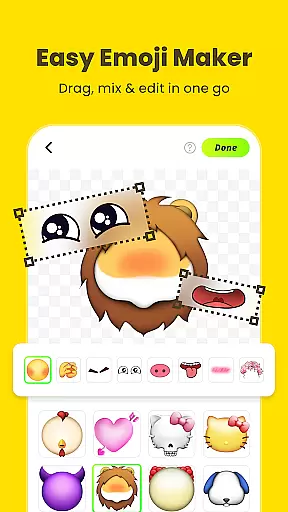
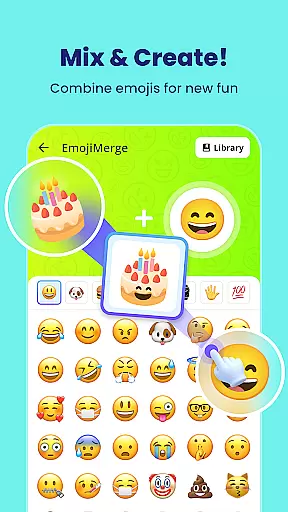
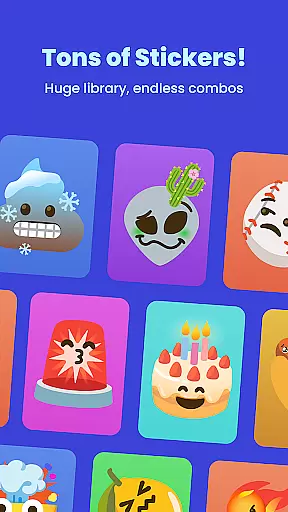
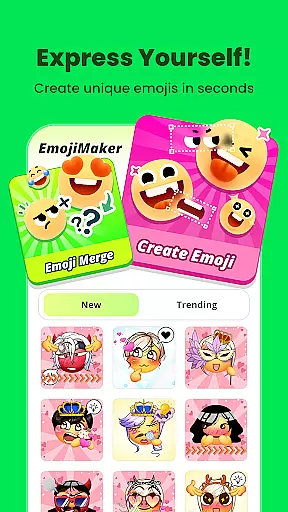
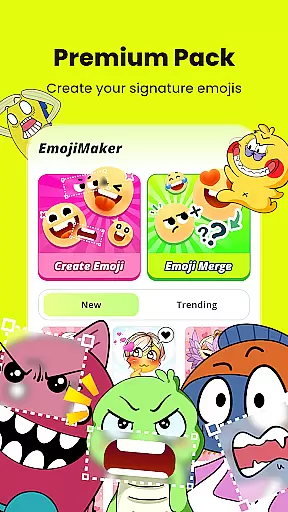
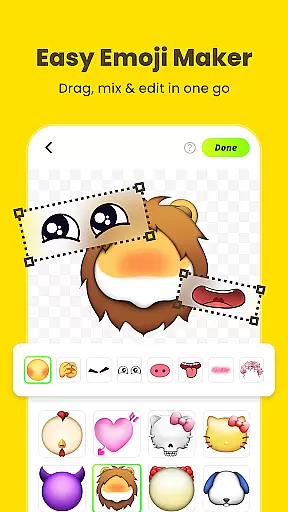
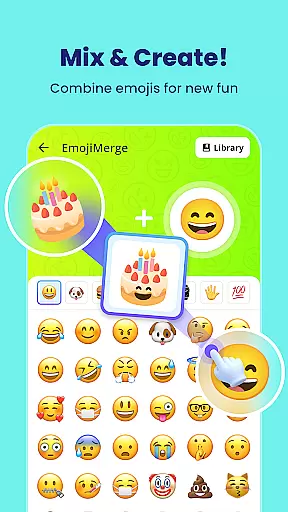
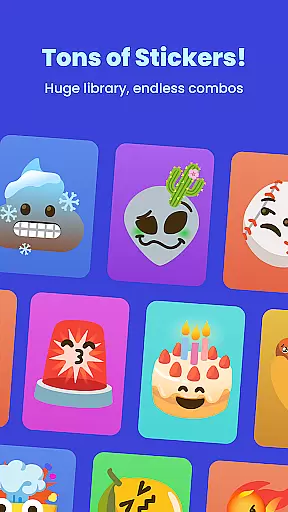
Gemoji is a creative emoji maker app that allows users to design personalized emojis and stickers. With an extensive library of components including eyes, mouths, accessories, and more, the app offers limitless customization options. Users can create unique emojis for various occasions such as birthdays, holidays, or everyday chats.
The app stands out with its easy-to-use interface that lets users see their changes in real-time while layering different elements. Gemoji also supports transforming custom emojis into messaging stickers, making it a versatile tool for enhancing digital communication. Whether you're looking to express emotions uniquely or simply have fun, Gemoji provides the tools to unleash your creativity.
Gemoji boasts a rich set of features designed to enhance user experience. One of its key aspects is the vast array of customization options available. Users can mix and match different components like eyes, mouths, and accessories, choosing from a wide variety of colors and design elements to create emojis that suit every mood or occasion.
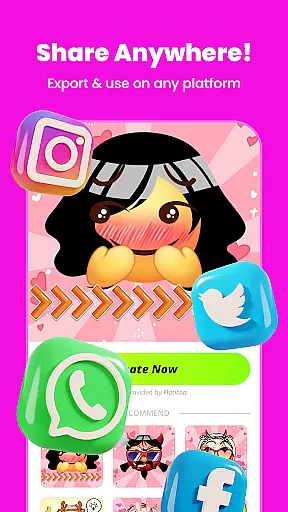
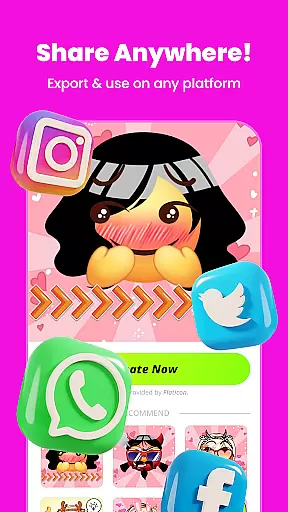
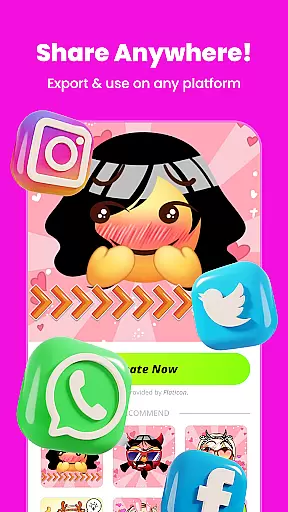
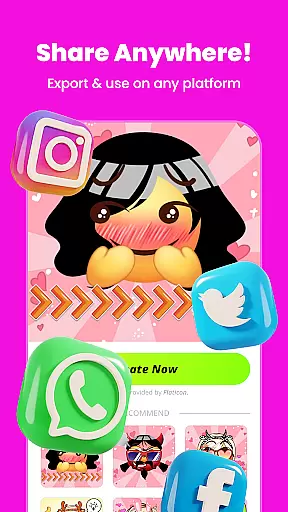
In addition to customization, Gemoji offers beautifully designed components crafted by professionals. These elements ensure that every emoji created is vibrant and eye-catching. The app also includes functionality for saving creations as stickers or images, which can be shared directly within messaging apps. This seamless integration makes it convenient for users to share their unique emojis with friends and family.
Customization is at the heart of Gemoji, allowing users to express their unique style and creativity through emojis. With a vast array of components including eyes, mouths, accessories, and more, users can mix and match to create truly personalized emojis. The app offers an extensive selection of colors and design elements, ensuring that your emojis can be tailored for any mood, season, or special occasion.
Gemoji stands out by providing an intuitive platform where changes are reflected in real-time. This means as you layer different elements, you can immediately see how each addition or modification impacts the overall design. Such instant feedback empowers users to experiment freely without the fear of making irreversible mistakes, thus enhancing the creative process.
The benefit for users is immense; they have the power to craft one-of-a-kind emojis that are not available anywhere else. Whether it's designing quirky faces or cute characters, Gemoji enables its users to communicate with custom stickers that perfectly encapsulate their emotions and thoughts. This level of personalization ensures that every emoji shared is a direct reflection of the sender's personality and imagination.
Theme compatibility in Gemoji ensures that all custom-created emojis harmonize with various messaging platforms and devices. As users transform their DIY emojis into fun stickers, they can seamlessly integrate these creations within their digital conversations across different mediums. This compatibility extends to both the visual appeal and functional use of emojis, maintaining consistency whether on mobile or desktop environments.
The app provides professionally designed emoji elements which guarantee that regardless of where they're used, the aesthetic quality remains high. Users don't need to worry about distorted images or color mismatches when sharing their designs with friends and family. Instead, each sticker retains its original charm and clarity, making communication not only more expressive but also visually pleasing.
For those who love staying unique in chats, Gemojiu2019s theme compatibility feature allows them to do just that. By frequently updating components and introducing seasonal themes, it keeps content fresh while ensuring ongoing relevance within current design trends. Thus, every personalized emoji becomes an opportunity for users to showcase their individuality while enjoying a smooth, engaging experience across all their connected devices.
User-friendly interface
Vibrant color options
Extensive component library
Real-time editing
Creative freedom
Limited free features
Occasional bugs
Ads between sessions
Premium subscription cost
Learning curve for new users

Glass style colourful icons with a One UI look and feel
 4.60
4.60
Ultimate widget creator. Design custom widgets for a truly unique home screen!
3.90
Customizable screen pets that play, climb, and keep you company.
4.50
Run multiple accounts of the same app on a single device
4.10
100+ Stylish Fonts, Emojis, Symbols keyboard for Instagram & TikTok!
4.80 4.50
4.50
300+ widgets inspired by Material You and Material 3 expressive design.
4.60
Magic fluids wallpaper 4D: Relax with stunning fluid simulation wallpaper app
4.20
set a new experience for the Android mobile phone
4.20
Wallpaper HD 4K Live - Thousands of high-quality Anime backgrounds for you.
4.80
Ultra realistic high quality analog watch face for Wear OS.
4.60
Icons made of colorful linear lines
4.60
200+ Material Inspired Widgets
4.50
Art & Emoji Keyboard with Cool Fonts, Cute Themes and Custom Designs.
4.40
App Icon Changer & Shortcut Creator. Customize your icons without any watermarks
4.30
Realistic animated snow on your wrist, with 10 images landscapes to choose from
4.00
Adaptive Dot Style IconPack with Light & Dark Theme.
3.70
Capture moments that pass like a storm, second by second.
4.4
⭐ OneUI inspired Fluffy Icon Pack – Soft. Stylish. Standout. ⭐
4.0


User Reviews