
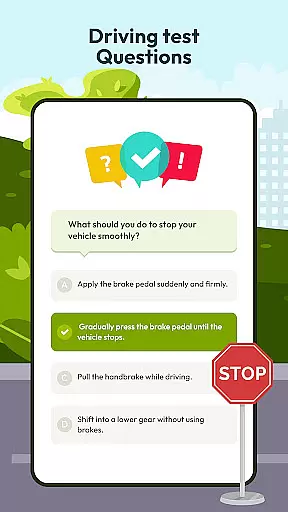
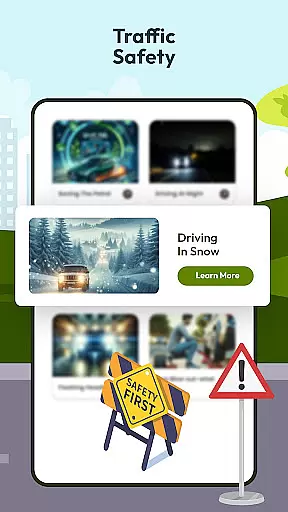
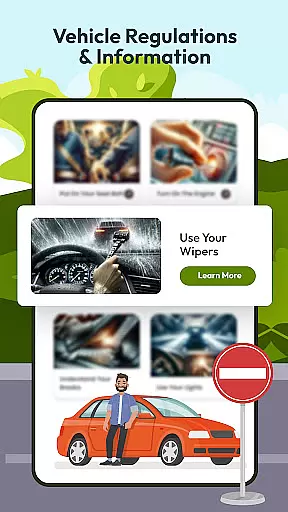
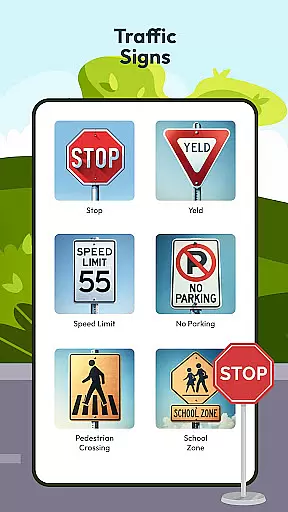
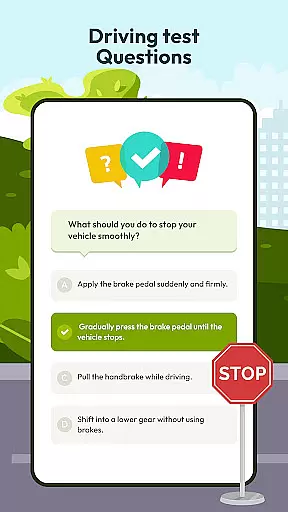
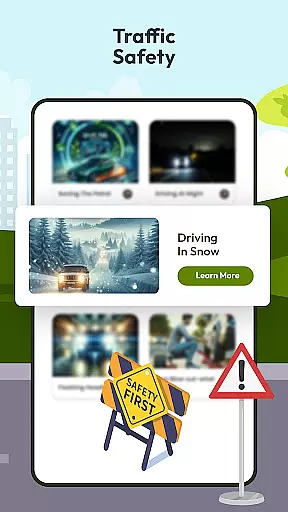
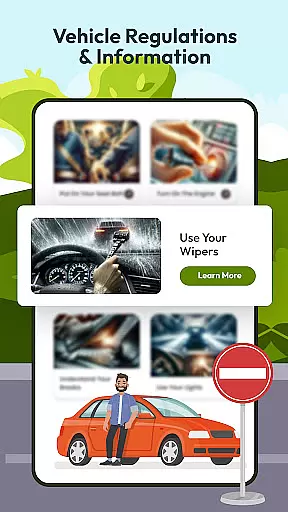
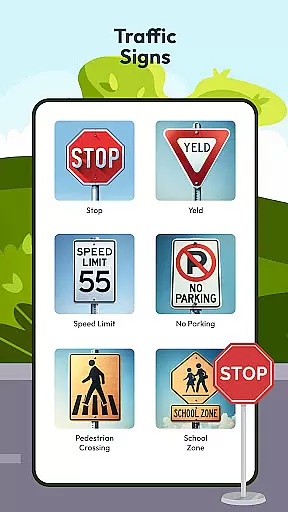
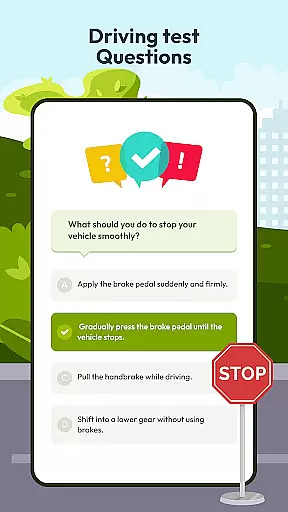
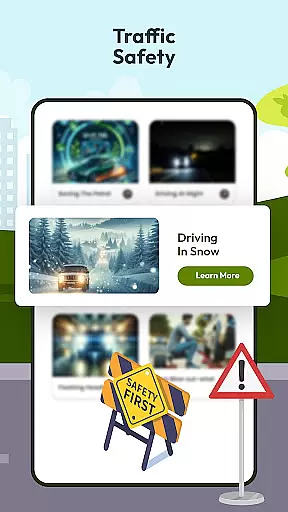
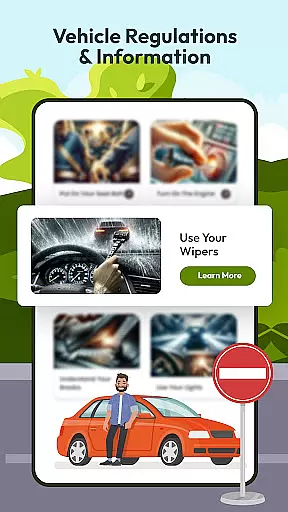
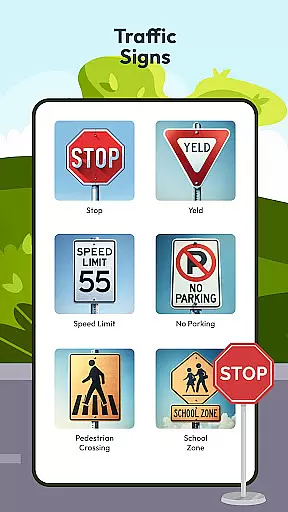
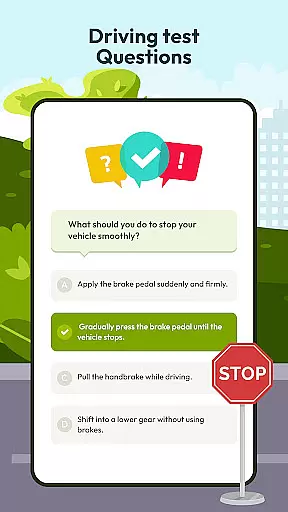
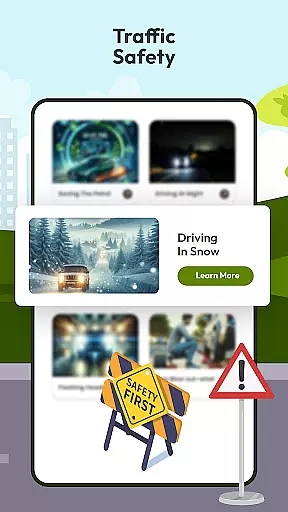
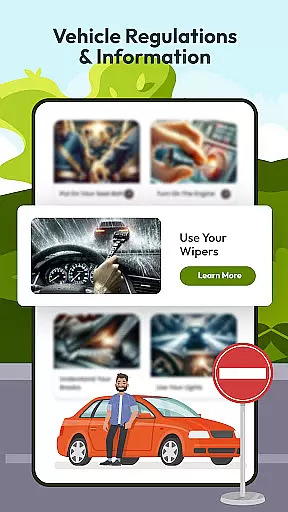
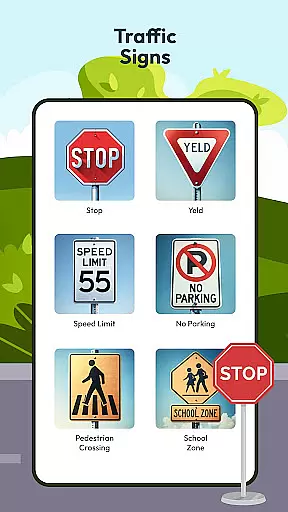
Driving Instructor-Theory Test is a comprehensive traffic app designed to enhance driving skills and knowledge. This app serves as an essential tool for both new and experienced drivers, offering features that ensure safe and informed driving practices.
The app includes test drive questions covering critical driving areas, radar and speed camera detection to maintain safe driving habits, HUD for projecting vital information onto the windshield, offline maps with GPS functionality for reliable navigation, and detailed guides on traffic signs and car controls. These features collectively prepare users not only for their driving tests but also for real-world scenarios.
With its innovative tools and extensive educational content, Driving Instructor-Theory Test ensures drivers are well-equipped with the necessary skills and knowledge to navigate roads safely and confidently.
Driving Instructor-Theory Test offers a variety of advanced features tailored to improve driving proficiency. The app provides an extensive selection of test drive questions that cover all crucial aspects of driving, ensuring thorough preparation for driving tests and real-life situations.
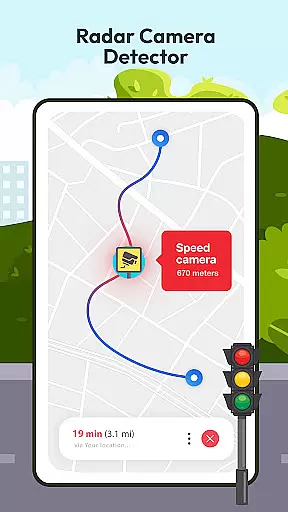
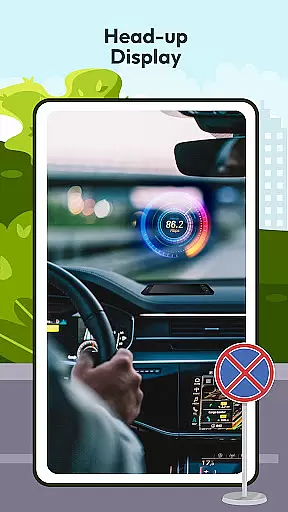
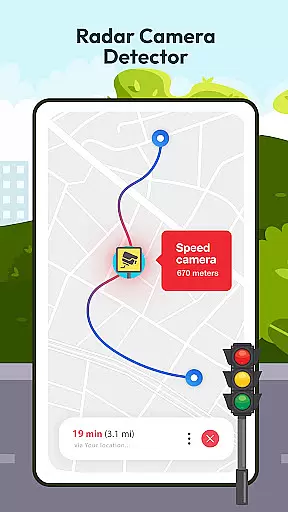
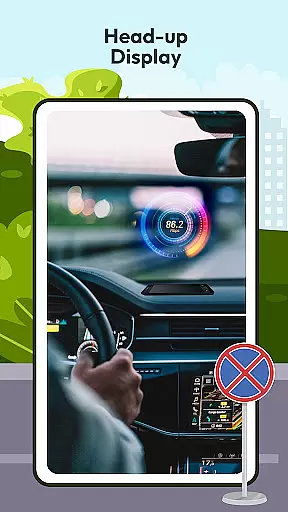
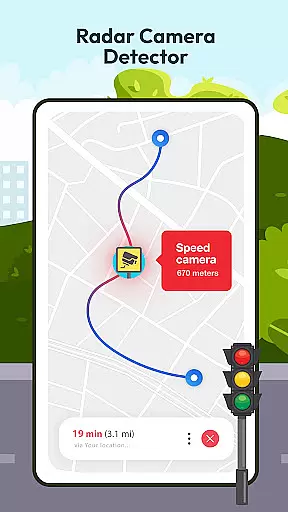
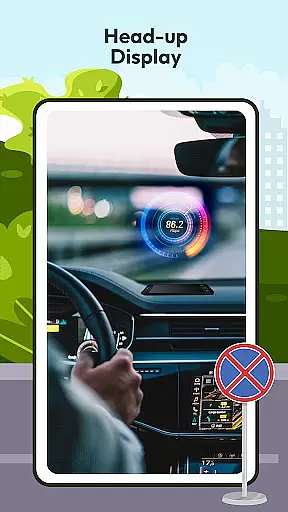
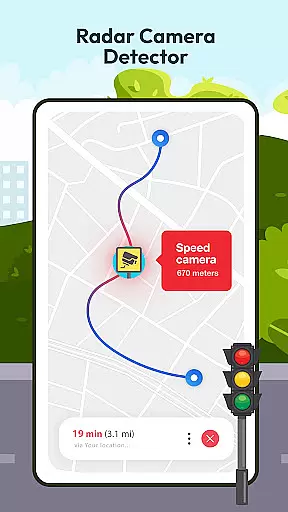
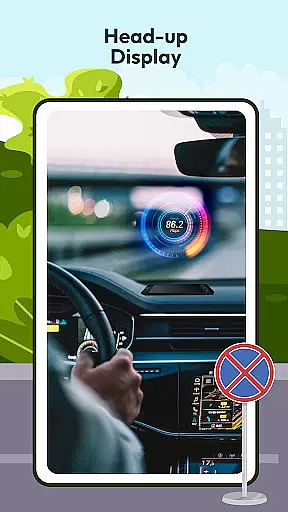
One standout feature is the radar and speed camera detector, which helps drivers adhere to speed limits and avoid penalties by keeping them informed about their surroundings. Additionally, the HUD (Head Up Display) projects essential road information onto the windshield, allowing drivers to stay focused on the road while being aware of their speed and navigation details.
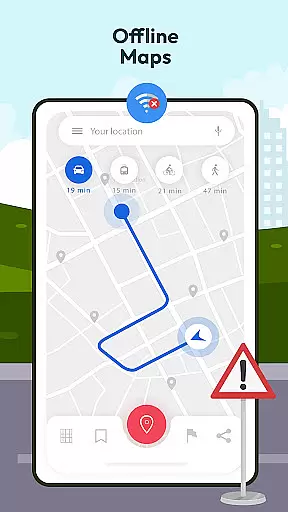
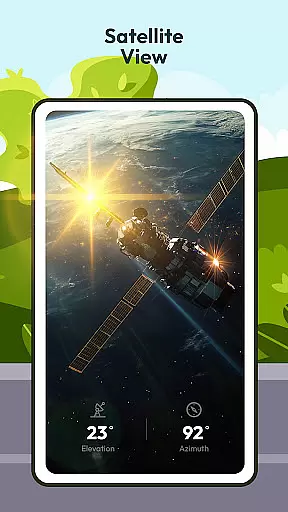
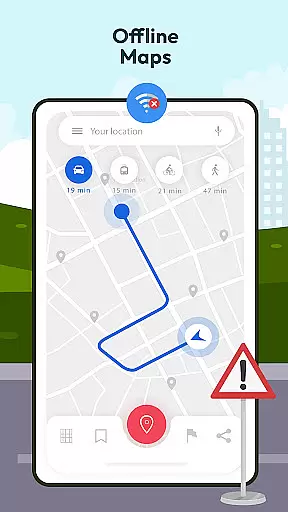
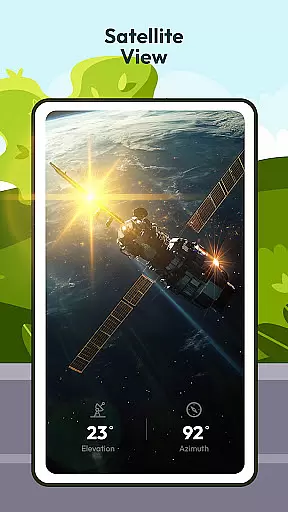
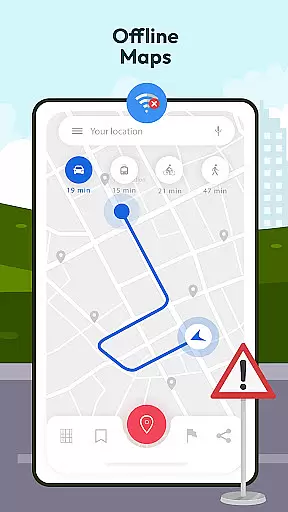
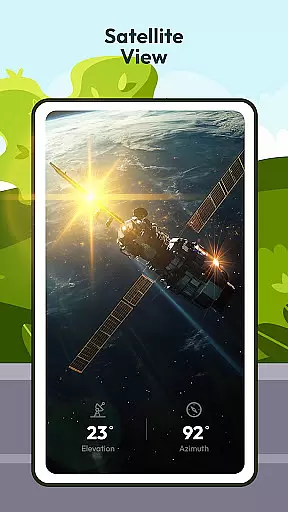
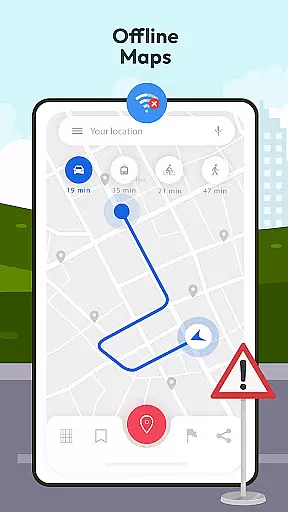
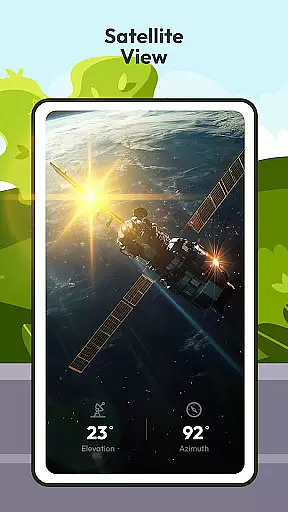
Offline maps combined with GPS functionality enable accurate navigation without an internet connection, making it ideal for various environments. The app also educates users on international traffic signs and vehicle controls, enhancing overall driving safety and confidence.
Understanding your vehicle's specifications and performance metrics is crucial for safe driving. The Driving Instructor App provides comprehensive details about various car controls, speed monitoring, and essential traffic signs, ensuring drivers are well-informed.
The app includes an integrated speedometer feature that helps users accurately monitor their speed. This functionality, combined with detailed explanations of car controls, allows drivers to have better command over their vehicles, promoting safer driving practices.
Additionally, the application offers extensive knowledge on international traffic signs and their meanings. By understanding these signs, drivers can navigate roads more confidently, both locally and globally, making their driving experience not only safer but also more predictable.
While the Driving Instructor App is designed to enhance driving skills and knowledge, it also emphasizes the importance of understanding any associated costs clearly. Although the app itself may be available for free or a set price, it educates users on avoiding potential driving penalties.
One of the key features includes a radar and speed camera detector, which informs drivers about speed limits and the locations of speed checks. This tool is vital for maintaining adherence to traffic laws, thus helping drivers avoid fines and other legal issues related to speeding.
By providing such transparent information on possible expenses related to traffic violations, the app ensures that users are not only proficient in driving but are also financially aware of the implications of traffic infringements. This approach fosters a holistic understanding of responsible driving practices.
User-friendly interface
Comprehensive test questions
Advanced radar detection
Offline map availability
Detailed traffic guidelines
Limited vehicle compatibility
Occasional GPS inaccuracies
Subscription fees apply
Complex HUD setup
Inconsistent updates

Taximeter; the professional's choice
 4.30
4.30
Theme for Car Launcher
4.0
OBD diagnostics, Live Data, DPF regeneration for BMW
4.00
OBD1 ECMs application. Data log or tune directly from your phone or tablet!
4.60
Boost profits and hit your goals faster with GigU's amazing tools for gigworkers
4.00
AI Powered - Automotive Mechanic Assistant
4.30
Car Sounds Engine Sounds app welcomes Auto Lovers to feel Car Simulator Sound
4.20
Mobile Phone Parking - So easy to park
3.70
Find Fast EV Chargers | Charge Your Vehicle at 1,100+ Fast Car Charging Stations
4.60
Oil change service & coupons for car maintenance at Valvoline Instant Oil Change
4.70
MySubaru: Download. Connect. Love.
4.70
Autolist - The Largest Selection of Local Used Cars and Trucks
4.50
Instantly redesign your car with AI. From sporty to futuristic, try it all.
4.50
Get your personalized financing options and shop for used cars today!
4.20
By enthusiasts, for enthusiasts
4.00
Blink Charging Mobile app makes finding an EV charger an intuitive experience.
3.80
Wonder how much horsepower and torque your car/truck makes? Look no further.
3.40
Club Car Wash Mobile App—the fast lane to managing your wash membership.
3.30
Theme for Car Launcher
4.0


User Reviews