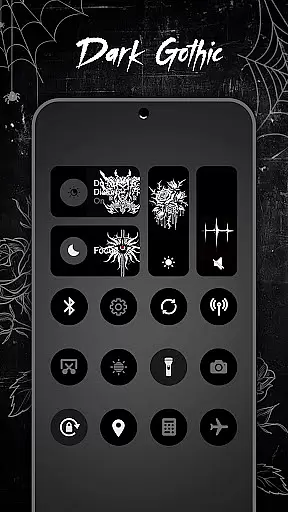
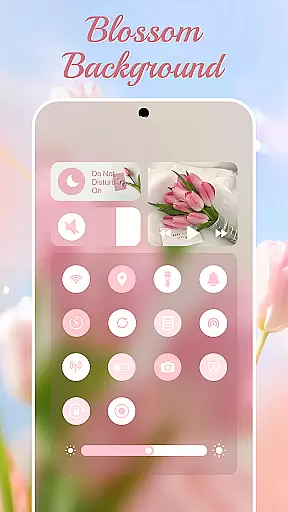
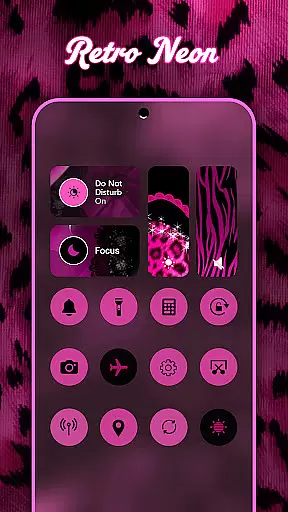
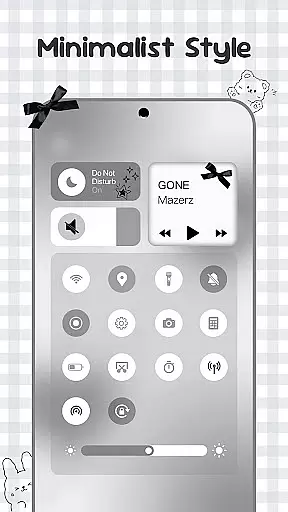
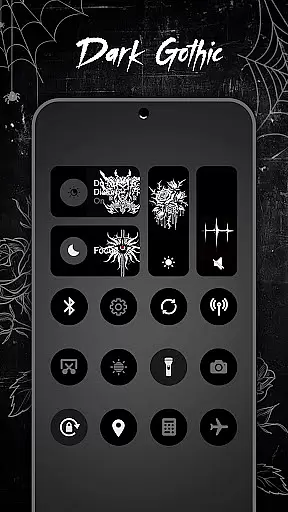
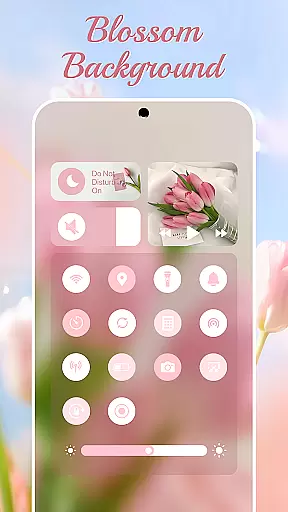
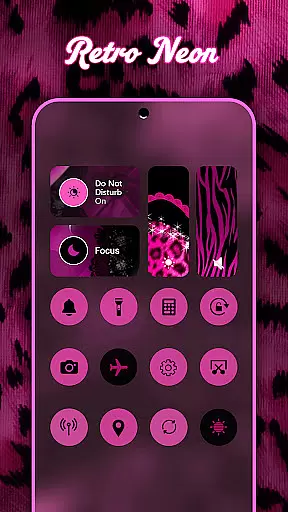
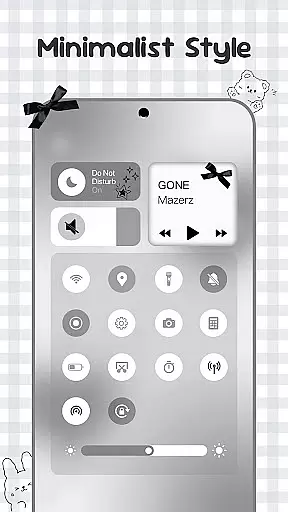
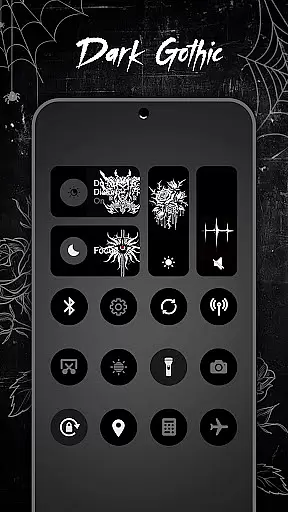
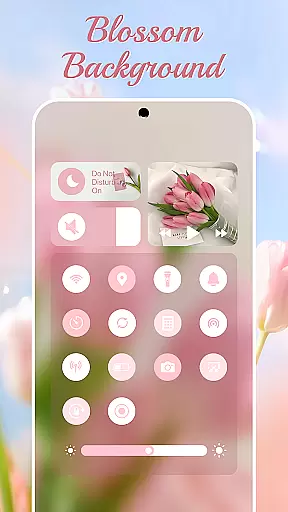
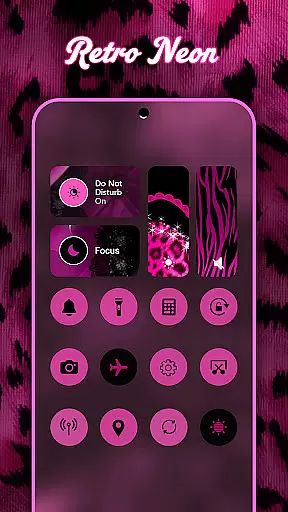
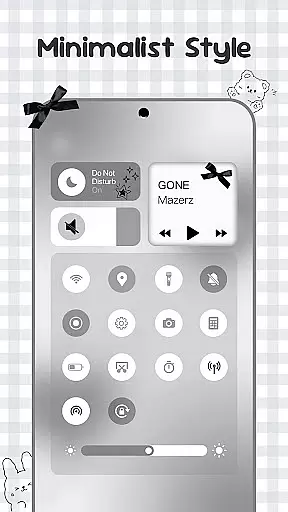
Control Widget is a highly customizable quick settings panel designed for Android devices. It combines elegant control features with unlimited personalization options, allowing users to transform their device's aesthetic and functionality. The app offers themed control panels inspired by modern mobile aesthetics, making it a canvas for user creativity.
The widget provides essential tools such as brightness and volume adjustment, Wi-Fi, Bluetooth, and Airplane Mode toggles, Do Not Disturb mode, screen management tools, and a flashlight. With one-tap access, users can instantly switch between thousands of themes including anime, K-pop, neon gradients, minimalism, and more. This makes Control Widget not just a utility tool but also a style statement for Android users.
Control Widget stands out with its rich feature set that blends functionality with aesthetics. The app offers smooth sliders for precise brightness and volume adjustments, along with instant toggles for Wi-Fi, Bluetooth, and Airplane Mode. Its Do Not Disturb feature helps users silence distractions effortlessly.
One of the key highlights is its theming capability. Users can choose from thousands of aesthetic collections, including live style updates that allow theme switching to match mood or home screen aesthetics. The app supports custom theme requests, enabling users to participate in design. Additionally, it integrates seamlessly with any wallpaper or icon pack, offering a sleek, all-in-one control solution.
Advanced features include screen recording, screenshot capture, and screen rotation lock, all accessible via an intuitive interface. The Accessibility Services ensure deeper integration with system controls like music and volume, while maintaining user privacy and data security.
Control Widget offers an extensive range of customization options that allow users to tailor their Android device's control panel to match their personal style. With thousands of aesthetic themes available, including Anime, K-pop, neon gradients, minimalism, and more, users can curate a unique look that resonates with their preferences.
The app provides live style updates, enabling users to switch panels anytime to align with their mood or home screen aesthetics. This feature ensures that the control panel is not static but evolves with the user's changing tastes and needs.
One-tap magic transformation is another highlight, where users can instantly change the entire control panel's appearance, offering a dynamic and interactive experience. This instant personalization empowers users to express their creativity and truly make their device a reflection of their personality.
Theme compatibility in Control Widget ensures that every chosen theme seamlessly integrates with the user's Android device, maintaining visual consistency across the board. Whether it's matching wallpapers, icon packs, or other widgets, the app guarantees a cohesive look that enhances the overall aesthetic appeal.
Users can enjoy sleek and sync-ready themes that complement any existing customization they have on their device. This means no clashing styles or disjointed visuals, as Control Widget harmonizes with various design elements to deliver a polished and professional appearance.
Furthermore, the app allows for custom theme requests, letting users participate in the design process. This level of personal involvement ensures that even the most specific tastes are catered to, providing a personalized experience that goes beyond standard offerings and making every user's control panel uniquely theirs.
Highly customizable
User-friendly interface
Stylish design options
Comprehensive control tools
Privacy-focused
Requires accessibility permissions
May overwhelm new users
Limited default themes
Advanced features need setup
Occasional performance lags

Classic analogue watch face. For wear os devices.
 4.60
4.60
Customizable Glass widgets. Over 360+ stunning widgets and more!
4.70
Ultra realistic gold analog watch face with lots of customization options.
4.50
Beautiful realistic hybrid watch face with numerous customization options.
4.50
Customizable flower power digital watch face for Wear OS watches.
4.00
Ultimate widget creator. Design custom widgets for a truly unique home screen!
3.90
Unique Fonts, typefaces and stylish text. Fonts for Instagram, Whatsapp & others
4.20 4.50
4.50
Transform your phone with stunning video wallpapers and a unique, personal touch
3.80
Gun Chase - Let the chase begin.
4.80
400+ Beautifully crafted widgets inspired by NOTHING.
4.70
Bring adorable pets to life on your screen. Playful, interactive and full of fun
4.60
Stylish Pink Cute Hippo keyboard with 10000+ customized keyboard themes!
4.60
Try creating your own keyboard with "Keyboard theme for android" app now!
4.50
AI-powered Copilot. Personalized keyboard with gifs, stickers & themes
4.40
Your home screen, just the way you like it.
4.30
Magic fluids wallpaper 4D: Relax with stunning fluid simulation wallpaper app
4.20 4.10
4.10
Prank your friends with realistic broken screen and cracked HD effects!
4.3


User Reviews