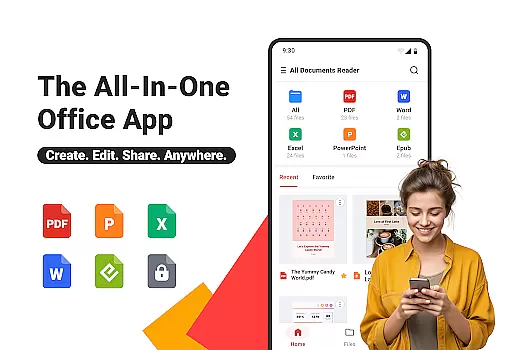
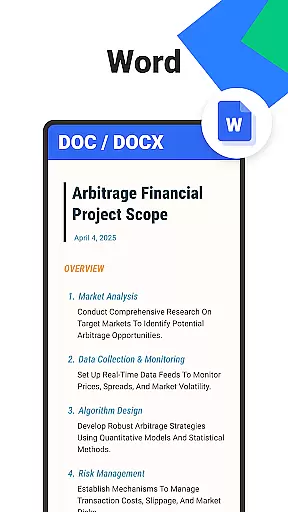
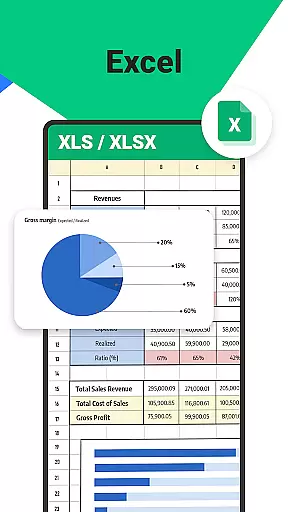

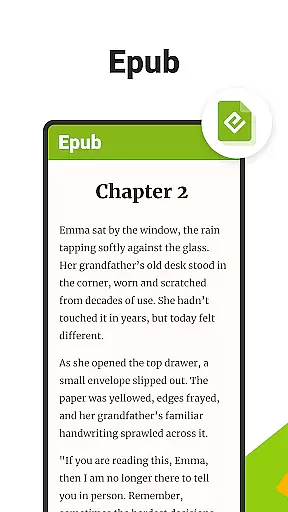
All Documents Reader is a versatile document management tool designed to streamline how you view, edit, and organize digital files. Supporting an extensive range of formats including PDF, Word, Excel, PowerPoint, and EPUB, this app serves as your all-in-one solution for document handling.
With its centralized access feature, users can easily browse and preview all their files in one place. The app also includes smart search functionality, allowing for quick location of any document, which significantly boosts productivity. Whether for work, study, or personal use, All Documents Reader provides a seamless experience across different file types.
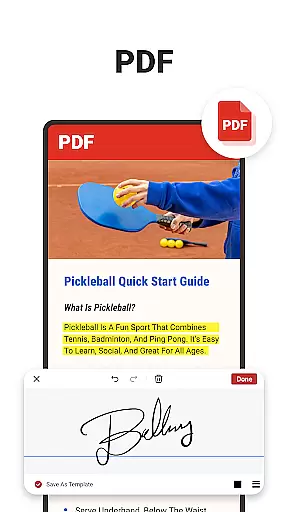
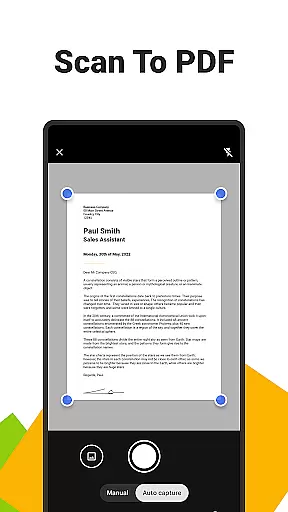
The app's comprehensive PDF tools make it stand out. Users can read, annotate, merge, split, fill forms, and even sign PDF documents. Additionally, the built-in scanner converts photos into high-quality PDFs, while AI-powered summarization extracts key points from complex documents. This makes All Documents Reader not just a viewer but a powerful editor as well.
All Documents Reader offers a rich set of features that cater to various document management needs. One of its standout capabilities is the multi-format viewing support, which allows users to open PDFs, Word, Excel, PPT, and ePub files effortlessly. This makes it an essential tool for both professional and personal use.
The app's PDF management tools are particularly robust. Users can merge or split PDFs, protect files with encryption, and convert between PDFs and images. The inclusion of a pdf scanner app adds another layer of utility, enabling users to create high-quality PDFs from photos with a single tap.
Efficient document organization is another highlight. With intuitive navigation and automatic categorization by format, finding and managing files becomes a breeze. The optimized reading experience further enhances usability, offering customizable viewing options like horizontal and vertical modes, catering to both detailed reports and leisure reading.
When it comes to document management tools, the accuracy and effectiveness of core functions are paramount. Ora All Documents Reader excels in this area by offering reliable support for a wide range of file formats including PDF, Word, Excel, PowerPoint, and EPUB. This ensures that users can open and view their files without distortion or missing elements, providing a dependable experience across different document types.
The app's comprehensive PDF tools further enhance its functionality. With features such as reading, highlighting, annotating, merging, splitting, form filling, and signing documents, Ora positions itself as an all-in-one solution. The inclusion of AI-powered summarization allows users to quickly extract key information from lengthy documents, saving time and improving productivity. These capabilities ensure that users can accomplish more with less effort.
Additionally, the app provides seamless format conversion options, allowing users to convert between PDFs and images effortlessly. This flexibility is crucial for meeting various sharing and display requirements. Whether you're managing business documents or handling personal files, Ora All Documents Reader delivers accurate and effective performance that enhances your workflow.
A user-friendly interface is essential for any tool aiming to improve productivity, and Ora All Documents Reader achieves this through its intuitive design. Upon launching the app, users are greeted with a centralized access point where all their files are gathered for quick browsing and instant preview. This eliminates the hassle of navigating through multiple folders, streamlining the document retrieval process.
The smart search feature exemplifies the app's commitment to simplicity and intuitiveness. By allowing users to effortlessly locate any document, it saves valuable time and reduces frustration. Additionally, automatic categorization organizes files by format, presenting a clutter-free view that enhances the overall user experience. Such thoughtful design choices make document management feel natural and effortless.
Furthermore, Ora offers optimized reading experiences with customizable viewing options. Users can switch between horizontal and vertical modes depending on their preferences or the type of document they are viewing. This adaptability ensures that whether you're examining detailed PDF reports or enjoying an EPUB novel, the interface remains comfortable and easy to navigate. Overall, Ora All Documents Reader combines powerful functionality with an intuitive interface, making it a pleasure to use for both work and leisure.
User-friendly interface
Multi-format support
Powerful PDF tools
Offline functionality
AI summarization feature
Limited cloud integration
No real-time collaboration
Occasional bugs reported
Ads in free version
Advanced features require purchase

 4.10
4.10
Change your GPS location instantly. Simulate routes anywhere in the world.
4.90
1-Click close all background apps on Android TV
3.90
Head tracking for PC sim games such as MSFS 2024 or Elite:Dangerous. No headset!
4.50
Save any video in HD - paste the link, download fast and watch offline.
4.2
Canon PRINT is a companion app for your Canon printer.
4.60
VESC Tool can monitor and configure VESC-compatible devices over BLE and Wifi
4.20
The Ultimate Bluetooth Keyboard & Mouse. Securely control your PC, Mac, and more
4.50
Your personal health butler
3.60
Powerful collection of electronics tools and reference.A must for any enthusiast
4.90
ADB support Android 4.X-Android 13(Support wireless pair mode).No root required!
4.70
HD Camera captures every special moment.
4.60
Mirror your screen to Chromecast and Android TV - Super fast and simple
4.60 4.50
4.50
Clean up large files and similar photos, fast and easy to use
4.40
Quickly & easily calculate the spacing of handrail balusters
4.20
Screen Mirroring with sound for Samsung TV, LG TV, Sony TV, Smart TV and Browser
4.20
Undelete and recover your lost or deleted files with DiskDigger!
3.40
PDF Reader - Document Viewer: Read, Manage & Organize Your Documents
3.10


User Reviews