
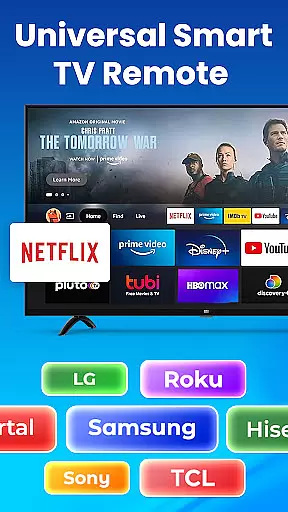
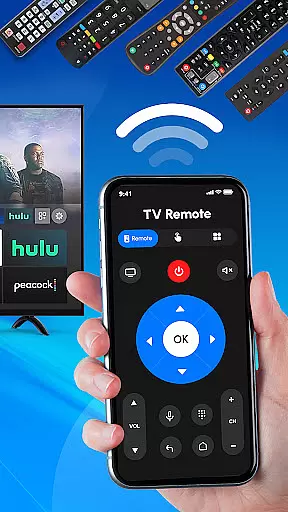
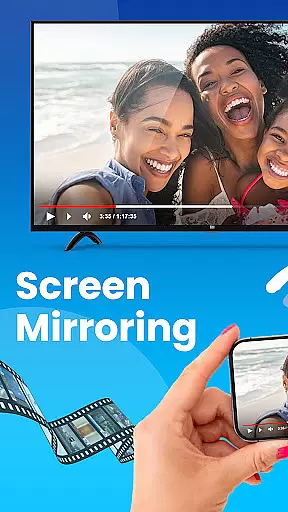
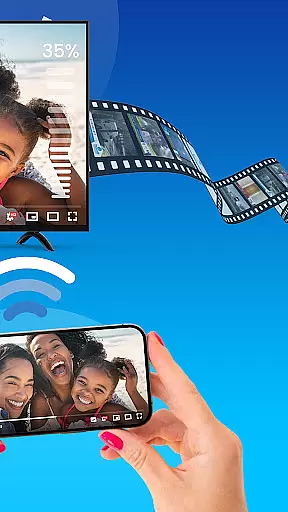
Universal TV Remote Control is a versatile application designed to replace traditional TV remotes for all major TV brands. This app supports Roku, Samsung, LG, Sony, and other popular TV brands, offering seamless control through Wi-Fi and Bluetooth connectivity. Whether you need to adjust the volume, change channels, or power your TV on and off, this app provides an all-in-one solution.
The app's standout feature is its compatibility with both smart and non-smart TVs, making it a universal tool for modern households. It eliminates the need for multiple remotes by consolidating all functions into one easy-to-use interface. With fast setup and no additional hardware required, users can enjoy streamlined TV management directly from their smartphones.
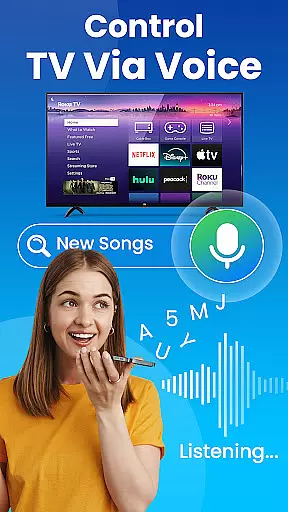
For those who own a Roku TV or streaming device, Universal TV Remote Control offers specialized features such as dedicated Roku remote functionalities. The app also supports voice control for hands-free operation, enhancing user convenience. Ideal for anyone seeking a reliable, multi-brand TV remote solution, this app ensures efficient and effortless control over your home entertainment system.
Universal TV Remote Control boasts an array of features that cater to diverse TV management needs. One of its primary capabilities is the support for multiple TV brands including Roku, Samsung, LG, Sony, TCL, and more. This extensive compatibility ensures that regardless of your TV model, you can manage it effortlessly through this single app.
The app leverages both Wi-Fi and Bluetooth technologies to deliver reliable remote functionality. For smart TVs, Wi-Fi enables smooth interaction, while Bluetooth extends support to older models without smart capabilities. Users can perform essential operations like adjusting volume, changing channels, and switching input sources, all from their mobile devices. Additionally, the app includes dedicated controls for Roku streaming devices, enhancing the streaming experience.
Another notable feature is the voice control option, which allows for hands-free TV management. This function not only simplifies navigation but also adds a layer of accessibility for users with different needs. With its comprehensive set of tools, Universal TV Remote Control stands out as an innovative solution for managing various TV brands efficiently and conveniently.
In the context of smart home management, ensuring the authenticity and accuracy of connected devices is crucial. Universal TV Remote Control excels in this area by providing verified compatibility with a wide range of TV brands including Roku, Samsung, LG, and Sony.
The application maintains an up-to-date database of supported devices, ensuring users can reliably connect to their specific TV models. This comprehensive verification process prevents connection issues and ensures seamless functionality across different manufacturers.
Users benefit from the peace of mind that comes with knowing their remote control commands will be accurately interpreted by their television sets. The app's dedicated support team regularly updates the device library based on user feedback and new TV model releases.
This commitment to authenticity extends to the app's transparent listing of supported features for each TV brand, allowing users to understand exactly what functions they can control before connecting their devices.
Universal TV Remote Control offers an impressive array of home management features designed to simplify television control. The application consolidates multiple remote functions into a single interface, enabling users to manage all their entertainment devices effortlessly.
Key features include comprehensive channel navigation, volume adjustment, input source switching, and power control for various TV brands. Advanced functionality supports both smart TVs and traditional models through Wi-Fi and Bluetooth connections.
The app's intuitive interface allows for quick setup and easy daily use, while its sophisticated backend architecture ensures reliable performance across different network environments. Users can customize their control preferences and save settings for multiple television sets.
Additional convenience features include voice control capabilities and automated function recognition, which adapts the interface based on the connected TV model. These robust home management tools make Universal TV Remote Control an essential utility for modern households.
User-friendly interface
Wide brand compatibility
No additional hardware needed
Voice control option
Fast and easy setup
Limited advanced features
Occasional connectivity issues
Requires Wi-Fi for some functions
No physical buttons
Dependent on smartphone battery

Design house plans in 2D & 3D, style furniture, and preview renovation layouts
 3.70
3.70
Download today to join the community to help bring lost pets home faster.
4.70
Plants, Beauty, Collectibles
4.60
AI Home Designer & Room Planner: Decorate your interior space with AI
4.40
Your guide to apartments & rental homes. Find your next place to rent with AG.
4.60
Control your Vivint Smart Home with the next generation Vivint App.
4.30
The Merkury Smart app makes it easy to control your smart devices.
4.50
Universal Tv Remote Control for all Tv. Cast for chromecast & all Tv Controller
4.20
Set up your devices, customize settings, and monitor your home—from anywhere
4.40
B-hyve Pro App for landscape irrigation professionals
4.70
The only mappable smart lights for custom decoration.
4.50
Control your thermostat, comfort, and home monitoring from your phone
4.30
Samsung remote app helps control all Samsung Smartthings TVs. Fast and Stable!
4.10
AI floor creator to design your dream house, plan rooms & style your home
4.00
Schlage Lock Company LLC
4.00
Book your local plumber 24/7, track your service order & get exclusive coupons
4.00
This Fire TV Remote control's your Fire TV Device and Insignia Fire TV Remote
3.70
Draw your floor plan smartly. Make house design blueprint with home planner app
3.60
PRO Version of GLB AR Viewer
4.4


User Reviews