
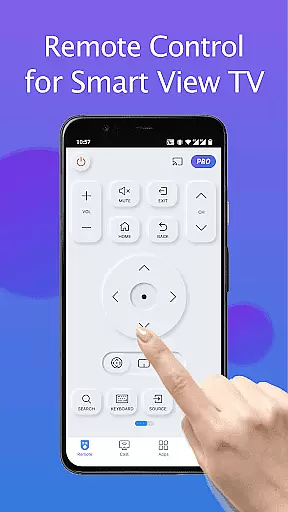
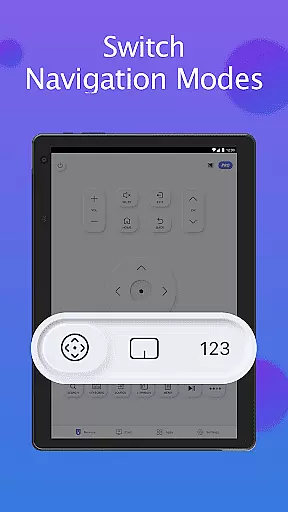
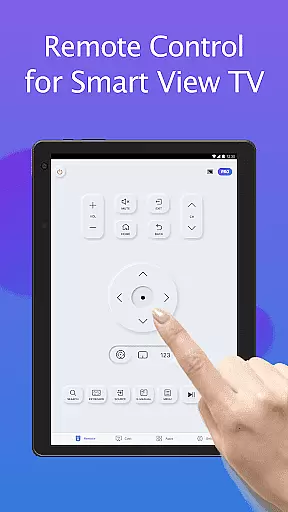
Remote for Smart Samsung TV is a dedicated mobile application that transforms your smartphone into a versatile remote control for Samsung smart TVs. This app offers seamless connectivity through Wi-Fi, enabling users to operate their Samsung 7 series, 6 series, Curved TVs, and K-Series (2016+) Tizen models with ease.
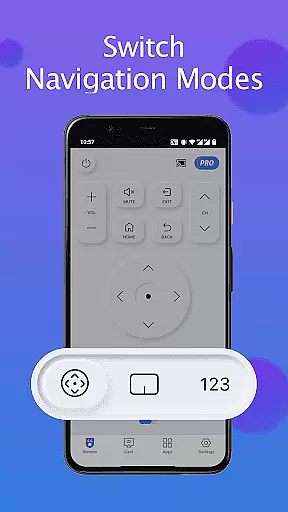
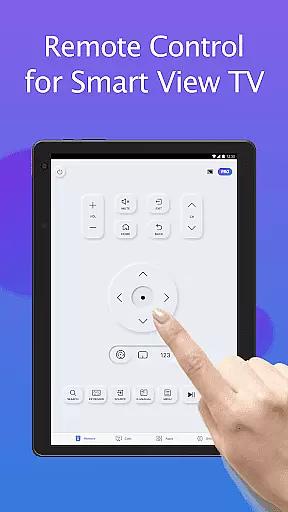
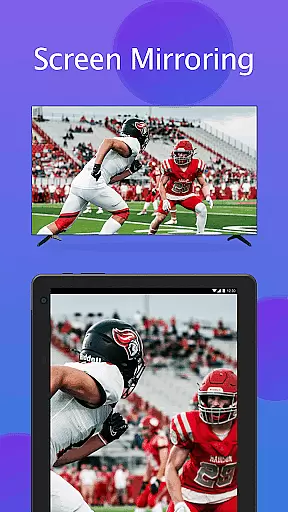
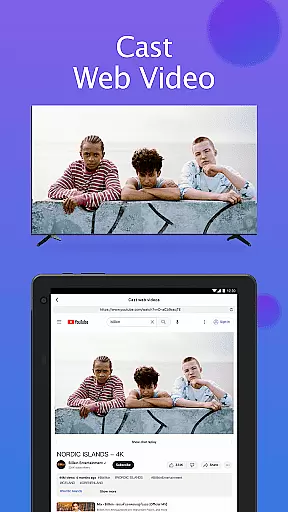
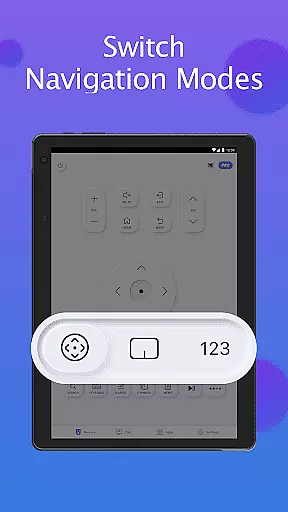
The app provides essential functions such as power on/off, volume adjustment, channel navigation, and quick access to favorite channels and apps. Additionally, it features advanced capabilities like screen mirroring in high resolution and casting local media or web videos to the TV. With its intuitive interface and reliable performance, this app eliminates the need for physical remotes and frequent battery replacements.
Ideal for modern households, Remote for Smart Samsung TV enhances user convenience while promoting an eco-friendly lifestyle. By downloading this app, you can enjoy effortless control of your Samsung TV, simplifying daily entertainment routines and improving overall viewing experience.
Remote for Smart Samsung TV stands out with its comprehensive feature set tailored for Samsung smart TV users. The app automatically detects your TV on the same Wi-Fi network, ensuring quick and stable connections without complicated setup processes.
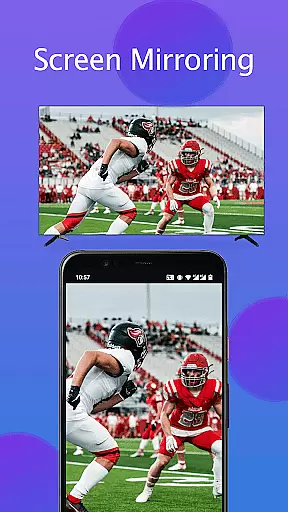
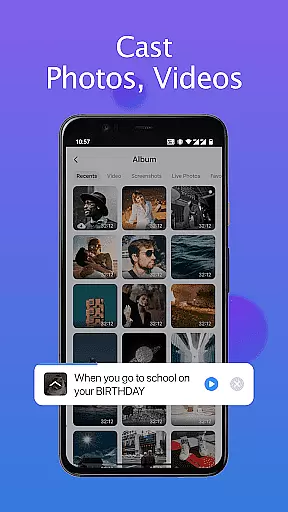
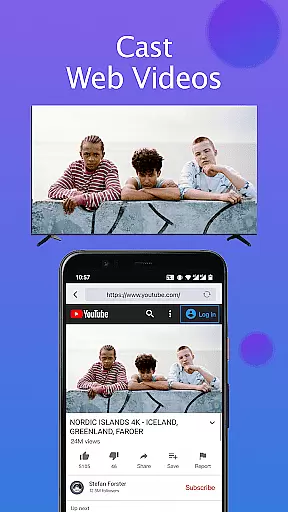
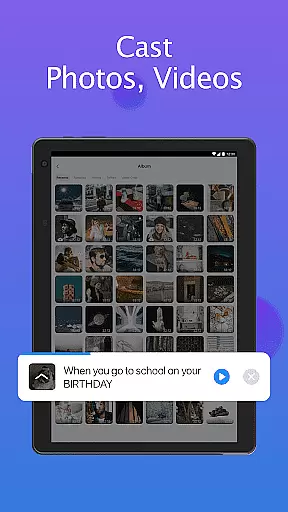
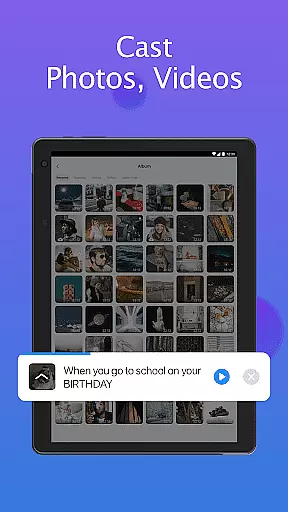
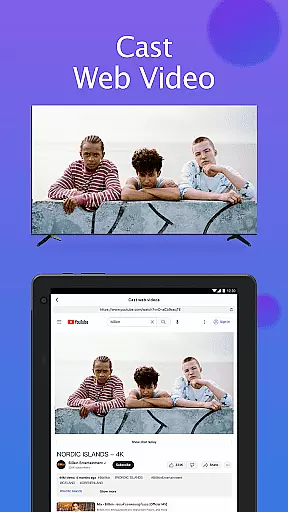
Among its notable features are the virtual keyboard for simplified text input, complete power and navigation controls, and the ability to mirror your mobile device's screen to the TV in high resolution. Users can also cast local photos, videos, and web content directly to their Samsung TVs, creating a versatile multimedia experience.
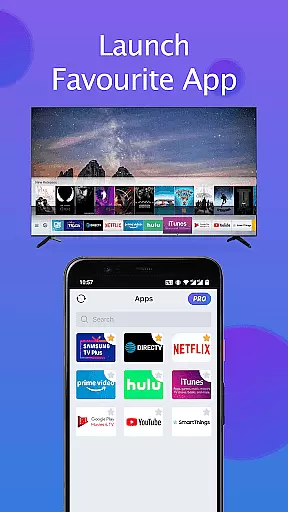
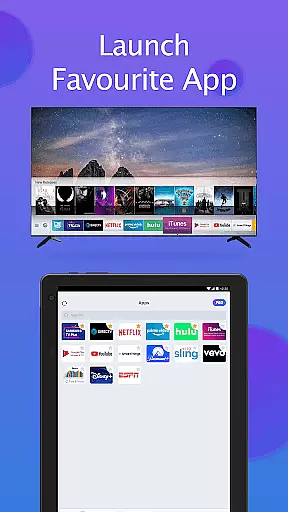
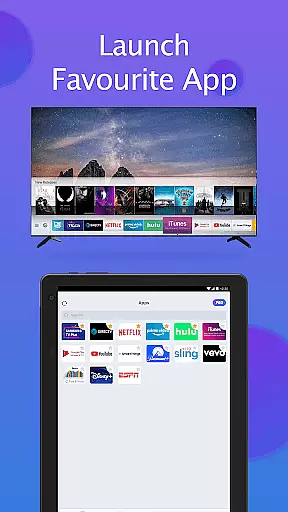
The app's user-friendly interface allows quick access to favorite channels and applications with just a few taps. Its compatibility with mainstream Samsung TV models and regular updates make it a reliable alternative to traditional remotes, offering both basic and advanced functionalities in one convenient package.
In the context of smart home management, ensuring the authenticity and compatibility of connected devices is crucial. The Remote for Smart Samsung TV app excels in this aspect by providing verified connections to a wide range of Samsung TV models.
The application maintains an up-to-date database of supported Samsung TV series, including detailed compatibility information for each model. This ensures users can accurately identify whether their specific TV model, from the 7 series to newer Tizen-based K-Series (2016+), is fully supported before attempting connection.
Through its automatic device detection feature, the app authenticates and lists only those Samsung smart TVs available on the same WiFi network, preventing potential connection issues with unsupported or incompatible devices.
This verification process gives users confidence that their smart home integration will function as intended, avoiding frustrating experiences with mismatched device capabilities or unexpected compatibility limitations.
Beyond basic remote control functions, the Remote for Smart Samsung TV app offers comprehensive home management features that enhance the smart living experience. Its sophisticated interface allows users to organize and access their favorite channels and applications with minimal effort.
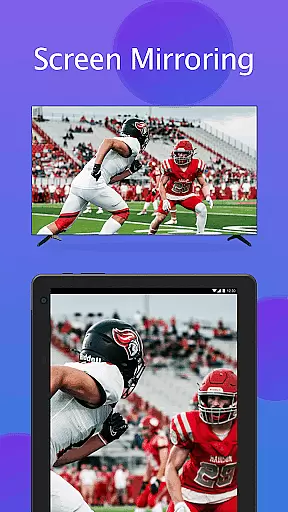
The app's screen mirroring capability enables seamless content sharing between mobile devices and Samsung Smart TVs. Users can cast local media files, including photos and videos, or stream web content directly to their television in high resolution, creating a centralized entertainment hub.
Advanced text input functionality through the virtual keyboard simplifies searching and navigation on smart TVs, addressing a common pain point in traditional remote control designs. This feature particularly benefits users who frequently interact with streaming services and need to enter complex search terms.
Additionally, the app's troubleshooting section provides clear guidance for maintaining optimal performance, including connection issue resolutions and software update recommendations, ensuring continuous and reliable operation of home entertainment systems.
User-friendly interface
Wide compatibility range
Advanced casting options
Automatic device detection
Regular feature updates
Limited to Samsung TVs
Wi-Fi connection required
Not all models supported
Occasional connectivity issues
No official Samsung affiliation

Use Home by ShowingTime to easily manage showings, tours, feedback and more
 3.60
3.60
Home Ideas | Renovation Advice | Local Pros. Go From Dream to Home with Houzz.
4.70
Control your Daikin, Amana & Goodman heating & cooling systems from anywhere
4.40
Draw your floor plan smartly. Make house design blueprint with home planner app
3.60
Control Fire TV & mirror your phone screen instantly over Wi-Fi.
3.30
IP camera view and playback, for your WiFi cam or home security cctv system.
3.70
Security App with HD Video, 2-way Audio, and event detection for Home monitoring
4.40
A Smarter Home in Seconds
4.70
Make your phone a surveillance camera remote with a home camera app for Android!
4.40
Houses for Sale & Homes for Rent: Buy Homes, Rent Apartments & Sell Real Estate
4.80
Download today to join the community to help bring lost pets home faster.
4.70
Real estate app to find homes for sale or rent in the right neighborhood for you
4.70
Search for Homes, Rentals, Agents & Schools
4.70
Rent on-the-go with TurboTenant’s app made just for renters
4.50
Fire & Power Safety
4.50
The Merkury Smart app makes it easy to control your smart devices.
4.50
Universal Tv Remote Control for all Tv. Cast for chromecast & all Tv Controller
4.20
An easier way to make payments and maintenance requests from anywhere.
3.50
PRO Version of GLB AR Viewer
4.0


User Reviews