
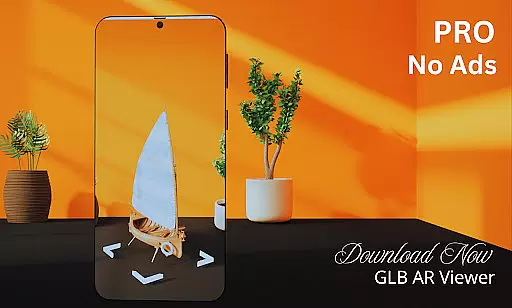
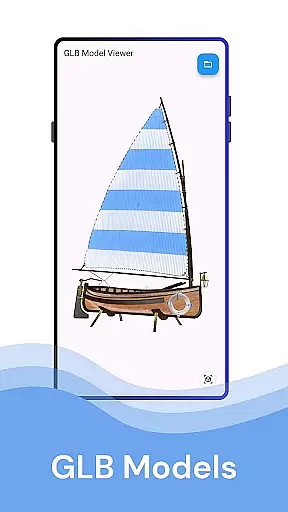
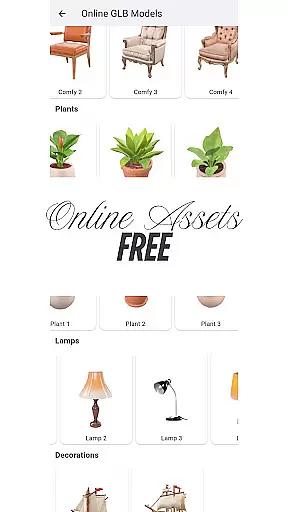
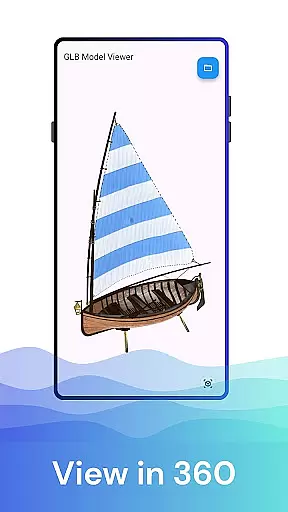
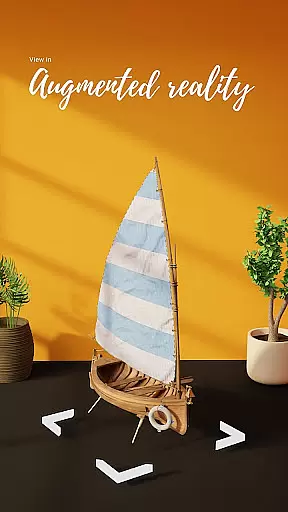

GLB AR Viewer 3D PRO is a cutting-edge application tailored for users who need to visualize 3D models in both standard and augmented reality (AR) modes. This app allows seamless interaction with .glb files, providing an intuitive platform for 3D artists, developers, and educators alike.
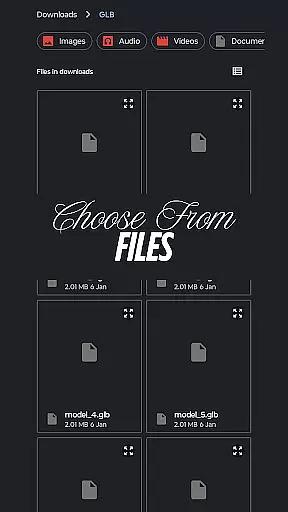
The core functionality of GLB AR Viewer 3D PRO lies in its ability to open .glb files directly from device storage and render them in stunning 3D or immersive AR environments using ARCore technology. Its interactive controls enable users to rotate, zoom, and pan models effortlessly, making it ideal for showcasing work, testing models, or educational purposes.
Whether you're presenting your latest 3D design to clients or teaching students about spatial geometry, this app brings professional-grade tools into the palm of your hand, enhancing productivity and creativity wherever you go.
GLB AR Viewer 3D PRO stands out with its comprehensive feature set designed to cater to both casual users and professionals. The app supports direct loading of .glb files, ensuring compatibility with industry-standard 3D models without any additional conversions.
One of the standout features is the Augmented Reality (AR) mode, which leverages ARCore to place 3D models within real-world environments. This capability not only enhances visualization but also provides a more engaging way to interact with digital content. Additionally, the app's interactive controls allow users to manipulate models with simple touch gestures, offering a smooth and responsive user experience.
Designed with simplicity in mind, the clean and minimalistic UI ensures that users can focus on their models without distraction. The lightweight nature of the app guarantees quick load times and efficient performance, making it an indispensable tool for anyone working with 3D content.
In the realm of House & Home applications, ensuring the authenticity of property listings is paramount. GLB AR Viewer 3D PRO takes this aspect seriously by allowing users to visualize 3D models in real-world environments through Augmented Reality (AR). This feature provides a transparent and realistic view of properties, which helps in verifying the accuracy of the listed information.
The app's ability to open .glb files directly from device storage ensures that users can access verified 3D models shared by real estate agents or designers. By leveraging ARCore technology, it places these models into your surroundings, offering an immersive experience that confirms the property's features match its digital representation.
For real estate professionals, this means they can confidently present properties knowing that potential buyers or tenants are seeing an accurate depiction. This level of transparency not only builds trust but also streamlines the decision-making process for all parties involved.
GLB AR Viewer 3D PRO extends beyond just viewing properties; it offers comprehensive home management features that enhance user interaction with their living spaces. The interactive controls within the app allow users to rotate, zoom, and pan 3D models using intuitive touch gestures, providing a dynamic way to explore every angle of a property.
This functionality is particularly beneficial for homeowners looking to redesign or renovate their space. By visualizing different design options in AR, users can make informed decisions about furniture placement, color schemes, and overall aesthetics without committing to physical changes.
Moreover, the app's clean and minimal user interface ensures a smooth experience while navigating through various home management tasks. Whether you're a homeowner planning renovations or an interior designer showcasing concepts, GLB AR Viewer 3D PRO equips you with tools to efficiently manage and modify your environment digitally before implementing any real-world changes.
User-friendly interface
Fast rendering speed
Augmented reality support
Wide compatibility
Interactive controls
Limited file formats
No advanced editing
Premium version required
Device compatibility issues
Occasional bugs

For all of your Airthings devices
 4.30
4.30
Universal TV remote Control for Roku TV brands via WiFi remote
4.2
Our app allows Sunrun customers to monitor systems, pay bills, and get support.
3.80
Parcel Pending Resident App
4.50
Book your local plumber 24/7, track your service order & get exclusive coupons
4.00
Night Owl Protect helps you secure, protect, and connect your world!
4.60
Turn old phones into security cameras, baby monitors, pet cams, and more.
4.70
Samsung remote app helps control all Samsung Smartthings TVs. Fast and Stable!
4.10
Connect with reliable pros for maintenance services, plumbing, and home design!
4.80
Find your next home, house, apartment, condo, casa, flat, rental, studio, or bed
4.70
Find homes for sale and apartments for rent in the best neighborhood.
4.70
AI-powered home design, interior design, home decor, and room design solutions
4.50
WiZ smart light system
4.40
Smart AI plant care schedules, Real plant experts, support & Thriving community!
4.20
AI floor creator to design your dream house, plan rooms & style your home
4.00
Find the perfect paint color with advanced tools to explore and visualize color.
3.80
This Fire TV Remote control's your Fire TV Device and Insignia Fire TV Remote
3.70
An awesome mobile app for Home Security Surveillance - uses ZoneMinder
3.20
Calculate baluster spacing with ease and precision.
4.2


User Reviews