
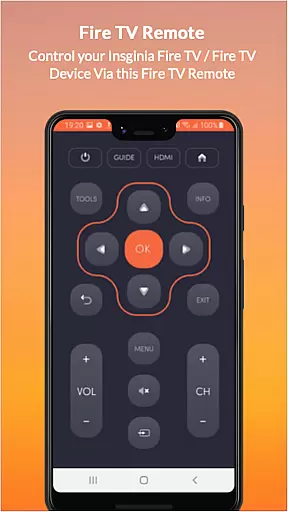
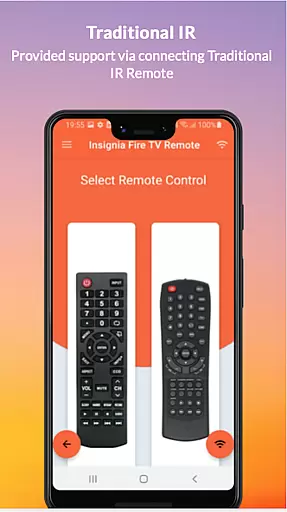
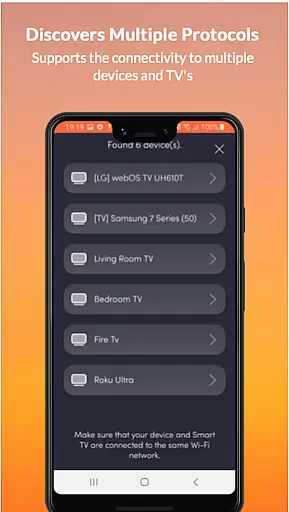
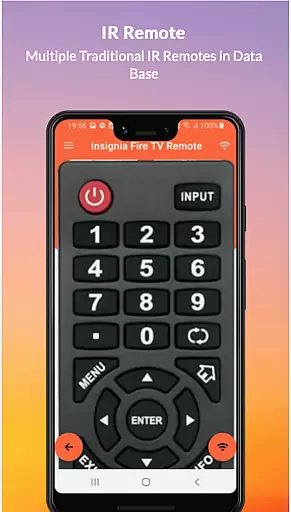
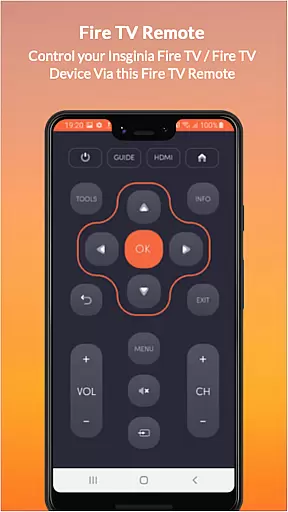
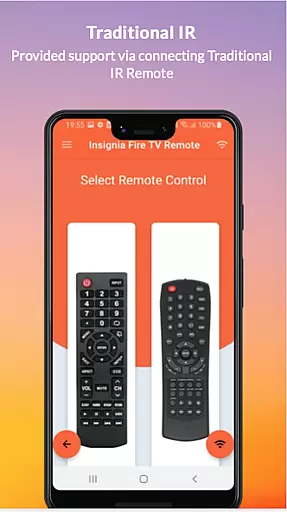
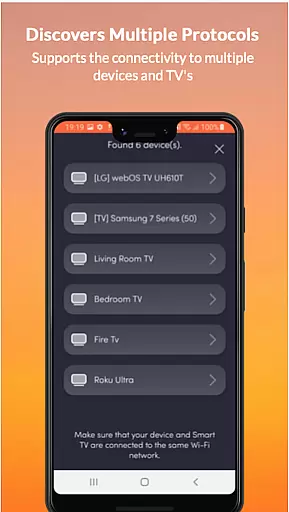
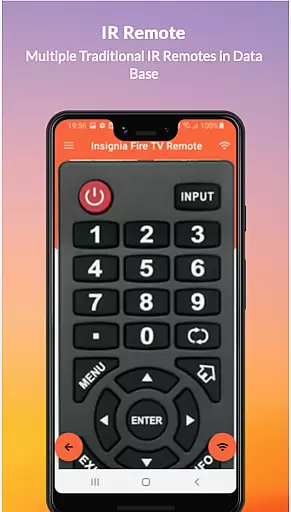
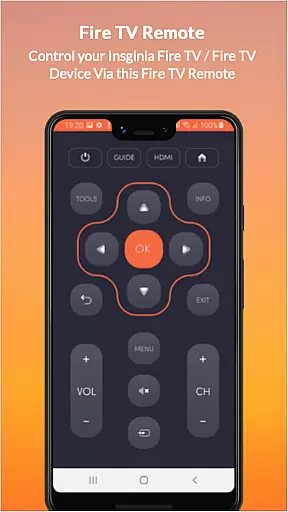
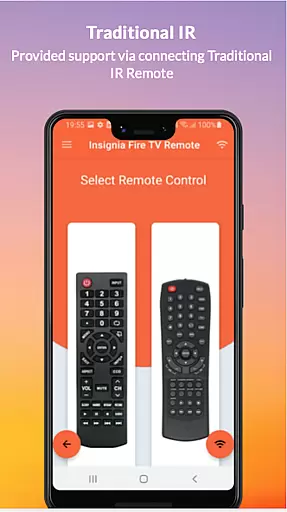
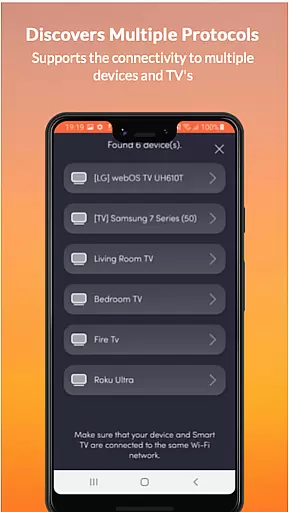
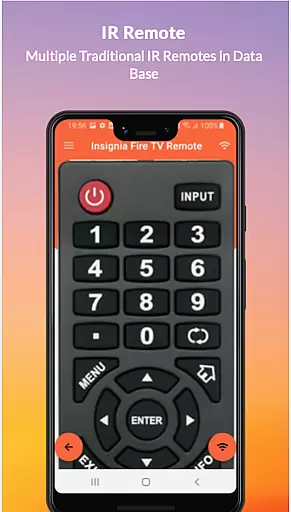
Insignia Fire TV Remote transforms your mobile device into a versatile remote control for Amazon Fire TV and other compatible devices. The app eliminates the need for physical remotes with drained batteries or broken components, offering seamless control through your smartphone. Supporting all Amazon Fire TV models, Insignia Fire TV, Toshiba Fire TV, and Android TV, this app ensures broad compatibility.
One of its key strengths is the dual functionality it offers. For modern smart TVs, the app connects via Wi-Fi, provided both the Fire TV and mobile device are on the same network. For traditional IR-based devices, the app leverages your phone's IR blaster to deliver precise control. With features like power on/off, volume adjustments, channel navigation, multimedia controls, and more, this app provides an all-in-one solution for managing your entertainment systems efficiently.
The app is particularly useful in home environments where multiple devices need to be controlled from one central point. Its intuitive interface and comprehensive functionality make it a valuable tool for enhancing user convenience while reducing clutter. Whether you're adjusting settings on your Fire TV or controlling an older Insignia TV, this app streamlines the process and improves the overall user experience.
Insignia Fire TV Remote stands out due to its extensive feature set tailored for both modern and traditional TV systems. One of its primary features is the ability to connect to Fire TV devices over Wi-Fi, ensuring that users can control their streaming devices without requiring line-of-sight. This wireless functionality is complemented by support for traditional IR devices, allowing the app to serve as a universal remote for older TVs and media equipment.
The app includes essential controls such as power on/off, volume adjustment, channel navigation, mute, and multimedia playback options. Additionally, advanced features like touchpad navigation and home screen shortcuts enhance the user experience by providing quick access to frequently used functions. These capabilities ensure that users can fully operate their devices without needing additional hardware or accessories.
Another notable aspect is the app's adaptability across various brands and models. It supports not only Insignia Fire TV but also Toshiba Fire TV and other OS platforms like Android TV. This versatility makes it an ideal choice for households with mixed device ecosystems. By combining modern wireless connectivity with traditional IR control, the app delivers a comprehensive solution that meets diverse user needs while maintaining ease of use.
In the context of smart home applications like Insignia Fire TV Remote, ensuring property listing authenticity is crucial for user trust. This app accurately represents its functionalities and compatibility with various devices, including Amazon Fire TV products and traditional IR-based TVs.
The application provides clear information about its support for different operating systems such as Fire TV OS and Android TV. It specifies network requirements, like being on the same Wi-Fi network as your Fire TV device, which ensures users can make informed decisions about their setup possibilities.
By detailing both modern and traditional device support, the app maintains transparency regarding its capabilities. Users can verify if their specific devices, such as those requiring an IR blaster, are compatible before proceeding with installation.
This commitment to accurate representation helps prevent potential frustrations from mismatched expectations and ensures that when you choose this remote solution, you're getting exactly what was advertised - a versatile tool for managing your entertainment systems.
The Insignia Fire TV Remote app offers essential home management features that enhance how users interact with their entertainment systems. By converting a mobile device into a universal remote, it eliminates common issues like battery drain and physical damage to traditional remotes.
This application supports comprehensive control options including power management (ON/OFF), volume adjustments, channel switching, muting capabilities, navigation controls, multimedia commands, and even touchpad functionality. These features collectively provide a complete remote control experience for various devices within the home environment.
For added convenience, once connected to the same Wi-Fi network as your Fire TV or configured via IR blaster for traditional TVs, the app allows seamless access across multiple brands like Amazon Fire TV, Toshiba Fire TV, and Insignia TVs without needing separate remotes for each device.
Such extensive home management capabilities not only simplify daily operations but also contribute significantly towards creating a more organized and efficient living space by centralizing control over diverse entertainment components through one intuitive interface.
User-friendly interface
Wide device compatibility
Wireless and IR control
Comprehensive functionality
Regular updates
Requires Wi-Fi connection
IR blaster needed
Not officially affiliated
Limited offline support
Device-specific issues

Use Home by ShowingTime to easily manage showings, tours, feedback and more
 3.60
3.60
Make Renting Easy
4.40
The official app for Home Assistant. Control your home anywhere in the world.
4.30
Convert your Phone to HiSense Smart TV Remote Control
4.70
Resident Center, powered by Buildium, is designed with simplicity in mind.
4.50
The only mappable smart lights for custom decoration.
4.50
Book your local plumber 24/7, track your service order & get exclusive coupons
4.00
Plan your remodel AI home renovation easily using planner 5D and home decor AI.
4.40
Houses for Sale & Homes for Rent: Buy Homes, Rent Apartments & Sell Real Estate
4.80
Home Ideas | Renovation Advice | Local Pros. Go From Dream to Home with Houzz.
4.70
Control the scent and ambiance of your home and car, right from your phone.
4.50
Fire & Power Safety
4.50
The Merkury Smart app makes it easy to control your smart devices.
4.50
Security App with HD Video, 2-way Audio, and event detection for Home monitoring
4.40
WiZ smart light system
4.40
Schlage Lock Company LLC
4.00
Technology powering many in-home services for residents across the United States
3.80
An awesome mobile app for Home Security Surveillance - uses ZoneMinder
3.20
PRO Version of GLB AR Viewer
4.4


User Reviews