
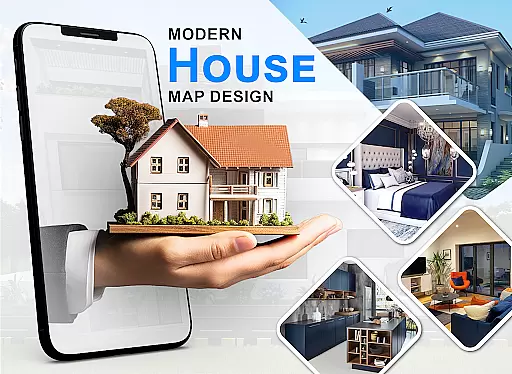
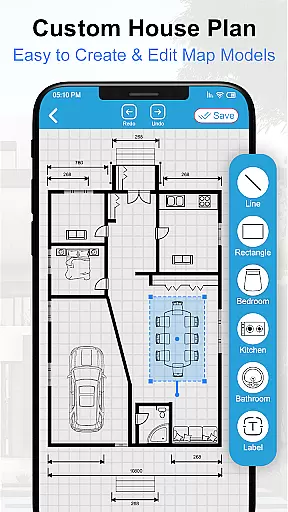
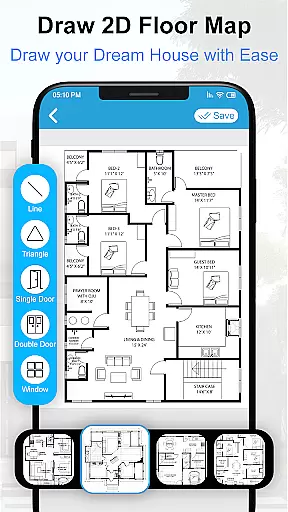
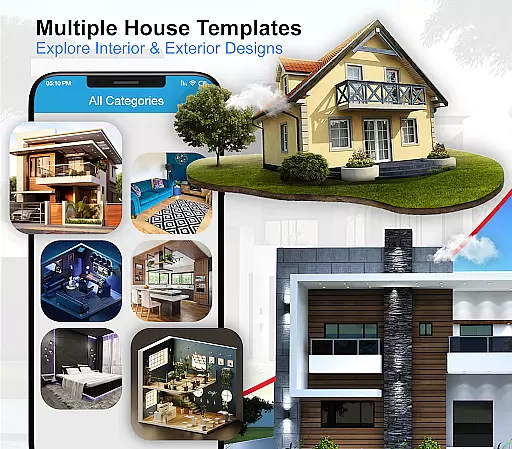
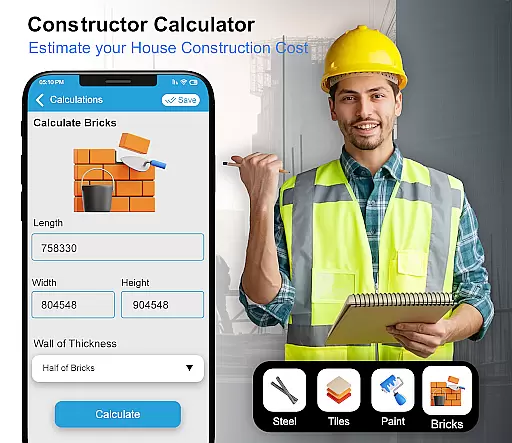
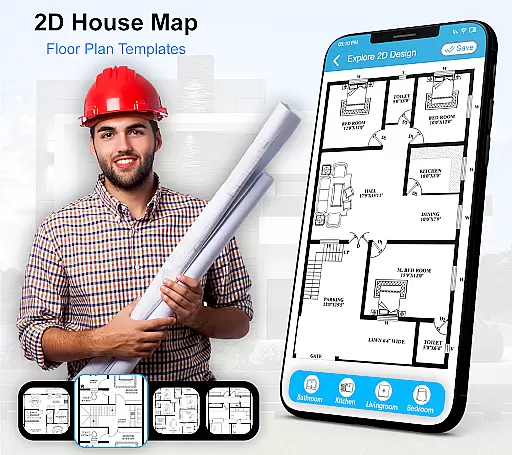
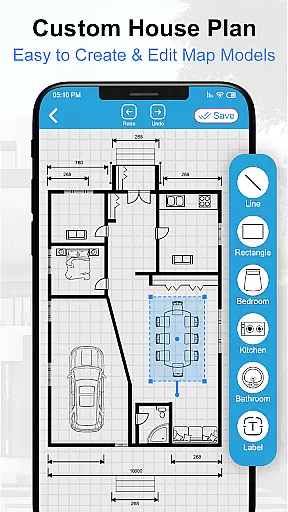
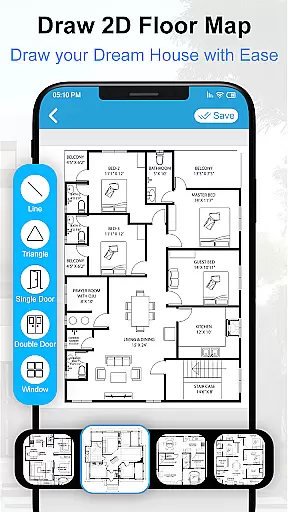
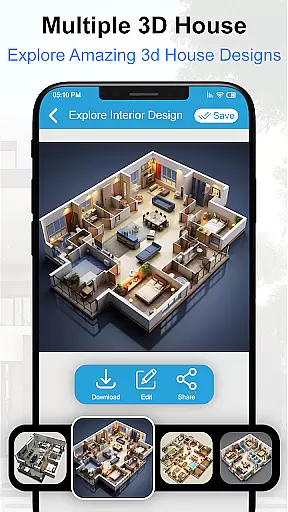
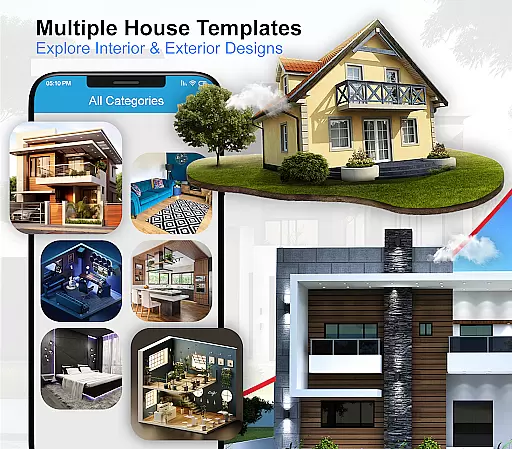
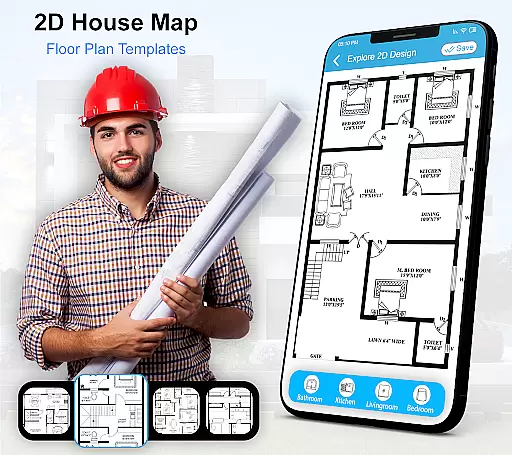
House Design 3D Floor Plan App is a comprehensive home design tool that allows users to create detailed architectural plans and interior layouts. The app provides smart drawing capabilities for crafting precise floor plans, making it easy to visualize your dream home in 3D. With an extensive library of design blueprints, including options for kitchens, bathrooms, and bedrooms, this app caters to both novice designers and professionals.
The app's intuitive interface enables users to experiment with various furniture arrangements and decor styles, ensuring every detail of their future home is meticulously planned. Whether you're building a new house or renovating an existing space, House Design 3D Floor Plan App offers the tools needed to bring your vision to life while maintaining practical considerations.
One of the standout features of House Design 3D Floor Plan App is its robust set of drawing tools that allow for precision and creativity in designing floor plans. Users can access numerous pre-made templates for different rooms and customize them according to their preferences. This flexibility extends to the wide range of furniture and decor items available within the app, which can be easily dragged and dropped into place.
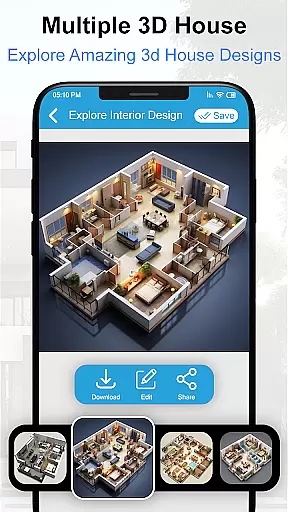
In addition to its design capabilities, the app also supports 3D visualization, giving users a realistic preview of how their finished spaces will look. This feature is particularly useful when planning complex renovations or presenting ideas to clients. Furthermore, the app includes sharing functionalities, enabling collaboration with others by exporting designs directly from the platform.
Property listing authenticity is crucial for users who want to ensure that the house plans and designs they are viewing are accurate and verified. The House Design 3D Floor Plan App provides a reliable source of design blueprints, ensuring that each plan is created with precision and represents a realistic portrayal of potential home spaces.
The app's collection includes verified floor plans for various parts of the house such as the kitchen, drawing room, and bathroom. This verification process gives users confidence in the authenticity of the designs they choose to incorporate into their dream homes.
By offering numerous furniture designs and home layouts, the app ensures that all decor matters are covered, providing users with an extensive selection of interior and exterior design options. This vast repository of verified content allows homeowners to explore different styles and configurations that suit their personal tastes and needs.
Home management features within the House Design 3D Floor Plan App allow users to efficiently organize and plan their living spaces. With smart drawing capabilities, users can create detailed architectural plans of their homes, visualizing both the interior and exterior designs before making any physical changes.
This functionality extends to creating 3D views of the architecture design, which helps in understanding spatial arrangements and aesthetics. Users can experiment with different layouts and interior elements, such as furniture designs and decor items, to achieve an optimal balance between beauty and functionality in their home environment.
Additionally, the app supports comprehensive home layout planning by providing a variety of pre-designed blueprints. These resources enable users to manage their home improvement projects effectively, ensuring that every aspect from room dimensions to decorative details aligns with their vision of a perfect home.
User-friendly interface
Extensive template library
Realistic 3D previews
Versatile customization options
Collaborative sharing features
Limited advanced tools
Occasional performance lags
Some features require in-app purchases
Basic tutorial support
Interface may feel cluttered

Technology powering many in-home services for residents across the United States
 3.80
3.80
Wobble Fix Tool
4.40
Control your Daikin, Amana & Goodman heating & cooling systems from anywhere
4.40
Universal TV Remote for TV, control all Smart TVs with your mobile phone.
4.0
Control Fire TV & mirror your phone screen instantly over Wi-Fi.
3.30
SmartRent - Opening Doors To A Smarter World
4.40
Resident Center, powered by Buildium, is designed with simplicity in mind.
4.50
Plants, Beauty, Collectibles
4.60
Fire & Power Safety
4.50
Convert your Phone to HiSense Smart TV Remote Control
4.70
AI-powered home design, interior design, home decor, and room design solutions
4.50
Security App with HD Video, 2-way Audio, and event detection for Home monitoring
4.40
The official app for Home Assistant. Control your home anywhere in the world.
4.30
Control your thermostat, comfort, and home monitoring from your phone
4.30
Turn your phone into a wifi cam with smart features and umlimited reach.
4.20
Our app allows Sunrun customers to monitor systems, pay bills, and get support.
3.80
Find the perfect paint color with advanced tools to explore and visualize color.
3.80
Design house plans in 2D & 3D, style furniture, and preview renovation layouts
3.70
This Fire TV Remote control's your Fire TV Device and Insignia Fire TV Remote
3.70


User Reviews