






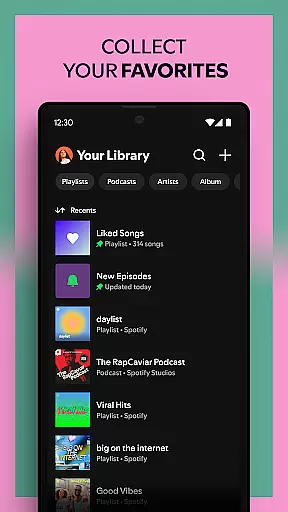
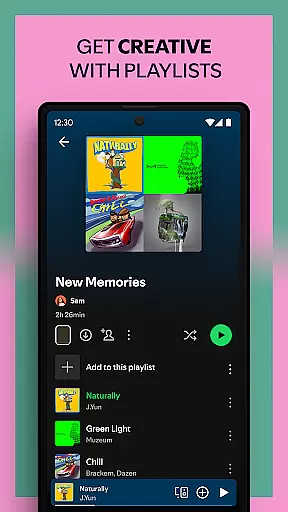



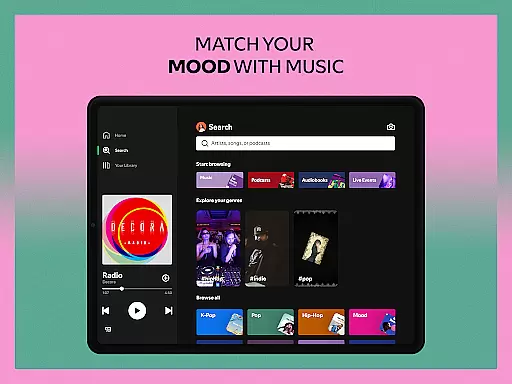
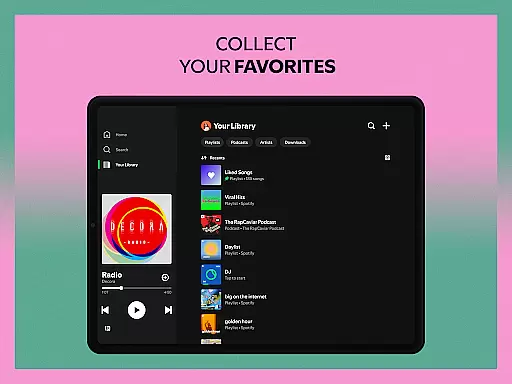



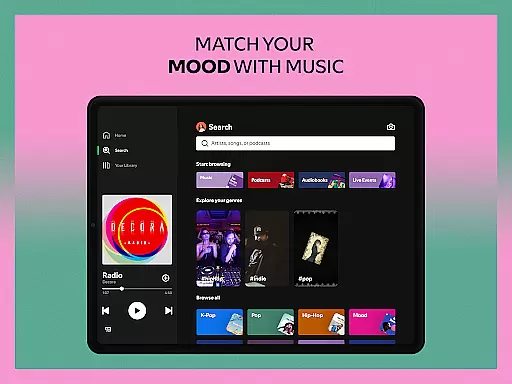
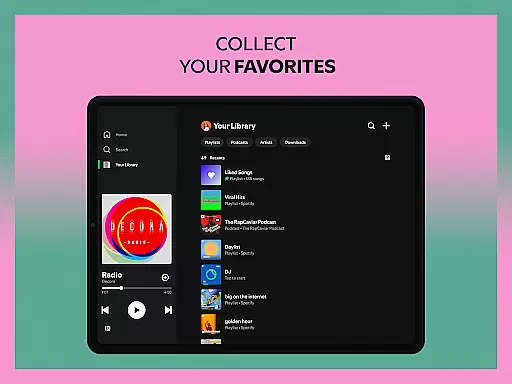
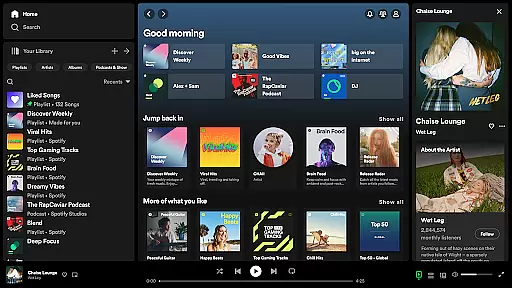

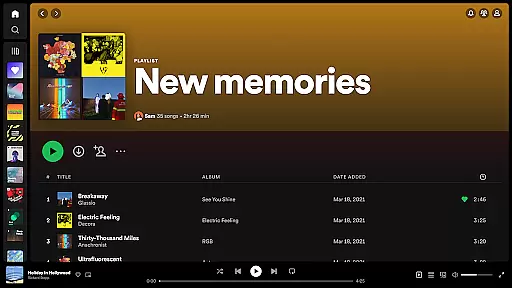


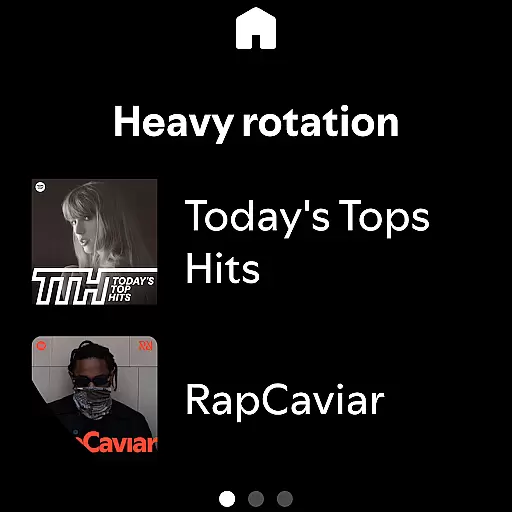
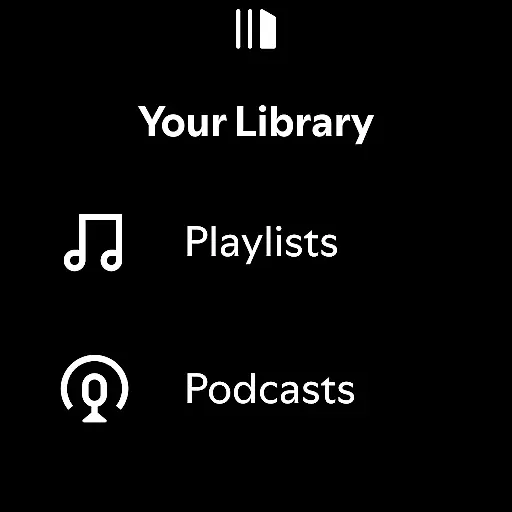
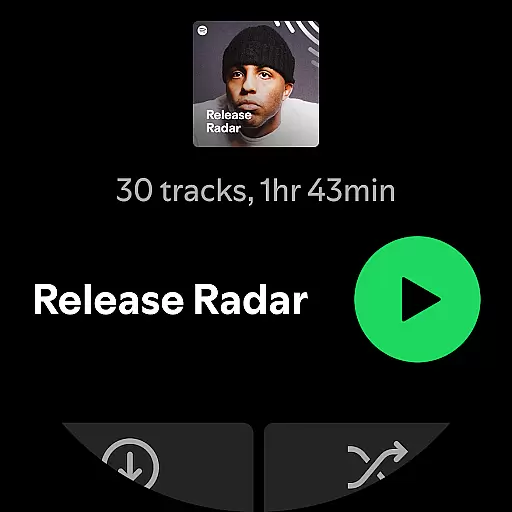
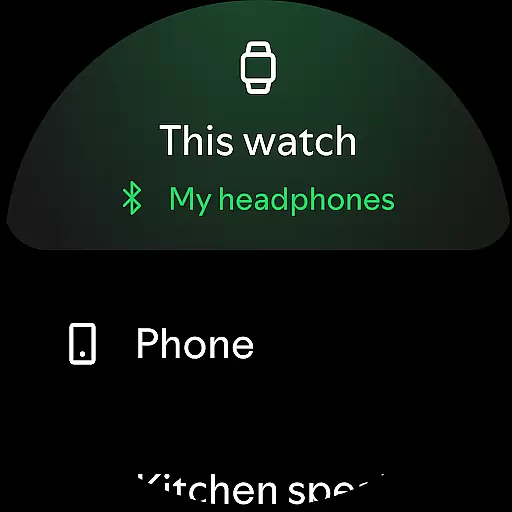

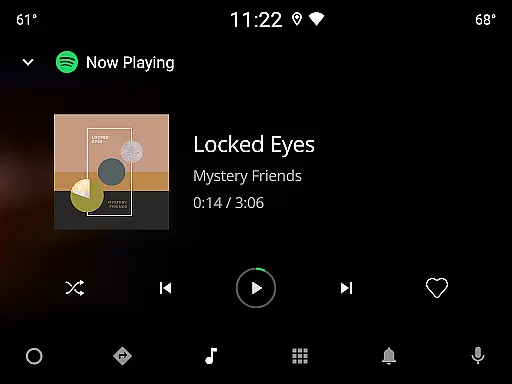



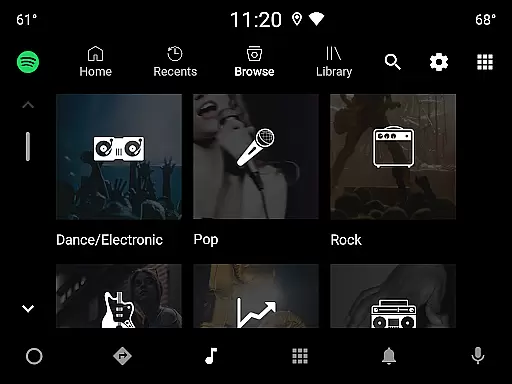

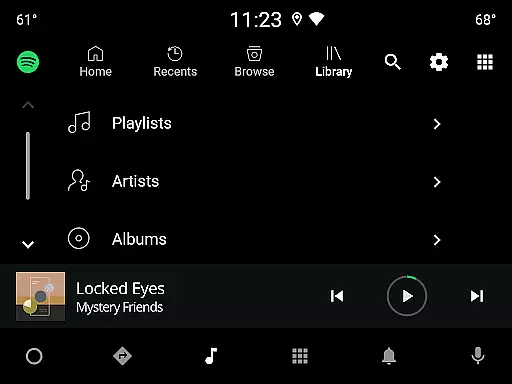

Spotify is a leading music and podcast streaming application that offers users access to over 80 million songs, 4 million podcasts, and a vast library of audiobooks. Available on Android Wear devices, the app allows seamless music control directly from your smartwatch. Users can enjoy personalized playlists, discover new music through curated recommendations, and even download content for offline listening with Premium subscription.
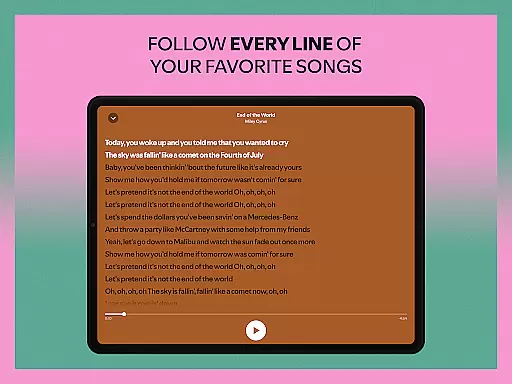
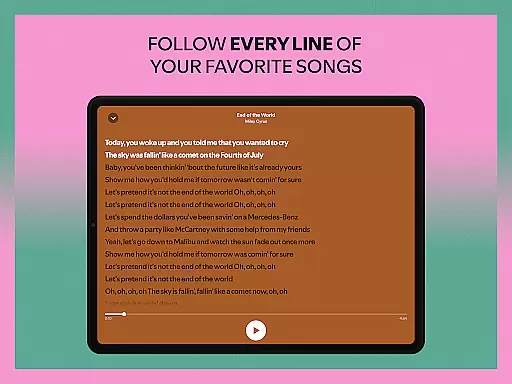
The app stands out with its powerful search functionality, enabling users to find music by lyrics, and its cross-device compatibility ensures high-quality sound on all supported devices. Whether you're looking to stream the latest hits from artists like Billie Eilish or explore exclusive podcasts such as The Joe Rogan Experience, Spotify delivers a complete audio entertainment solution tailored to individual preferences.
Spotify's feature set is designed to provide an immersive audio experience. The app's Daily Mixes create personalized playlists based on users' listening habits, while the 'Made for You' hub offers customized recommendations. Its robust search engine lets users find content by lyrics, making music discovery intuitive and engaging.
For Android Wear users, Spotify enables remote control of playback, allowing users to manage their music without needing their phone nearby. The app also supports offline downloads for Premium subscribers, ensuring uninterrupted listening. With integration across multiple devices including Wear OS, PlayStation, and Chromecast, users can enjoy their favorite content anywhere, anytime.
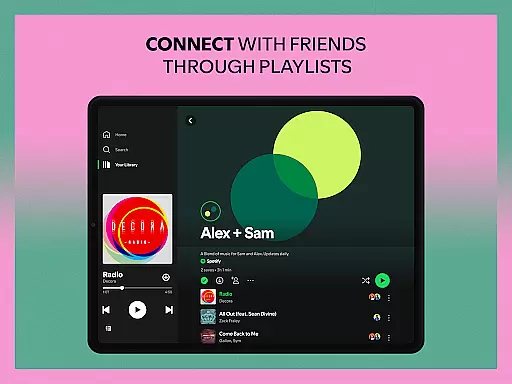
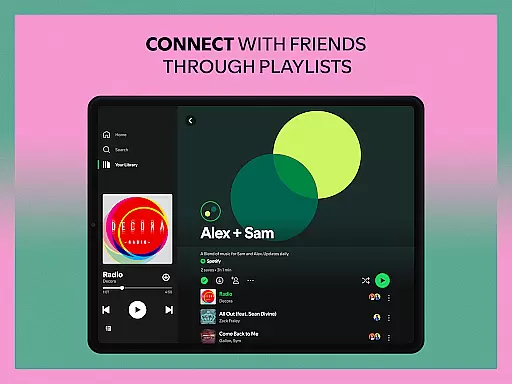
Additional features include playlist sharing capabilities, the ability to subscribe to favorite podcasts, and bookmarking individual episodes. The app's sound quality remains consistent across devices, while its massive content library spans various genres and categories, catering to diverse musical tastes and interests.
Companion app integration is essential for a seamless user experience across multiple devices. Spotify excels in this area by allowing users to sync their accounts effortlessly between the main mobile application and Wear OS devices. This ensures that your playlists, podcasts, and audiobooks are always up-to-date regardless of the device you're using.
The integration process is straightforward and reliable. Once connected, users can control playback directly from their wearable device. This includes play, pause, skip, and even volume adjustments. The synchronization is near-instantaneous, providing a smooth transition between devices without any noticeable delay.
This feature significantly enhances user convenience. Whether you're going for a run without your phone or simply prefer controlling your music from your wrist, the companion app integration delivers exceptional functionality. It eliminates the need to carry multiple devices while maintaining full control over your audio content.
Spotify's implementation stands out due to its reliability and comprehensive feature set. Unlike some competitors that offer limited functionality on wearables, Spotify provides a complete set of controls and maintains all user preferences across devices. This makes it an ideal choice for users who frequently switch between their phone and wearable devices throughout the day.
Device compatibility is crucial for ensuring optimal performance across various hardware configurations. Spotify has been meticulously optimized for Wear OS, guaranteeing smooth operation on a wide range of compatible smartwatches. This broad compatibility allows users to enjoy their favorite content without worrying about device limitations.
The application supports both older and newer Wear OS models, maintaining consistent performance standards across different generations of devices. Whether you're using a flagship model or a more budget-friendly option, Spotify delivers reliable functionality and responsive controls. The interface has been thoughtfully adapted for smaller screens, ensuring easy navigation without compromising on features.
One of the key advantages of Spotify's Wear OS compatibility is its ability to function independently from the main device. Users can download content for offline listening directly to their smartwatch, making it perfect for workouts or situations where carrying a phone isn't practical. The application also supports various watch face complications, providing quick access to playback controls.
Furthermore, Spotify regularly updates its Wear OS application to maintain compatibility with the latest operating system versions and hardware releases. This commitment to ongoing support ensures that users can take advantage of new features and improvements as they become available, making Spotify one of the most versatile music streaming options for wearable devices.
User-friendly interface
Extensive music library
Personalized recommendations
Cross-device compatibility
Offline listening option
Free version has ads
Limited offline access
Premium subscription cost
Occasional connectivity issues
Some features are region-locked

Watch the sharpness of the sky on your wrist..
 3.70
3.70
Christmas is near, let's count together the days left until Santa comes
4.3
A watch face that fuses motorsport precision with contemporary smartwatch design
4.0
Easy Voice Recorder is your everyday companion to record important moments.
4.70
sleep, alarm, snoring, stress, healing, focus, sound therapy, circadian rhythm
4.10
Real-time weather radar with temperatures, warnings, hurricanes, and widgets
4.80
Viewer for Wyze/Yi/Eufy/Arlo/ONVIF/RTSP/P2P IP cams w/ adv. features & DIY DVR
4.00
Want to take charge of your health? Let Google Fit help you reach your goals.
3.50
Start and succeed with PAP
4.10
Hyperlocal rain alerts by MyRadar using patent-pending technology, radar & more
4.80
Your second brain for organizing your life: to-do, calendar, reminder.
4.70
The most customizable hybrid watch face. For Wear OS 5.0, API 34+ and later
4.70
Ideal for surviving in the wasteland left after nuclear fallout
4.50
Stylish, Energizing and Modern Watch Face crafted by Dominus Mathias.
4.50
The ultimate destination for kids ages 3-8 to explore the Marvel Universe!
4.30
Calming & relaxing sounds for sleeping and stress relief. Stay focused all day!
4.20
The #1 source of faces for your smartwatch!
4.00
Watch face designed for Thanksgiving Day. 7 Background Styles included.
3.20
3 Complications. All shadow on/off. 30 Themes color palette...
4.1


User Reviews