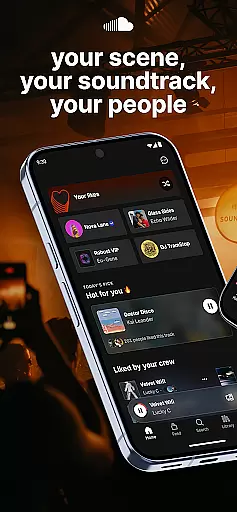
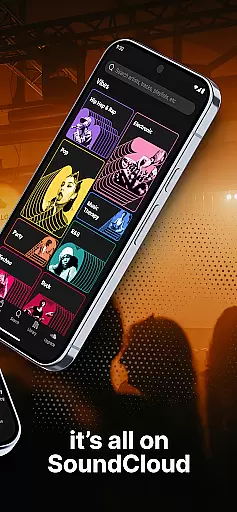
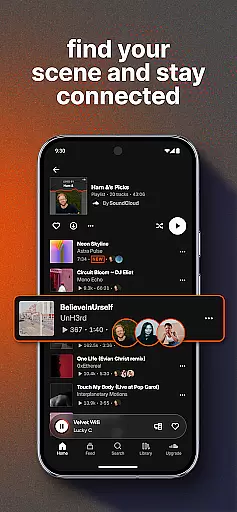


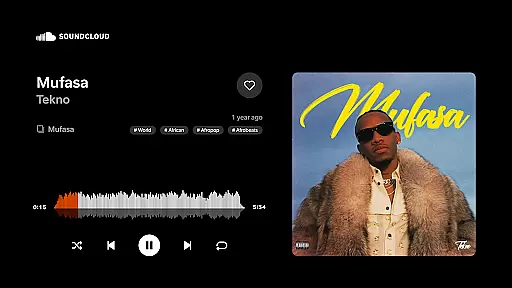
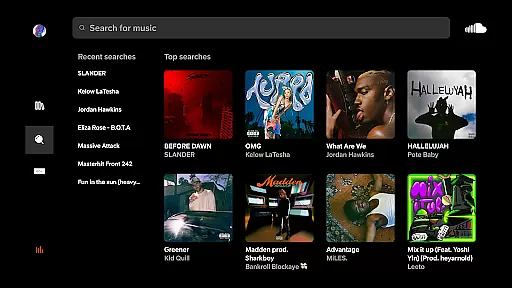
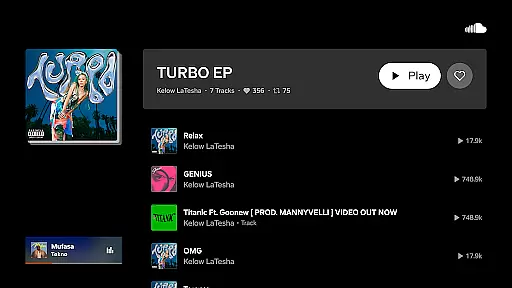
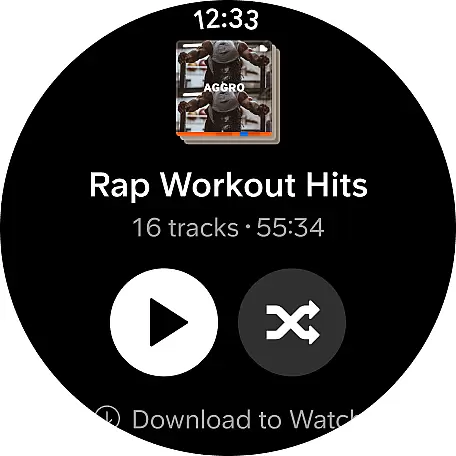
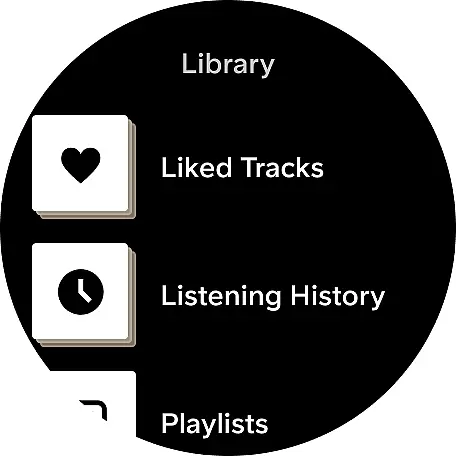
SoundCloud is a premier music streaming platform that connects users through shared musical tastes. It allows you to discover new tracks, follow artists, and engage with a community of music lovers. With features like Suggested Follows and Messaging Bubbles, it enhances user interaction.
The app also supports social functionalities such as sharing playlists and casting to devices, making it versatile for various listening environments. Whether you're exploring rare releases or connecting with friends over shared playlists, SoundCloud offers a personalized soundtrack for every moment.
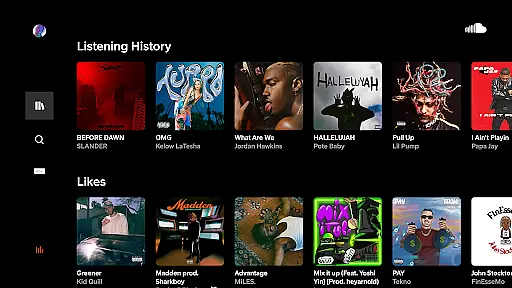
SoundCloud stands out with its unique features tailored for music enthusiasts. The Discover Feed provides curated content, showcasing trending tracks and personalized recommendations. This ensures users are always in tune with the latest in music.
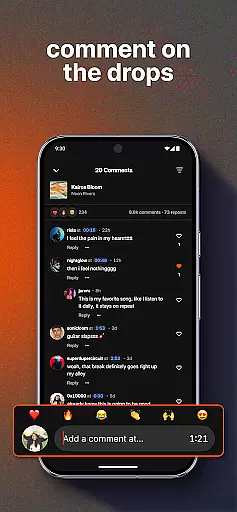
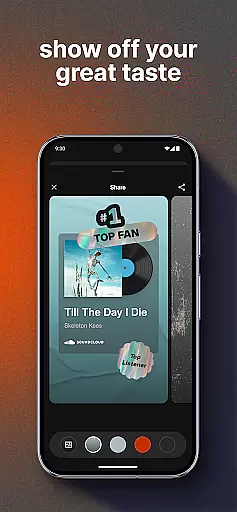
Additionally, the platform fosters community engagement through Quick Reactions and Comments, allowing direct interaction with artists. Features like First & Top Fans recognition motivate users to engage more deeply, creating a vibrant ecosystem where music discovery leads to meaningful connections.
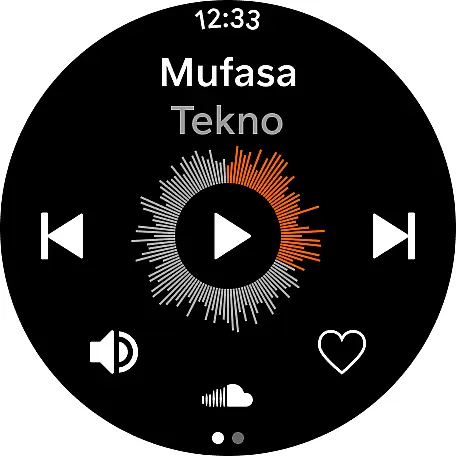
Companion app integration is essential for a seamless experience between wearable devices and smartphones. SoundCloud excels in this area by ensuring that its Android Wear app works harmoniously with the main mobile application.
When using SoundCloud on your Android Wear device, you can expect real-time synchronization of playlists, messages, and notifications. This means that any interaction you have with the mobile app is mirrored instantly on your wearable, allowing for an uninterrupted flow of music and communication.
The benefit to users is significant; whether you're receiving direct messages or reacting to tracks, everything is updated across devices without delay. This ensures that listeners never miss a beat and stay connected to their favorite artists and communities no matter which device they are using.
By prioritizing robust companion app integration, SoundCloud enhances user engagement and convenience, making it easier than ever to enjoy music and interact with the community from anywhere, at any time.
Device compatibility is crucial for apps designed to work across multiple platforms, including Wear OS. SoundCloud has been optimized to ensure broad compatibility with various Wear OS devices, providing a consistent experience for users regardless of their hardware choice.
SoundCloud's Android Wear app supports a wide range of smartwatches running Wear OS, ensuring that features such as suggested follows, messaging bubbles, and quick reactions are accessible to all users. This inclusivity allows more people to engage with the platform and enjoy its full suite of functionalities.
For users, this means peace of mind knowing that their investment in a particular smartwatch will not limit their access to key features within SoundCloud. They can confidently choose a device that suits their style while still enjoying a rich and interactive music discovery experience.
Ultimately, SoundCloud's commitment to Wear OS/device compatibility underscores its dedication to delivering a versatile and accessible service, empowering users to explore new music and connect with others effortlessly, regardless of their chosen wearable technology.
User-friendly interface
Extensive music library
Active artist community
Personalized recommendations
Social sharing capabilities
Limited offline functionality
Occasional audio quality issues
Ads in free version
Subscription cost
Complex navigation for new users

Walking app for weight loss: walk & step tracker, pedometer, indoor treadmill
 4.60
4.60
Wear Os Watch Face - Animated Snow Effect & Magic Spark - 6 Scenes
4.10
Beautiful, colorful and practical watch face. For Wear OS devices.
5.00
Bold, Modern Hybrid Watch Face for Wear OS. 10 Colors, Rich Info Display.
4.30
Structured watch face with seven complications and modular UI elements
3.90
Connect to your Bluelink equipped Hyundai vehicle from your smartphone.
4.50
Reliable phone calls with spam protection, caller ID and more helpful features
4.40
A digital watch face that celebrates Christmas.
4.00
Start and succeed with PAP
4.10
Hybrid watch face for Wear OS with customizable complications by Matteo Dini MD
4.70
Nutrition, Macro tracker: Food, fitness & healthy diet tracking for weight loss
4.60
Ideal for surviving in the wasteland left after nuclear fallout
4.50
Elegant animated Christmas tree with multiple customization options
4.20
The #1 source of faces for your smartwatch!
4.00
Authentic military-tactical design with ZULU time! Realistic and functional!
3.80
Analog watch face with 8 complications and expedition styling
4.3
3 Complications. All shadow on/off. 30 Themes color palette...
4.5
Stylish digital watch face for Wear OS devices with customizable features
4.5
Funny animated watch face for Thanksgiving
4.5


User Reviews