
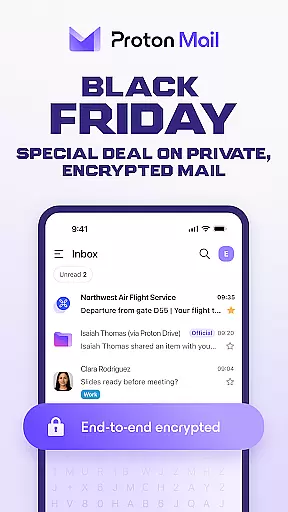
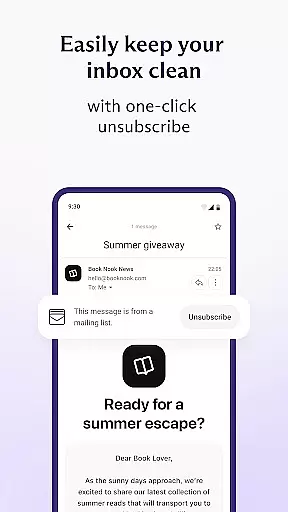
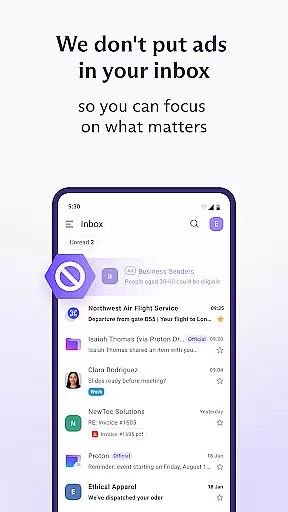
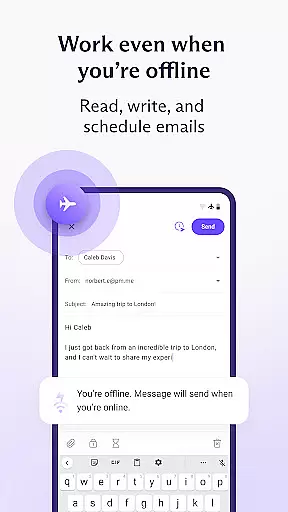

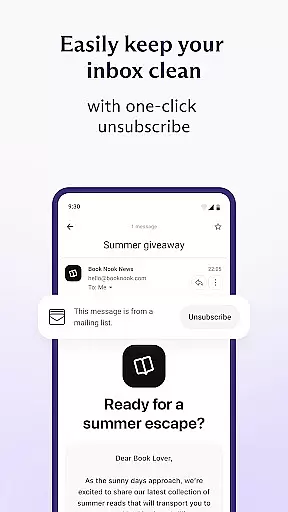
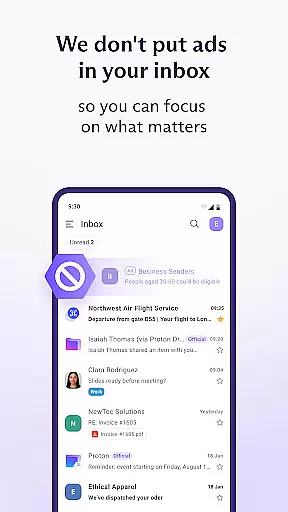
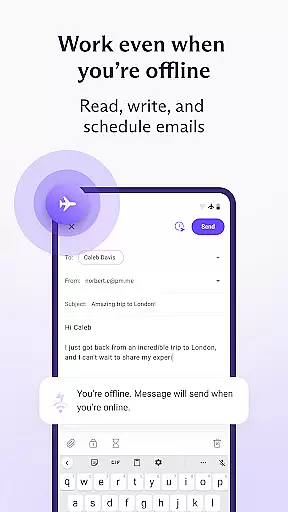
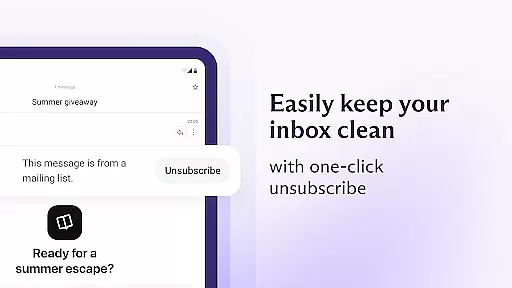
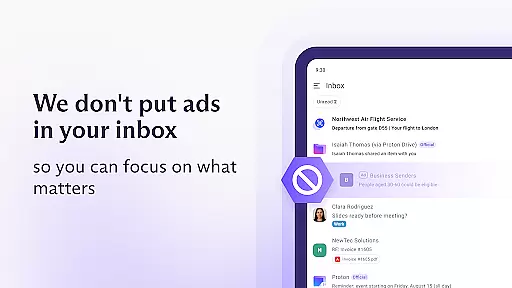
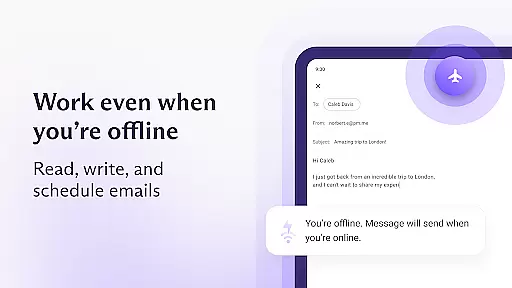
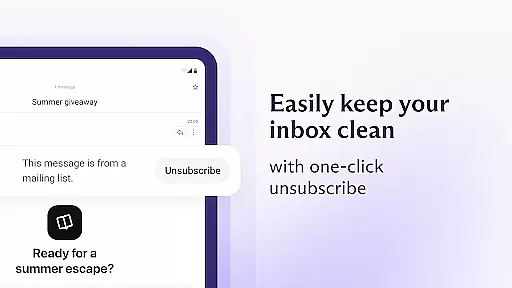
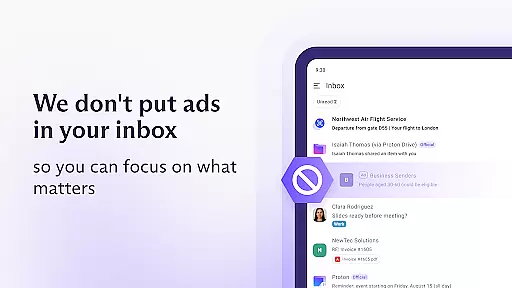
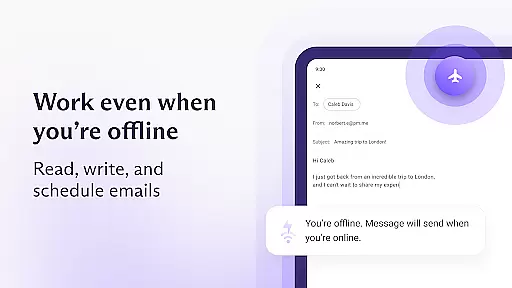
Proton Mail is a cutting-edge encrypted email application designed to provide users with top-tier privacy and security for their communications. The app allows you to create a secure @proton.me or @protonmail.com email address, send and receive encrypted emails and attachments, and manage multiple accounts seamlessly. With features like folders, labels, and swipe gestures, maintaining an organized inbox has never been easier. Additionally, Proton Mail supports dark mode and enables you to send password-protected emails to anyone.
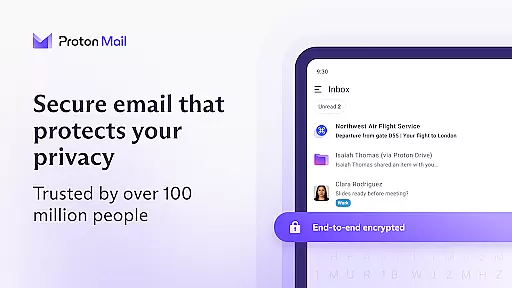
The app stands out due to its commitment to user privacy through rigorous end-to-end encryption and zero-access architecture. This ensures that only the sender and recipient can read the emails, eliminating the risk of interception. Proton Mail also offers industry-leading protection against phishing, spam, and tracking, making it a reliable choice for safeguarding your digital communications.
Whether you're an individual seeking privacy or a business needing secure communication channels, Proton Mail's comprehensive suite of features provides both ease of use and peace of mind. Its intuitive design and robust security measures make it suitable for managing sensitive information without compromising on usability.
Proton Mail boasts a variety of advanced features that cater to users who prioritize privacy and security. One of its standout capabilities is end-to-end encryption, ensuring that your emails are protected from unauthorized access at all times. This feature is complemented by zero-access architecture, which means even Proton Mail cannot decrypt your messages, providing an unparalleled level of privacy.
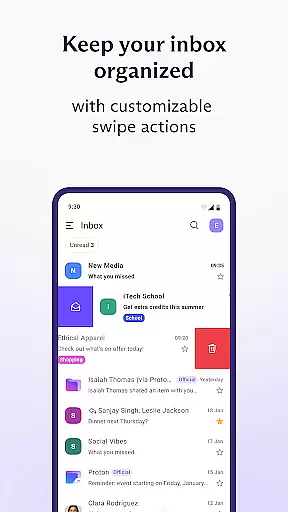
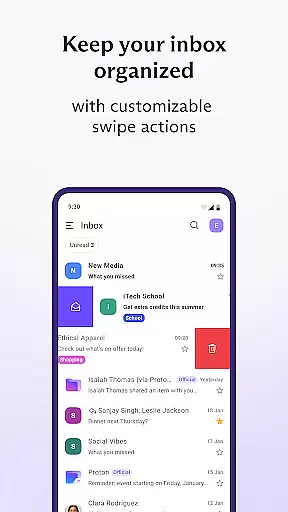
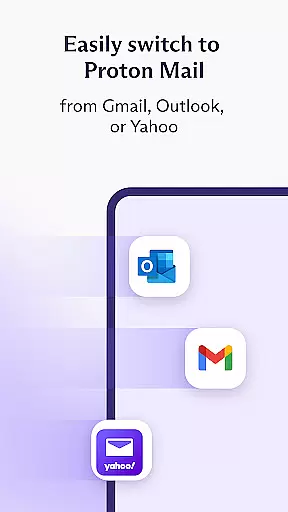
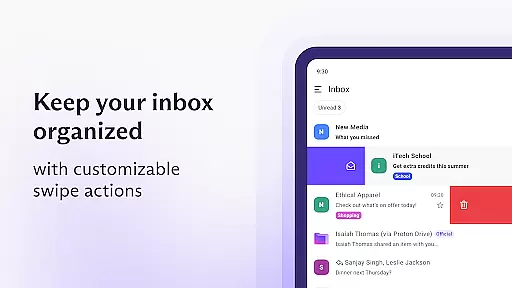
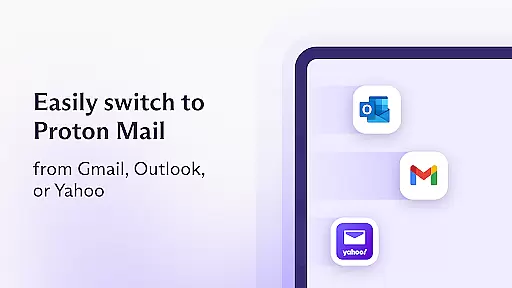
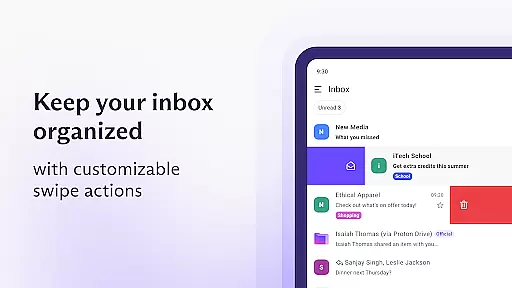
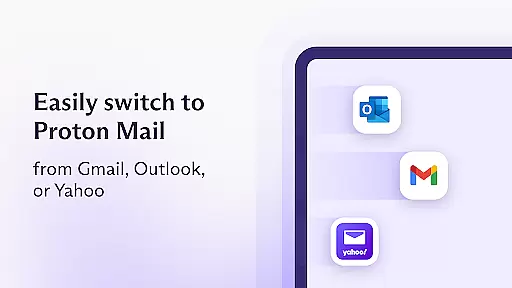
In addition to encryption, the app includes practical tools for efficient inbox management. Users can take advantage of folders, labels, and simple swipe gestures to keep their inboxes organized. Notifications for new emails ensure you're always up-to-date, while dark mode offers a comfortable viewing experience. Moreover, Proton Mail allows you to migrate from other email services like Gmail and Outlook effortlessly using the Proton Easy Switch feature, enabling automatic transfer of messages, calendars, and contacts.
Another notable feature is the ability to auto-forward emails from Gmail accounts directly into your Proton Mail inbox. This functionality combines convenience with enhanced privacy, allowing you to consolidate your emails while maintaining an additional layer of protection. Overall, these features collectively enhance both the security and usability of the application, setting it apart from traditional email services.
Real-time messaging speed and reliability are crucial for any communication app, ensuring that messages are delivered instantly and without fail. Proton Mail excels in this area by providing a seamless experience where encrypted emails and attachments can be sent and received with ease.
The app's infrastructure is designed to handle high volumes of communications efficiently. Messages are stored on Proton Mail servers using end-to-end encryption at all times, which not only secures your data but also ensures that it is transmitted swiftly between Proton servers and user devices. This largely eliminates the risk of message interception, providing users with peace of mind.
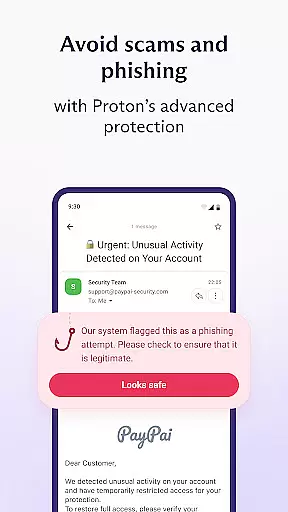
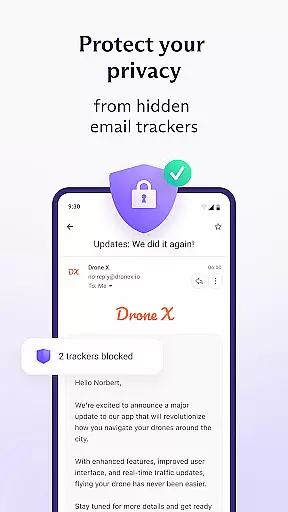
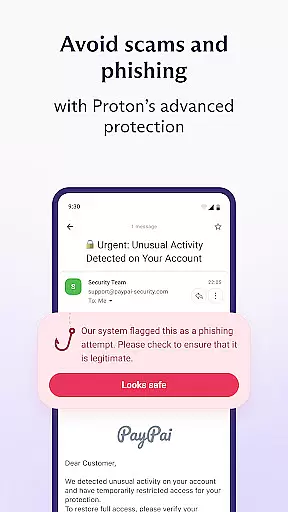
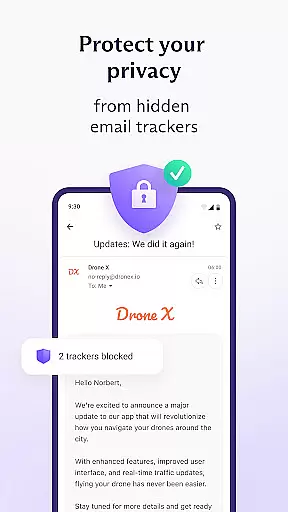
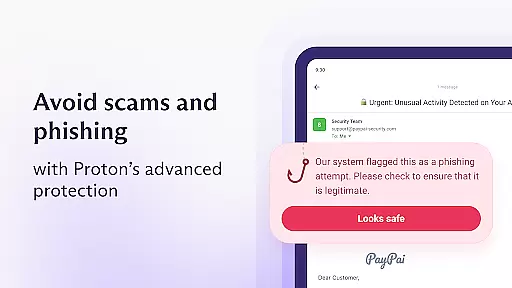
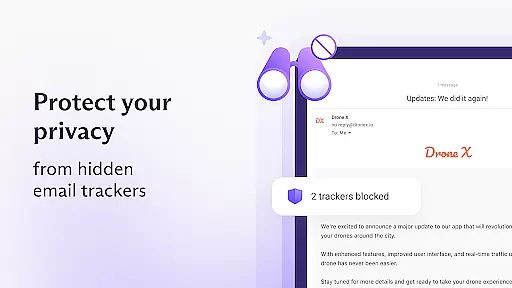
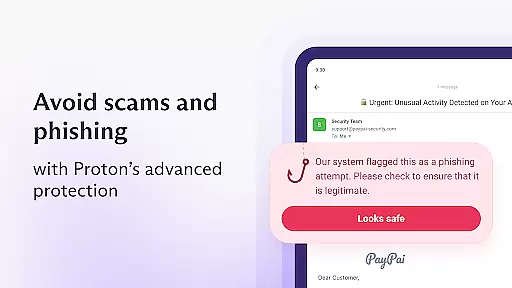
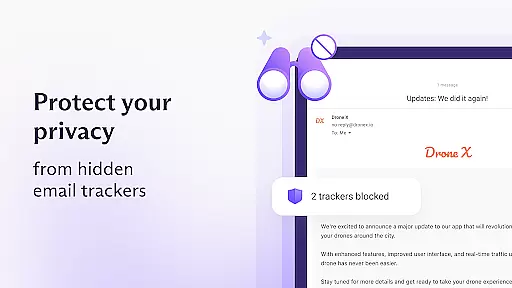
Moreover, Proton Mail offers strong protection against phishing, spam, and spying or tracking. The robust security measures guarantee that your communications remain private and reliable. With features like zero access architecture and open-source cryptography, you can trust that your messages are delivered securely and promptly every time.
Media sharing support is an essential feature for modern communication apps, allowing users to exchange various types of media effortlessly. Proton Mail facilitates this by enabling users to send password-protected emails with attachments, ensuring both convenience and security.
The app supports a wide range of file formats, making it versatile for different needs. Whether you need to share documents, images, or other files, Proton Mail ensures they are encrypted and protected during transmission. This means your shared media remains confidential and cannot be accessed by unauthorized parties.
In addition to secure media sharing, Proton Mail provides tools such as folders, labels, and simple swipe gestures to help keep your inbox organized. These features enhance the overall user experience by making it easier to manage and retrieve shared media. By combining advanced encryption with user-friendly functionalities, Proton Mail delivers a comprehensive solution for secure and efficient media sharing.
End-to-end encryption
Zero-access architecture
User-friendly interface
Auto-forwarding from Gmail
Comprehensive privacy protection
Limited free storage
Occasional slow performance
No native calendar support
Paid features required for full functionality
Learning curve for new users

Manage BoostMobile Account
 4.60
4.60
Official NDI app: turn your phone into a professional live-streaming IP camera.
3.20
Welcome to the future of phone service.
4.60
Caller ID App! Add names & photos to unknown calls & Call Recording
4.40
An agentic AI browser for Android, built by Perplexity
4.50
Auto Reply SMS, Text Messaging, Away SMS Response, Busy SMS messages, Block Text
3.10
Read OBD2 data and DTCs Create custom dashboards Enhanced diagnostics available
4.70
Say “hello” to privacy.
4.60
Group Chat That’s Fun & Games
4.30
We’re taking the yada yada out of wireless—now we’ve taken it out of your app.
4.70
The ultimate productivity solution for all your email communication needs.
4.40
Manage your data, talk & text - affordable phone plans & data usage made simple
4.30
BiP is a fast, secure, free messaging and HD video calling app!
4.10
Federated instant messaging for your mobile device (Jabber, XMPP, Snikket)
4.10
Tether to Windows, OS X, Linux PCs or Android tablets. No root. No tether fees.
3.90
Fun, free app that lets kids video call and message family and close friends.
3.80
Manage and Fund Calling Accounts and Schedule and Join Video Sessions
3.60
Fast, Simple And Secure Application That Provides SMBv3 Server On Your Device
3.30
TeamSpeak - Secure Chat for Gaming & Business
3.10


User Reviews