



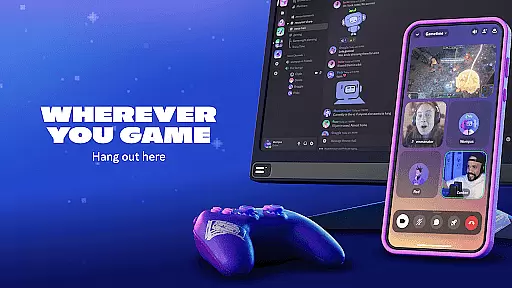
Discord is a versatile communication platform designed primarily for gamers but equally suited for various community interactions. The app allows users to create customized spaces where they can connect with friends, join voice and video chats, and share experiences while playing games or engaging in other activities.
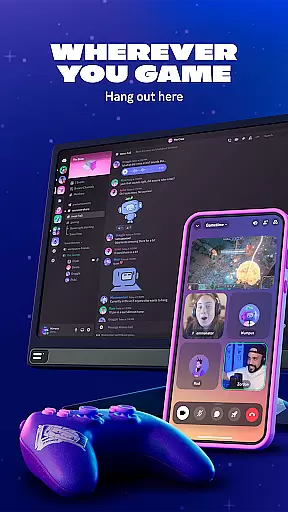
With features like high-quality streaming, customizable avatars, emoji, and stickers, Discord makes digital interactions more personal and engaging. Its seamless integration across devices ensures users can stay connected whether on PC, phone, or gaming console, making it an essential tool for modern social connectivity.
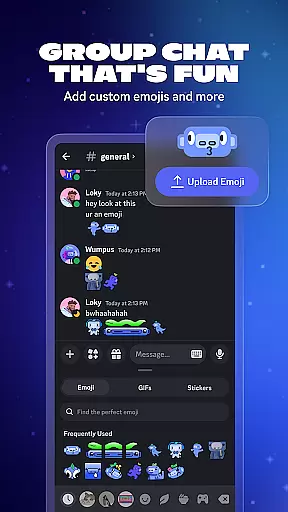
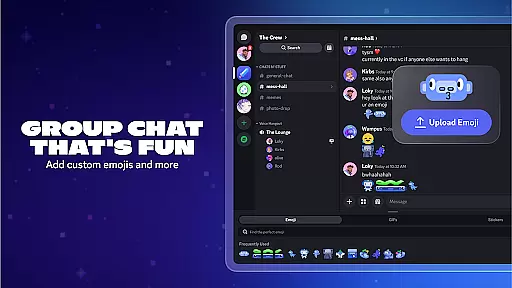
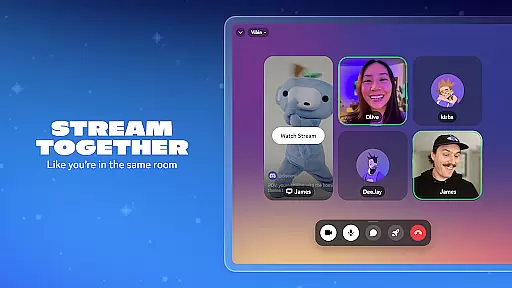
Discord offers a rich set of features that enhance group communication and community building. Users can create custom emoji, stickers, and soundboard effects to personalize their chat experience. The platform supports high-quality, low-latency streaming, allowing users to share screens or media as if they were in the same room.
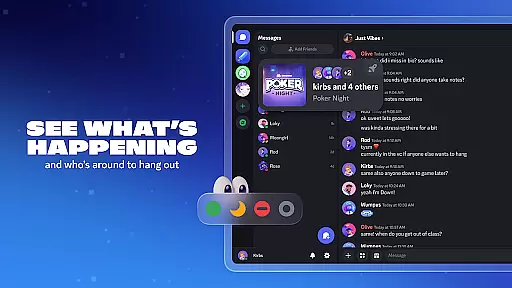
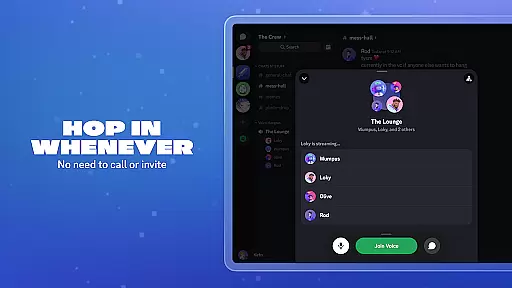
One standout feature is the ability to seamlessly switch between text, voice, and video chats without needing formal invitations, creating a fluid communication environment. Additionally, Discord's presence detection shows who's online and what they're doing, enabling spontaneous connections and collaborations among friends or community members.
Real-time messaging is a cornerstone of effective communication platforms, and Discord excels in this area. The speed at which messages are delivered and received can significantly impact the flow of conversation and user satisfaction.
Discord ensures that messages are transmitted almost instantaneously, allowing users to maintain seamless conversations whether they're strategizing in a game or casually chatting with friends. This immediacy creates an engaging environment where interactions feel natural and unforced.
The platform's infrastructure is designed to handle high volumes of messages without compromising on performance. Users can rely on Discord to deliver their messages promptly, even during peak usage times when servers might be under heavy load.
Moreover, the reliability of message delivery means that users won't miss out on important updates or moments within their communities. With Discord, every word counts, and every message has the potential to strengthen connections among its users.
In today's digital age, sharing media is an integral part of online communication. Discord recognizes this need by providing robust support for various types of media files, enhancing the way users interact and share content.
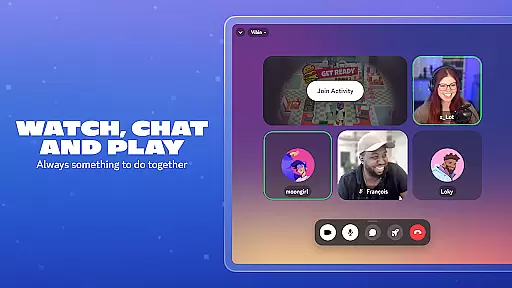
Users can effortlessly send images, videos, and audio clips within their chats, enriching conversations with visual and auditory elements. This feature allows gamers to share epic gaming moments, friends to exchange funny memes, and communities to collaborate on creative projects using diverse media formats.
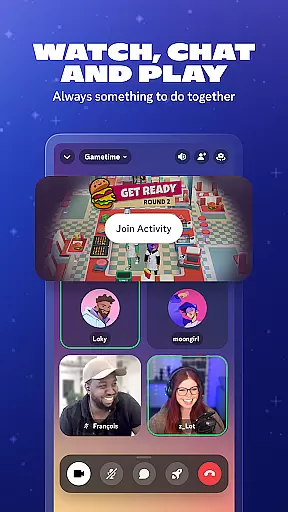
Furthermore, Discord supports streaming media directly within voice channels, enabling groups to watch movies, listen to music, or engage in live events together as if they were physically present in the same room.
The platform's commitment to supporting a wide array of media types ensures that no matter what kind of content users wish to share, Discord provides a reliable and versatile environment for doing so, fostering deeper engagement and connection among its community members.
User-friendly interface
High-quality streaming
Customizable profiles
Cross-device compatibility
Vibrant community ecosystem
Occasional server outages
Learning curve for new users
Limited offline functionality
Resource-intensive on older devices
Privacy concerns with public servers

Manage your data, talk & text - affordable phone plans & data usage made simple
 4.30
4.30
We’re taking the yada yada out of wireless—now we’ve taken it out of your app.
4.70
Enjoy secure messaging & calling. Safe Messenger: group chats, calls, messages.
4.20
Welcome to the future of phone service.
4.60
A softphone with crystal clear SIP Calling & Reliable VoIP dialer
4.00
Stay in touch with the people who matter most.
4.60
A browser that does more than load page, like keeping your privacy safe.
4.70
Get through your inbox faster with the mail app designed to simplify your life.
4.40
Telegram is a messaging app with a focus on speed and security.
4.00
Read OBD2 data and DTCs Create custom dashboards Enhanced diagnostics available
4.70
Useful. Social. Expressive.
4.70
Identify unknown numbers, block spam calls, customize calls with cool themes.
4.60
Say “hello” to privacy.
4.60
Faster version of Messages. Messenger for your contacts.
4.50
Talk & text free with a second phone number plus unlimited 5G data, no fees.
4.50
2nd Phone Number Line for Anonymous Texting, Calling, and Picture Messages
4.30
HD Video Meeting app is a fast & unlimited video conferencing app across world.
4.30
A customizable phone number in the cloud
4.20
TeamSpeak - Secure Chat for Gaming & Business
3.10


User Reviews