
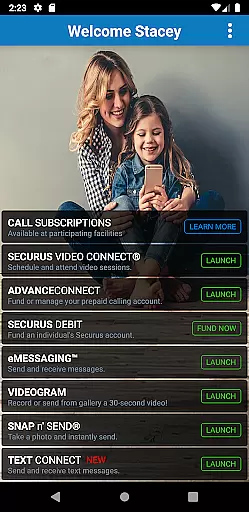
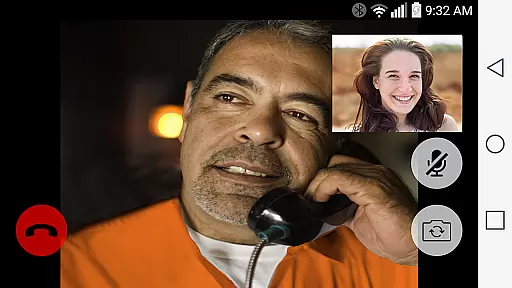

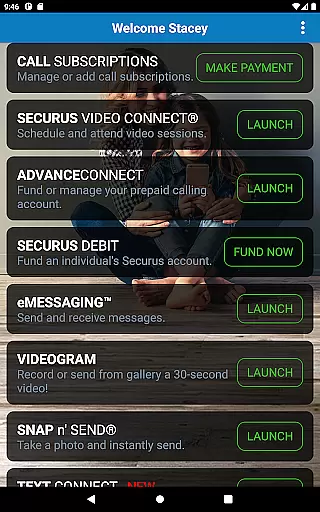
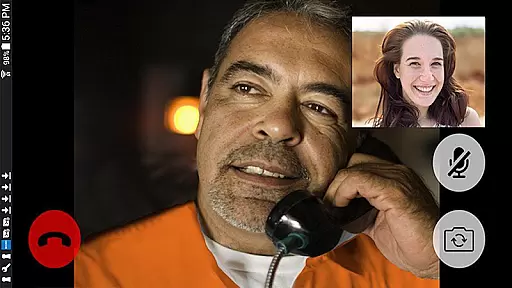

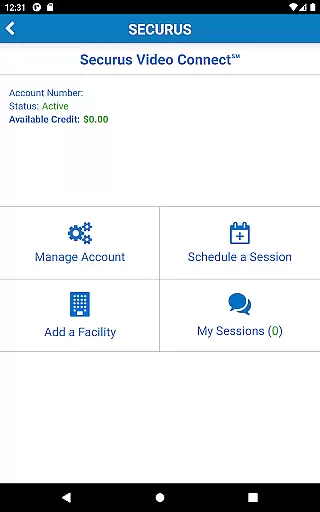
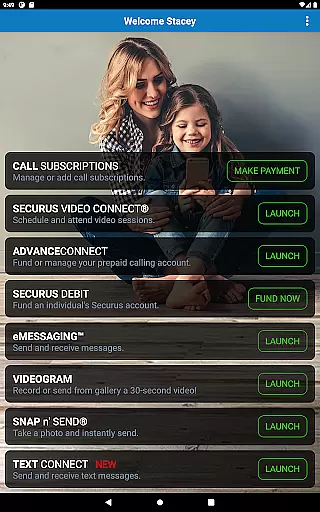

Securus Mobile is a comprehensive communication app designed specifically for staying connected with incarcerated individuals. The app offers multiple ways to maintain contact, including video calls, messaging services, and prepaid calling account management. With features like Video Connect®, users can schedule and conduct video sessions from anywhere in the world with Wi-Fi or cellular data service. Additionally, the messaging services allow users to send and receive messages, eCards, and even short video messages called VideoGrams.
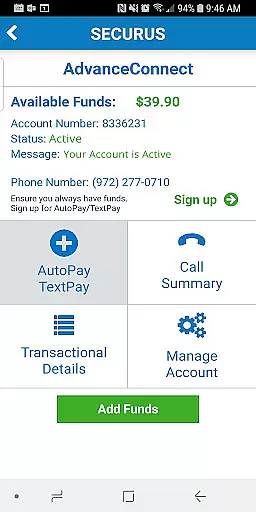
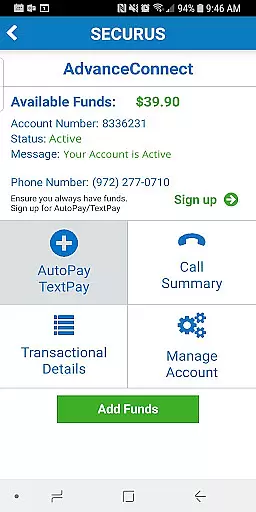
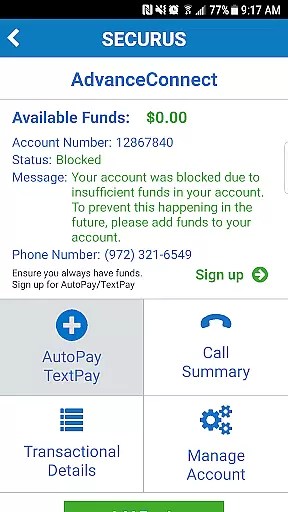
The app also provides robust account management tools. Users can create and manage their Securus Online accounts, update passwords and PINs, and set up security questions. For those utilizing the AdvanceConnect feature, funds can be added and managed to ensure seamless communication. The Securus Debit system allows deposits for the incarcerated individual to use for various services, such as making calls or purchasing digital content. Overall, Securus Mobile ensures reliable and convenient communication solutions tailored to the unique needs of its users.
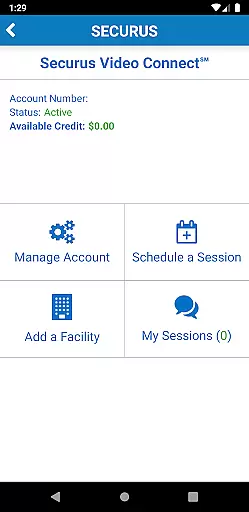
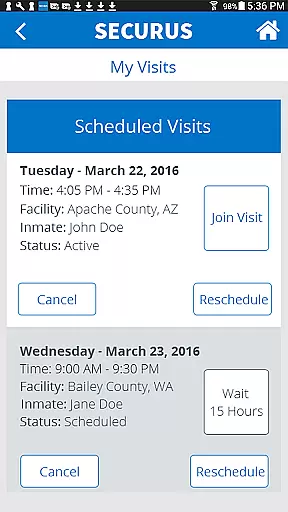
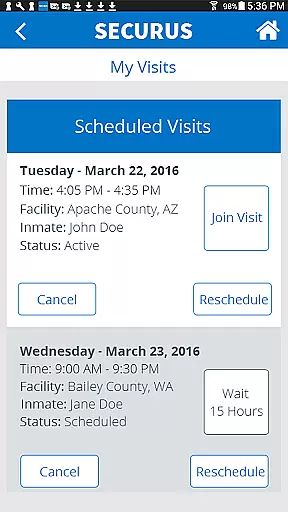
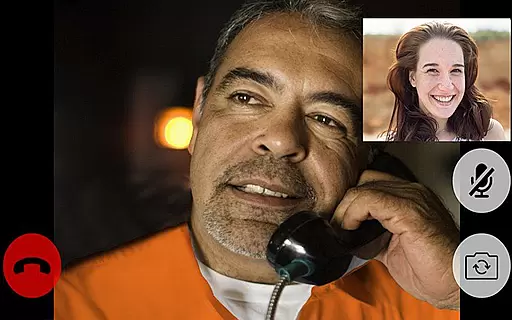
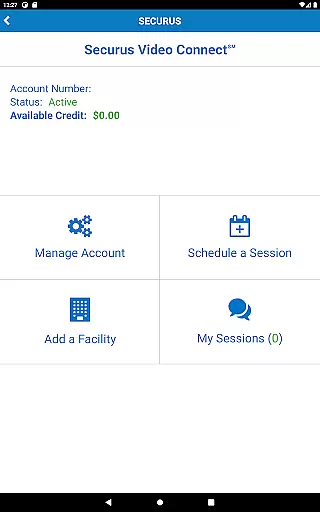
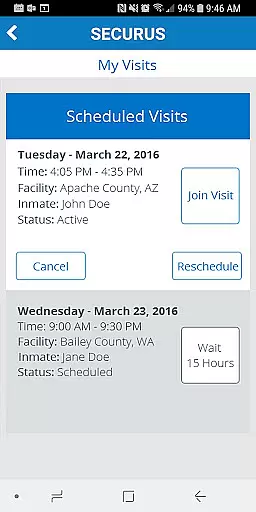
Securus Mobile boasts an array of features that cater to diverse communication needs. One of its standout features is Video Connect®, which enables users to enroll, schedule, and manage video sessions with incarcerated individuals. This feature includes functionalities like syncing session details with personal calendars, receiving notifications for upcoming sessions, and testing Wi-Fi or cellular connections to ensure optimal video quality.
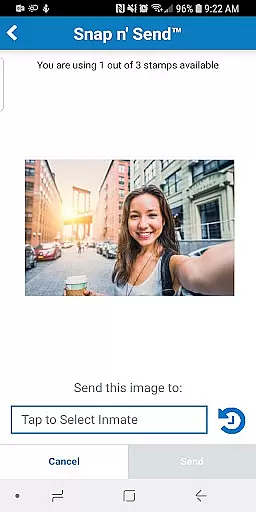
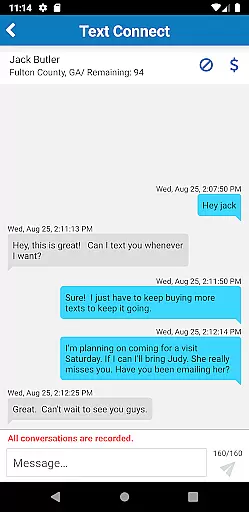
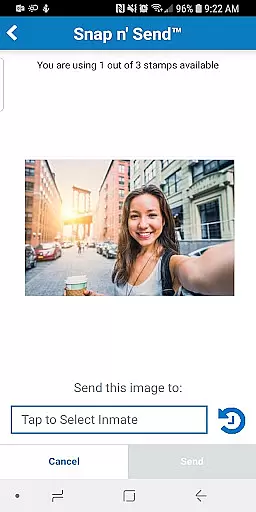
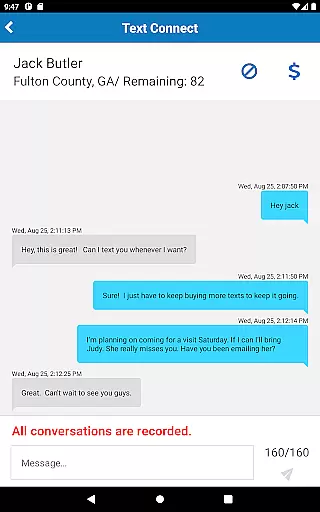
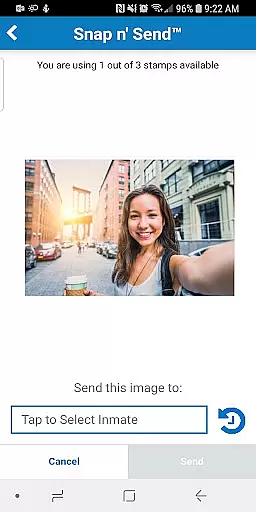
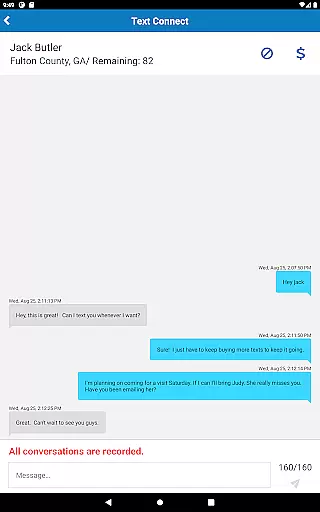
In addition to video capabilities, the app excels in messaging services. Users can engage in eMessaging™, allowing them to send and receive messages, attach photos, and even send digital greeting cards known as eCards. The Snap n’ Send™ feature lets users capture and send selfies directly from their gallery. Furthermore, the Securus Text Connect feature facilitates real-time two-way text messaging, complete with options to purchase 'Connects' and set up automatic re-purchases when balances run low. These features collectively provide a versatile platform for maintaining meaningful connections.
Real-time messaging speed and reliability are crucial for maintaining seamless communication, especially in sensitive environments like the Securus Mobile app. This application ensures that messages, whether text or multimedia, are delivered promptly and consistently.
The Securus Mobile app achieves this through robust server infrastructure and optimized data transmission protocols. Users can send eMessages, eCards, and even 30-second VideoGrams with confidence, knowing their content will reach the intended recipient without delays.
For users, this means they can maintain regular contact with incarcerated individuals without worrying about message delivery failures. The app's reliable messaging system supports features like Snap n' Send, allowing users to share selfies or gallery photos effortlessly.
Moreover, the Securus Text Connect feature enhances real-time communication by enabling two-way short message exchanges. With notifications for incoming texts and low balance alerts, users can stay engaged and informed, ensuring continuous and dependable interaction.
Media sharing support is a vital component of modern communication apps, allowing users to exchange various forms of digital content seamlessly. In the Securus Mobile app, media sharing encompasses a wide range of functionalities designed to enhance user interaction and engagement.
Users can attach multiple photos and eCards to their messages, enriching their communication with visual elements. The Snap n' Send feature lets users capture new images or select from their gallery, providing flexibility and convenience in media sharing.
Beyond static images, the app facilitates the sending of 30-second VideoGrams, adding a dynamic layer to personal interactions. This comprehensive media support ensures that users can express themselves fully and meaningfully, regardless of the physical distance.
Additionally, the app's compatibility with different media formats and its integration with services like Video Connect underscore its commitment to delivering a versatile and user-friendly media sharing experience. By supporting diverse content types, Securus Mobile empowers users to maintain rich, engaging connections.
User-friendly interface
Comprehensive account management
High-quality video sessions
Versatile messaging options
Convenient fund management
Requires Android 11.0+
Limited to specific facilities
Additional costs for premium features
Dependent on facility regulations
Potential connectivity issues

Adblock & VPN Browser: Blocks banners, pop-ups and video ads, fast downloader!
 4.60
4.60
Quickly and easily identify and block unknown callers
3.70
Fun, free app that lets kids video call and message family and close friends.
3.80
HD Video Meeting app is a fast & unlimited video conferencing app across world.
4.30
An agentic AI browser for Android, built by Perplexity
4.50
A softphone app with seamless SIP calling and an intuitive VoIP dialer
3.50
FolderSync enables easy sync of files between cloud storage and Android devices.
4.60
Simple tool for businesses to talk to their customers.
4.40
Enhance browsing with AI-powered features and Copilot.
4.70
Manage your mobile phone plan, check unlimited 5g data usage and track rewards
4.50
Our Black Friday sale is here. Unlock special discounts on Proton Mail now.
4.30
A customizable phone number in the cloud
4.20
Google's fast and secure browser
4.10
A softphone with crystal clear SIP Calling & Reliable VoIP dialer
4.00
Message and video call your family and friends in HD!
3.80
A Browser with powerful ad blocker to help focus on what really matters.
3.00
Chat on the Jabber network (XMPP protocol); support for SMS and other gateways
2.10
Watchgram for Telegram: Experience seamless Telegram messaging on your watch
1.80
Radio communication simulator for gaming communities
4.1


User Reviews