
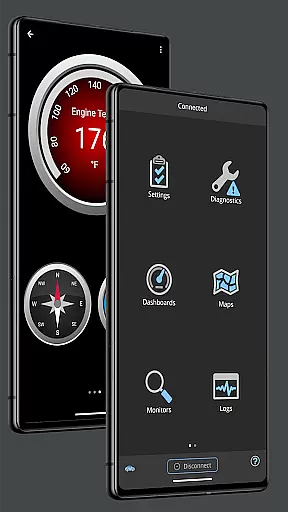
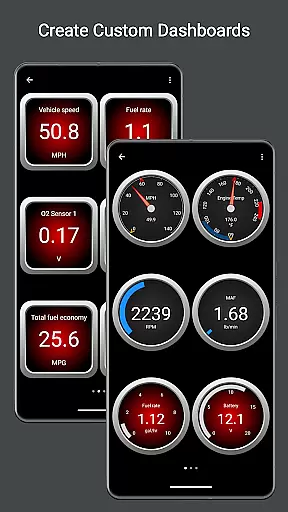
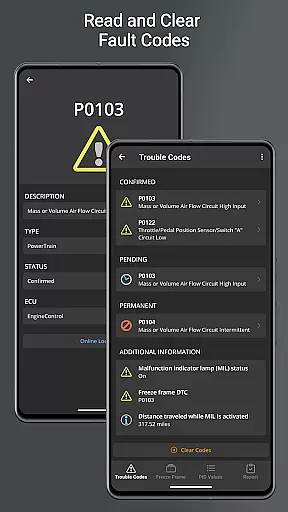
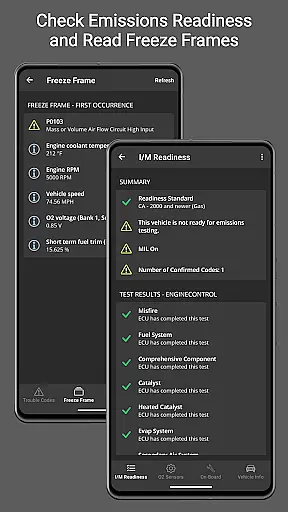
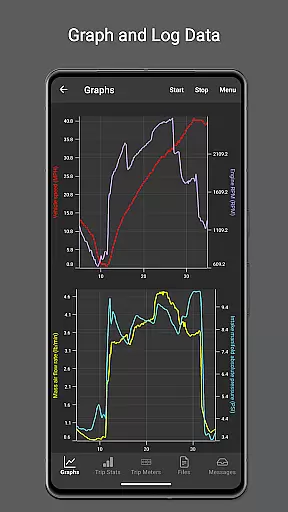
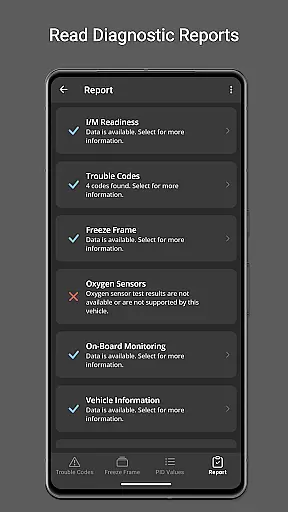
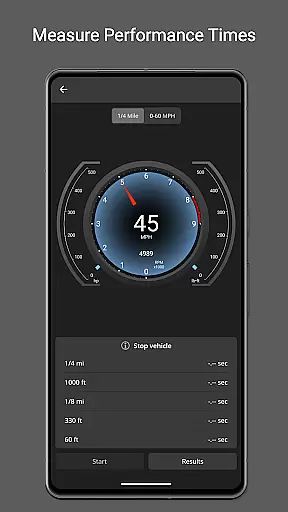
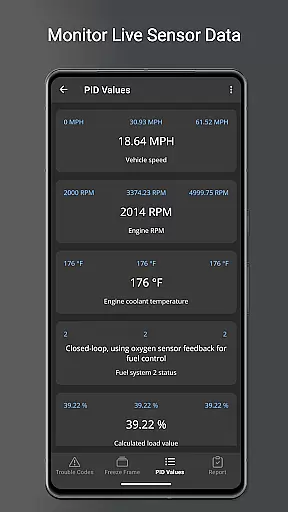
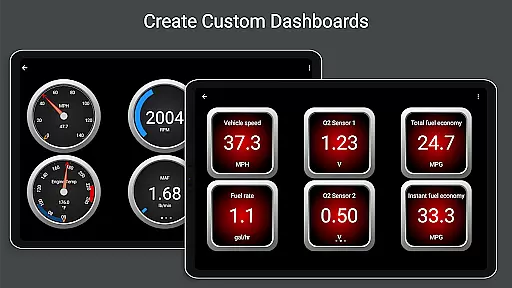
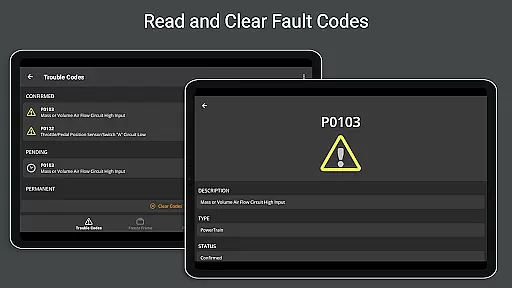
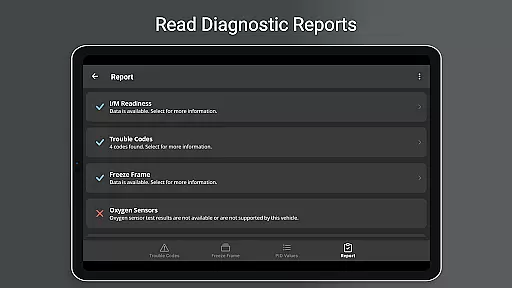
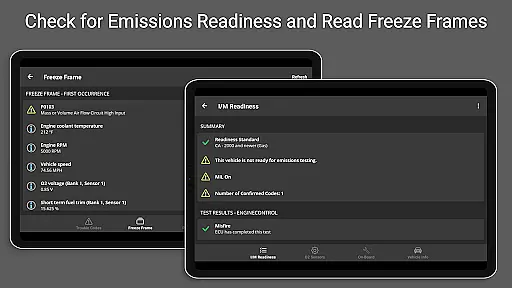
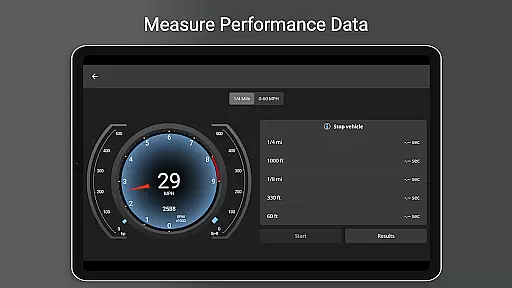
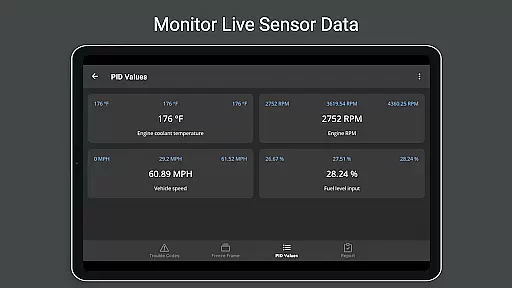
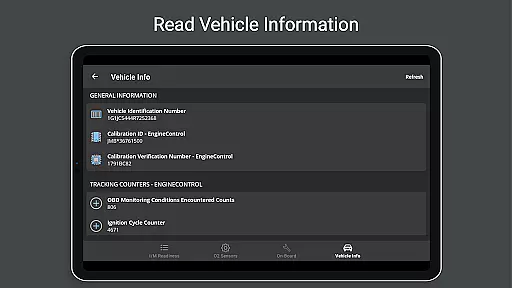
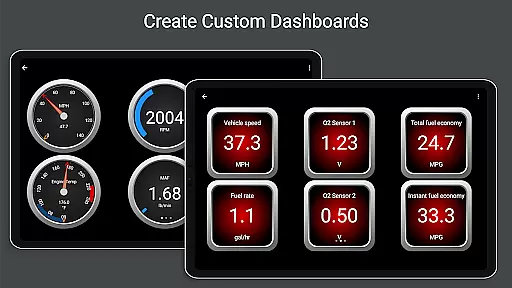
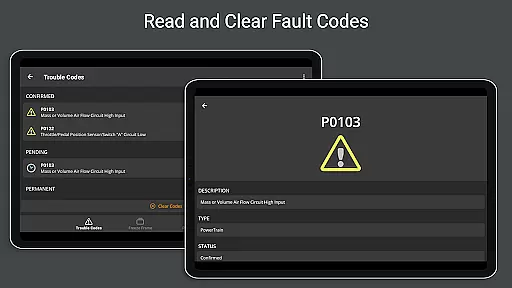
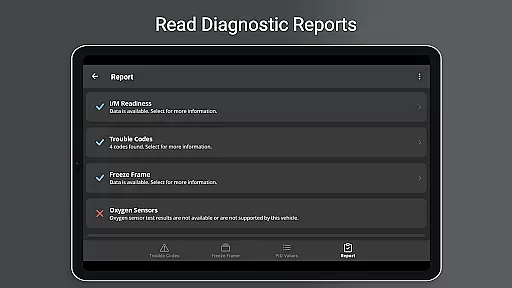
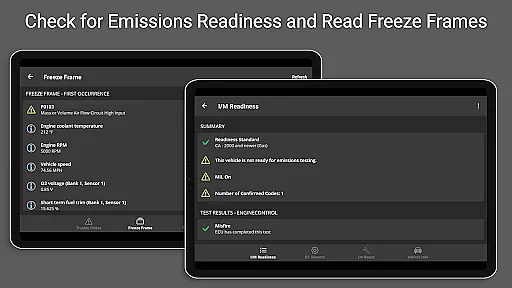
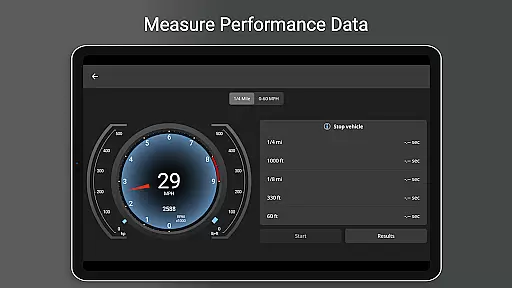
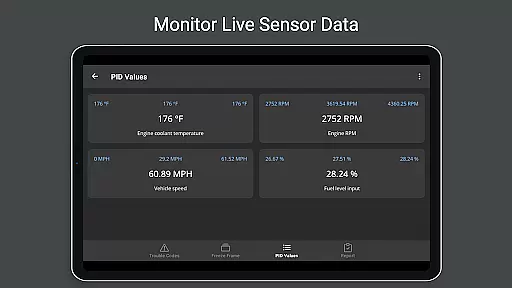
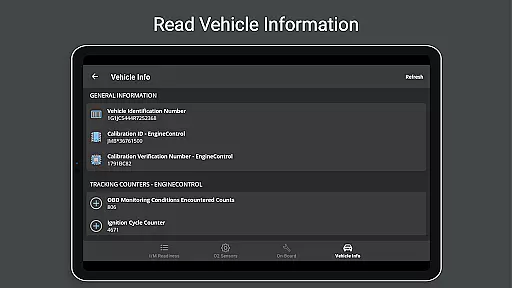
OBD Fusion is a comprehensive vehicle diagnostics tool designed for Android users, enabling direct access to OBD2 vehicle data. This app allows you to read and clear diagnostic trouble codes, estimate fuel economy, and monitor real-time vehicle sensor data through customizable dashboards. With features like emission readiness checks, oxygen sensor tests, and detailed diagnostic reports, it caters to professional mechanics and car enthusiasts alike.
The application supports multiple connection methods including Bluetooth, USB, and Wi-Fi, offering flexibility in device compatibility. Whether you're looking to troubleshoot your check engine light or create detailed logs of your vehicle's performance, OBD Fusion provides the necessary tools to keep your vehicle running smoothly while delivering valuable insights into its operation.
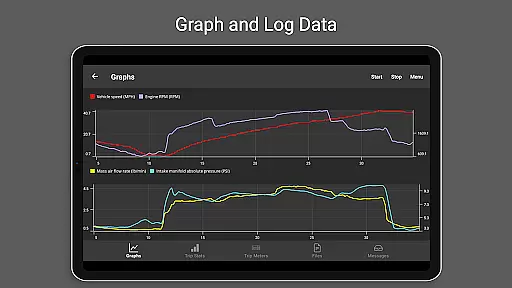
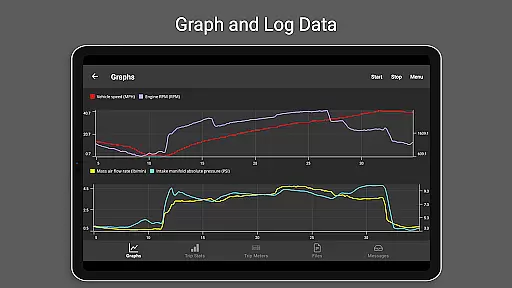
OBD Fusion stands out with its extensive feature set tailored for both casual users and automotive professionals. The app offers real-time graphing of vehicle sensors, customizable dashboard displays, and advanced diagnostic capabilities such as reading freeze frame data and monitoring on-board systems. These features are complemented by support for over 150 standard OBD-II parameters, making it a versatile tool for vehicle analysis.
One of the key strengths of OBD Fusion is its ability to calculate fuel economy in various units and log this data for future reference. Additionally, the app includes specialized functions for certain vehicle brands, enhanced PID support, and integration with Android Auto. Users can also export diagnostic data in CSV format, providing an added layer of utility for those who need to analyze their vehicle's performance in detail.
Real-time messaging speed and reliability are crucial for effective vehicle diagnostics. OBD Fusion excels in this area by providing instantaneous data transfer between the vehicle's onboard diagnostics system and the user's Android device.
The app supports multiple connection methods including Bluetooth, Bluetooth LE, USB, and Wi-Fi, ensuring that users can choose the most reliable and fastest option available for their specific setup. This flexibility significantly enhances the real-time communication experience.
With OBD Fusion, mechanics and car enthusiasts can quickly access critical information such as diagnostic trouble codes, fuel economy readings, and sensor data without delays. This immediacy allows for prompt decision-making and efficient troubleshooting.
Furthermore, the robust connection protocols used by OBD Fusion minimize the risk of disconnections or data loss during important diagnostic sessions, thereby maintaining a high level of reliability that professionals and DIYers can depend on.
Media sharing support is an essential feature for users who need to export and share diagnostic data and reports. OBD Fusion offers comprehensive media sharing capabilities that allow users to log data to CSV format and export it for viewing in any spreadsheet application.
This functionality enables mechanics and car owners to keep detailed records of vehicle performance over time, which can be crucial for tracking issues, maintenance planning, and sharing information with other stakeholders such as repair shops or insurance companies.
In addition to data logging, OBD Fusion provides a full diagnostic report feature. Users can generate detailed reports that include all relevant diagnostic information, which can then be stored locally or emailed directly from the app.
By supporting various units and offering customizable options, OBD Fusion ensures that the shared media is presented in a clear and professional manner, enhancing communication and collaboration among all parties involved in vehicle maintenance and diagnostics.
User-friendly interface
Comprehensive diagnostic tools
Customizable dashboard options
Supports multiple connection types
Detailed reporting features
Requires compatible scan tool
Limited free version functionality
Some features brand-specific
Advanced settings may overwhelm beginners
Occasional connectivity issues reported

فیلتر شکن قوی پرسرعت کلید جدید برای اندرویدسریع ترین وی پی ان برای همه اپراتورها
 4.70
4.70
Official NDI app: turn your phone into a professional live-streaming IP camera.
3.20
RemoteHams.com Android RCForb Client Pre-Release
4.30
Use this SMS app standalone or as a TREK: Total Interface companion.
4.30
Weargram is an unofficial Telegram Client for Wear OS.
3.50
Call & Text Anywhere With A Canadian Number.
3.60
A browser that does more than load page, like keeping your privacy safe.
4.70
Simple tool for businesses to talk to their customers.
4.40
Say “hello” to privacy.
4.60
Fast internet with AI, Adblock & VPN. Browse on a safe, incognito web browser.
4.70
Useful. Social. Expressive.
4.70
Adblock & VPN Browser: Blocks banners, pop-ups and video ads, fast downloader!
4.60
Faster version of Messages. Messenger for your contacts.
4.50
Talk & text free with a second phone number plus unlimited 5G data, no fees.
4.50
Our Black Friday sale is here. Unlock special discounts on Proton Mail now.
4.30
2nd Phone Number Line for Anonymous Texting, Calling, and Picture Messages
4.30
Telegram is a messaging app with a focus on speed and security.
4.00
Pure modern IRC experience for Android
3.70
Quickly and easily identify and block unknown callers
3.70


User Reviews