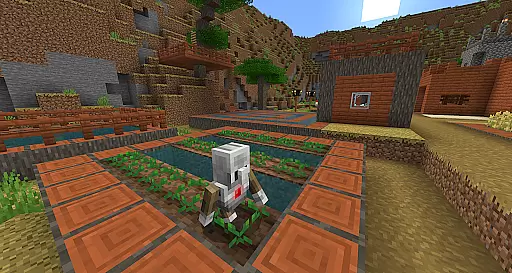
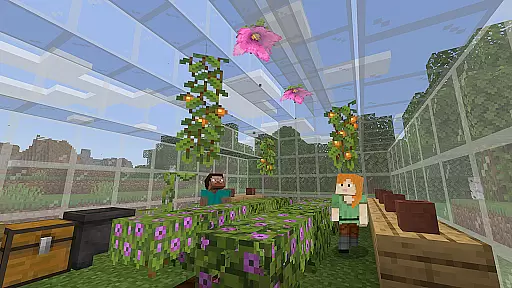
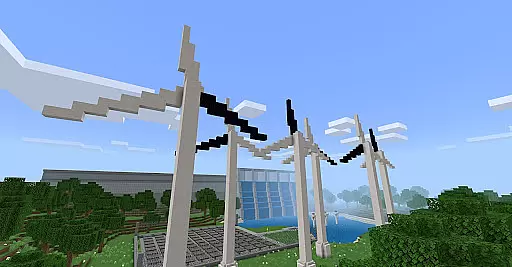
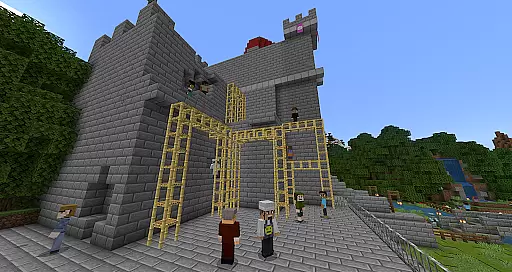
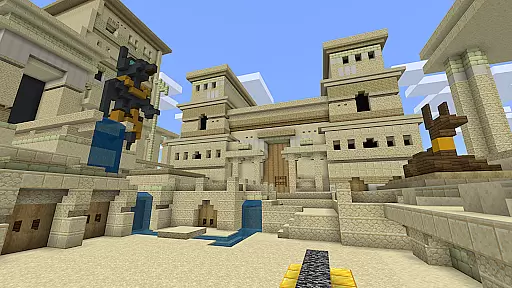
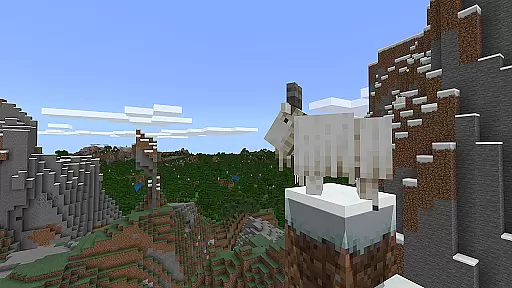
Minecraft Education is a game-based learning platform designed to inspire creative and inclusive education through interactive play. This educational tool allows students and educators to explore blocky worlds that present innovative ways to engage with any subject or challenge. From math and history to coding and STEM topics, Minecraft Education offers a versatile environment for all types of learners.
The platform provides ready-to-teach lessons, creative challenges, and open-world environments, making it adaptable to various teaching styles and student needs. It helps develop essential skills such as problem-solving, collaboration, and critical thinking while sparking interest in STEM fields. With features like multiplayer collaboration, Code Builder, Immersive Reader, and Microsoft Teams integration, Minecraft Education equips both students and teachers with tools for success.
Minecraft Education stands out with its diverse set of features tailored for modern classrooms. One key feature is the multiplayer mode, which enables real-time collaboration across platforms, devices, and hybrid learning environments. This ensures seamless teamwork regardless of physical location.
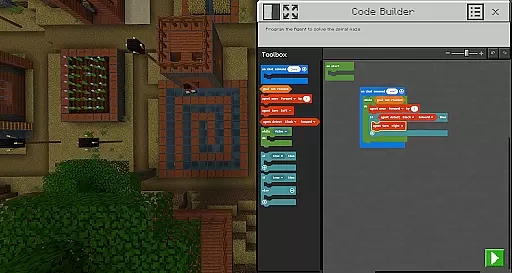
Another highlight is Code Builder, which supports block-based coding, JavaScript, and Python. This intuitive interface allows students to practice coding directly within the game, promoting computational thinking. Additionally, tools like Immersive Reader help players read and translate text, ensuring accessibility for all learners. The Camera and Book & Quill items let users document their creations, while integrations with Microsoft Teams and Flipgrid enhance teacher controls and assessment capabilities.
With partnerships including BBC Earth, NASA, and the Nobel Peace Center, Minecraft Education delivers culturally relevant lessons that connect gameplay to real-world topics. These immersive experiences foster deeper engagement and make learning more impactful.
Minecraft Education stands out in the realm of educational tools by offering content that is both accurate and authoritative. This platform collaborates with reputable organizations such as BBC Earth, NASA, and the Nobel Peace Center to create immersive learning experiences. These partnerships ensure that the lessons and challenges provided are not only engaging but also rooted in real-world knowledge and science.
The app covers a wide array of subjects including reading, math, history, and coding, each designed to align with standardized curriculums. This makes it an invaluable resource for educators aiming to supplement traditional teaching methods with interactive and enjoyable content. The inclusion of culturally relevant lessons further enhances the authenticity and applicability of the educational material.
Moreover, Minecraft Education incorporates features like Immersive Reader, which aids in translating and reading texts, ensuring that language barriers do not hinder learning. This commitment to accessibility and precision in educational content delivery underscores the platform's dedication to providing high-quality, reliable learning resources.
One of the core strengths of Minecraft Education is its ability to offer personalized learning paths tailored to meet the needs of diverse learners. With hundreds of ready-to-teach lessons and creative challenges, educators can easily customize the learning experience to suit individual student requirements. This flexibility ensures that students of all learning types, whether visual, auditory, or kinesthetic, can benefit from the platform's offerings.
The game-based learning environment allows students to explore and build within open worlds, fostering creativity and problem-solving skills. Lessons are designed to be intuitive, removing the need for prior gaming experience and allowing seamless integration into the educational setting. This approach encourages students to take ownership of their learning journey, promoting engagement and motivation.
Additionally, Minecraft Education supports the development of essential future-ready skills such as collaboration, digital citizenship, and critical thinking. By enabling multiplayer modes and integrating tools like Code Builder, which supports various coding languages, the platform equips students with practical skills applicable in the modern workplace. This comprehensive and adaptable learning ecosystem empowers educators to prepare students effectively for future academic and career success.
Engaging learning environment
Multiplayer collaboration
STEM-focused lessons
Accessible design
Real-world applications
Requires subscription
Complex setup
Limited offline use
Device compatibility
Premium pricing

Astronomy app ? Discover the universe scope, explore solar system model in 3D.
 4.20
4.20
Perform physics experiments with your phone. (by the RWTH Aachen University)
4.70
Practice Casino Roulette Payouts for Table Game Dealers and Croupiers
4.40
Enrich the experience of your visit to the Pantheon with our audiotour.
1.60
Master note reading with StaffWars….
4.00
The FE Clock is a way to track sun & moon around the circle of the earth.
4.30
Learn to make peaceful contact with extraterrestrial civilizations
4.10
Professional Award-Winning Astronomy Star Map App With Telescope Control
4.40
Memorize anything efficiently with AnkiDroid! Many pre-built decks available.
4.80
Short Lessons for Better Finances, Health, Skills, Jobs & Relationships.
4.80
Childcare Management App: Daily sheets, sign in-out, billing and learning tools
4.70
Prepare for the BCBA / BCaBA exam. Study ABA with the ABA Wizard app.
4.60
Ignite curiosity, spark learning: All babybus videos &games
4.30
Learn math, step-by-step
4.30
Turns you phone or tablet into TI graphing calculator (ROM required).
4.20
Your guide to thousands of satellites and spacecraft in orbit around Earth!
3.90
An animated storybook app to help ease your child through toilet training.
3.70
Visit Daniel's house & make believe. Play doctor, make music, & feed fish.
3.20
Your best partner for learning Japanese words. Based on a best-selling textbook.
2.90


User Reviews