
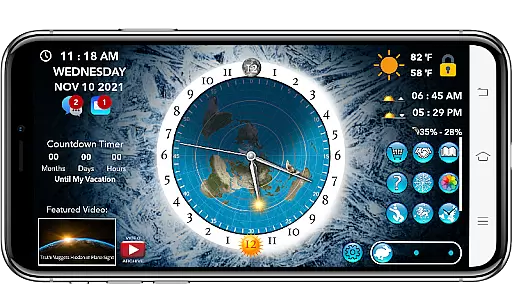
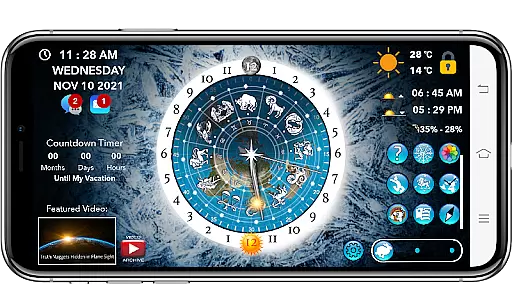
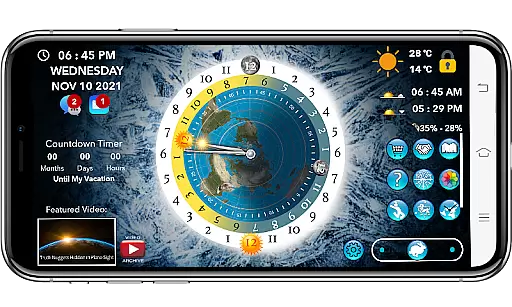
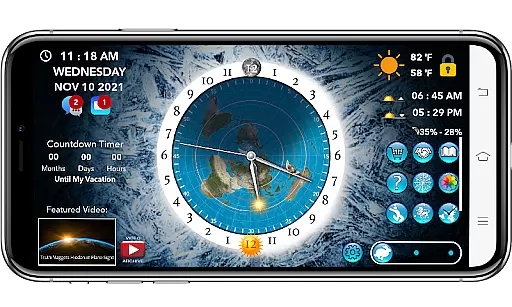
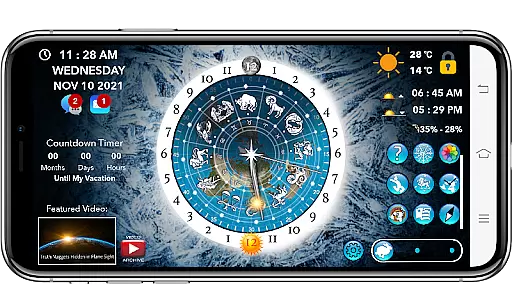
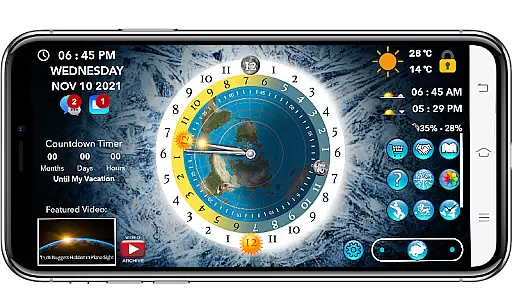
Flat Earth Sun & Moon Clock is an educational app designed for exploring celestial movements and their effects on time, seasons, and weather from a unique perspective. The app allows users to track the sun and moon's positions across the AE map, offering insights into day-night cycles, seasonal changes, and astrological patterns.
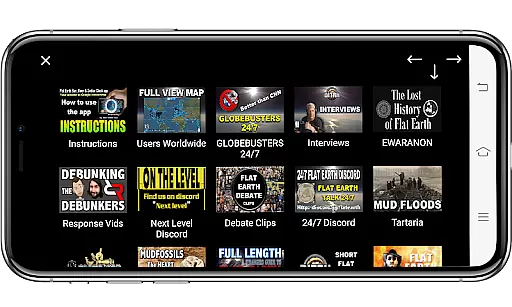
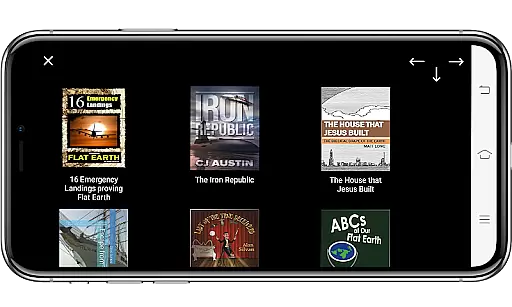
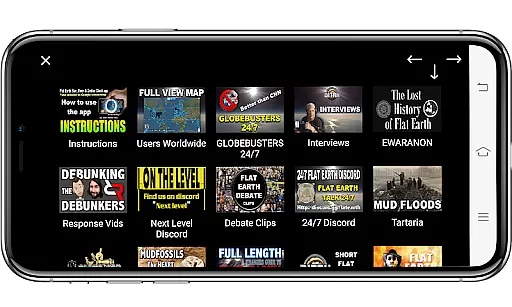
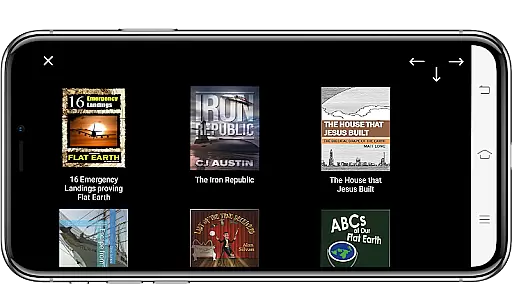
Beyond its core functionality, the app provides various interactive features such as a Zodiac Star Wheel, World Compass, and Analog Clock, enhancing users' understanding of circumnavigation and celestial mechanics. Additionally, it offers educational content, including daily videos, flat earth-related books, and homeschooling resources, making it suitable for both individual learning and family education.
This app is ideal for those interested in alternative perspectives on astronomy and geography, providing tools like customizable backgrounds, local and world weather data, and time-lapse visualizations. With these features, users can deepen their knowledge while enjoying a visually engaging experience.
Flat Earth Sun & Moon Clock stands out with its comprehensive set of features tailored for exploration and education. One of its key highlights is the ability to visualize celestial movements through tools like the Zodiac Star Wheel and World Compass. These features allow users to track the sun and moon's positions in real-time, offering deeper insights into astrological cycles and how navigation works within the flat earth model.
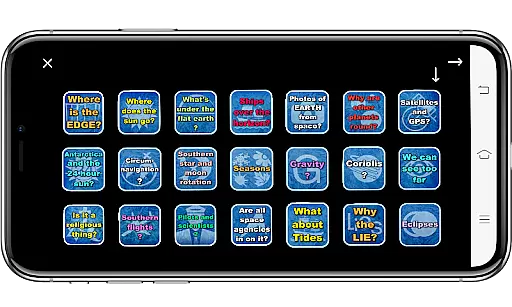
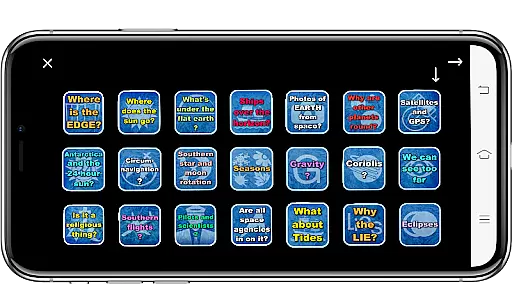
The app also includes social and interactive elements, such as Friend Finder, Match Maker, and Meetup Maker, which connect like-minded individuals globally. Users can engage in messaging, group chats, and even voice or video calls (with subscription). Educational resources like flat earth proof flashcards, curated homeschool links, and a censorship-free video search further enrich the learning experience.
Additional functionalities include customizable backgrounds, local and world weather data, and practical tools like a countdown timer and referral system for earning crypto currency. The optional $10.99 yearly subscription unlocks premium features, making this app a versatile tool for both personal discovery and community engagement.
In the realm of educational applications, content accuracy is paramount for ensuring that users receive reliable information. The Flat Earth Sun & Moon Clock app provides a unique perspective on celestial mechanics through its Azimuthal Equidistant (AE) map feature. This allows users to track the sun and moon's positions with a focus on day-night cycles and seasonal changes.
The app goes beyond simple tracking by incorporating a Zodiac Star Wheel and offering daily educational videos. These features are designed to deepen the user's understanding of astrological cycles and related concepts from an alternative viewpoint. By including flat earth-related books and homeschooling resources, the app creates an ecosystem for learning that spans various age groups and interests.
While exploring these innovative tools, users can be confident in the app's commitment to presenting thought-provoking content. Although the app presents unconventional theories, it encourages critical thinking and discussion. The inclusion of curated homeschool links and memberships to private social media groups further supports ongoing education and community engagement.
Personalized learning paths are essential for catering to individual educational needs, and the Flat Earth Sun & Moon Clock app offers several features that support this approach. Users can customize their experience with options like the Friend Finder, which connects them with like-minded individuals globally while allowing privacy controls over shared information.
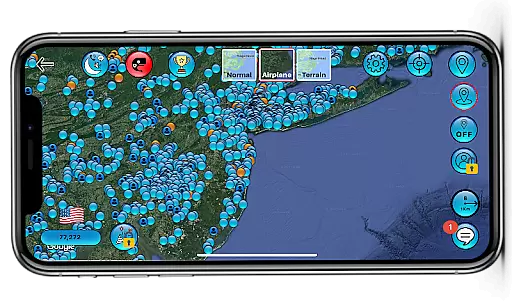
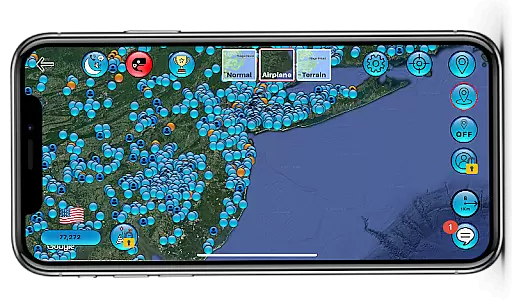
To enhance personalization, the app includes a Match Maker feature for finding people within a selected radius and a Meetup Maker for organizing or joining local events. These social components are complemented by interactive tools such as group chats, voice, and video calls, fostering collaboration and knowledge exchange among users interested in flat earth theories.
Furthermore, the app provides a customizable interface where users can choose backgrounds or upload personal images, making their learning environment more engaging. With additional features like time-lapse simulations and world weather data on the AE map, learners have the flexibility to explore topics at their own pace and according to their interests, creating a truly personalized educational journey.
User-friendly interface
Comprehensive educational content
Interactive social features
Customizable visual settings
Unique flat earth perspective
Premium features require subscription
Limited appeal to general audience
Some features need iOS 14.0+
Occasional ad interruptions
Complex concepts may overwhelm beginners

One of the most engaging and innovative ABC apps on the market.
 4.30
4.30
Bebefinn and Baby Shark educational, animated videos & games for kids
3.40
Learn Words Daily in Just Minutes - Boost Your Language Skills Fast!
4.60
Age-Related Child Developmental Milestones
4.80
Designed for Calculator 84 users
4.20
Astronomy Guide To Night Sky
4.30
Discover Your Place in the Universe
4.70
Stack the States makes learning about the 50 states fun!
4.70
Train, track, and reward potty training using Potty with Pull-Ups® ft. Disney®
4.70
Explore myths and gods across cultures with in-depth insights and stories.
5.00
Experience the sky, planet earth and the solar system like never before
4.90
Short Lessons for Better Finances, Health, Skills, Jobs & Relationships.
4.80
Guitar chord finder, analyzer, smartly visualized theory, progressions, quizzes.
4.70
An easy to use yet powerful and full-featured flashcard study app.
4.50
Astronomy Guide to the Night Sky
4.40
Practice Casino Roulette Payouts for Table Game Dealers and Croupiers
4.40
The "Go To" app for Airmen studying for promotion to SSgt and TSgt
4.30
Pickleball guide complete with illustrated Pickleball drills and helpful info
4.1
Animals pop up and make sounds—learn names and noises in Peekaboo Barn!
4.4


User Reviews