
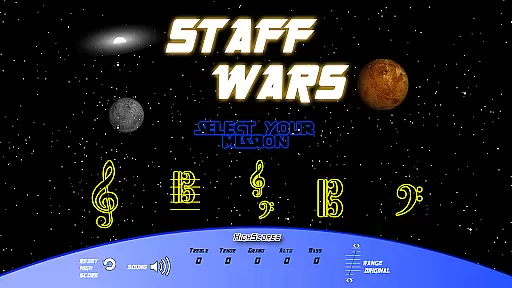
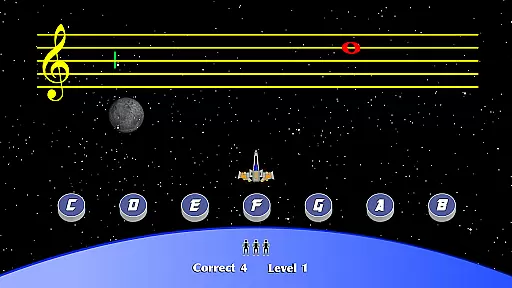
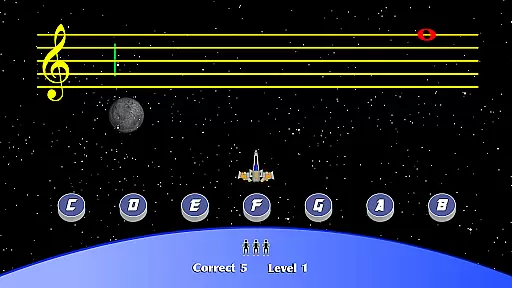
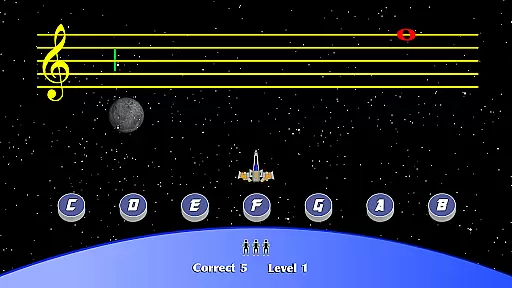
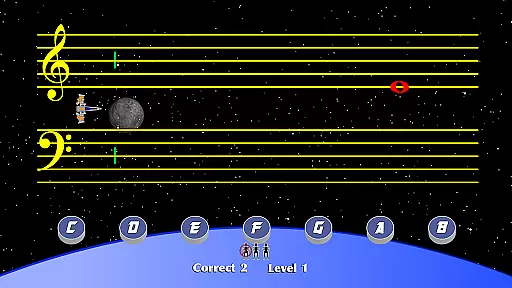
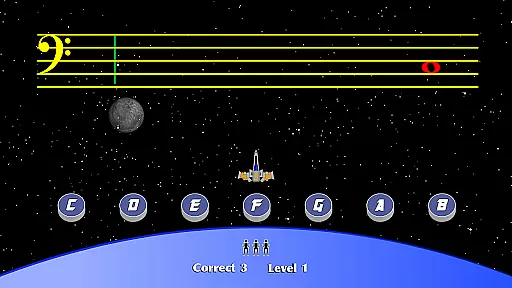
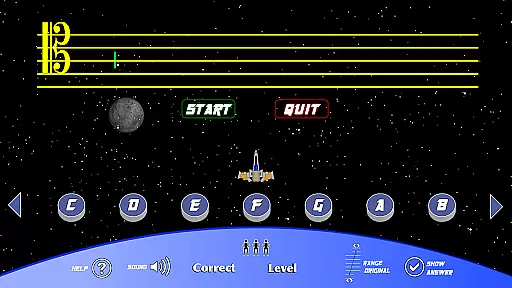
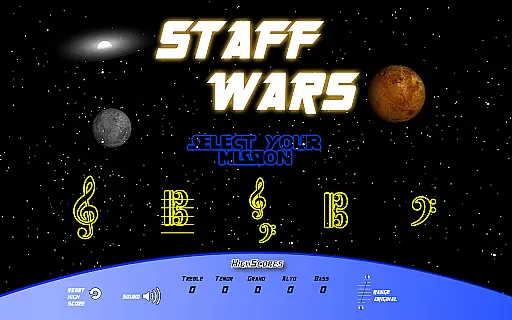
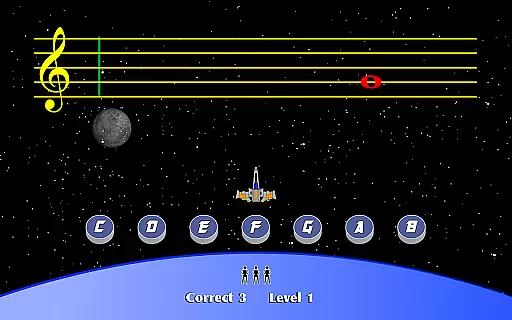
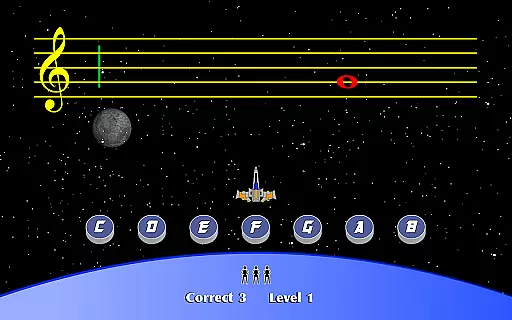
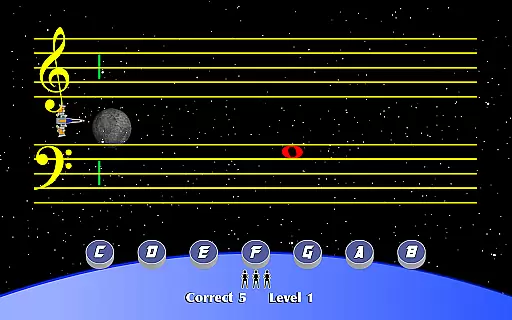
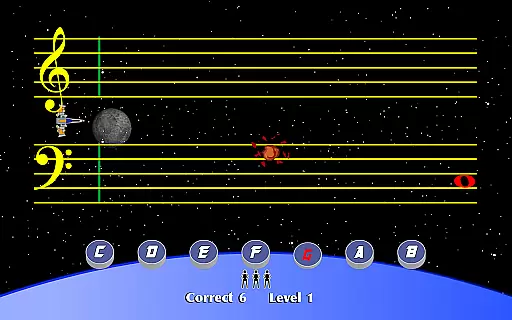
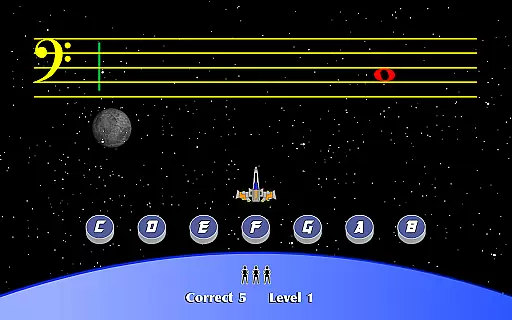
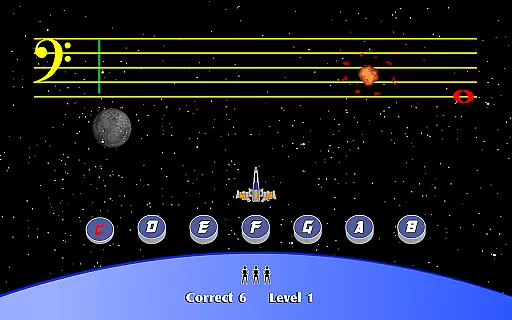
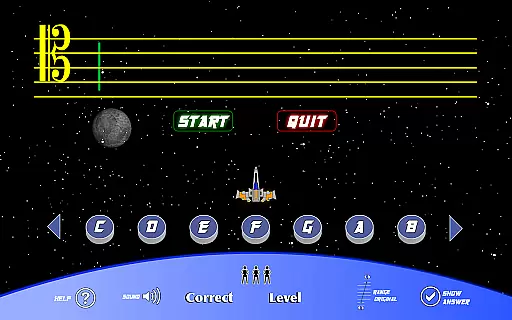
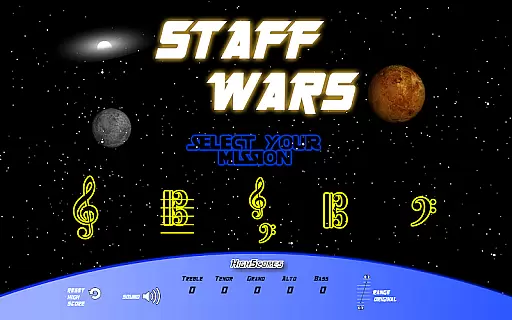
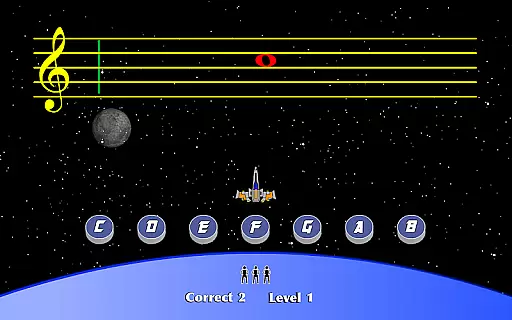
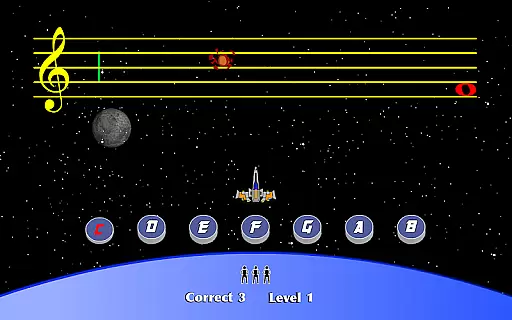
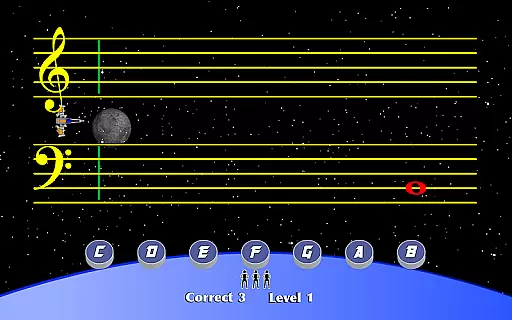
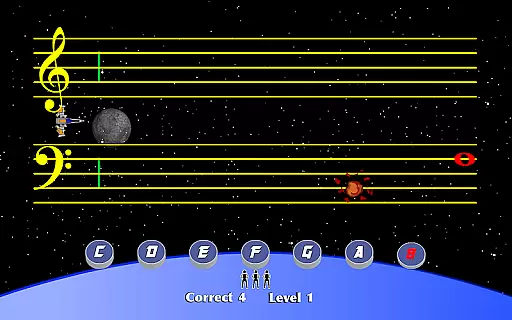
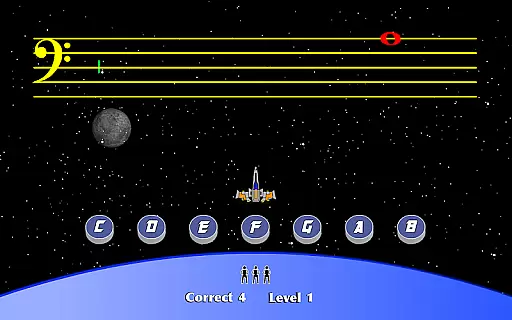
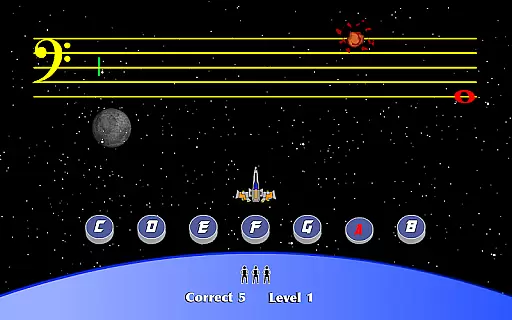
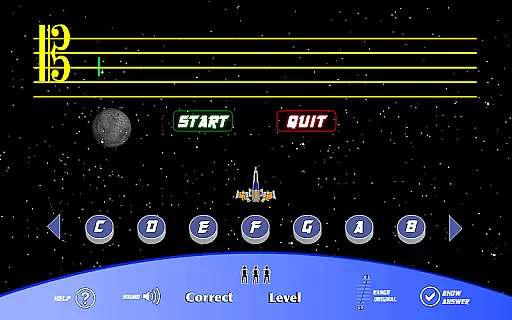
StaffWars is an innovative educational game specifically designed to help musicians at beginner and intermediate levels master the note names across various staff clefs. The app focuses on treble, alto, bass, tenor, and grand staff clefs, providing a comprehensive learning experience for those looking to enhance their musical knowledge.
The application offers an interactive platform where users can practice identifying notes in different clefs through engaging gameplay. This makes it not only a powerful educational tool but also an enjoyable way to reinforce music theory concepts. Whether you're a student or a teacher, StaffWars serves as an excellent resource to aid in mastering one of the fundamental aspects of music education.
One of the standout features of StaffWars is its focus on multiple clefs including treble, alto, bass, tenor, and grand staff. Each clef is presented with interactive exercises that challenge the user's ability to quickly and accurately identify notes. This targeted practice helps solidify the user's understanding of each clef individually.
In addition to supporting various clefs, StaffWars incorporates a gamified learning approach. Users can track their progress, compete with themselves, and improve their speed and accuracy over time. This method of learning through play enhances engagement and retention, making the process of mastering music notation both effective and enjoyable.
StaffWars provides meticulously verified content that ensures musicians learn the correct note names across various clefs. The app's data is aligned with established music theory standards, making it a reliable learning tool.
Each clef - treble, alto, bass, tenor, and grand staff - is accurately represented, allowing users to practice with confidence. This dedication to precision helps students progress without picking up bad habits from incorrect information.
The developers have worked closely with music educators to ensure all lessons are authoritative and pedagogically sound. This makes StaffWars suitable for both self-study and classroom use.
Regular updates keep the content fresh and aligned with current teaching methodologies, ensuring users always have access to the most up-to-date information in music education.
StaffWars creates customized learning experiences by allowing users to focus on specific clefs and difficulty levels that match their current abilities. This personalization enables efficient progress through targeted practice sessions.
The app intelligently tracks user performance and adapts the learning path accordingly. As musicians improve, the app presents more challenging exercises to ensure continuous growth and development.
Users can set their own pace, moving quickly through familiar material while spending more time on challenging concepts. This flexibility makes StaffWars effective for both beginners and intermediate players.
The adaptive system provides immediate feedback on mistakes, helping learners correct errors before they become ingrained. This feature significantly enhances the learning process and promotes proper technique development.
User-friendly interface
Comprehensive clef coverage
Engaging gameplay mechanics
Effective learning tool
Suitable for all ages
Limited to note recognition
No advanced theory lessons
Basic visual design
Occasional performance lags
In-app purchases required

Learn and joke with the Silly Turkey!
 4.1
4.1
Gain new skills in 10 minutes
4.70
Quiz App to help case managers studying for CCMC Certification, 200+ Questions
3.40
Explore the City of the Sun in Augmented Reality
3.70
Discover Your Place in the Universe
4.70
Learn to make peaceful contact with extraterrestrial civilizations
4.10
The "Go To" app for Airmen studying for promotion to SSgt and TSgt
4.30
Your Arts+Culture Guide
4.00
Fun, personalized math learning games that adapt to your child’s needs.
4.40
Experience the sky, planet earth and the solar system like never before
4.90
Memorize anything efficiently with AnkiDroid! Many pre-built decks available.
4.80
A magical world of fun, building, and learning with Mickey Mouse and more!
4.20
An aviator’s preparation, study and test tool for FAA Knowledge Exams.
3.90
Make your own game and world. Draw and animate characters
3.70
A must-have app for mastering Japanese verb/adjective conjugations.
3.60
Visit Daniel's house & make believe. Play doctor, make music, & feed fish.
3.20
The official CCM Glossary app, including 700+ terms and definitions.
2.90
Your best partner for learning Japanese words. Based on a best-selling textbook.
2.80
A 2024 digital study guide for the Expert Infantryman and Expert Soldier's Badge
4.1


User Reviews