
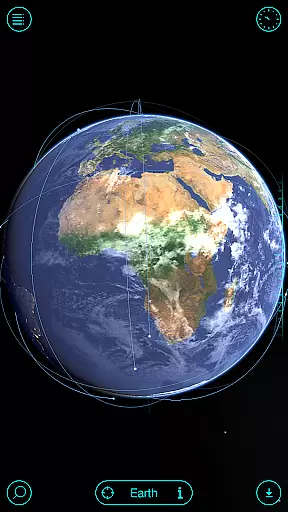
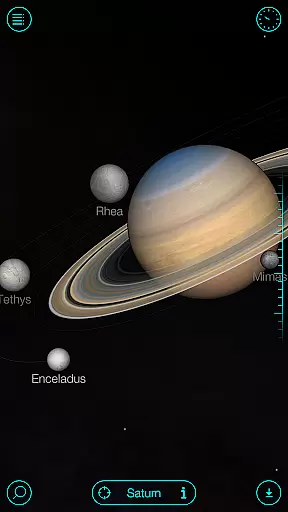
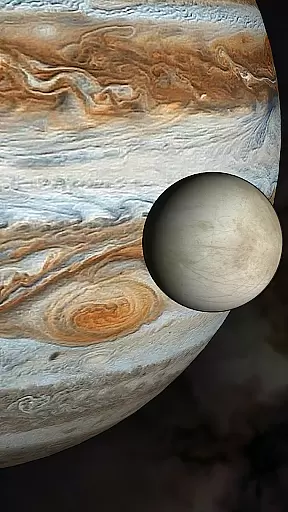
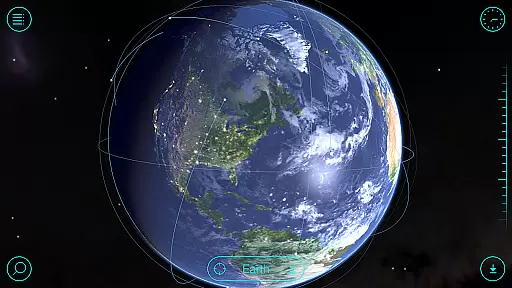
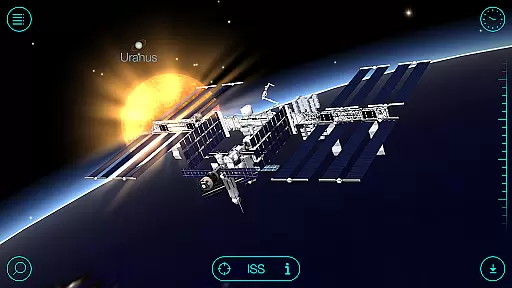
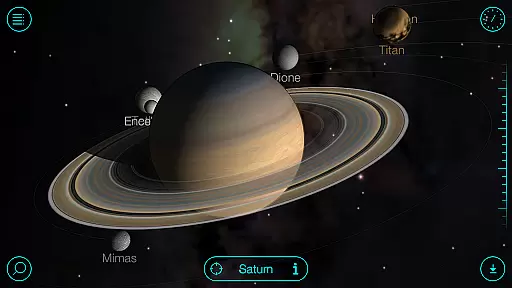
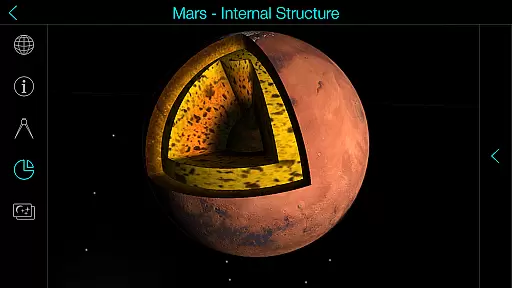
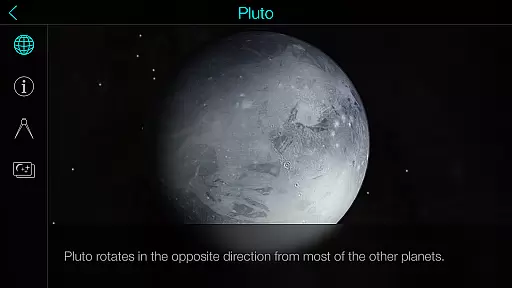
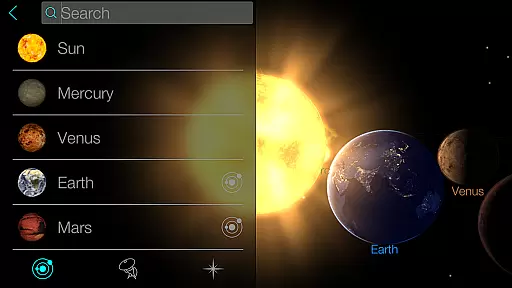
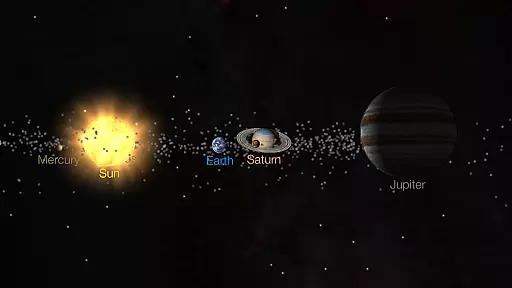
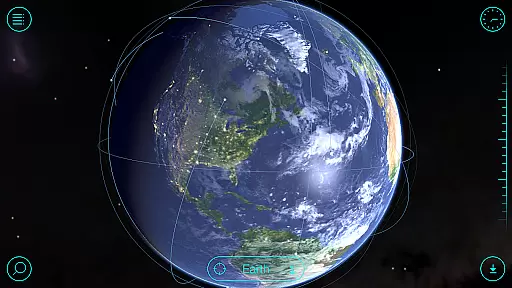
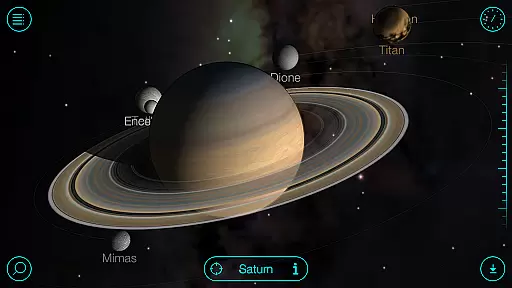
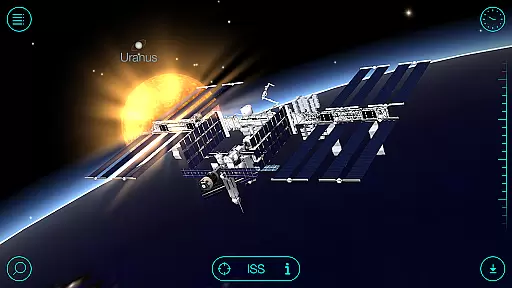
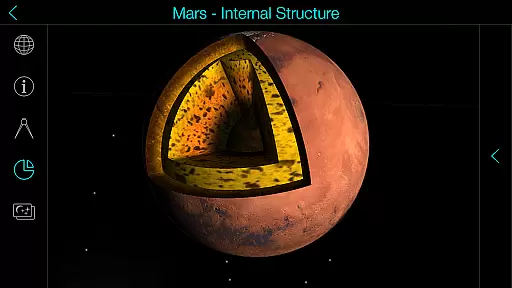
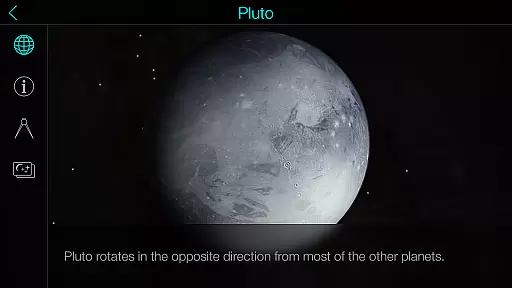
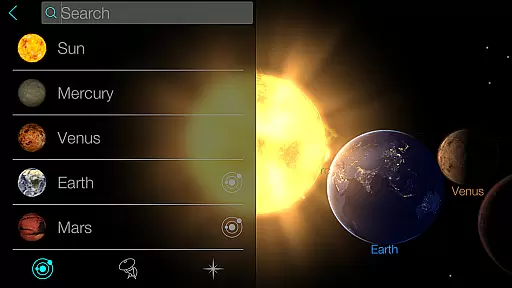
Solar Walk is an innovative 3D planetarium app that brings the universe to your fingertips. This educational tool allows users to explore planets, moons, satellites, comets, and spacecraft in stunning detail. With its interactive encyclopedia, you can learn fascinating astronomy facts and view celestial bodies in real-time without needing a telescope.
The app's standout feature is its ability to simulate space travel through time. Whether you're studying planetary movements or simply enjoying the beauty of our solar system, Solar Walk offers an immersive experience. Its use of 3D technology and anaglyph mode makes it perfect for both casual learners and serious astronomy enthusiasts who want to deepen their understanding of the cosmos.
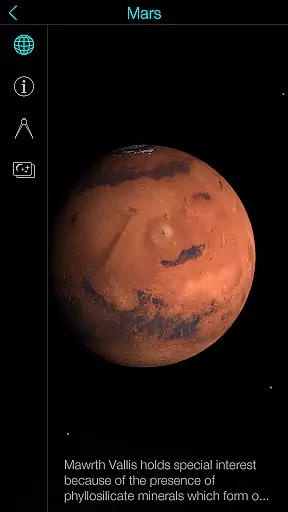
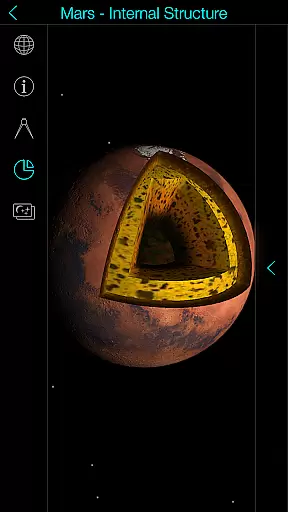
Solar Walk stands out with its comprehensive set of features designed for space exploration. The app provides detailed 3D models of planets, moons, and spacecraft, complete with descriptions and educational videos. Users can take virtual flights between celestial bodies, enhancing their understanding of spatial relationships within the solar system.
One of the most impressive aspects is the time travel feature, which lets you observe the solar system at any point in history or future. The app also includes an anaglyph 3D mode for a more immersive experience when using special glasses. Additionally, Solar Walk offers different viewing modes (orrery/true-to-scale) and allows sharing interesting screenshots, making it versatile for various learning styles and preferences.
In the realm of educational applications, content accuracy is paramount. Solar Walk offers precise and detailed information about celestial bodies, validated through scientific sources. This planetarium app 3D provides an interactive encyclopedia that contains a wealth of astronomy facts, ensuring that users receive credible knowledge about planets, moons, and other space objects.
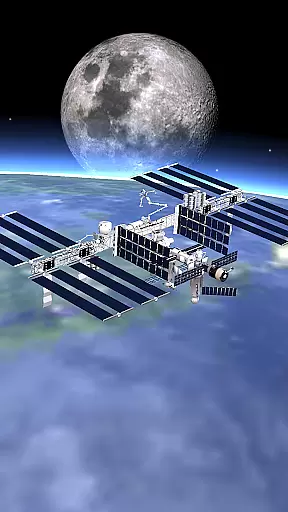
The application goes beyond static content by integrating animated videos and 3D models of spacecraft, which are crafted with attention to detail to reflect real-world specifications. These elements not only enrich the visual experience but also reinforce the authenticity of the educational material presented within the app.
Furthermore, Solar Walk enables users to explore the solar system in real-time, offering a dynamic learning platform where astronomy facts are constantly updated. This feature ensures that learners have access to the most current data regarding celestial movements and astronomical events.
By allowing time travel to any period, the app lets users witness historical cosmic events or forecast future happenings, all based on accurate scientific calculations. Such comprehensive tools make Solar Walk an authoritative resource for both amateur stargazers and seasoned astronomers seeking reliable space exploration experiences.
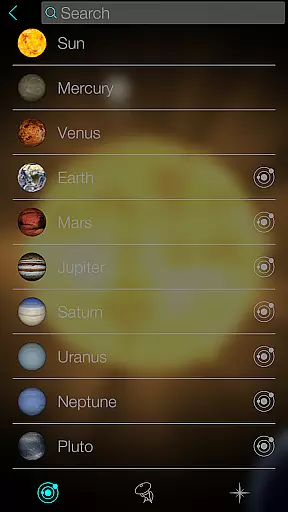
Solar Walk stands out as an educational tool by facilitating personalized learning paths tailored to individual curiosity and pace. The app's vast array of features supports self-guided exploration where users can choose their points of interest from an extensive list including planets, satellites, comets, and moreu2014each accompanied by detailed information suited for various levels of understanding.
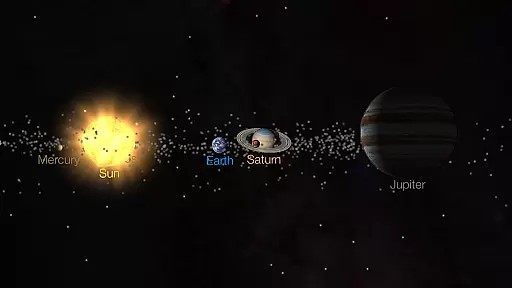
With its ability to alter views between orrery and true-to-scale modes, Solar Walk caters to different learning styles. Whether one prefers a simplified representation for easier comprehension or a realistic scale for in-depth study, this flexibility allows learners to customize their educational journey according to their preferences.
Educational movies covering topics such as moon phases and zodiacal constellations further enhance personalized education by providing engaging content that adapts to varying interests within astronomy. These resources help sustain user engagement while imparting complex concepts through digestible media formats.
Moreover, virtual flights between space objects encourage exploratory learning at oneu2019s own speedu2014a powerful method for retaining interest over time. By combining these adaptive functionalities with stunning visuals, Solar Walk creates an immersive environment conducive to effective personalized learning paths in astronomy education.
User-friendly interface
High-quality 3D graphics
Comprehensive educational content
Time travel simulation
Multiple viewing modes
Some features require In-App Purchases
Can be resource-intensive
Limited offline functionality
Advanced features may overwhelm beginners
Occasional performance issues on older devices

FAR/AIM, FAR for Flight Crew and FAR for Aviation Maintenance Technicians
 3.80
3.80
Turn scrolling hours into improving your knowledge, communication, intelligence
4.50
scanner body part for fun Prank friends realistic scan effects
3.00
Explore myths and gods across cultures with in-depth insights and stories.
5.00
Study for your 608 certification.
4.50
Explore the City of the Sun in Augmented Reality
3.70
Master note reading with StaffWars….
4.00
Learn to make peaceful contact with extraterrestrial civilizations
4.10
Fun, personalized math learning games that adapt to your child’s needs.
4.40
A realistic sky map to observe stars, planets, satellites and constellations!
4.80
Learning the ancient Viking language made simple
4.70
2026 DVSA Driving Theory Test revision with Hazard Perception + Highway Code
4.60
An easy to use yet powerful and full-featured flashcard study app.
4.50
Latest TLC Practice Questions! Multiple languages available!
4.50
Monkey Preschool Lunchbox: 7 exciting educational games for your preschooler.
4.30
Turns you phone or tablet into TI graphing calculator (ROM required).
4.20
Designed for Calculator 84 users
4.20
Deal Craps (Practice Craps Payouts)
3.80
Snap a dog photo to identify its breed instantly. Fast, accurate and easy to use
3.40


User Reviews