
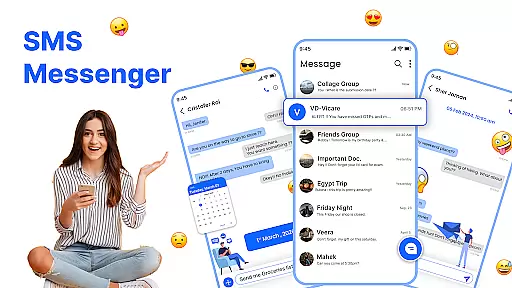
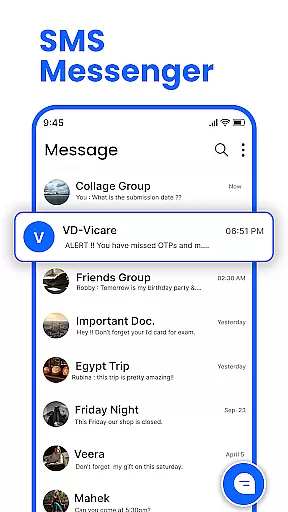
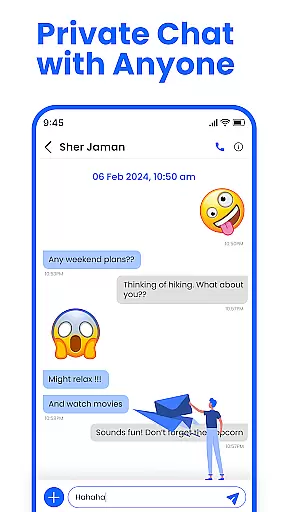
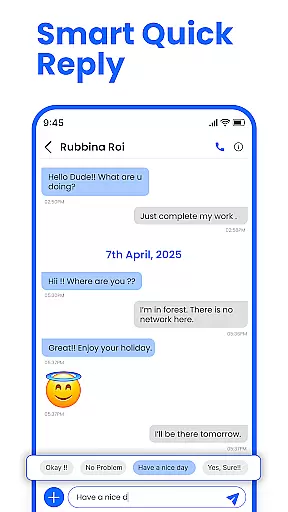
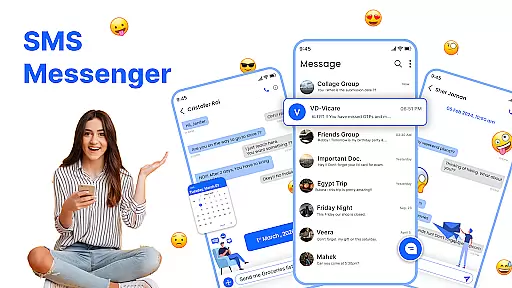
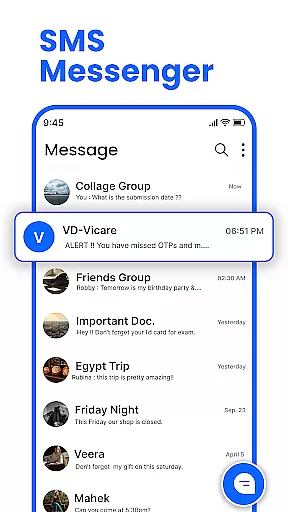
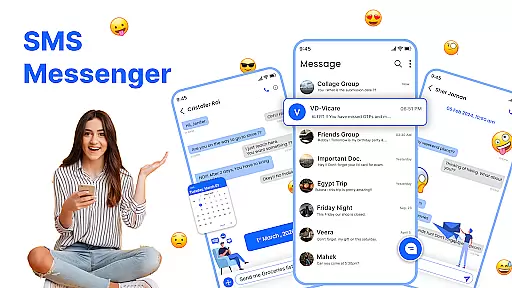
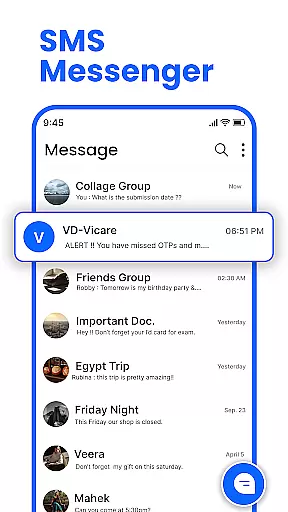
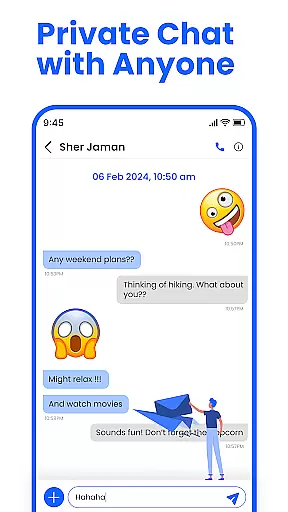
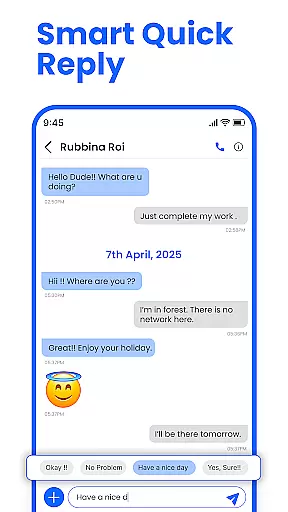
Messenger: SMS Home is a feature-rich communication app designed to enhance your texting experience on Android devices. The app serves as an all-in-one solution for managing SMS messages, offering users the ability to send instant texts, schedule future messages, and block unwanted spam. With its customizable home layout, it provides easy access to essential messaging features while maintaining a clean and intuitive interface.
One of the standout capabilities of Messenger: SMS Home is its Smart Launcher functionality, which allows users to organize their messaging activities efficiently from the home screen. Whether you need to schedule birthday greetings or manage work-related reminders, this app ensures your messages are delivered at the right time. Additionally, the app's compatibility with all major Android devices makes it a versatile tool for staying connected with friends and family.
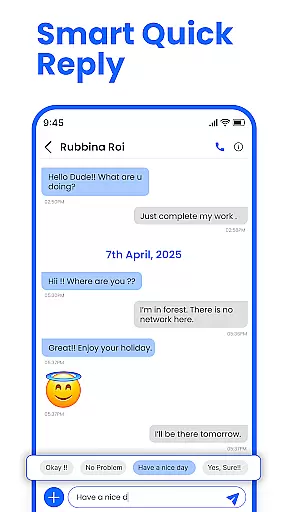
The true value of Messenger: SMS Home lies in its ability to streamline communication while offering advanced features like swipe actions, spam blocking, and personalized message suggestions. These tools not only help users maintain an organized inbox but also allow them to tailor the app to their unique preferences, making it an indispensable utility for modern mobile communication.
Messenger: SMS Home distinguishes itself through a variety of innovative features that cater to both casual and power users. One of its core functionalities is the Smart Launcher, which transforms the home screen into a centralized hub for managing text messages. This feature enables users to personalize their layout, control app access, and quickly navigate between different sections of the messaging platform.
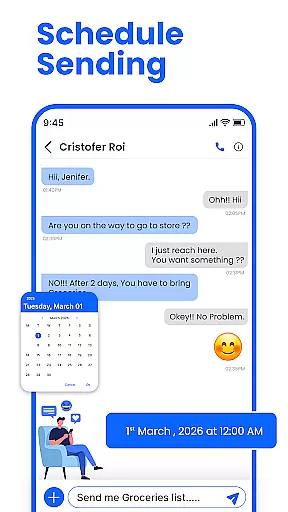
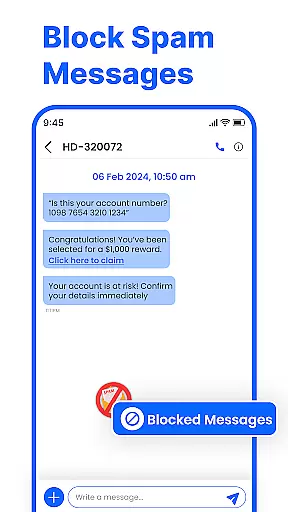
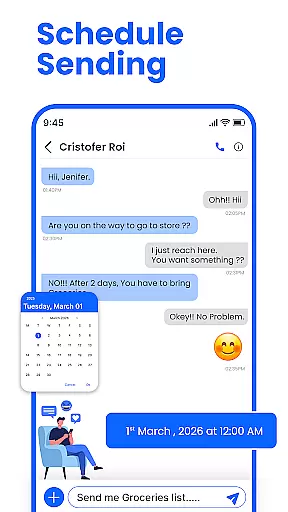
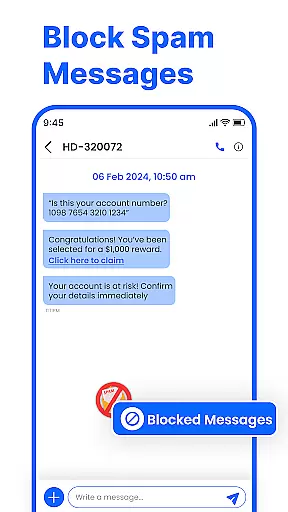
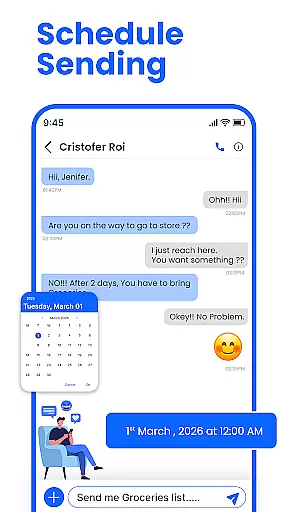
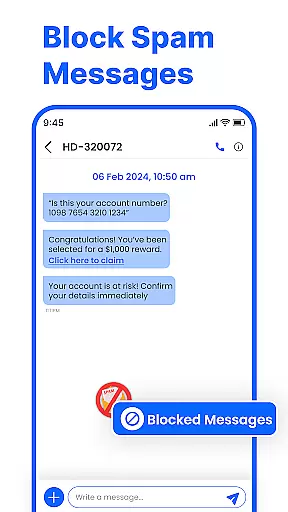
In addition to its organizational tools, the app offers practical solutions such as scheduled messaging. Users can compose texts in advance and set specific delivery times, ensuring important messages are sent punctually. Another notable aspect is the robust spam-blocking system, which filters out promotional alerts and unwanted contacts, keeping the inbox clutter-free. These features collectively create a secure and efficient environment for handling SMS communications.
Furthermore, Messenger: SMS Home supports smart swipe actions, allowing users to archive, delete, or mark messages with simple gestures. Its compatibility with a wide range of Android devices, including Samsung, Google Pixel, and Motorola, ensures consistent performance across platforms. By combining these advanced capabilities with a sleek design, the app delivers a seamless and enjoyable messaging experience tailored to individual needs.
Real-time messaging speed and reliability are crucial for maintaining seamless communication in any messaging app. Messenger: SMS Home ensures that messages are delivered instantly, allowing users to stay connected without delays.
The app leverages advanced technologies to optimize message delivery across various network conditions. Whether you're on Wi-Fi or mobile data, the app maintains a stable connection, ensuring your messages are sent and received promptly.
Users benefit from this reliable messaging system by experiencing fewer missed communications and enjoying uninterrupted conversations. This reliability is particularly important for time-sensitive messages, such as work-related reminders or personal updates.
By prioritizing real-time messaging performance, Messenger: SMS Home establishes itself as a dependable tool for both casual and professional communication needs.
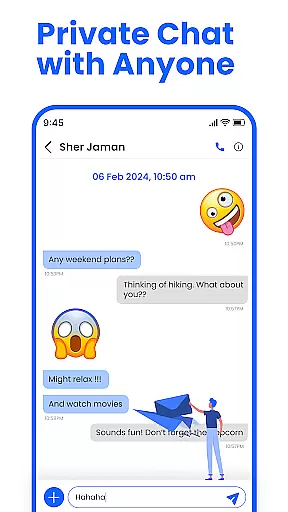
Media sharing support is an essential feature in modern messaging apps, enabling users to exchange photos, videos, and other files effortlessly. Messenger: SMS Home offers robust media sharing capabilities, enhancing the way users communicate with friends and family.
The app supports a wide range of file formats, ensuring compatibility with various media types. Users can send high-quality images and videos without worrying about format restrictions, making conversations more engaging and expressive.
In addition to basic media sharing, the app provides options for previewing media before sending and optimizing file sizes for faster transfers. These features contribute to a smoother user experience, especially when dealing with large files or limited bandwidth.
With its comprehensive media sharing support, Messenger: SMS Home empowers users to share life's moments more vividly and efficiently, enriching their communication beyond plain text messages.
User-friendly interface
Customizable home layout
Spam blocking feature
Scheduled messaging option
Wide device compatibility
Limited iOS support
Occasional bugs reported
Ads in free version
Requires permissions
Learning curve for new users

BiP is a fast, secure, free messaging and HD video calling app!
 4.10
4.10
The ultimate productivity solution for all your email communication needs.
4.40
Messages: Fast, simple SMS app with scheduling and smart features.
4.00
Messages is Private SMS Messenger 2023 with text message, instant messaging.
4.00
Caller ID App! Add names & photos to unknown calls & Call Recording
4.40
Comprehensive and powerful scan tool app with enhanced functions
3.00
Auto Reply SMS, Text Messaging, Away SMS Response, Busy SMS messages, Block Text
3.10
Read OBD2 data and DTCs Create custom dashboards Enhanced diagnostics available
4.70
A browser that does more than load page, like keeping your privacy safe.
4.70
فیلتر شکن قوی پرسرعت کلید جدید برای اندرویدسریع ترین وی پی ان برای همه اپراتورها
4.70
Use this Dialer app alone or as a TREK: Total Interface companion.
4.70
Save 10% automatically on your first international mobile top up.
4.60
Stay in touch with the people who matter most.
4.60
Build your web browser around you with private search, and more.
4.60
Simple tool for businesses to talk to their customers.
4.40
Fast and simple walkie talkie app
4.20
Enjoy secure messaging & calling. Safe Messenger: group chats, calls, messages.
4.20
BE PRIVATE
Anonymous. No Trace. Fast.
4.20
A Browser with powerful ad blocker to help focus on what really matters.
3.00


User Reviews