
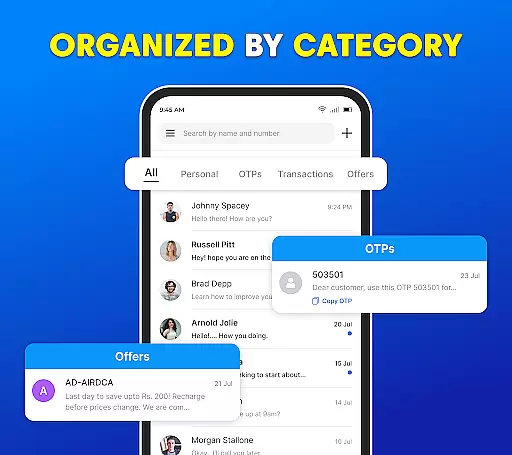
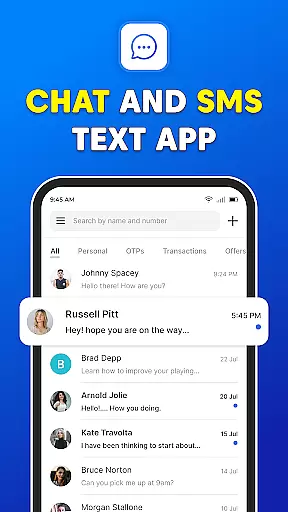
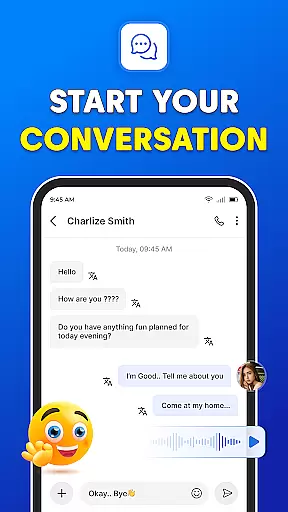
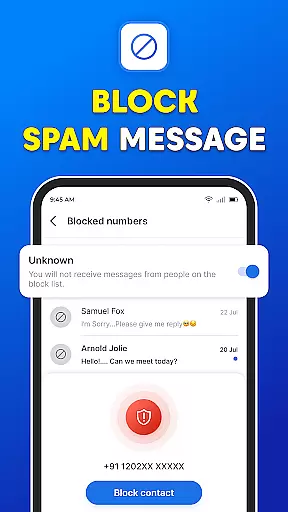
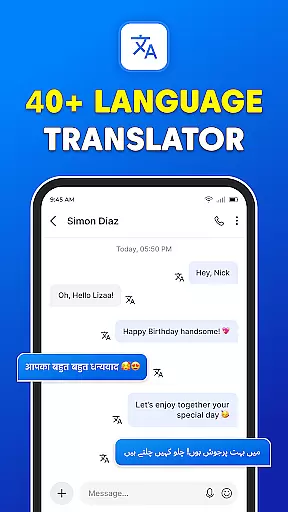
Messages: SMS Text Messenger is a comprehensive communication app designed for seamless private messaging. The core functionality allows users to send text messages (SMS, MMS), share multimedia content such as pictures, GIFs, videos, audios, and stickers, all within a secure environment. Available on both smartphones and tablets, this app supports end-to-end encryption, ensuring that your conversations remain private.
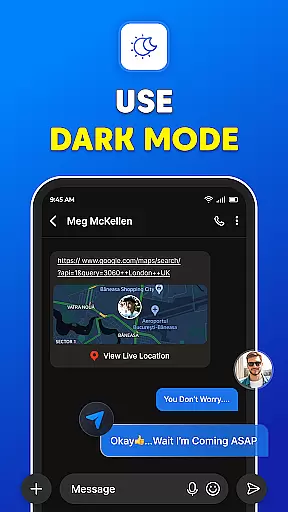
Beyond basic texting, Messages offers advanced features like group chats, file sharing, and voice calls without requiring an internet connection. Its user-friendly interface makes it easy to stay connected with friends and family while providing powerful tools such as scheduled messaging, backup and restore options, and a dark mode for enhanced usability. Whether replacing an outdated messaging app or looking for a reliable SMS organizer, Messages delivers a top-tier experience.
Messages: SMS Text Messenger stands out with its robust feature set tailored for modern communication needs. One of the key highlights is the Messenger Chat function, which allows free, easy, and safe texting, including unlimited texts, videos, audio, and group SMS. Sharing multimedia content like videos, audios, pictures, emojis, GIFs, and stickers is intuitive and enhances interaction.
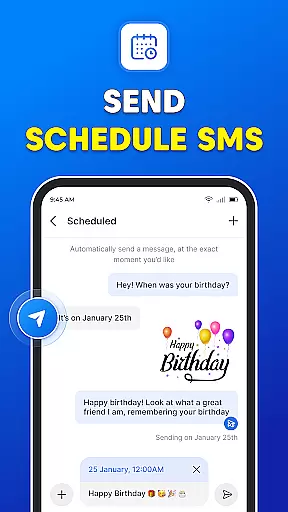
The app also excels in group communication with its Group Chats feature, enabling users to stay in touch with multiple contacts simultaneously. The After Every Calls functionality ensures you can instantly access your SMS inbox post-call, keeping you engaged in important conversations. Additionally, the Powerful Messenger section provides enhanced SMS and MMS capabilities, making it fast, fun, and reliable. Backup & Restore Messenger safeguards your data, while Schedule Message helps in managing timely communications effectively.
Real-time messaging speed and reliability are crucial for maintaining seamless communication in any messaging app. Messages App excels in this area by providing instantaneous delivery of text messages (SMS, MMS) to your contacts without the need for an internet connection.
The application ensures that your communications are not only fast but also dependable. With end-to-end encryption, your private texts, pictures, GIFs, emojis, videos, and audio messages are sent securely, giving you peace of mind while you share with others.
Whether you're using a smartphone or tablet, Messages App offers a consistent experience across different devices. This cross-device reliability means you can switch between your gadgets without missing a beat in your conversations.
Moreover, the app's robust infrastructure supports group chats and file sharing, making it versatile for both personal and professional use. The ability to make voice calls further enhances its utility as a comprehensive communication tool.
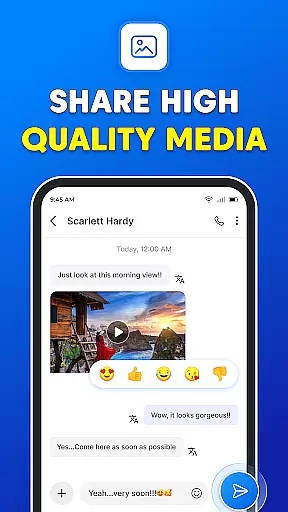
Media sharing support is an essential feature for modern messaging apps, allowing users to express themselves beyond plain text. Messages App embraces this by enabling effortless sharing of pictures, GIFs, emojis, videos, and audio files, enhancing the way you communicate with friends and family.
The app provides a user-friendly interface where multimedia elements can be shared swiftly within conversations. Whether you want to send a funny GIF or an important document, the process is streamlined for convenience and speed.
In addition to basic media types, Messages App also supports stickers, adding another layer of fun and personalization to your chats. These visual elements help convey emotions and reactions that words alone might not capture fully.
With no internet connection required for message transmission, users can rely on Messages App even when Wi-Fi or mobile data isn't available. This makes it particularly valuable for staying connected during travel or in areas with limited connectivity.
User-friendly interface
End-to-end encryption
Multimedia sharing
Group chat support
Scheduled messaging
Limited customization
No video calling
Ads in free version
Occasional bugs
Heavy on storage

SMS Messenger ensures that communication become effortless and accessible.
 3.80
3.80
Official NDI app: turn your phone into a professional live-streaming IP camera.
3.20
This app enables the phone to receive and send FT8 traffic!
3.80
Manage and Fund Calling Accounts and Schedule and Join Video Sessions
3.60
2nd Phone Number Line for Anonymous Texting, Calling, and Picture Messages
4.30
An agentic AI browser for Android, built by Perplexity
4.50
FolderSync enables easy sync of files between cloud storage and Android devices.
4.60
Threema is the messenger with the most consistent focus on security and privacy.
4.00
Stay in touch with the people who matter most.
4.60
فیلتر شکن قوی پرسرعت کلید جدید برای اندرویدسریع ترین وی پی ان برای همه اپراتورها
4.70
Use this Dialer app alone or as a TREK: Total Interface companion.
4.70
Welcome to the future of phone service.
4.60
Get through your inbox faster with the mail app designed to simplify your life.
4.40
SMS Messenger is a lightning-fast messaging app.
4.20
Send SMS and chat messages easily with a fast text messaging app for Android.
4.10
Messages: Fast, simple SMS app with scheduling and smart features.
4.00
A softphone app with seamless SIP calling and an intuitive VoIP dialer
3.50
TeamSpeak - Secure Chat for Gaming & Business
3.10
Radio communication simulator for gaming communities
4.0


User Reviews