
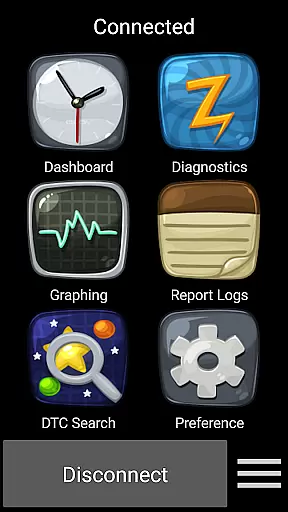
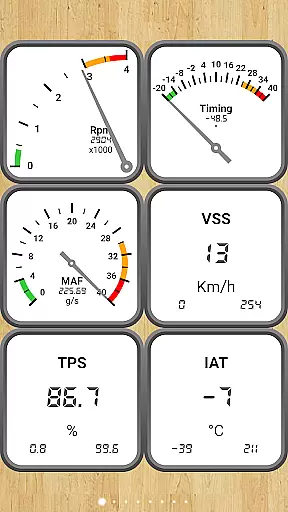
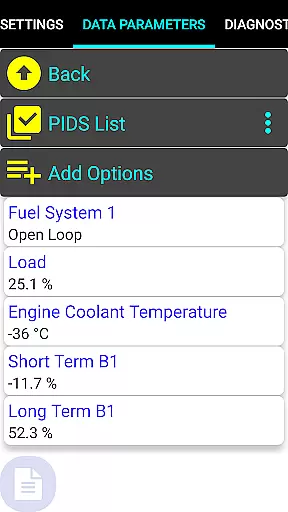
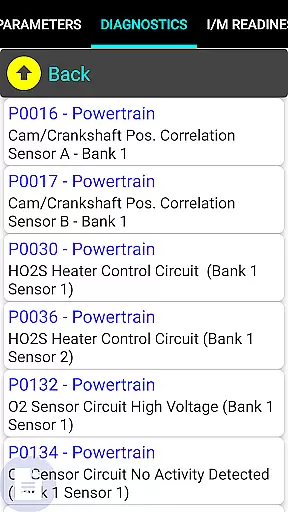
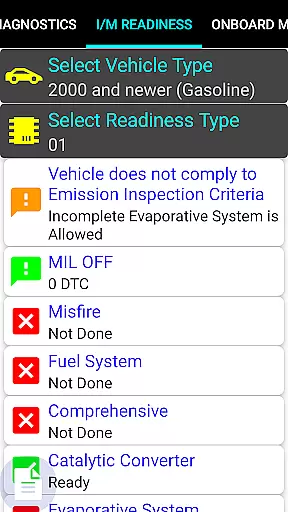
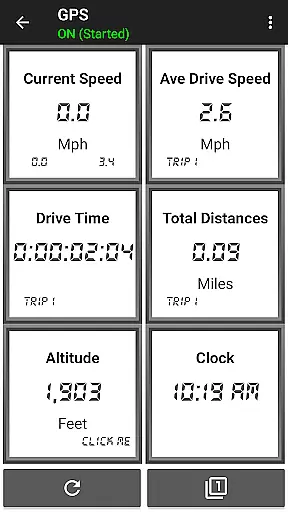
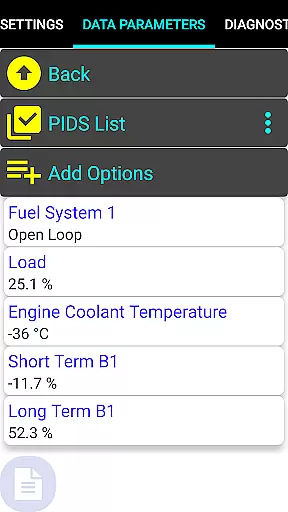
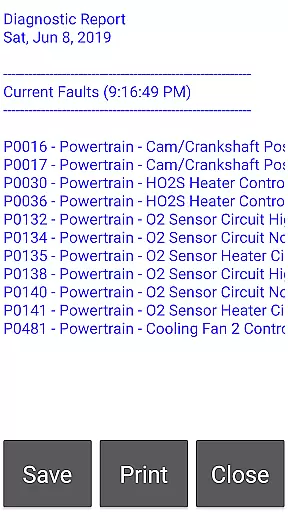
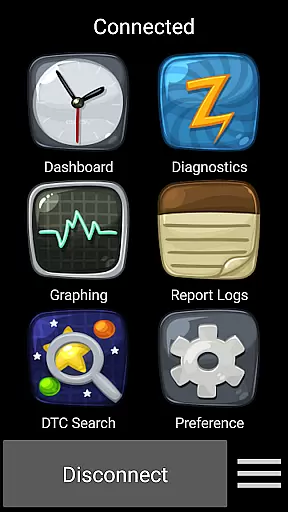
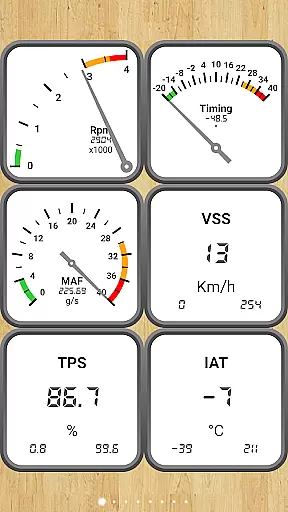
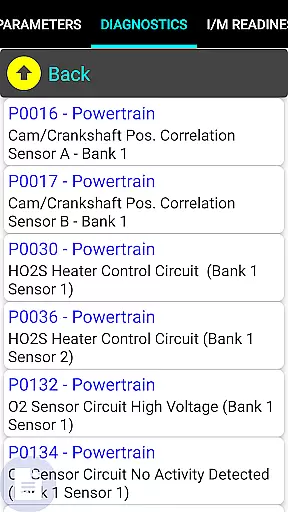
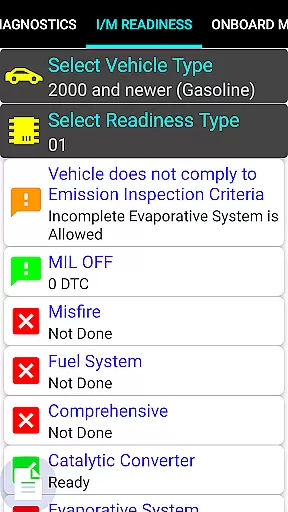
Car Gauge Pro is a comprehensive OBD2 diagnostic tool designed for all OBD2 compliant vehicles, offering both generic and enhanced diagnostic data. This app stands out with specialized support for Ford and Nissan vehicles, providing professional-level functionalities similar to factory scan tools. Users can access detailed vehicle data parameters, perform emission tests, and conduct advanced diagnostic checks.
The application communicates with the vehicle's computer through the 16-pin OBD2 connector located under the steering wheel, requiring an ELM327 or STN Bluetooth adapter for operation. It serves not only as a dashboard display but also as a professional scan tool that helps users understand their vehicle's health, readiness for smog inspections, and sensor functionality.
With its extensive feature set, Car Gauge Pro is ideal for car enthusiasts and professionals who need detailed insights into vehicle performance and diagnostics. The app's ability to provide Mode 1-9 OBD2 functions, along with enhanced data for specific brands, makes it an invaluable tool for maintaining and troubleshooting modern vehicles.
Car Gauge Pro offers an impressive range of features that cater to both generic and brand-specific diagnostic needs. The app supports all OBD2 standard modes including Data Parameters, Freeze Frame Data, Fault Code Reading and Clearing, and various on-board tests. These features allow users to gain a complete understanding of their vehicle's current status and historical data.
What sets Car Gauge Pro apart is its Enhanced Diagnostic Data capabilities for Ford, Nissan, GM, Toyota, and KIA vehicles. Ford and Nissan owners can access over 2200 and 634 PIDs respectively, enabling advanced functions like KOEO/KOER tests, active testing, and ignition timing adjustments. The app's specialized functions mirror those of factory scan tools, providing unparalleled depth in vehicle analysis.
Additional notable features include VIN reading, ECU information display, and performance tracking data. The app's compatibility with various Bluetooth adapters and its detailed fault code descriptions make it a versatile and powerful diagnostic tool. These comprehensive features ensure users can maintain optimal vehicle performance while having the capability to diagnose complex issues.
Real-time messaging speed and reliability are crucial for effective vehicle diagnostics. Car Gauge Pro (OBD2 + Enhance) ensures that communication between the app and the vehicle's onboard computer is both fast and dependable.
The application leverages advanced Bluetooth adapters like Elm 327 or STN to establish a stable connection with the vehicleu2019s OBD2 diagnostic connector. This guarantees that data parameters, freeze frame data, fault codes, and other critical information are transmitted without delay.
For users, this means they can quickly obtain important vehicle information such as readiness status for smog inspections, sensor functionality, and Mode 5/6 emission test results. The reliable transmission of this data allows for timely maintenance decisions.
Ultimately, the real-time messaging capability of Car Gauge Pro enhances user experience by providing instant access to vital vehicle diagnostics, ensuring that drivers can address issues promptly and maintain their vehicle's performance efficiently.
Media sharing support in Car Gauge Pro (OBD2 + Enhance) refers to the app's ability to share diagnostic data and reports across different platforms and devices. This feature is essential for users who need to consult mechanics or keep records of their vehicle's health.
The app supports various media formats, allowing users to export detailed diagnostic reports, including fault codes, sensor data, and emission test results. These reports can be shared via email, cloud services, or direct transfer to another device.
This functionality benefits users by enabling them to easily share comprehensive vehicle information with service professionals. It also helps in maintaining a log of vehicle performance and issues over time, which can be crucial for tracking recurring problems or documenting maintenance history.
By facilitating seamless media sharing, Car Gauge Pro not only empowers users with knowledge about their vehicles but also enhances collaboration with automotive experts, leading to more informed and efficient vehicle care.
User-friendly interface
Extensive vehicle compatibility
Advanced diagnostic capabilities
Real-time data monitoring
Professional-level functions
Requires separate hardware purchase
Limited device compatibility
Complex for beginners
No Mini Elm 327 v2.1 support
Brand-specific limitations

 3.90
3.90
Radio communication simulator for gaming communities
4.3
A web browser that respects your privacy.
4.30
Browse fast on Opera Mini, with Data Saving, News, Football Scores, and Download
4.60
Block spam calls & scam - no more annoying calls with the call blocker function
4.30
Watchgram for Telegram: Experience seamless Telegram messaging on your watch
1.80
Manage Phone Calls, call history, and contacts easily with Phone Pro.
4.0
Say “hello” to privacy.
4.60
Share the moment!
4.10
فیلتر شکن قوی پرسرعت کلید جدید برای اندرویدسریع ترین وی پی ان برای همه اپراتورها
4.70
Caller ID App! Add names & photos to unknown calls & Call Recording
4.40
Simple tool for businesses to talk to their customers.
4.40
Phone Dialer with Caller ID, Address Book & Contacts Manager.
4.30
BiP is a fast, secure, free messaging and HD video calling app!
4.10
Messenger app for faster and simpler SMS text messaging, and personalized themes
4.10
Fast Dialer & Contact Manager with Caller ID and Spam Protection
4.00
A softphone with crystal clear SIP Calling & Reliable VoIP dialer
4.00
Call & Text Anywhere With A Canadian Number.
3.60
Auto Reply SMS, Text Messaging, Away SMS Response, Busy SMS messages, Block Text
3.10


User Reviews