
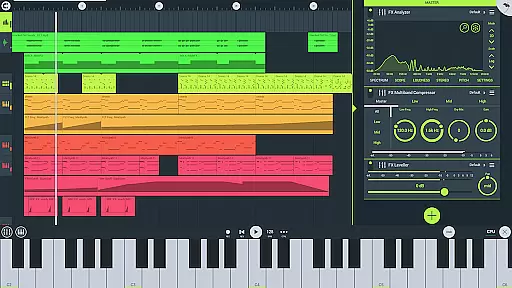
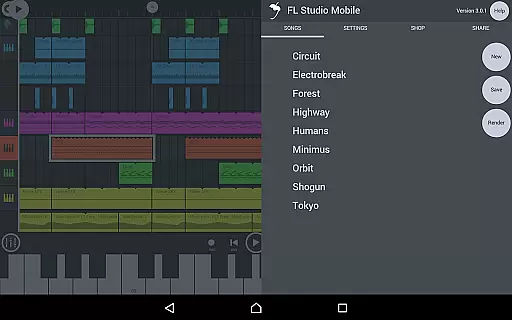
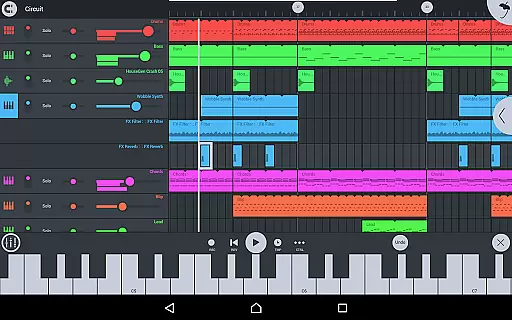
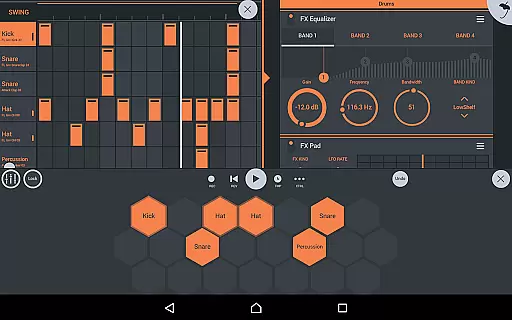
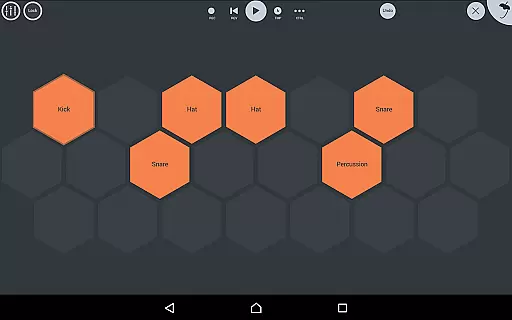
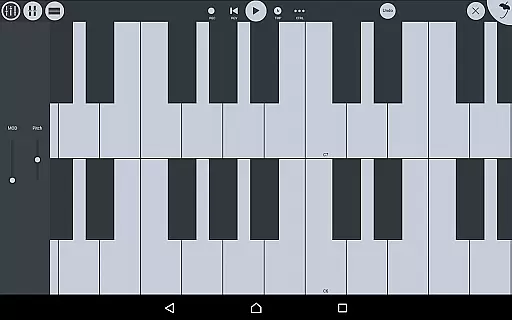
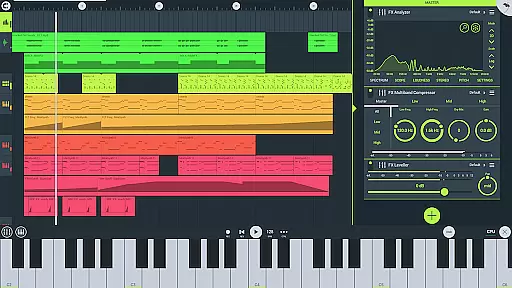
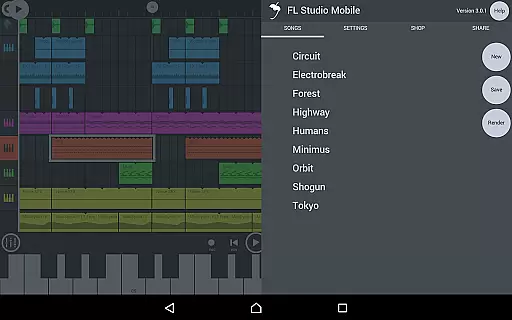
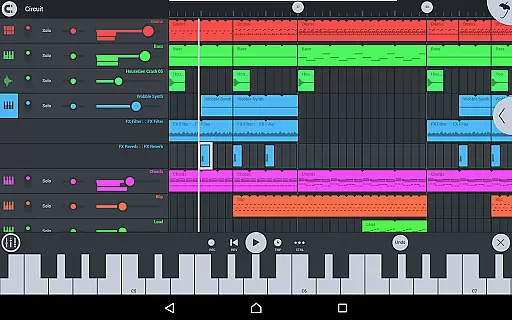
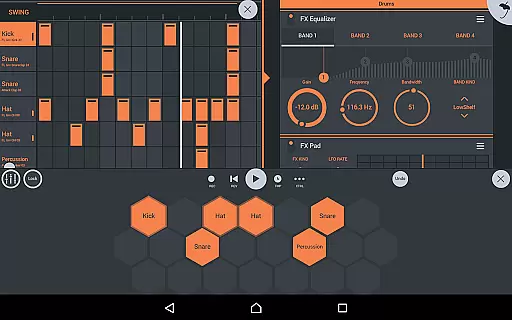
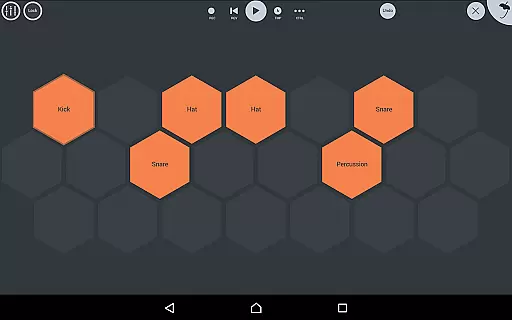
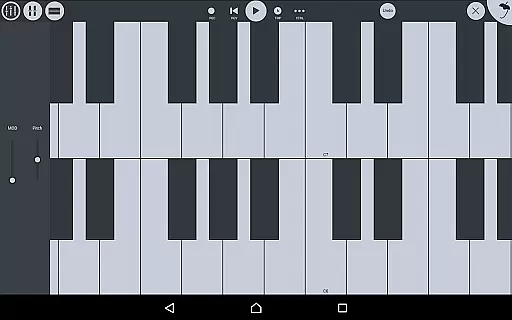
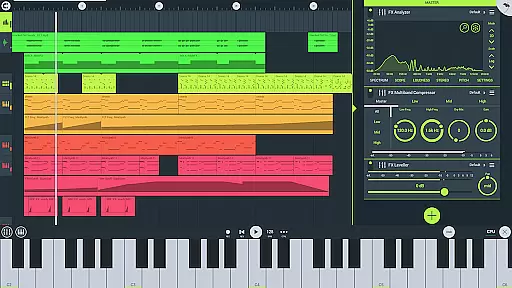
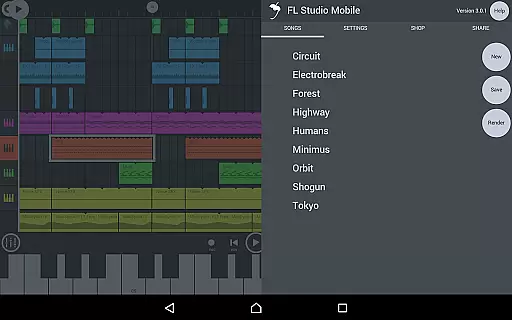
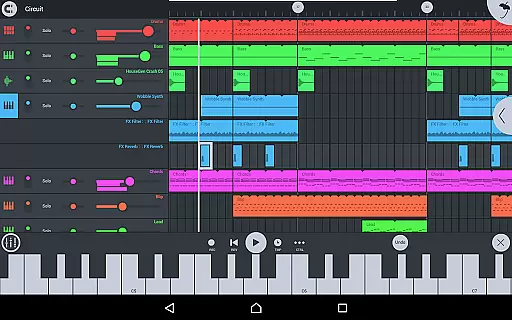
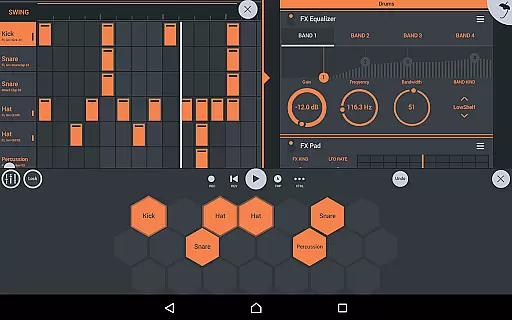
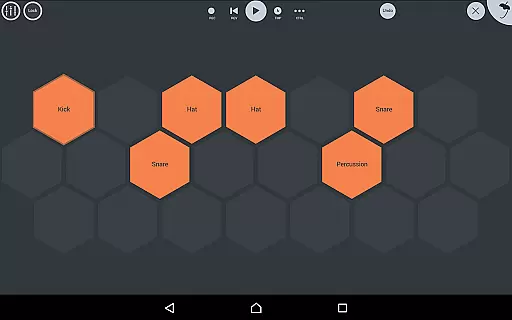
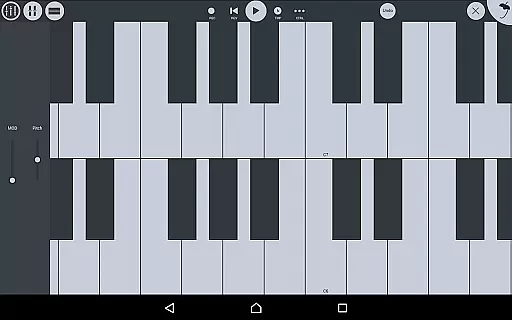
FL Studio Mobile offers an extensive music library that caters to a wide range of musical genres and preferences. The app includes various instrument modules such as Drum Sampler, DirectWave Sample Player, GMS (Groove Machine Synth), Transistor Bass, MiniSynth, and SuperSaw. These modules provide users with high-quality synthesizers, sampler, drum kits, and sliced-loop beats, ensuring that creators have all the tools they need to produce professional-sounding tracks.
In addition to the diverse set of instruments, FL Studio Mobile also provides a rich collection of drum samples and DirectWave instruments. Users can access cymbals, hats, kicks, snares, toms, percussion, risers, SFX, guitars, keyboards, orchestral sounds, synth bass, synth keyboards, synth leads, synth pads, sliced samples, drums, drum kits, and effects. This vast array of sounds allows musicians to experiment with different styles and find the perfect fit for their compositions.
When it comes to copyright authenticity, FL Studio Mobile ensures that all included content is properly licensed. The app features preset sounds and samples that are either original creations or legally obtained through partnerships with reputable sound designers and composers. As a result, users can confidently use these resources in their projects without worrying about potential legal issues related to unauthorized usage.
Furthermore, FL Studio Mobile supports importing external WAV files and MIDI files, enabling artists to incorporate their own custom sounds into their work. By allowing users to load projects in the FL Studio FREE Plugin version of this app, it promotes seamless integration between mobile and desktop environments while maintaining the integrity of copyrighted materials. Overall, FL Studio Mobile stands out as a comprehensive solution for music production on the go, offering both depth and legitimacy in its music library offerings.
FL Studio Mobile excels in delivering exceptional audio quality options, making it a top choice for discerning music producers. One of the standout features is its support for high-quality synthesizers, samplers, drum kits, and sliced-loop beats. These components are designed to deliver pristine sound reproduction, ensuring that every note and beat is captured with precision and clarity.
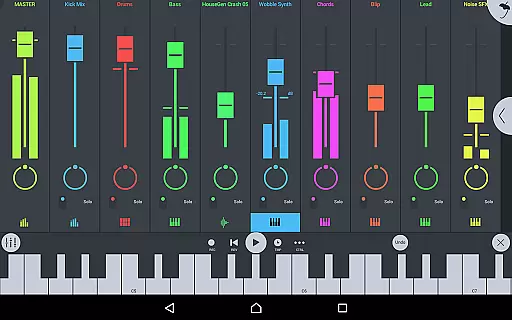
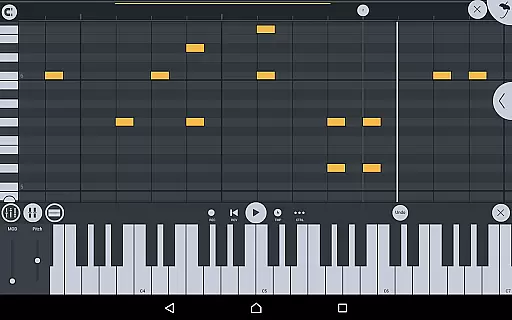
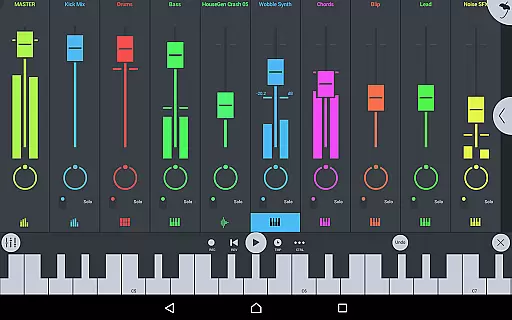
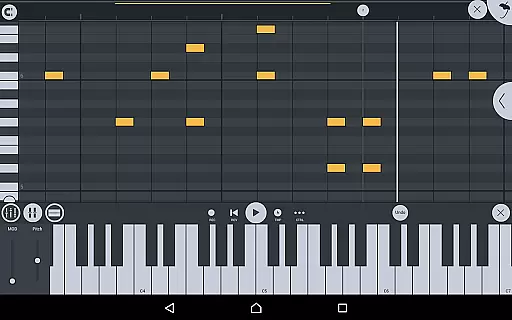
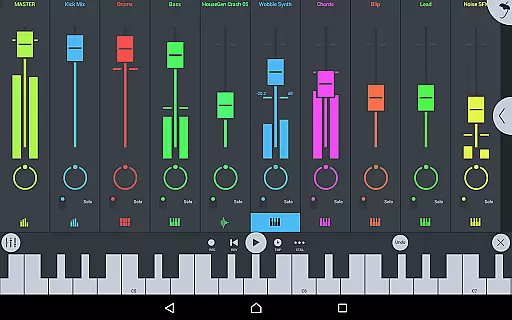
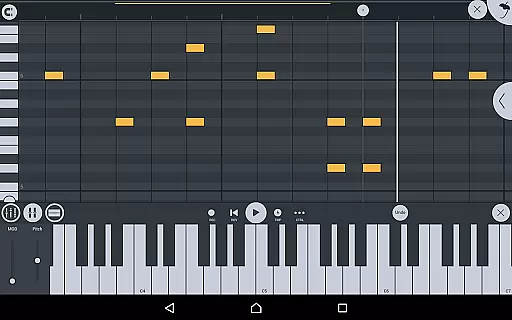
The app also includes a robust mixer that allows per-track mute, solo, effect bus, pan, and volume adjustment. This level of control enables users to fine-tune their mixes with surgical accuracy, resulting in polished and professional-sounding tracks. Additionally, the piano roll feature lets users edit notes or capture recorded performances, providing another layer of refinement for achieving the desired audio output.
FL Studio Mobile supports saving and loading files in multiple formats, including WAV, MP3, AAC, FLAC, and MIDI. This versatility ensures compatibility across various platforms and devices, allowing musicians to maintain consistent audio quality throughout their workflow. Whether exporting final mixes or sharing project files with collaborators, users can trust that their work will retain its intended fidelity.
Another noteworthy aspect is the inclusion of advanced effect modules like Analyzer (visual), Auto Ducker, Auto-Pitch (pitch correction), Chorus, Compressor, Limiter, Distortion, Parametric Equalizer, Graphic Equalizer, Flanger, Reverb, Tuner (Guitar/Vocal/Inst), High-Pass/Low-Pass/Band-Pass/Formant (Vox) Filters, Delays, Phaser, and Stereoizer. These tools empower users to enhance their tracks with sophisticated audio processing techniques, further elevating the overall sonic experience. With FL Studio Mobile, artists have everything they need to create stunningly clear and dynamic music productions.

A synth that really lets you shape your sounds!
 4.50
4.50
DJ Music Mixer Pro is a real DJ controllers and DJ Music Studio to remix DJ.
4.40
Enhance the sound quality of your devices, listen to what you want
4.50
Guzheng Master supports many playing techniques as an acoustic Guzheng
4.50
Record, Mix & Master with all n-Track effects, 64-bit audio and Stem Separation.
4.70
The alternative folder based music player.
4.20
Sheet music reader, piano & music note player. Play music score & learn to read.
3.90
Turn Every Moment into Music
3.60
Be a true music maker: create beats, mix and make music like a real DJ!
4.30
JBL PartyBox APP works with 110/310/710/120/320/520/Encore/Encore 2/Encore Ess 2
4.80
Brian Eno and Peter Chilvers’ acclaimed music app Bloom, radically reinvented.
4.80
Performance-Synthesizer & Multi-Track-Sequencer, polyphonic + multi timbral!
4.70
Unleash your creativity! Turn simple prompts into full fledged songs.
4.70
The best music and audio player, with beautiful UI, music search and equalizer.
4.60
Visualize the guitar fretboard, master scales & play through changes like a pro!
4.50
Time Guru will strengthen your internal sense of musical time via random muting.
4.30
No wifi music app. Mp3 offline. Tuner radio, young radio music. Music downloader
4.20
Offline and always ad-free - stream in the highest quality available.
4.10
Background pads for your band
3.80


User Reviews