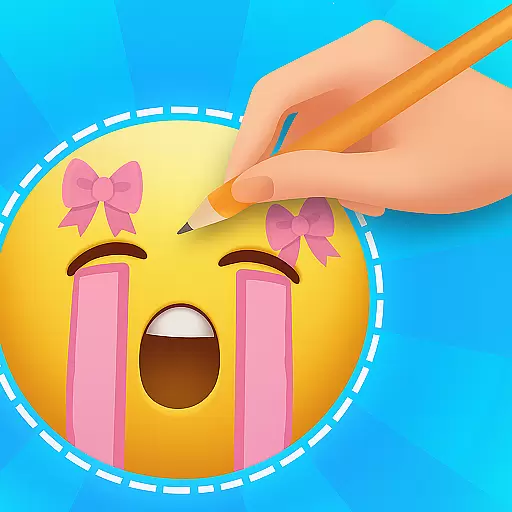
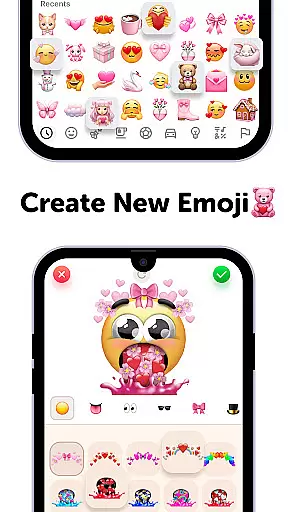
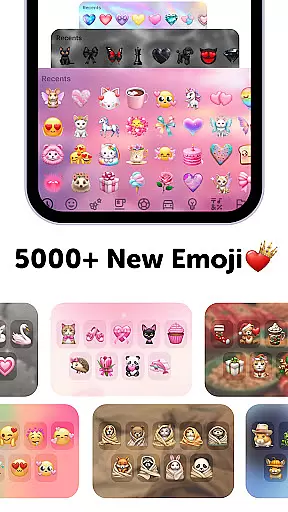
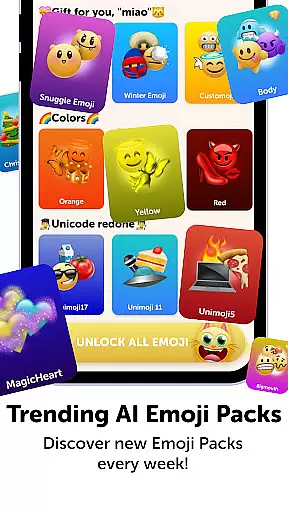
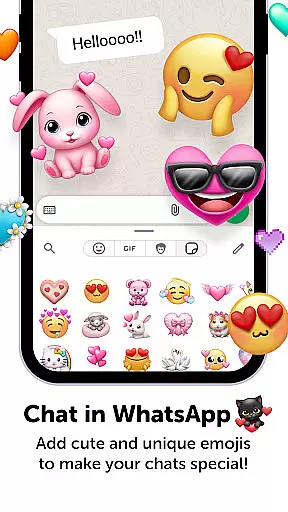
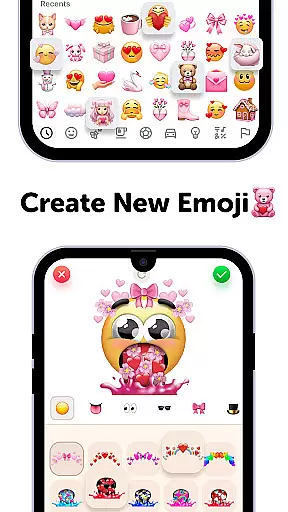
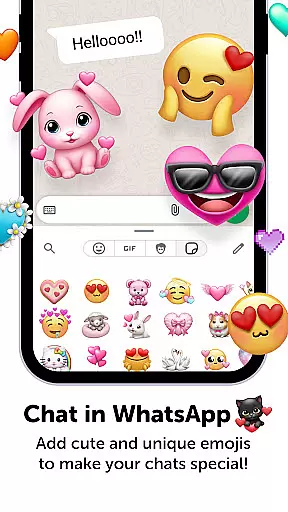
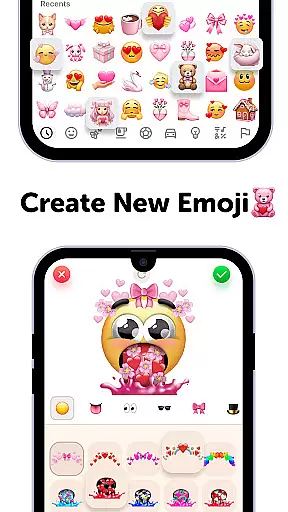
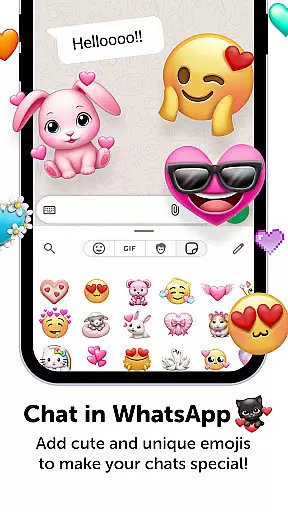
Emoji Up is a creative emoji maker app that allows users to design custom emojis and stickers. With an intuitive interface, it offers a complete emoji kitchen where you can mix various elements like bases, eyes, and mouths to create unique emojis. The app also includes engaging features such as the Emoji Puzzle Blitz Game, where users solve emoji puzzles to win Mystery Emoji Packs.
This personalization tool stands out with its fun gameplay and extensive customization options. Users can export their creations and use them across social media platforms like TikTok and Instagram. Whether you're looking to express yourself through custom emojis or enjoy some playful puzzle-solving, Emoji Up caters to both creativity and entertainment.
Emoji Up boasts a rich set of features designed to unleash your creativity. The emoji maker functionality provides a wide array of customization options, allowing users to draw and paint emojis with precision. This feature acts as an emoji kitchen, enabling users to whip up new emojis effortlessly.
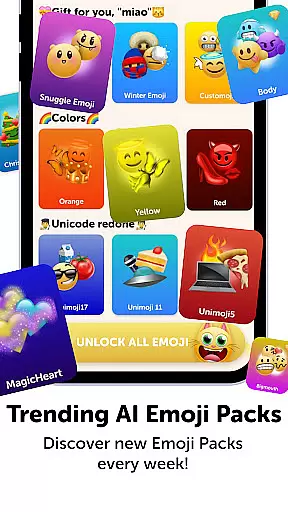
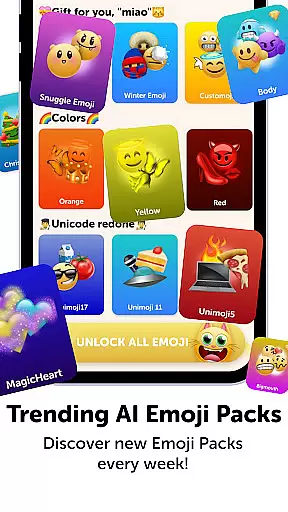
In addition to the emoji maker, the app includes the Emoji Puzzle Blitz Game, an engaging IQ game where players match 3 emojis to progress through levels. Completing these puzzles rewards users with Mystery Emoji Packs, which contain cute emojis, stickers, keyboards, GIFs, themes, fonts, and wallpapers. These features ensure that users remain engaged while enjoying a personalized emoji experience.
Customization is at the heart of Emoji Up, offering users a rich palette to express their creativity. With the emoji maker and genmoji features, you can mix various emoji bases, eyes, mouths, and more, crafting unique emojis that stand out.
This app provides an extensive range of customization options akin to an emoji kitchen. Here, users can whip up new emojis with drawing and painting tools, enabling them to feel like true digital artists. The combinations are nearly limitless, ensuring your emojis are anything but ordinary.
Whether you're looking to create cool or cute emojis, Emoji Up caters to all tastes. This level of personalization empowers users to produce custom stickers that perfectly match their personality or mood, enhancing communication across various platforms.
Emoji Up not only focuses on creating custom emojis but also ensures these creations integrate seamlessly with your device's existing themes. The app supports compatibility across various formats, making sure your personalized emojis look great no matter where they're used.
Users can export their custom emojis and stickers for use on popular social networks like TikTok, Instagram, and WhatsApp. This cross-platform support helps maintain visual consistency, whether you're posting on social media or texting friends.
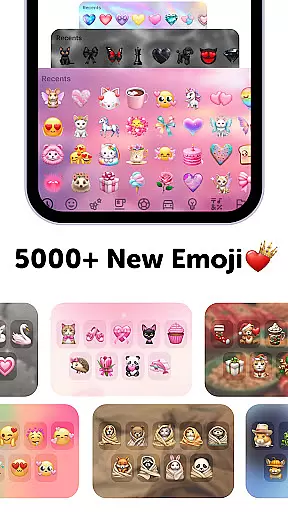
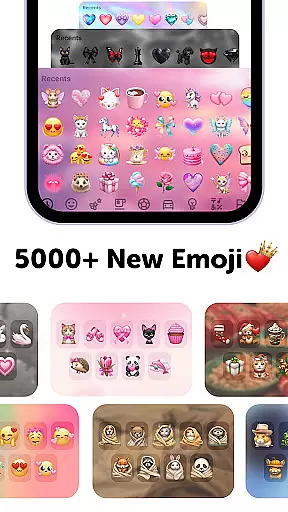
The app offers additional aesthetic elements such as keyboards, GIFs, themes, fonts, and wallpapers. These features collectively enhance the user experience by providing a cohesive look and feel across different applications and devices, reinforcing your unique digital identity.
User-friendly interface
Extensive customization options
Engaging puzzle game included
Social media integration
Variety of emoji packs
Premium diamond emojis
In-app purchases required
Limited free content
Subscription model
Ads may be present

Classic analogue watch face. For wear os devices.
 4.60
4.60
3D, live, and moving wallpapers & themes in 4K and HD for your device.
4.50
Sparkle your screen with Glitter Wallpapers For Girls and Cute Backgrounds!
4.80
More than 3000+ themes and 9000+ wallpapers for everybody!
4.10
Unique Fonts, typefaces and stylish text. Fonts for Instagram, Whatsapp & others
4.20 4.50
4.50
Launcher OS™ Pro without ads help make your phone simple and pretty
4.30
Modern Glass Icon Pack with glossy icons, clean minimal theme & aesthetic style
4.4
set a new experience for the Android mobile phone
4.20
Dark icon pack based on One 8
4.80
Zip lock screen with magic wallpaper to decorate your phone with fun zipper lock
4.60
Beautiful realistic hybrid watch face with numerous customization options.
4.50
Try creating your own keyboard with "Keyboard theme for android" app now!
4.50
Aesthetic Widgets, HD Wallpapers, Themes in Mico Widget for Home and Lock Screen
4.50
Color phone with cool effects for call screen, flash alert & ringtones music
4.50
Organize and manage your photos and videos effortlessly with Photo Gallery
4.20
Create unique, fun emojis with Funny Emoji Maker! Unlimited creativity!
4.00
Customize glowing edges, wallpapers, and caller screen with EdgeAura.
3.50
⭐ OneUI inspired Fluffy Icon Pack – Soft. Stylish. Standout. ⭐
4.2


User Reviews