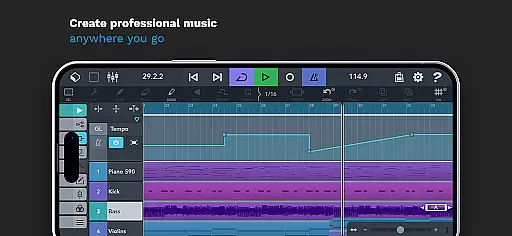
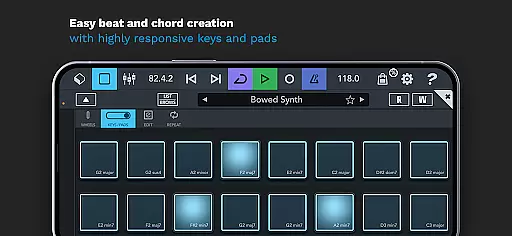
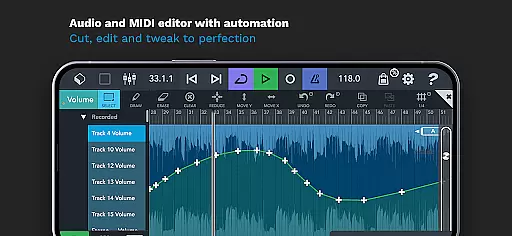
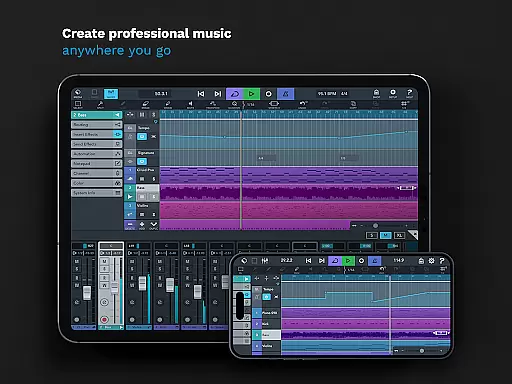
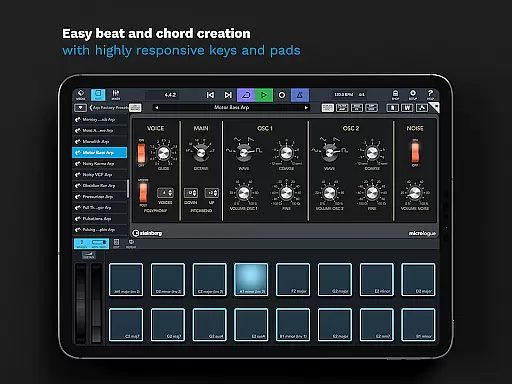
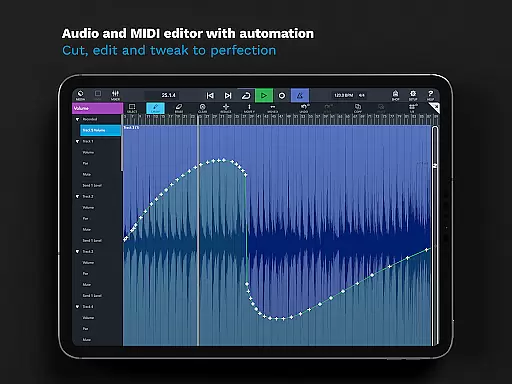
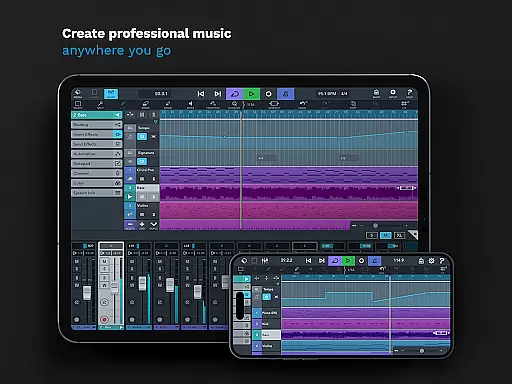
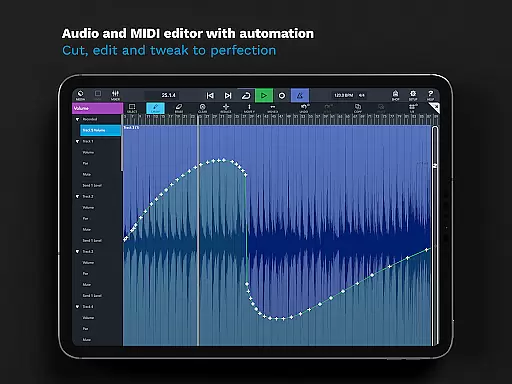
Cubasis 3 is a multi-award winning mobile DAW and full music production studio that allows musicians to capture their ideas and turn them into professional-sounding songs. The app provides an intuitive interface for recording, mixing, editing audio, and creating beats & loops directly on Android devices or Chromebooks. With its advanced 32-bit floating-point audio engine and support for high-resolution audio up to 24-bit/48 kHz, Cubasis 3 delivers exceptional sound quality.
One of the standout features is its unlimited number of audio and MIDI tracks, making it suitable for complex music projects. The app includes professional-grade tools such as the Master Strip Suite, mixer with studio-grade channel strips, and over 550 MIDI and time-stretch capable audio loops. Whether you're sketching song ideas or producing complete tracks, Cubasis 3 offers a comprehensive solution for mobile music production.
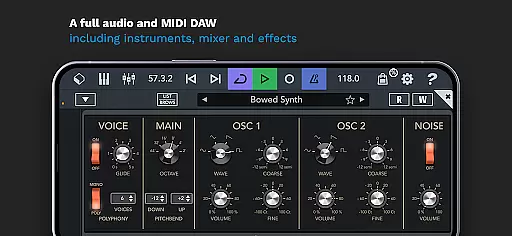
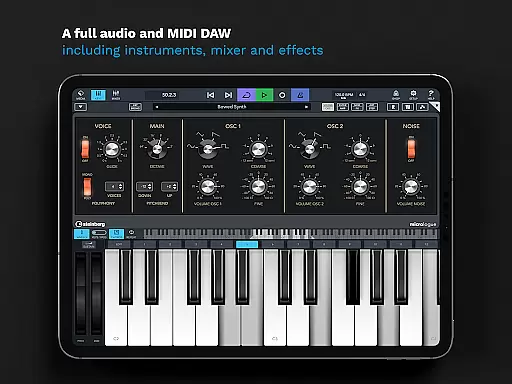
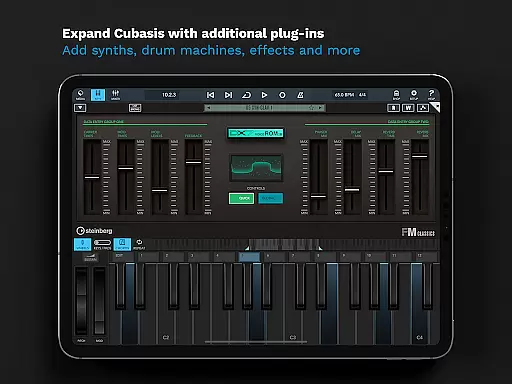
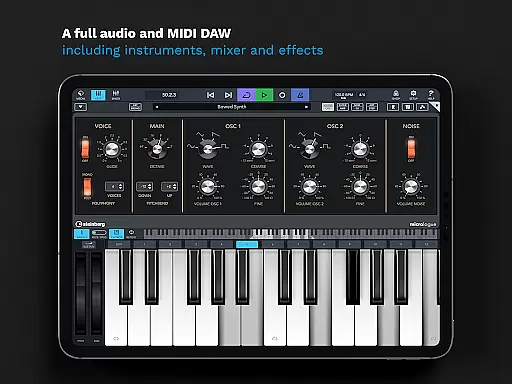
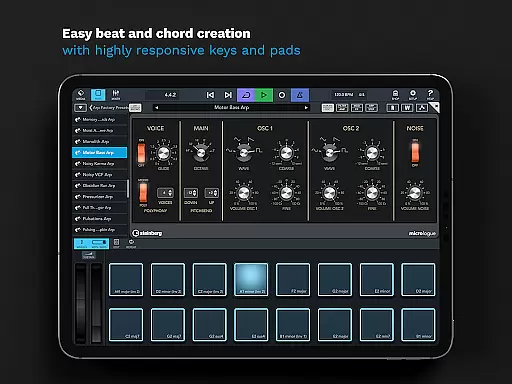
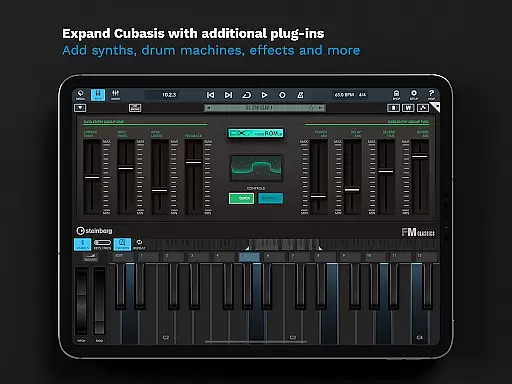
Cubasis 3 stands out with its powerful set of features designed for both amateur and professional musicians. The app includes a virtual analog synthesizer called Micrologue, which comes with 126 ready-to-go presets, and MicroSonic, offering over 120 virtual instrument sounds. These instruments allow users to create rich, dynamic compositions without needing external gear. Additionally, the MiniSampler lets users create custom instruments using their own samples.
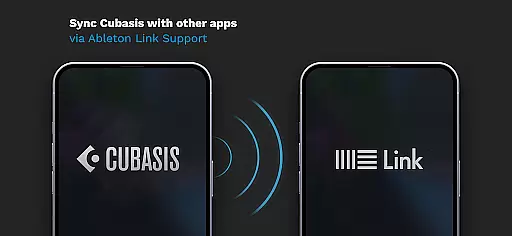
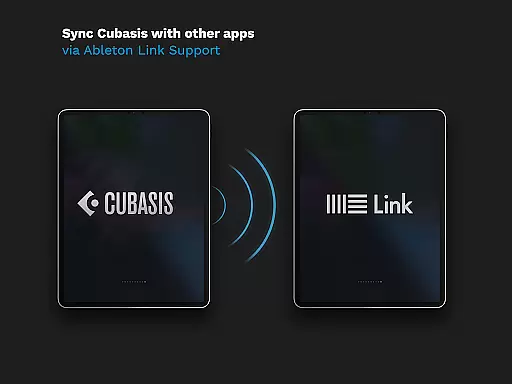
The mixer in Cubasis 3 is equipped with studio-grade channel strips and supports sidechain functionality, enabling more creative mixing options. The app also features fully automatable effects like the DJ-like Spin FX plug-in and offers seamless integration with external hardware through MIDI Learn and other protocols. With Ableton Link support and compatibility with various export options including Google Drive and Dropbox, Cubasis 3 ensures flexibility and convenience in collaborative workflows.
Cubasis 3 stands out with its extensive music library, offering over 550 MIDI and time-stretch capable audio loops. This vast collection provides users with a rich resource to draw from, ensuring that creators have the sounds and samples they need to produce high-quality music. The inclusion of MicroSonic, which features more than 120 virtual instrument sounds, further expands the creative possibilities.
Copyright authenticity is a crucial aspect of Cubasis 3's music library. All the included sounds and loops are licensed for use, giving users peace of mind when incorporating them into their projects. This means creators can focus on their music without worrying about legal issues arising from unauthorized use of samples or loops.
The app also features the Micrologue virtual analog synthesizer with 126 ready-to-go presets. These presets are crafted by sound design professionals, ensuring both quality and originality. Users can trust that each sound is unique and fully compliant with copyright laws, allowing for worry-free music production.
With Cubasis 3, musicians and producers have access to a comprehensive suite of tools that respect copyright while fostering creativity. Whether you're sketching song ideas or producing a full record, the app's commitment to copyright authenticity ensures that your work remains legally sound and professionally polished.
Cubasis 3 delivers exceptional audio quality options, making it a top choice for discerning music producers. The app features a 32-bit floating-point audio engine, providing pristine sound quality and dynamic range. This powerful engine ensures that every nuance of your music is captured with precision, delivering professional-grade audio that meets the highest studio standards.
In addition to its robust audio engine, Cubasis 3 supports an audio I/O resolution of up to 24-bit/48 kHz. This high-resolution capability allows users to record and playback audio with incredible clarity and detail. Whether you're working on intricate sound designs or mastering final mixes, the app's superior audio resolution ensures that your work sounds its best.
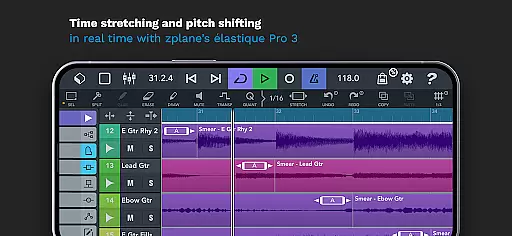
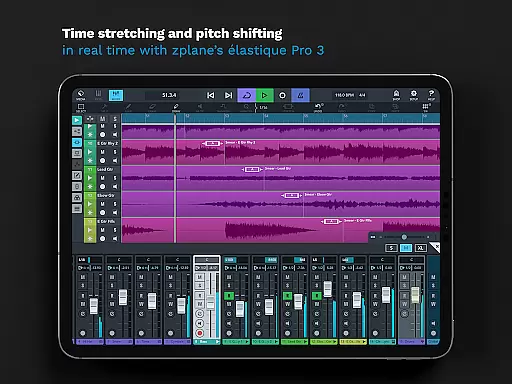
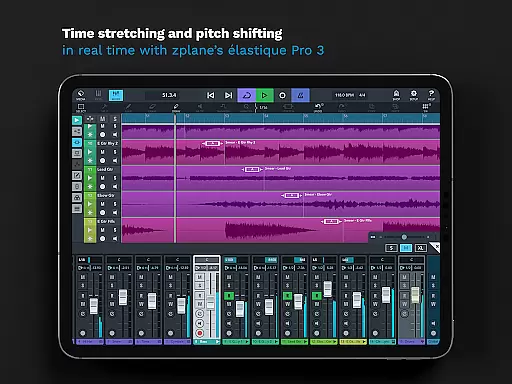
Real-time time-stretching and pitch-shifting are made possible through zplaneu2019s u00e9lastique 3 technology. This feature enables users to manipulate audio in innovative ways without compromising quality. Musicians can experiment with tempo changes and key adjustments, knowing that the integrity of their sound will be preserved.
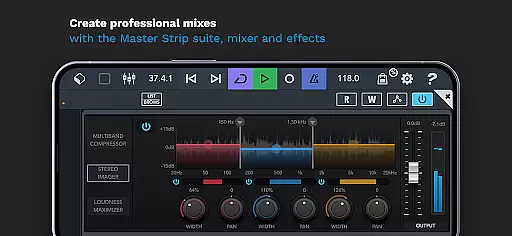
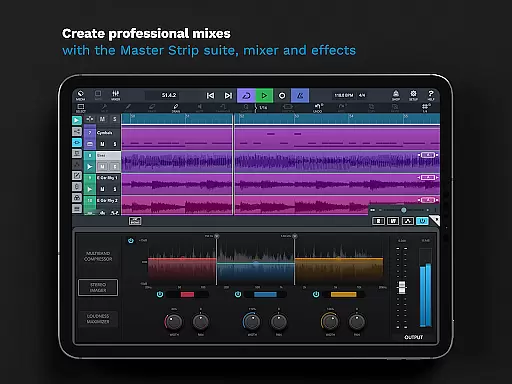
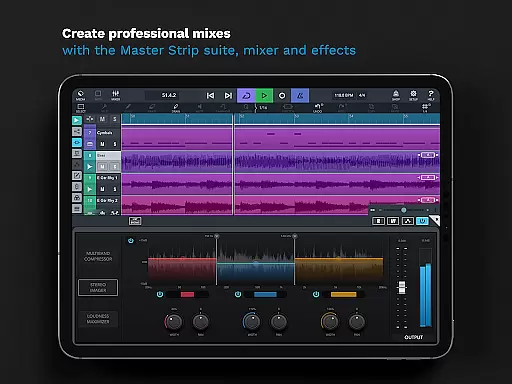
Furthermore, Cubasis 3 offers a complete suite of professional effects and processing tools. With eight insert and eight send effects available, users can craft complex soundscapes and achieve the perfect mix. The Master Strip plug-in suite adds another layer of polish, providing exceptional effects that elevate tracks to industry-standard levels. These comprehensive audio quality options make Cubasis 3 an indispensable tool for any serious music creator.
User-friendly interface
High-quality audio engine
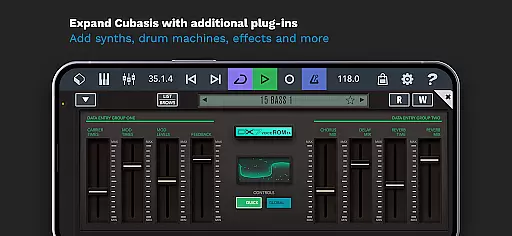
Extensive plugin support
Versatile MIDI capabilities
Professional mixing tools
Limited hardware support
Additional in-app purchases
Steep learning curve
Resource-intensive
Occasional bugs

Fun & Easy Voice Changer – Record, Edit & Add Hilarious Effects!
 4.50
4.50
Turn your phone into a musical instrument from the future!
3.90
Most Advanced AI Song Generator and Music Creator. Rap, Pop, Rock, Gospel & more
4.70
JBL PartyBox APP works with 110/310/710/120/320/520/Encore/Encore 2/Encore Ess 2
4.80
Bass Booster Pro takes auto-equalizing to the next level!
4.30
Recording studio w/ 10k beats, pro vocal FX and a network of 20M rappers & fans!
4.60
Offline Music Player&MP3 Player with themes, equalizer, lyrics, music play mode
4.60
Slow music down without changing pitch.
3.70
Get alarms that fit your lifestyle and wake up to the sounds you love.
4.80
Voice recorder - Audio recorder. Best recorder for recording
4.90
Tune in to the greatest hits on UK Radio | The home of Capital, Smooth & Heart.
4.90
Offline Music Player & MP3 Player.Powerful equalizer, Lyrics, Themes, Tag Editor
4.80
The best music and audio player, with beautiful UI, music search and equalizer.
4.60
Bass Booster & Volume Equalizer Pro improves your music and video sound quality
4.60
Time Trainer: accurate metronome w tools to help you develop your internal time!
4.20
The alternative folder based music player.
4.20
Turn your Android phone into a professional audio analyser with up to 120 bands.
4.00
Offline Tunes, Unlimited Vibes
3.90
The Skullcandy App Experience
3.20


User Reviews