
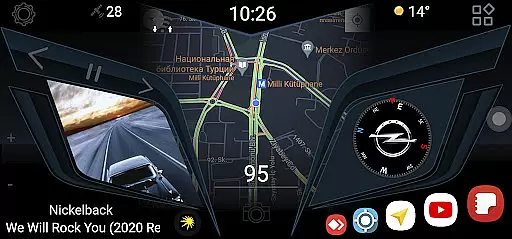
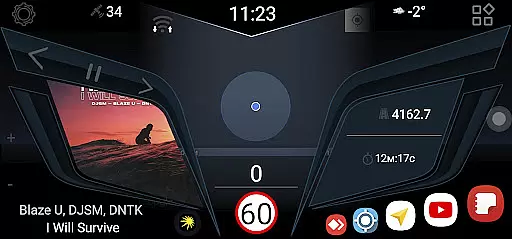
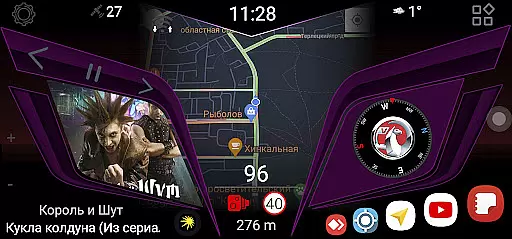
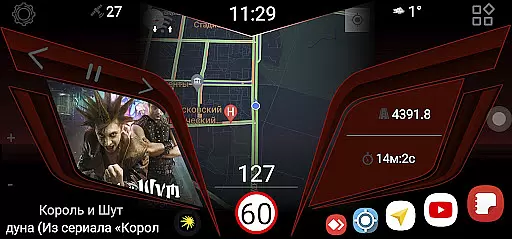
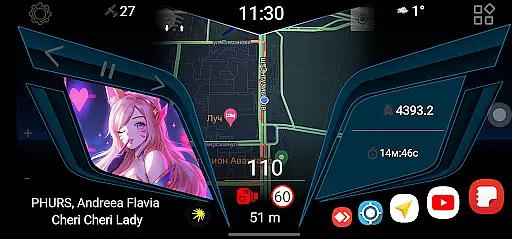
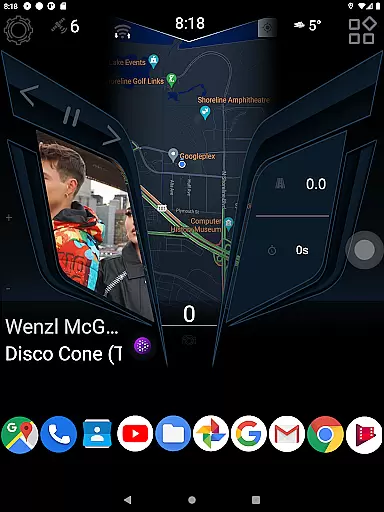
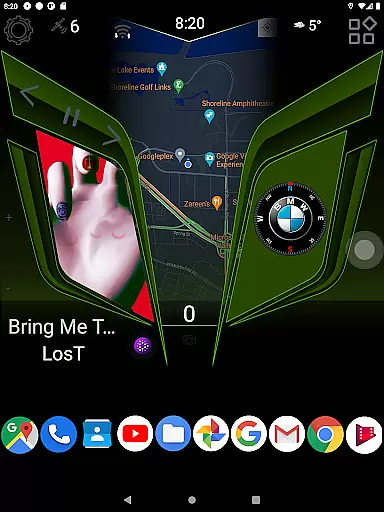
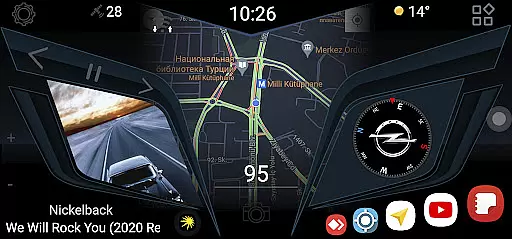
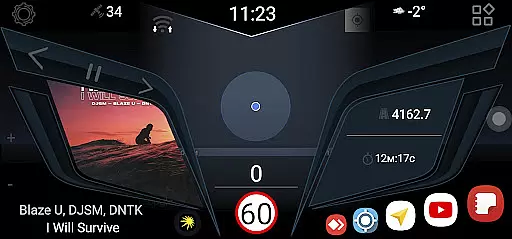
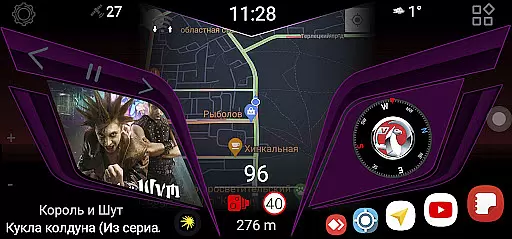
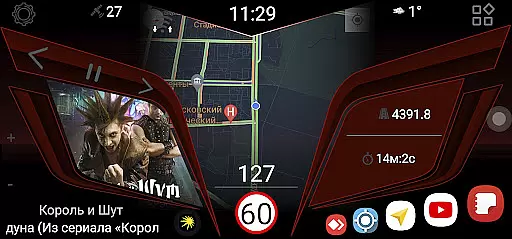
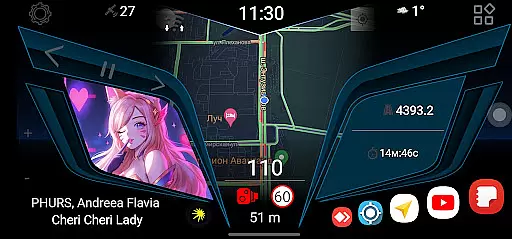
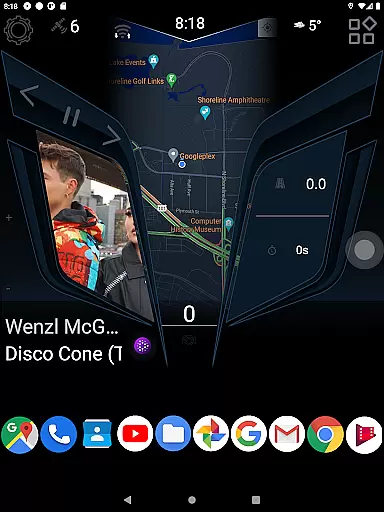
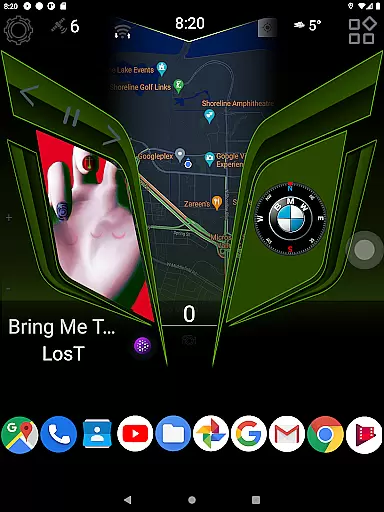
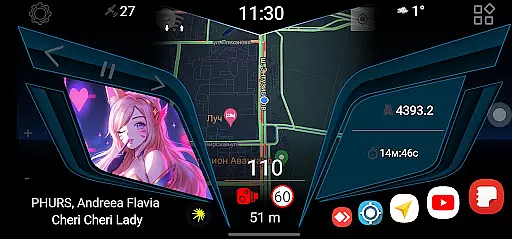
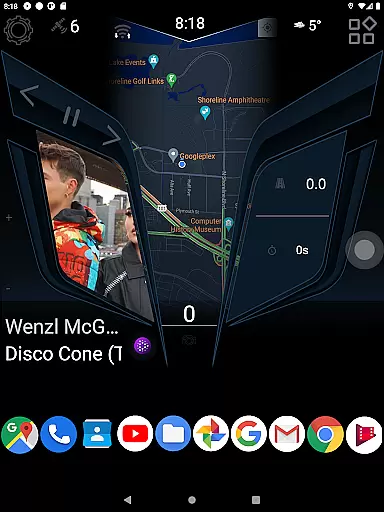
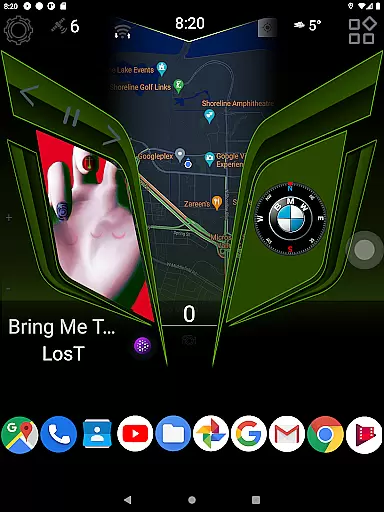
CL Theme Line is a specialized theme designed exclusively for the Car Launcher Free/Pro app, falling under the Auto & Vehicles category. This theme enhances your Car Launcher interface with a sleek and modern design, offering users an improved visual experience while using their vehicle's digital systems.
The primary function of this theme is to customize the appearance of the Car Launcher app, ensuring that drivers have a more personalized and visually appealing dashboard. It requires the Car Launcher application from Apps Lab Studio to be installed on the user's device to work correctly. Once installed, the theme can be activated through the settings menu by selecting 'Choose a theme' and clicking on the desired option.
This customization tool is particularly useful for those who spend a significant amount of time in their vehicles and value both aesthetics and functionality in their driving experience.
CL Theme Line offers several notable features that enhance the usability and appearance of the Car Launcher app. Firstly, it provides a unique and stylish design that transforms the look and feel of the car's digital interface, making it more engaging and enjoyable to use.
Additionally, the theme includes intuitive navigation elements and icons that are specifically tailored for automotive environments, ensuring that drivers can easily interact with their devices without distraction. These design enhancements not only improve the overall user experience but also contribute to safer driving conditions by minimizing the time needed to locate essential functions.
Furthermore, CL Theme Line supports seamless integration with the Car Launcher app, allowing users to switch themes effortlessly and personalize their setup according to their preferences. This flexibility ensures that every driver can create an environment that suits their style and needs.
When it comes to automotive applications, having access to detailed vehicle information is crucial for users who want to customize their driving experience. The CL Theme Line app offers a unique approach by providing specialized themes that display important vehicle data in an aesthetically pleasing way.
This application works exclusively with the Car Launcher Free/Pro app, transforming the vehicle interface into a more user-friendly and visually appealing environment. By ensuring that all necessary vehicle information is presented clearly and attractively, drivers can enjoy both functionality and style.
The level of detail provided allows users to have a comprehensive view of their vehicle's status at a glance. This includes essential metrics and indicators that are vital for both daily commutes and long journeys, enhancing overall driving safety and convenience.
Price transparency in automotive apps ensures that users fully understand what they are getting for their money. The CL Theme Line app maintains complete clarity regarding its pricing structure, offering users peace of mind when customizing their vehicle interfaces.
As this theme is designed to work seamlessly with the Car Launcher app, there are no hidden fees or additional costs involved. Users can easily access and apply the theme through the Car Launcher settings, knowing exactly what they are paying for.
This transparency not only builds trust but also enhances the user experience by allowing customers to make informed decisions about their purchases. With clear instructions on how to install and use the theme, users can effortlessly enhance their vehicle's interface without any unexpected expenses.
User-friendly design
Enhances visual appeal
Easy installation process
Seamless integration
Customizable options
Requires separate app
Limited to Car Launcher
No standalone functionality
Potential compatibility issues
Dependent on third-party updates

The Smarter Way Forward
 3.30
3.30
Realtime Charts is a plugin for the Torque Pro App (OBD 2 & Car)
4.20
* This app needs an adapter cable and a certain OBD2 adapter to work *
4.20
Launcher for use in the car
4.40
The Texaco App allows you to pay for fuel from the comfort of your car!
4.80
Simplify your drive
3.90
Blink Charging Mobile app makes finding an EV charger an intuitive experience.
3.80
Automotive Electrical Wiring Diagrams
4.40
Secure mobile payments & fuel savings at Phillips 66®, Conoco® and 76® stations
4.40
Take Control of Your Car
4.80
Practice the drills within MotoJitsu Master Riding Program Volume 1 & 2!
4.80
View your car’s service records and find out when maintenance is due.
4.70
1M+ high-quality auto parts at your fingertips. Fitment guaranteed.
4.70
Quick and easy car diagnostics to get you the right fix.
4.70
AI Powered - Automotive Mechanic Assistant
4.30
Your car is talking. Start listening.
4.30
Car Sounds Engine Sounds app welcomes Auto Lovers to feel Car Simulator Sound
4.20
BlueDriver® is a Premium Diagnostic OBD2 Scan Tool. www.BlueDriver.com
3.90
Take state-specific DMV permit tests and ace the exam.
3.90


User Reviews