
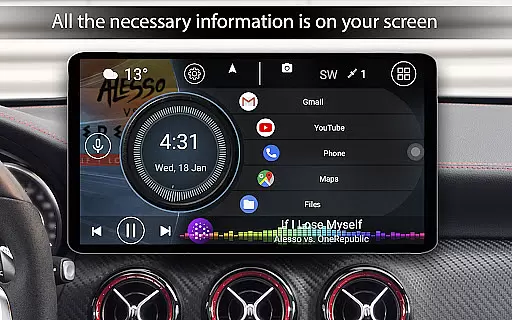
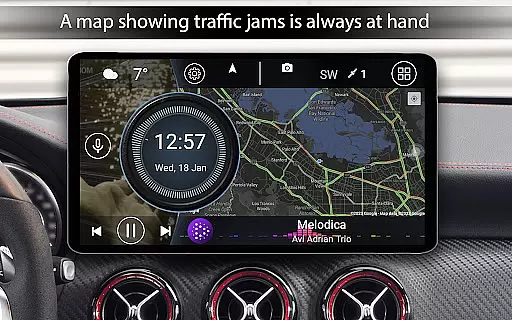
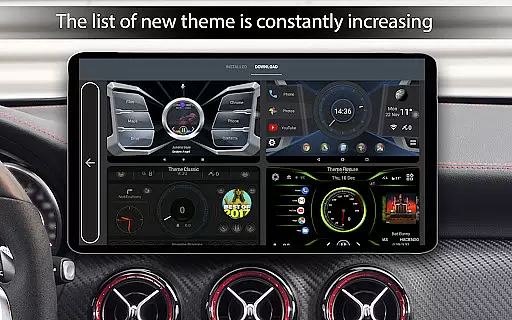
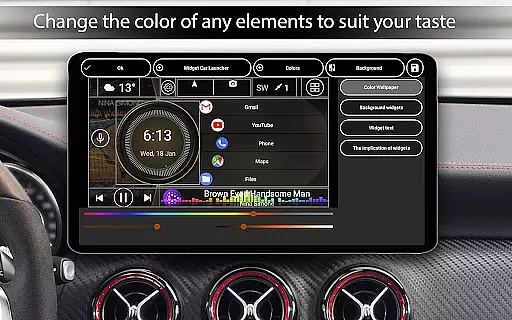
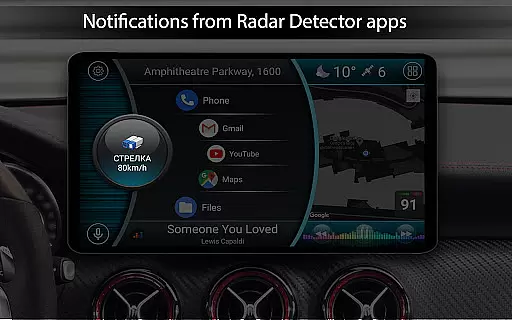
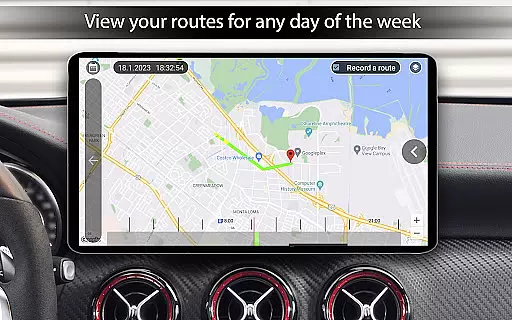
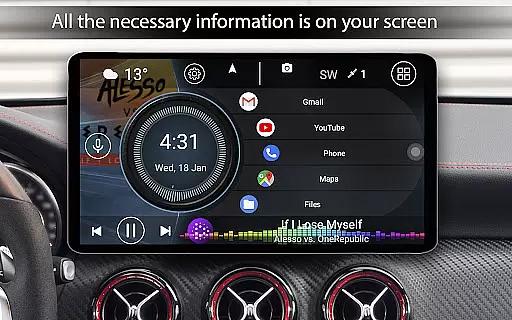

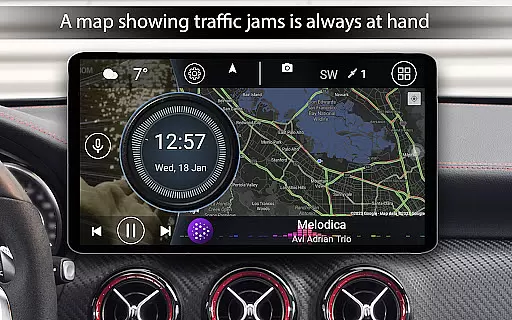
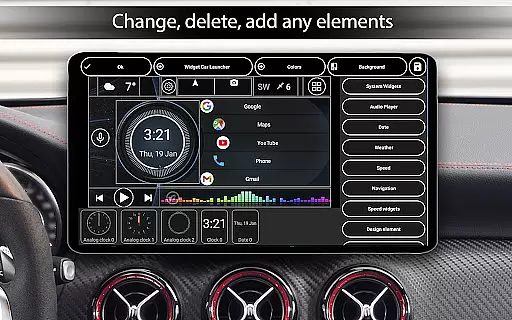
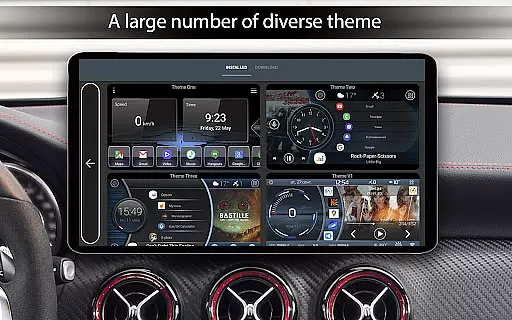
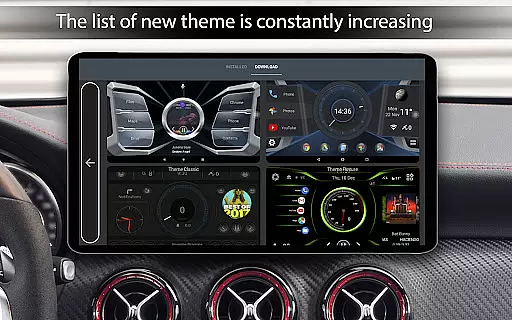
Car Launcher Pro is a specialized application designed for automotive use, enabling seamless control of various functions directly from your car's interface. The app transforms Android-based systems into an intuitive onboard platform that combines essential vehicle metrics with entertainment and navigation features.
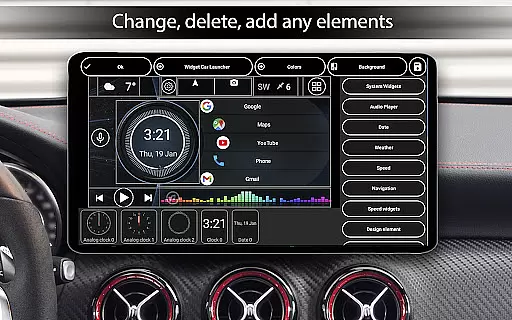
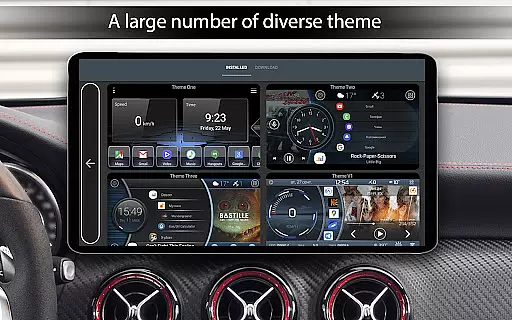
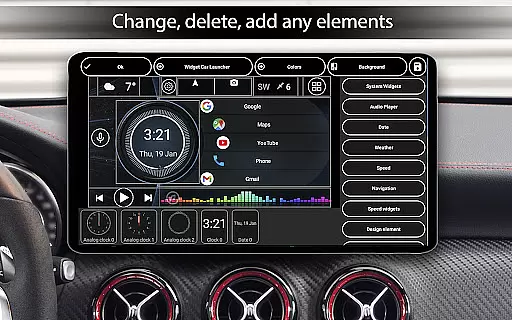
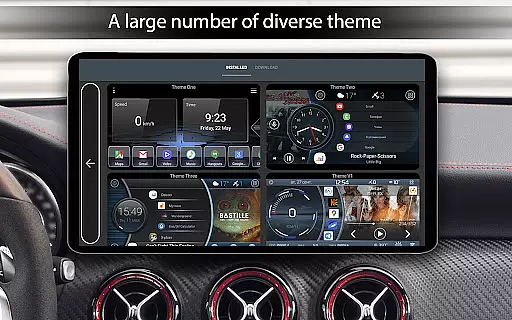
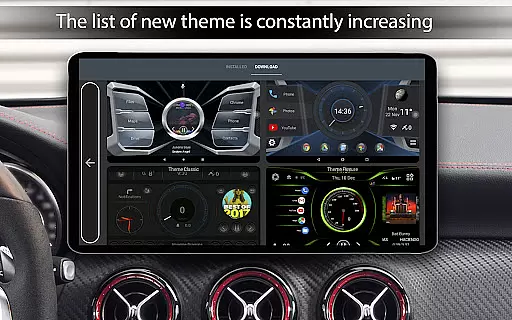
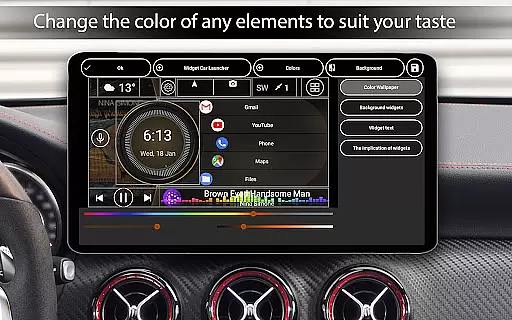
Core functionalities include GPS-based speed display, customizable widgets for monitoring trip data, and quick access to favorite apps. Users can personalize their experience through adjustable themes, wallpapers, and color schemes. The app also supports third-party plugins for extended customization options, making it ideal for enhancing both usability and aesthetics in modern vehicles.
This app stands out with its comprehensive suite of features tailored specifically for drivers. It offers advanced GPS functionalities such as real-time speed tracking, distance calculations, and acceleration measurements, all displayed on an easy-to-read interface. The built-in onboard computer provides detailed trip statistics including average speed, total driving time, and maximum velocity achieved.
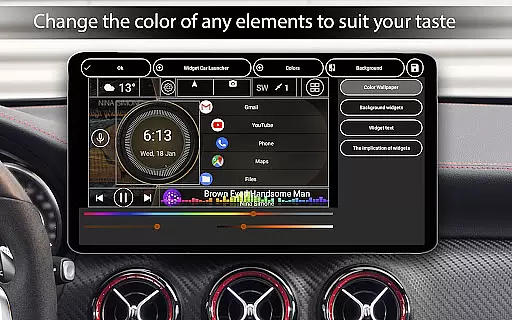
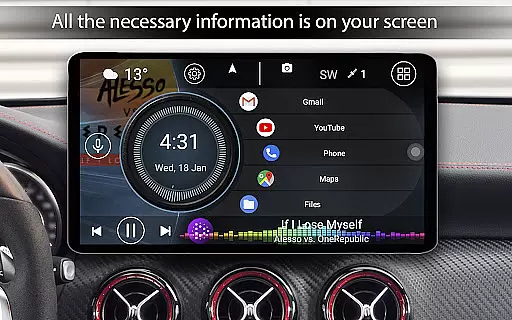
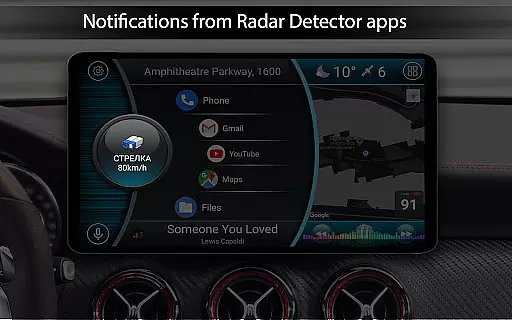
Customization is at the heart of Car Launcher Pro. Users can create personalized home screens with quick-launch icons for frequently used apps, switch between multiple themes, and adjust color settings to suit their preferences. Additional highlights include weather updates, location information, and support for third-party widgets that expand the system's capabilities even further.
The application also excels in media integration, allowing users to enjoy album art displays from compatible music players while driving. With automatic screen brightness adjustment and a customizable clock screensaver, this app ensures optimal visibility and convenience during every journey.
Car Launcher Pro provides comprehensive vehicle data through its advanced onboard computer system. The application utilizes GPS data to deliver real-time speed readings, distance traveled, and acceleration metrics.
Users can access detailed statistics such as average speed, total driving time, maximum speed, and even performance benchmarks like 0-60 km/h times. These features ensure drivers have a clear understanding of their vehicle's performance.
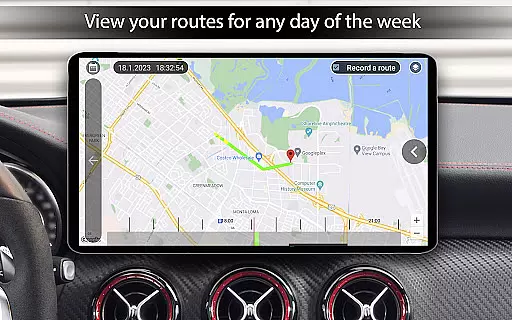
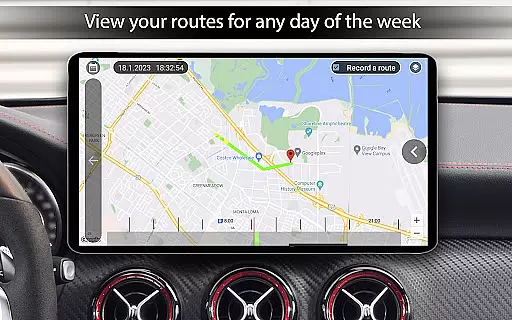
The app allows customization of data display periods, offering views for trip duration, daily, weekly, or monthly performance. This flexibility enables users to monitor short-term trips or long-term driving habits with equal precision.
All vehicle information is presented in an intuitive interface that integrates seamlessly with the car's dashboard environment, making it particularly valuable for Android-based car systems.
Car Launcher Pro maintains complete price transparency by offering both free and premium versions with clearly defined feature sets. The basic version provides essential launcher functions and onboard computer capabilities at no cost.
For users seeking advanced functionality, the PRO version offers additional features including unlimited folder creation, enhanced widget customization, and extended theme support. Each premium feature is explicitly listed and explained within the application.
The pricing structure is readily available through the Google Play Store listing, allowing users to make informed decisions about upgrading. There are no hidden fees or unexpected charges associated with any version of the application.
This transparent approach extends to in-app purchases, where each additional feature or customization option is clearly priced and described, ensuring users understand exactly what they are purchasing.
User-friendly interface
Extensive customization options
Real-time vehicle data tracking
Supports third-party plugins
Comprehensive trip statistics
Premium features require payment
Background GPS may drain battery
Complex setup for beginners
Limited free version functionality
Occasional performance lags

Theme for Car Launcher
 4.5
4.5
Read and delete OBD codes with any ELM327 OBD scanner. Coding functions included
3.40
Get your personalized financing options and shop for used cars today!
4.20
Boost profits and hit your goals faster with GigU's amazing tools for gigworkers
4.00
By enthusiasts, for enthusiasts
4.00
Lexus app currently supports 2010 or newer vehicles (2018 or newer for Hawaii).
4.80
Mobile Phone Parking - So easy to park
3.70
1M+ high-quality auto parts at your fingertips. Fitment guaranteed.
4.70
Your go-to app for car, truck & SUV parts, DIY tools, and expert repair help.
4.70
Marathon ARCO Rewards members earn rewards & apply the rewards for fuel savings!
4.80
OBD1 ECMs application. Data log or tune directly from your phone or tablet!
4.60
DMV Test Pro offers all the updated FREE DMV tests online.
4.60
Find, search, and browse 40,000+ used cars, SUVs, and trucks.
4.50
Digital Car Key/Launcher, Screen Mirror, Android Dashboard, Remote Wireless Link
4.40
A full featured, real-time transit locator system
4.30
ODB2 based monitoring application for the Chevy Bolt (2017-2021)
4.00
OBD diagnostics, Live Data, DPF regeneration for BMW
4.00
Take state-specific DMV permit tests and ace the exam.
3.90
Attention! This is the theme for the Car Launcher app
4.2


User Reviews