
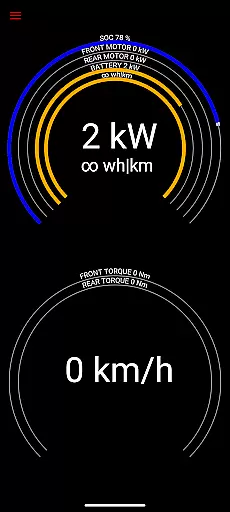
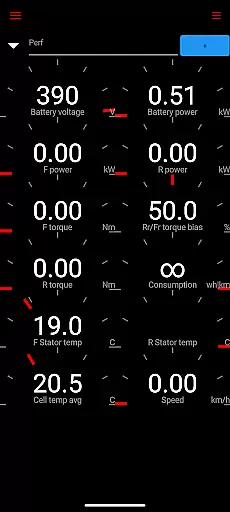
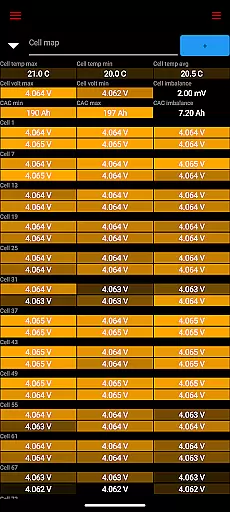
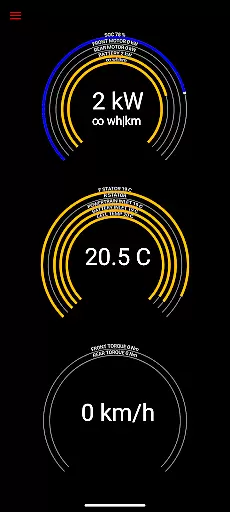
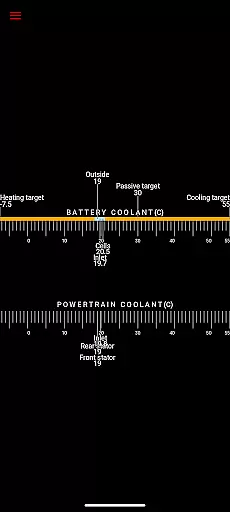
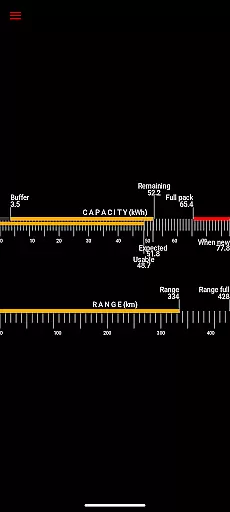
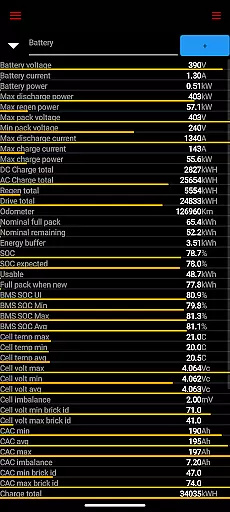
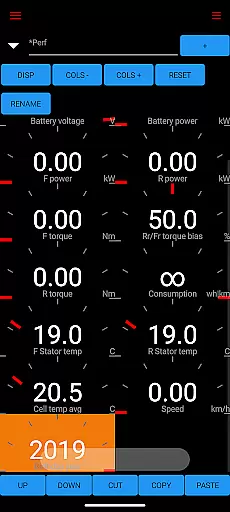
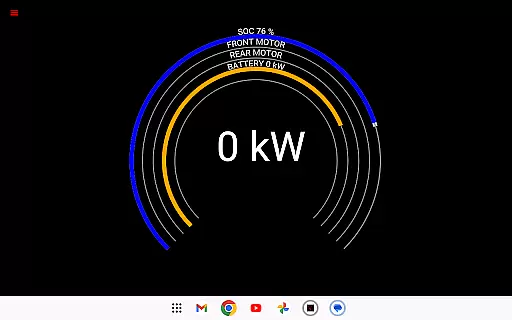
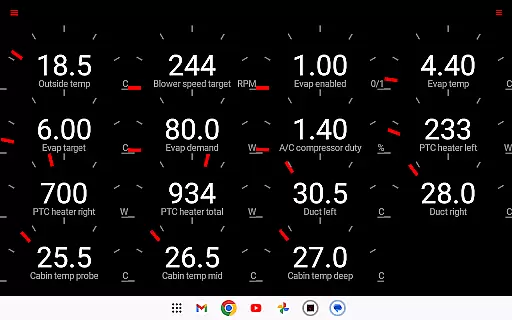
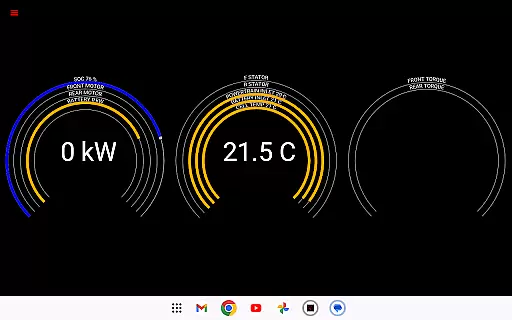
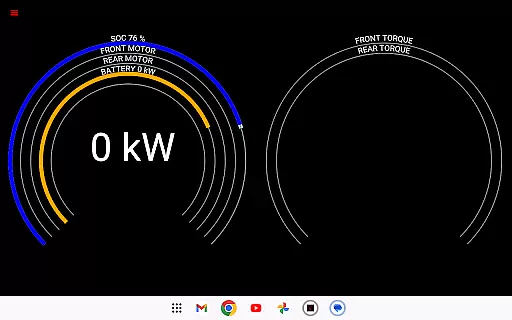
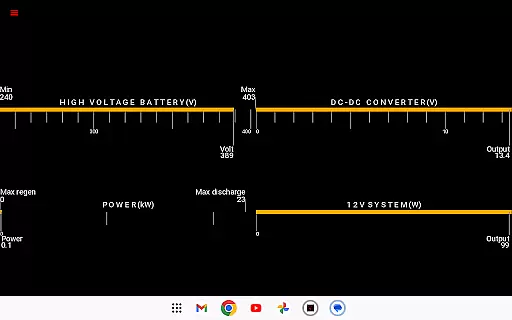
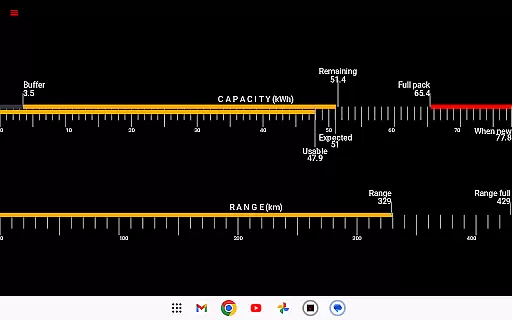
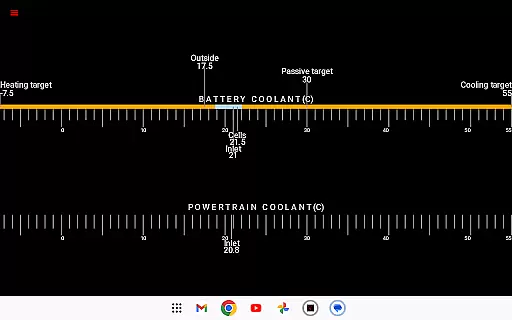
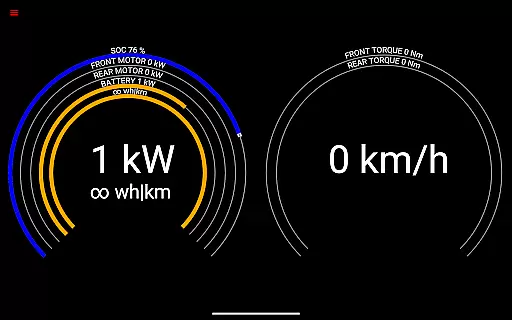
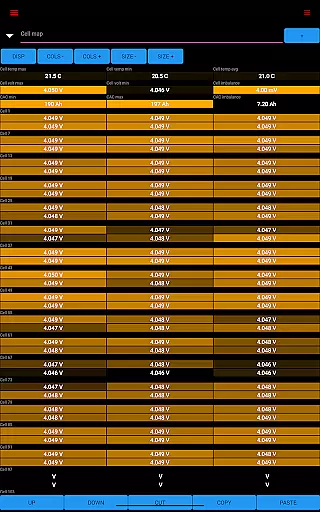
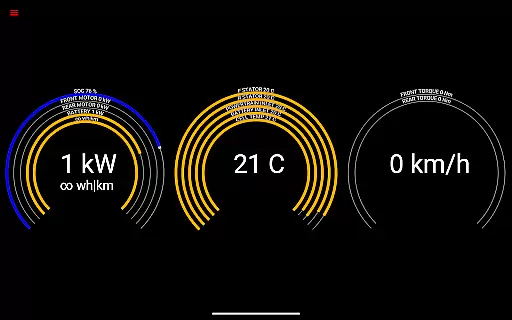
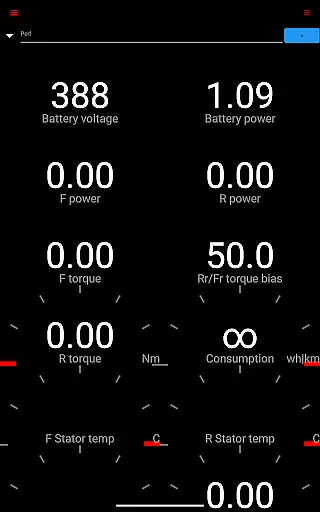
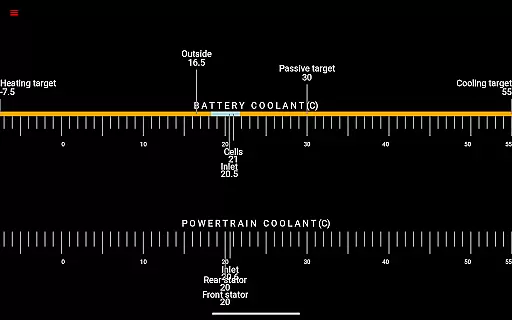
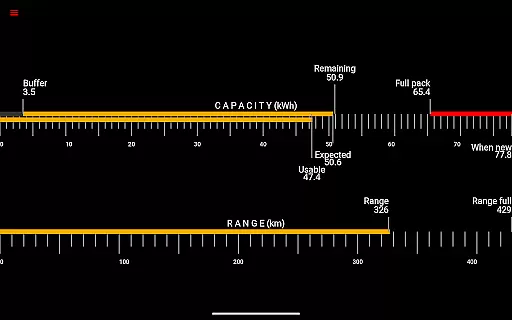
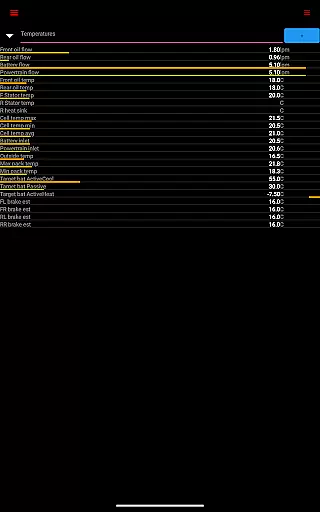
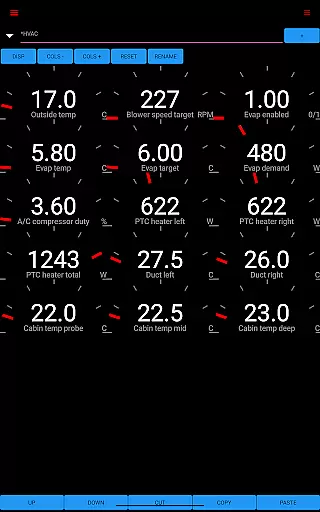
Scan My Tesla is a specialized diagnostic application designed exclusively for Tesla Model S, 3, X, and Y owners. This app provides real-time readings from the vehicle's diagnostics port, offering users detailed insights into their car's performance metrics. With the help of an adapter cable and a compatible OBD2 adapter, it enables Tesla owners to monitor various live statistics including battery power, voltage, current, temperatures, drive unit electric power, torque, horsepower, RPM, and more.
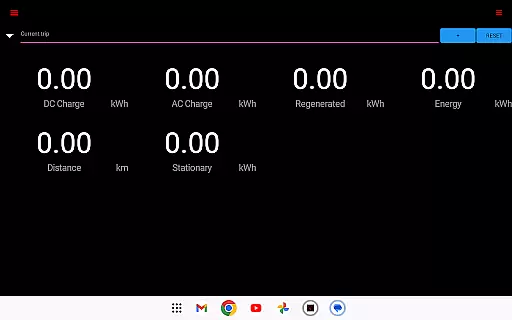
The app also features trip recording capabilities, allowing users to track regenerated and charged energy, making it an essential tool for those who want to understand their vehicle's efficiency and performance in depth. Whether you're a Tesla enthusiast or a professional technician, Scan My Tesla offers valuable data visualization and logging options that can be used for analysis and optimization of your vehicle's operation.
Scan My Tesla stands out with its comprehensive feature set tailored specifically for Tesla vehicles. The app decodes numerous CANBUS packets, providing users with critical information about their car's internal systems. It includes battery lifetime stats, capacity estimates, mileage tracking, and even monitors the 12V system's current, voltage, and temperature.
One of the key highlights is its ability to visually present complex diagnostic data through user-friendly interfaces. Additionally, the app incorporates advanced functionalities such as HVAC controls developed by industry experts like Marc Olivier Chouinard. The inclusion of a trip recording system further enhances its utility by enabling detailed energy consumption analysis. These innovative features make Scan My Tesla an indispensable tool for both casual users and automotive professionals seeking deeper insights into Tesla's engineering.
Scan My Tesla provides comprehensive real-time data from your Tesla Model S, 3, or X diagnostics port. This includes crucial metrics such as battery power, voltage, current, and temperatures, offering deep insights into your vehicle's health.
The app also monitors drive unit statistics including electric power, torque, RPM, and temperatures. These readings give users a detailed understanding of their vehicle's performance characteristics and help identify potential issues early.
Additional features include battery lifetime stats, capacity estimates, mileage tracking, and 12V system monitoring. The trip recording functionality allows users to analyze energy regeneration and charging patterns, providing valuable data for optimizing driving habits.
This level of detailed vehicle information empowers Tesla owners to make informed decisions about maintenance and performance optimization while satisfying their curiosity about their vehicle's inner workings.
While Scan My Tesla itself doesn't display pricing information, it offers valuable insights that contribute to price transparency in vehicle maintenance. By providing detailed diagnostic information, users can make informed decisions about service needs and costs.
The app helps prevent unnecessary repairs by clearly showing which components actually require attention. This information can be used to negotiate fair prices with service providers or choose between different maintenance options.
Although the app requires an adapter cable and specific OBD2 adapter for functionality, these costs are clearly outlined on their official website at https://www.scanmytesla.com/adapters. This upfront information helps users understand the total cost of ownership.
Furthermore, the app's ability to track battery capacity and estimate remaining life cycle provides crucial data for potential resale value assessment, contributing to overall price transparency in the used vehicle market.
User-friendly interface
Comprehensive diagnostic data
Real-time performance tracking
Detailed trip recording
Active community support
Requires additional hardware
Limited Model 3 compatibility
No official Tesla affiliation
Potential data inaccuracies
Complex setup process

OBD2 car scanner and diagnostics: read Check Engine, DTC, economy....
 4.30
4.30
Listings of Tesla's with FSD - Included package
4.60
Digital Car Key/Launcher, Screen Mirror, Android Dashboard, Remote Wireless Link
4.40
Blink Charging Mobile app makes finding an EV charger an intuitive experience.
3.80
AI Powered - Automotive Mechanic Assistant
4.30
1M+ high-quality auto parts at your fingertips. Fitment guaranteed.
4.70
DMV practice test 2025: Driver License permit test & written test for all states
4.70
O'Reilly Pro will streamline your parts lookup and ordering process!
3.20
Quick and easy car diagnostics to get you the right fix.
4.70
7-Day Returns on All Cars
4.80
Take Control of Your Car
4.80
On the CarShield app, you can view contracts, make payments, & request roadside.
4.40
By enthusiasts, for enthusiasts
4.00
BlueDriver® is a Premium Diagnostic OBD2 Scan Tool. www.BlueDriver.com
3.90
PayByPhone: A quick and easy way to pay for parking.
3.80
Discover new and used cars in Syria easily! Browse ads and connect with sellers.
3.70
Mobile Phone Parking - So easy to park
3.70
Wonder how much horsepower and torque your car/truck makes? Look no further.
3.40
The Smarter Way Forward
3.30


User Reviews