
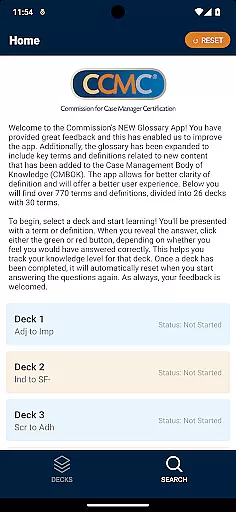
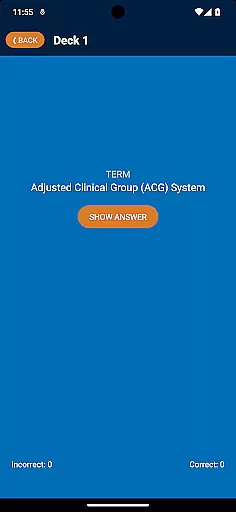
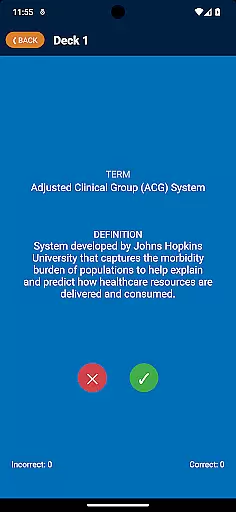
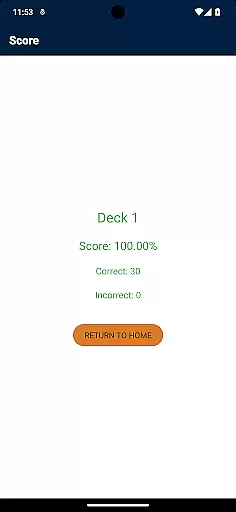
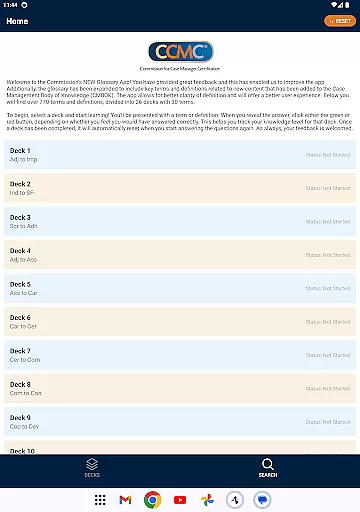
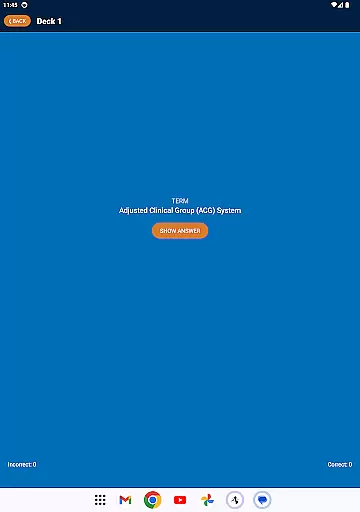
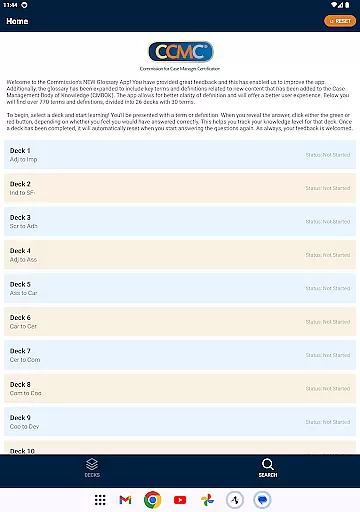
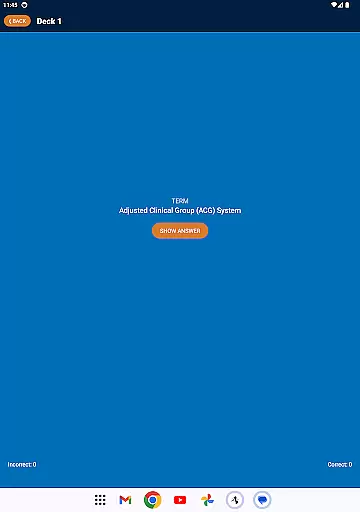
The CCM Glossary App is an educational tool designed to enhance understanding of key terms and definitions within the case management field. With over 770 terms divided into 26 decks, this app provides a structured learning experience for professionals seeking to expand their knowledge base.
Users can track their progress through interactive features that allow them to mark their familiarity with each term. The app's intuitive design ensures a seamless user experience while offering valuable insights into the Case Management Body of Knowledge (CMBOK).
This app stands out with its comprehensive glossary covering essential case management terminology. Each deck contains 30 terms, enabling focused learning sessions that cater to various proficiency levels.
A unique tracking system lets users monitor their understanding by marking terms as known or unknown. This feature not only enhances retention but also allows users to identify areas needing improvement, making it an invaluable resource for professional development.
In the realm of educational applications, content accuracy is paramount. The CCM Glossary App offers over 770 terms and definitions which have been carefully curated and expanded from the Case Management Body of Knowledge (CMBOK). This ensures that users are accessing information that has been validated by experts in the field.
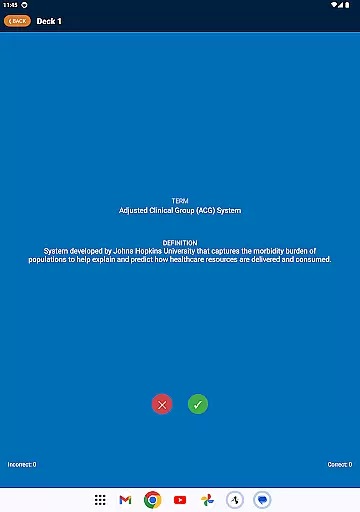
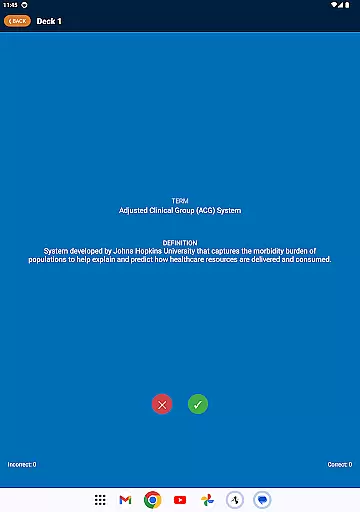
Each term included in the app is accompanied by a precise definition, providing clarity and depth to the user's understanding. With updates based on user feedback, the app continues to refine its content, ensuring it remains a credible resource for learning.
The structured approach of dividing these terms into 26 decks enhances the learning process, allowing users to focus on specific areas and gradually build their knowledge base with confidence in the material presented.
Personalization in learning is about catering to individual needs, and the CCM Glossary App excels in this area by offering a tailored experience through its deck system. Users can select from various decks, each containing 30 terms, enabling them to concentrate on particular subjects relevant to their interests or studies.
As users engage with the app, they can track their progress by indicating whether they answered correctly using green or red buttons. This feature not only personalizes the learning journey but also empowers users to identify areas where further study is needed.
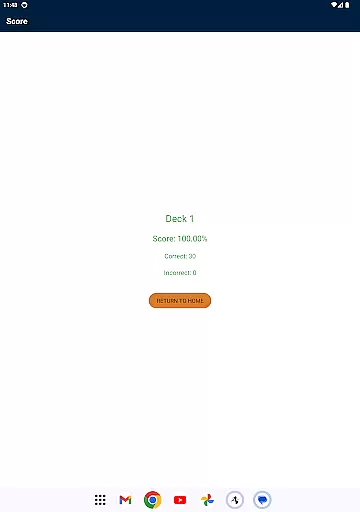
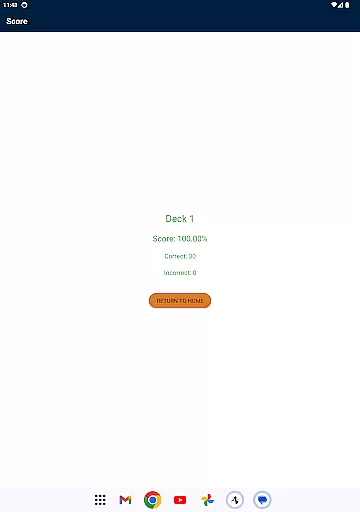
By resetting completed decks automatically, the app encourages continuous learning and review, adapting to each user's pace and reinforcing their retention of the material over time.
User-friendly interface
Comprehensive glossary
Progress tracking
Valuable learning tool
Regular updates
Limited to case management
No offline mode
Occasional bugs
Requires registration
Ads present

Watch and Play Elmo's World!
 4.00
4.00
Test prep for Indiana students
4.5
Childcare Management App: Daily sheets, sign in-out, billing and learning tools
4.70
Astronomy app ? Discover the universe scope, explore solar system model in 3D.
4.20
Experience the sky, planet earth and the solar system like never before
4.90
Prepare for the BCBA / BCaBA exam. Study ABA with the ABA Wizard app.
4.60
THE ESTABLISHED "GO TO" ARMY BOARD PREPARATION APP!
4.30
Reading for kids has never been easier. Learn phonics, letter tracing & more!
4.70
Your Arts+Culture Guide
4.00
2026 DVSA Driving Theory Test revision with Hazard Perception + Highway Code
4.60
Professional Award-Winning Astronomy Star Map App With Telescope Control
4.40
An aviator’s preparation, study and test tool for FAA Knowledge Exams.
4.30
For medical training - Visualize complex vein maps and structures in real-time.
4.10
Deal Craps (Practice Craps Payouts)
3.80
Explore the City of the Sun in Augmented Reality
3.70
MONOPOLY JUNIOR brings Hasbro's classic the board game to life.
3.00
Grazing Risk Monitoring Service
4.3
Learn and joke with the Silly Turkey!
4.4
Pickleball guide complete with illustrated Pickleball drills and helpful info
4.1


User Reviews