
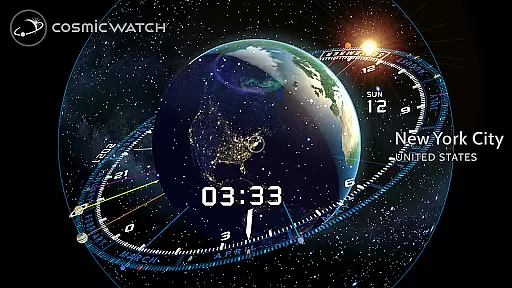
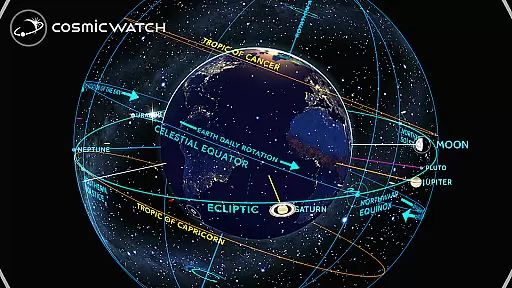
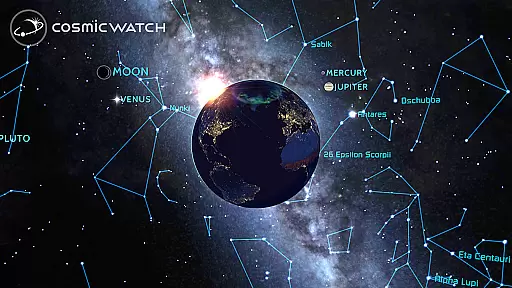
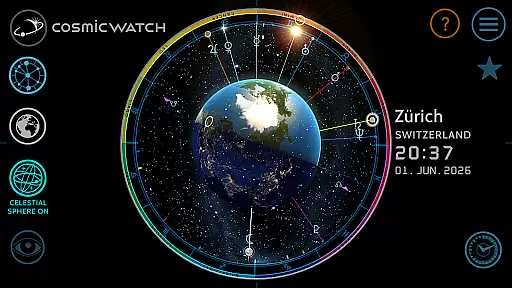
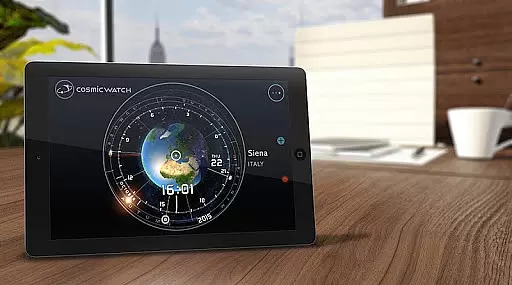
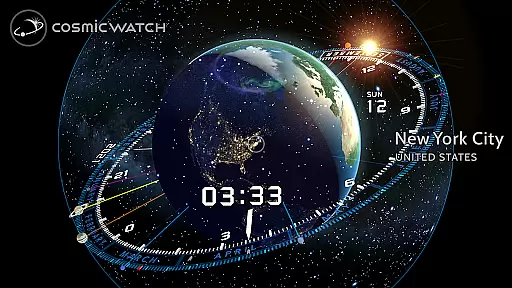
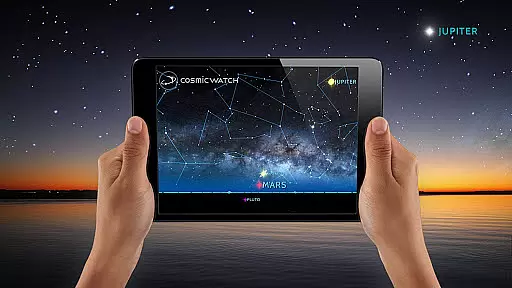
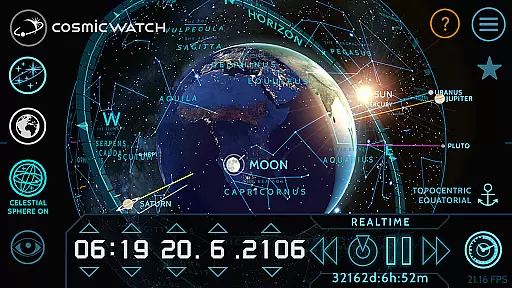
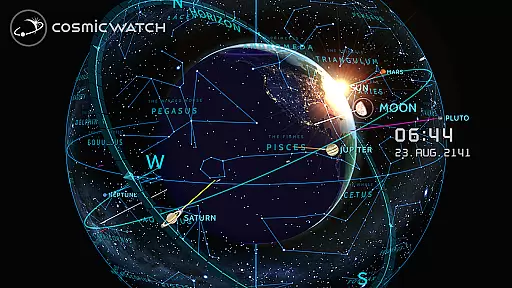
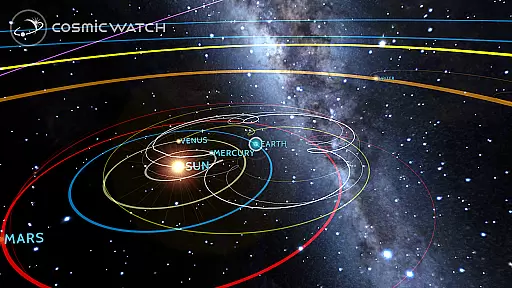
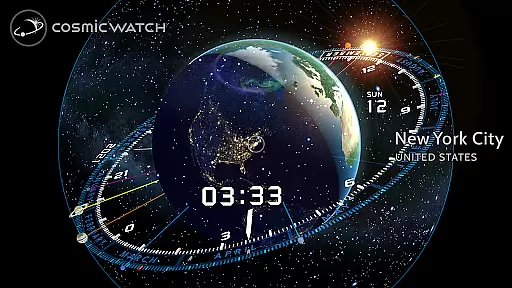
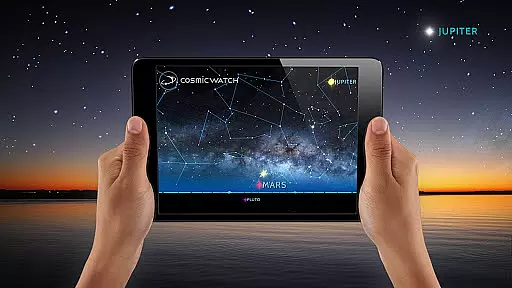
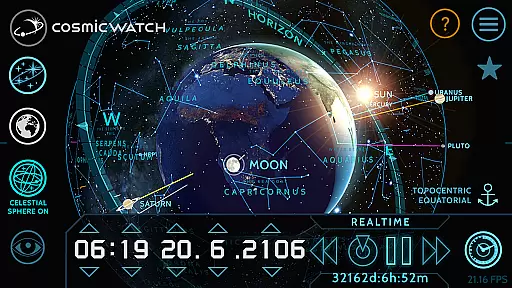
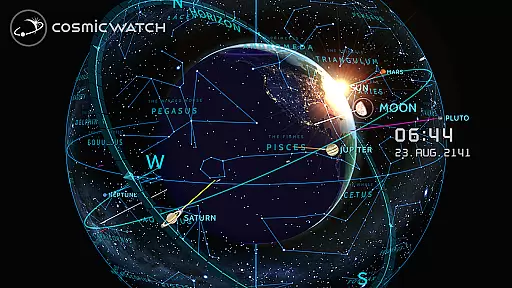
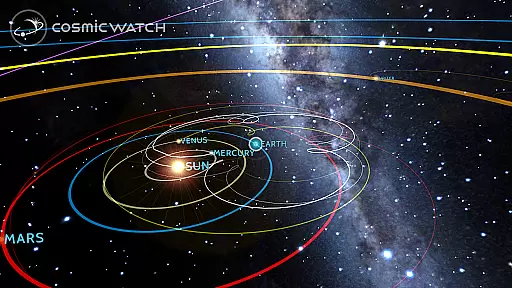
COSMIC WATCH is an innovative educational app that combines a 3D planetarium, augmented reality sky guide, and astronomical clock. This powerful tool allows users to explore the solar system, identify constellations, stars, and planets in real-time, and even travel through time to observe celestial movements. With its stunning graphics and visual effects, it provides an engaging introduction to astronomy for all ages.
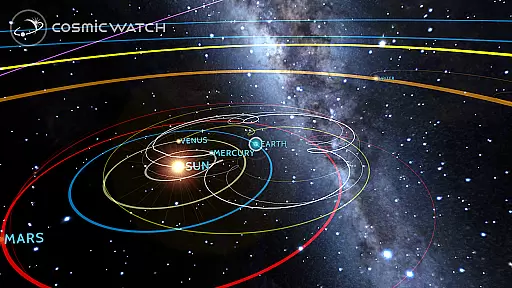
The app's unique features include geocentric and heliocentric views of the solar system, comprehensive planet retrograde representations, and an interactive astronomical clock. These tools not only educate users about basic astronomical principles but also help them understand how time relates to solar system movements. Whether you're a nature lover, amateur astronomer, or professional stargazer, COSMIC WATCH offers valuable insights into our cosmic environment.
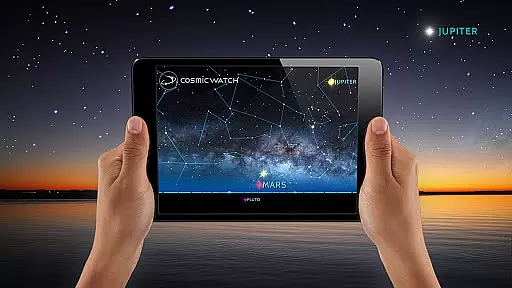
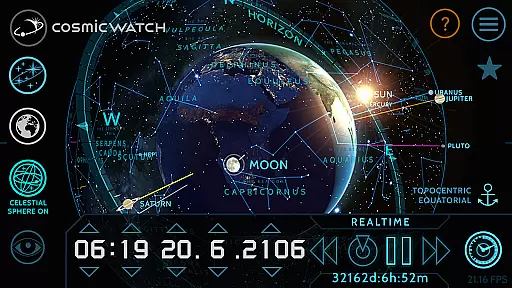
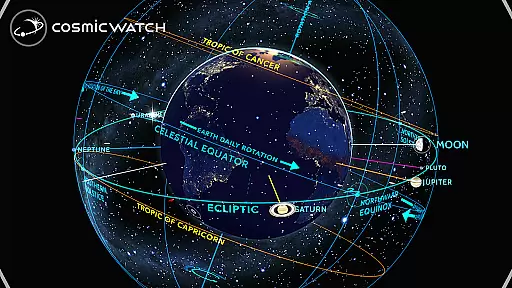
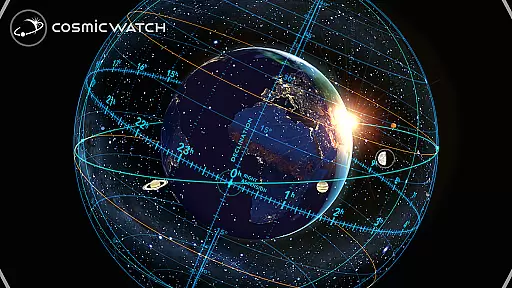
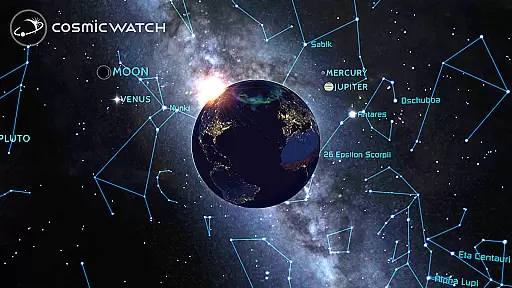
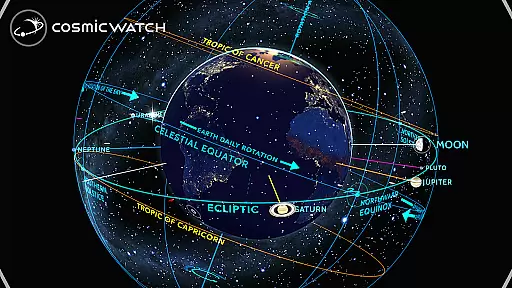
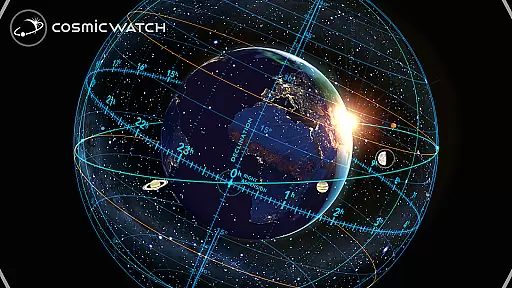
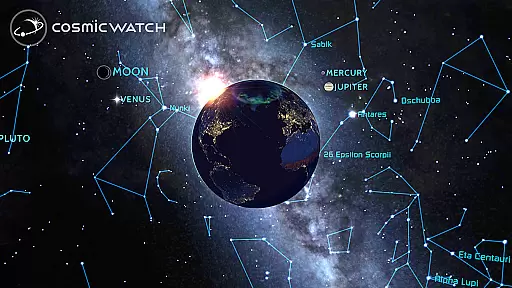
COSMIC WATCH stands out with its diverse set of features designed for both casual learners and serious astronomy enthusiasts. The app includes a 3D celestial sphere providing an overview of the entire sky, making constellation identification and star mapping more intuitive than ever. Its augmented reality functionality enables users to point their devices at the sky and instantly recognize celestial objects, creating an immersive learning experience.
One of the most impressive aspects is its dual functionality as both an astronomical and world clock. Users can switch between different views - sky, earth, and solar system - while receiving notifications about important astronomical events. The digital compass and multiple informative layers provide additional tools for exploration. These features collectively create a comprehensive educational platform that makes learning about astronomy both accessible and enjoyable.
The Cosmic Watch app stands out for its commitment to content accuracy and authority, making it a reliable educational tool for users of all ages. Developed by Celestial Dynamics, this app combines basic principles of astronomy with time measurement to offer real-time visualizations of celestial movements. The 3D planetarium, AR sky guide, and astronomical clock provide precise representations of the Earth, stars, constellations, and planets, ensuring that users receive accurate information about their current sky view.
One of the key features of the Cosmic Watch is its ability to calculate important astronomical events. This functionality ensures that users are informed about upcoming cosmic phenomena, enhancing their understanding of the universe. By providing geocentric and heliocentric views of the solar system, the app allows users to explore different perspectives, further solidifying its authoritative stance in educational content.
Moreover, the app's augmented reality feature enables users to point their device towards the sky and experience real-time celestial visuals. This interactive approach not only makes learning engaging but also assures users of the authenticity of the constellations, stars, and planets they are viewing. With awards like the WEBBY AWARD for Best Educational App 2018, Cosmic Watch has been recognized for its excellence in delivering trustworthy and educational content.
Cosmic Watch offers personalized learning paths that cater to both beginners and advanced learners in the field of astronomy. The app's unique 3D celestial sphere provides an overview of the whole sky, allowing users to explore at their own pace. Whether you're a novice stargazer or a professional astronomer, the app adapts to your level of expertise, offering features such as star maps, constellation guides, and astronomical event calculators tailored to your needs.
For those just starting their journey into astronomy, Cosmic Watch provides a playful introduction through stunning graphics and visual effects. Users can take an astronaut's flight over planet Earth or explore the entire solar system, making learning both fun and informative. The appu2019s many informative layers enable users to delve deeper into topics of interest, creating a customized learning experience that evolves with their growing knowledge.
Advanced users will appreciate the app's comprehensive representation of planet retrogrades and the ability to switch between sky, Earth, and solar system views. These features allow for a more nuanced exploration of astronomical concepts, catering to the specific interests of seasoned astronomers. By combining education with personal exploration, Cosmic Watch ensures that each user's learning path is as unique as their curiosity about the cosmos.
Stunning 3D graphics
Real-time celestial tracking
Augmented reality features
Comprehensive astronomical data
User-friendly interface
High battery consumption
Steep learning curve
Requires modern device
No offline functionality
Premium price point

Ignite curiosity, spark learning: All babybus videos &games
 4.30
4.30
One of the most engaging and innovative ABC apps on the market.
4.30
Break Language Barriers with AI—Learn Language Anytime, Anywhere!
4.00
An easy to use yet powerful and full-featured flashcard study app.
4.50
Hebrew Vocab
4.90
Deal Craps (Practice Craps Payouts)
3.80
A must-have app for mastering Japanese verb/adjective conjugations.
3.60
An aviator’s preparation, study and test tool for FAA Knowledge Exams.
4.30
Hasbro’s classic CANDY LAND game is now a gorgeous interactive storybook app.
2.30
Learn Japanese in an immersive educational game set in Japan!
4.90
AI Language tutor: Speak fluently with Lucy’s personalized coaching
4.70
Discover Your Place in the Universe
4.70
Stargazing Guide App. Stars and constellations map. Solar system planets finder.
4.60
THE ESTABLISHED "GO TO" ARMY BOARD PREPARATION APP!
4.30
The FE Clock is a way to track sun & moon around the circle of the earth.
4.30
An aviator’s preparation, study and test tool for FAA Knowledge Exams.
4.00
Snap a dog photo to identify its breed instantly. Fast, accurate and easy to use
3.40
Visit Daniel's house & make believe. Play doctor, make music, & feed fish.
3.20
Study the questions most likely to be asked during the Oral & Practical Exams.
2.80


User Reviews