
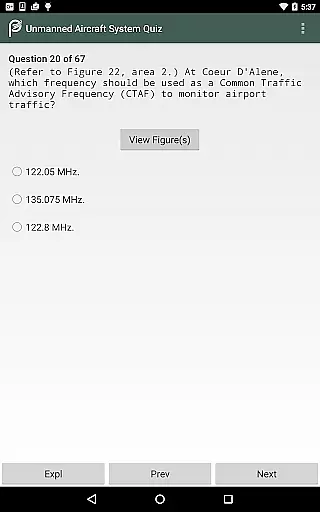
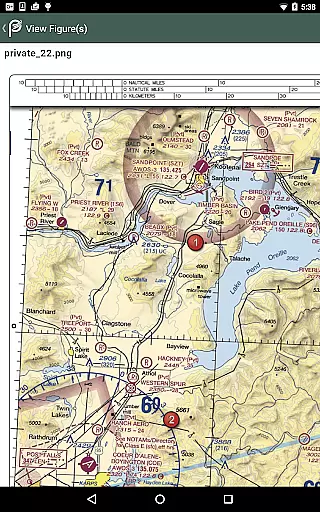
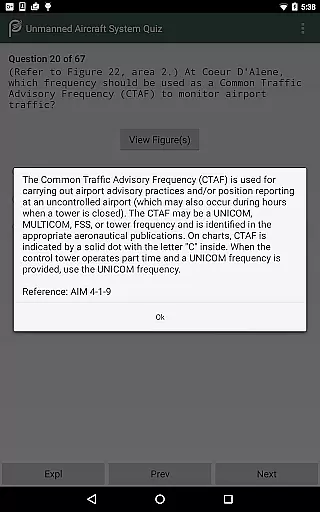
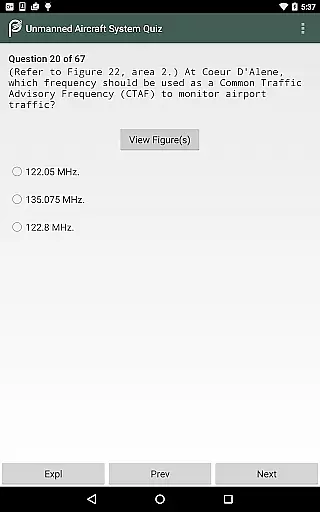
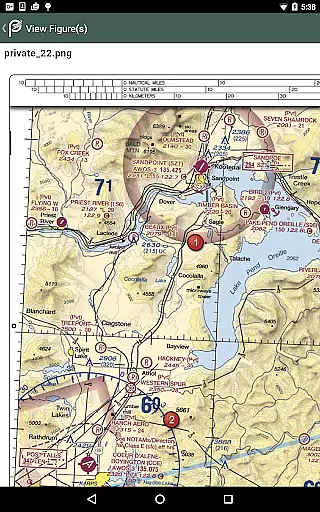
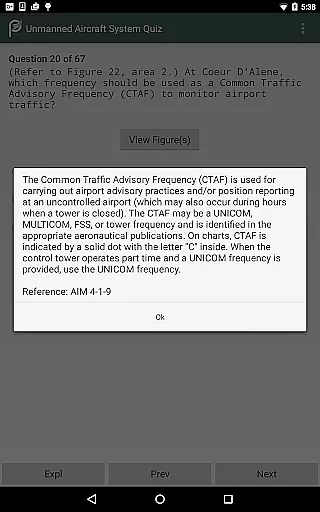
Prepware Remote Pilot is a comprehensive educational tool designed specifically for individuals preparing to take the FAA Knowledge Exam for Remote Pilots operating small Unmanned Aircraft Systems (sUAS). This app offers nearly 300 sample questions with detailed answers and explanations, enabling users to study by subject or simulate a real exam experience through practice tests. Compatible with both Android phones and tablets, it provides an accessible mobile solution for aspiring drone operators and pilots.
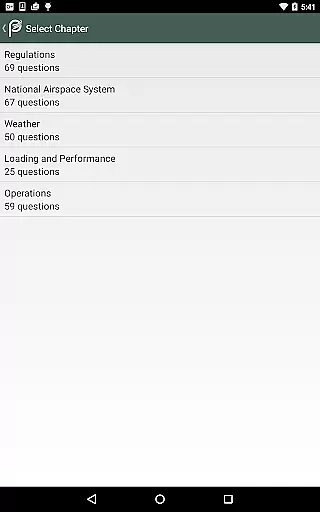
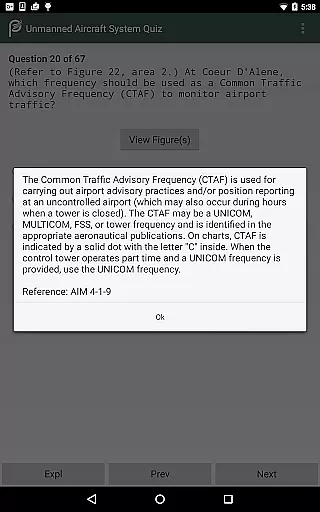
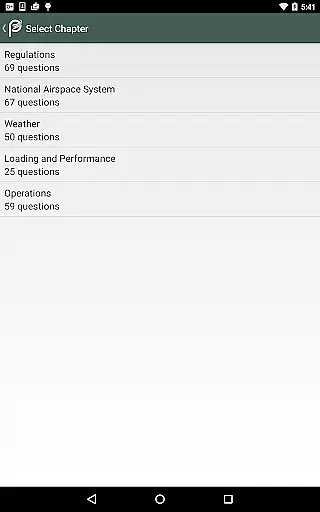
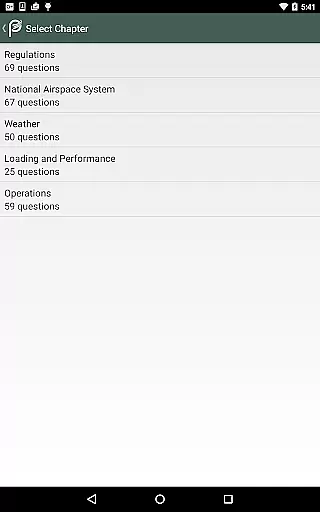
The application covers crucial subjects such as Regulations, National Airspace System, Weather, Loading and Performance, and Operations. Each topic includes instructional texts, illustrations, and multiple-choice questions that enhance understanding and improve recall. The app's content is expertly organized into chapters based on subject matter, ensuring efficient learning. Additionally, users can review their practice test results, which include explanations for both correct and incorrect answers, aiding in deeper comprehension and better preparation for the actual FAA exam.
Whether you're a drone operator seeking certification, an RPA applicant, or a current pilot interested in unmanned aircraft operations, Prepware Remote Pilot serves as an essential resource for successful test-taking and safe sUAS operations.
One of the standout features of Prepware Remote Pilot is its offline functionality, allowing users to access all materials without an internet connection once the app is installed on their device. This ensures uninterrupted study sessions regardless of location or connectivity issues. The app contains nearly 300 questions complete with thorough explanations, providing clarity not only on correct answers but also on why other options are incorrect.
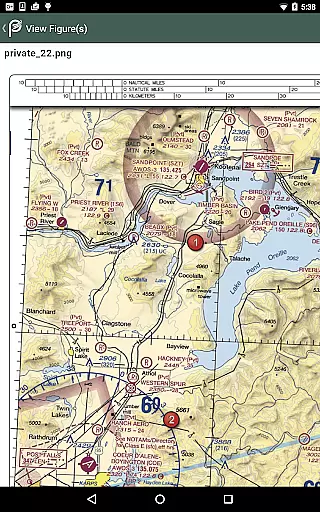
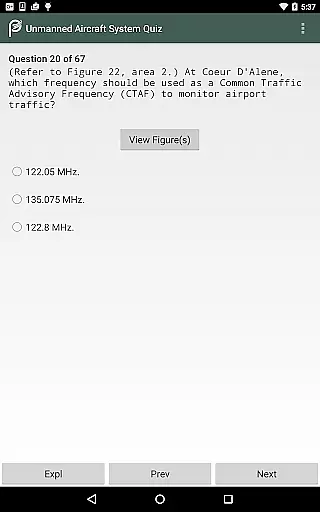
Another significant feature is the structured learning approach facilitated by chapters based on specific subjects. Each chapter includes instructional text, relevant illustrations, and multiple-choice questions followed by answer stems, correct answers, and references for further study. This methodical organization promotes a deeper understanding of topics like Regulations, National Airspace System, Weather, Loading and Performance, and Operations, making it easier for users to retain information.
Additionally, the app supports various types of learners by offering different modes of study. Users can choose to focus on individual subjects or opt for a full-length practice test that mirrors the format of the actual FAA Knowledge Exam. After completing a practice test, users receive a graded evaluation along with detailed feedback, helping them identify areas needing improvement before taking the official exam.
When preparing for the FAA Knowledge Exam, having access to accurate and authoritative content is crucial. Prepware Remote Pilot ensures that all its study materials are meticulously curated by aviation experts. The app includes nearly 300 sample questions complete with answers and detailed explanations, all designed to align with the latest FAA standards.
The instructional texts and illustrations provided within the app are crafted based on real-world aviation scenarios. This approach not only enhances understanding but also aids in better retention of complex concepts. Each question is supported by references for further study, ensuring users have a comprehensive learning experience.
By focusing on subjects such as Regulations, National Airspace System, Weather, Loading and Performance, and Operations, the app covers all essential areas required for the exam. Users can be confident that they are studying the most relevant and up-to-date material available, making Prepware Remote Pilot an indispensable tool for anyone serious about obtaining their Remote Pilot Certificate.
One of the standout features of Prepware Remote Pilot is its ability to offer personalized learning paths tailored to individual needs. Whether you're a beginner or an experienced pilot looking to expand your knowledge, the app provides flexible study options. You can choose to study by subject, allowing you to focus on specific areas where you need more practice or understanding.
The app's true-to-form practice tests simulate the actual FAA Knowledge Exam environment, helping users gauge their readiness effectively. After completing a test, users receive a graded evaluation along with detailed feedback on both correct and incorrect answers. This feature enables learners to identify weak points and revisit those topics for improvement.
Furthermore, the self-study capability empowers users to progress at their own pace without any internet connection required. With trusted resources from Aviation Supplies & Academics (ASA), Prepware Remote Pilot stands out as a reliable companion for anyone aiming to excel in commercial unmanned aircraft operations safely and efficiently.
Comprehensive question bank
Detailed explanations provided
Offline functionality available
User-friendly interface design
Trusted aviation training source
Limited to Android devices
No iOS version available
Occasional updates needed
Interface may feel dated
Advanced features locked

Test prep for Indiana students
 4.2
4.2
Childcare Management App: Daily sheets, sign in-out, billing and learning tools
4.70
A must-have app for mastering Japanese verb/adjective conjugations.
3.60
Study for your 608 certification.
4.50
Visit Daniel's house & make believe. Play doctor, make music, & feed fish.
3.20
Discover Your Place in the Universe
4.70
Learn Japanese in an immersive educational game set in Japan!
4.90
Cool math games & learn to read activities- loved by kids, approved by teachers.
4.50
Train, track, and reward potty training using Potty with Pull-Ups® ft. Disney®
4.70
Stack the States makes learning about the 50 states fun!
4.70
AI Language tutor: Speak fluently with Lucy’s personalized coaching
4.70
A fast and fun way to learn guitar - works with any guitar.
4.60
Astronomy Guide to the Night Sky
4.40
Skelly is a fully poseable, anatomically correct reference skeleton for artists.
4.10
Explore numbers the Starfall way!
4.00
Listen, request and record pronunciations in more than 450 languages. Everywhere
3.90
Hasbro's Classic Board Game - Make Cavity Sam better or get the buzzer!
3.50
Quiz App to help case managers studying for CCMC Certification, 200+ Questions
3.40
Learn and joke with the Silly Turkey!
4.4


User Reviews