
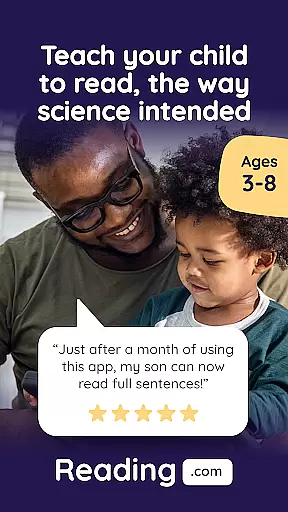
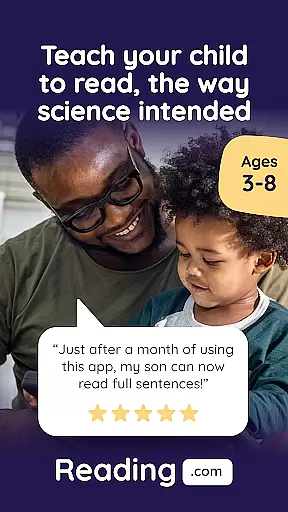
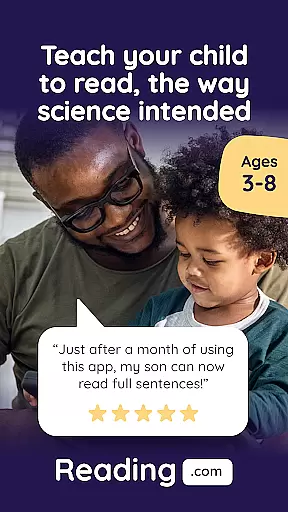

Learn to Read is an innovative educational application developed by Teaching.com, aimed at revolutionizing how children acquire reading skills through a comprehensive phonics-based program. The app offers a unique co-play experience that encourages parents and children to engage together in the learning process, fostering a deeper connection while enhancing literacy skills.
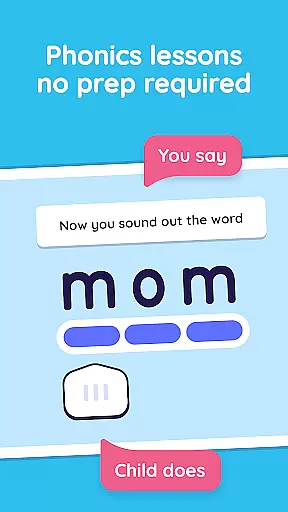
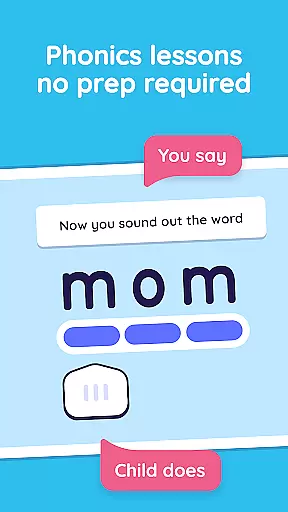
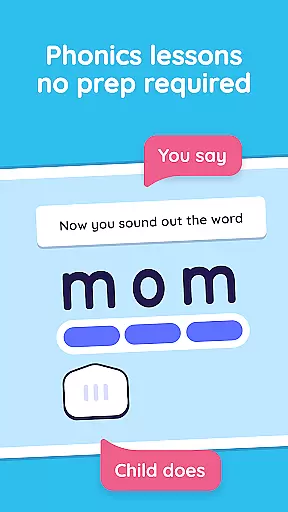
The app's curriculum spans 99 step-by-step phonics lessons, covering everything from letter recognition to advanced decoding techniques. Each lesson is carefully scripted, ensuring that parents need no specialized training to guide their children effectively. With interactive books, engaging videos, and skill-building games, Learn to Read creates a dynamic environment where young learners can thrive.
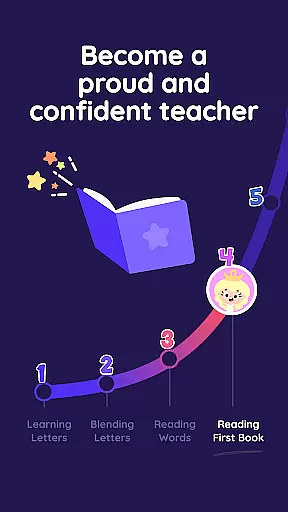
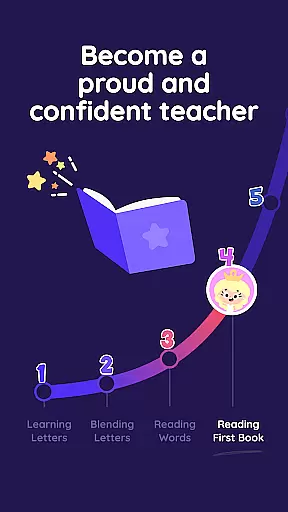
Designed for preschoolers through first graders, this app provides a structured yet flexible learning path. By dedicating just 15-20 minutes per session, children can progress from basic alphabetic knowledge to reading confidently at a late first-grade level. This makes Learn to Read an invaluable tool for early childhood education, promoting both academic success and a lifelong love of reading.
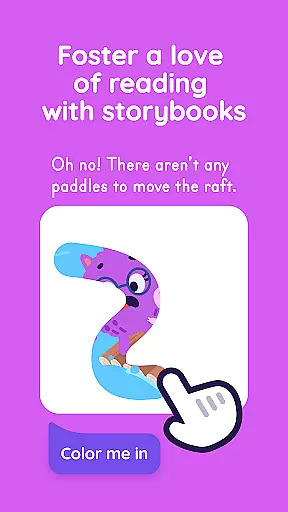
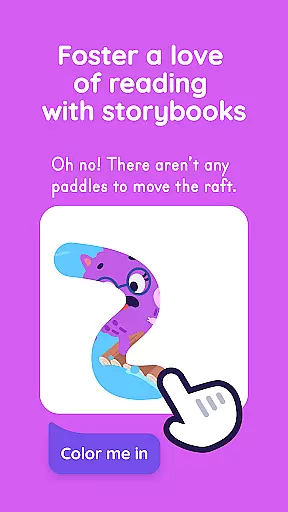
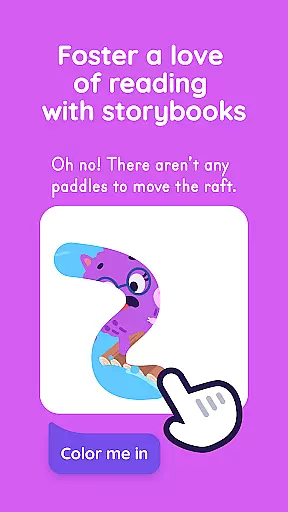
Learn to Read stands out with its rich array of features tailored to support young learners on their journey to literacy. One of the key highlights is the extensive library of 60 decodable, digital, interactive books specifically crafted for children. These books not only captivate young readers but also reinforce the phonics lessons taught throughout the app.
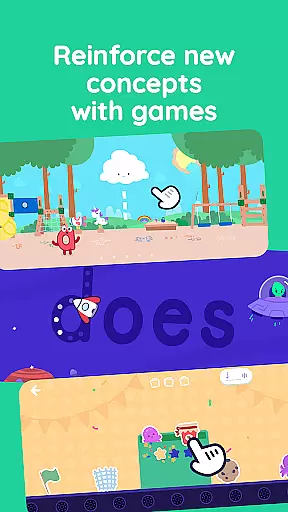
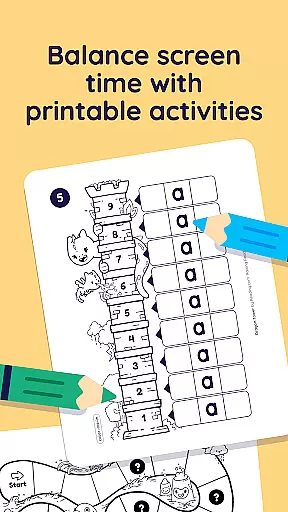
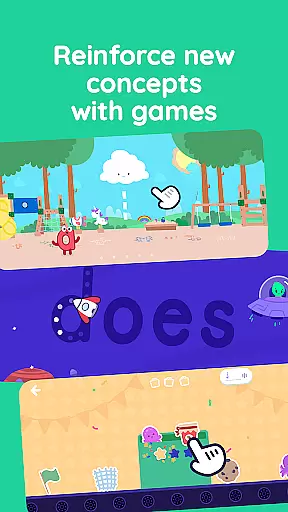
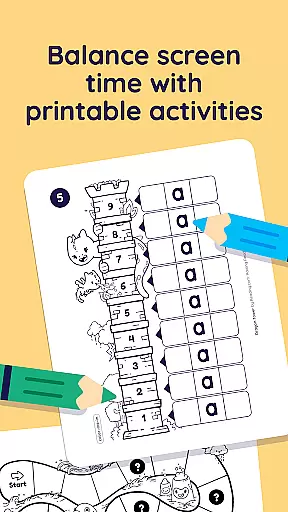
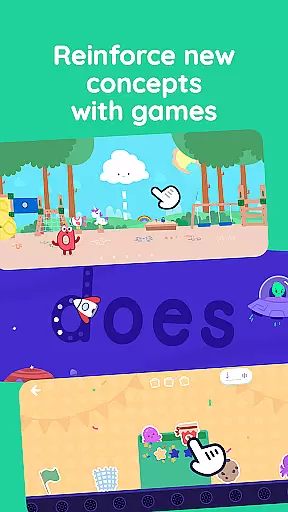
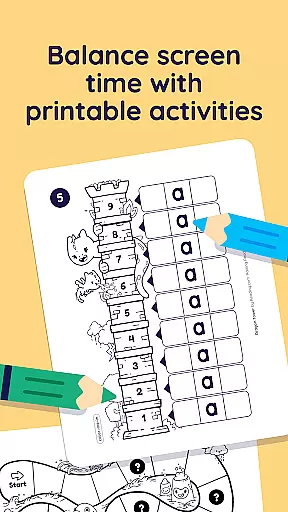
In addition to the interactive books, the app includes 42 educational videos that introduce letters, sounds, and even feature an exclusive alphabet song. The inclusion of three expertly-designed reading games allows children to practice essential skills independently, focusing on letter recognition, phoneme correlation, and vocabulary expansion. Furthermore, the app offers printable activities for offline reinforcement, ensuring continuous learning opportunities beyond screen time.
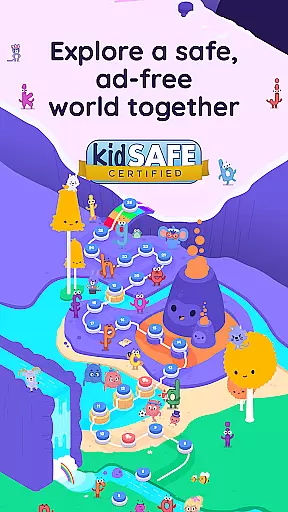
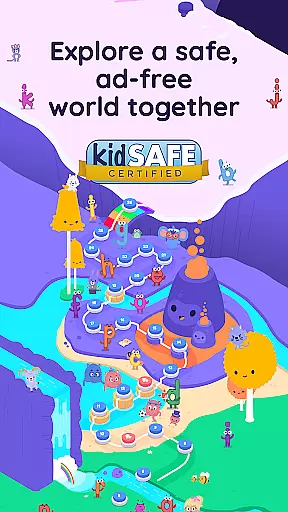
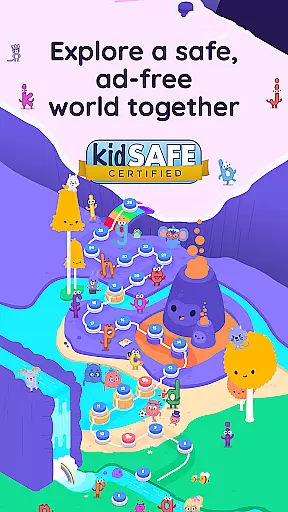
Another remarkable aspect is the app's ability to accommodate multiple child profiles under one subscription, making it a cost-effective solution for families. With a user-friendly interface and ad-free environment, Learn to Read ensures uninterrupted focus on education, providing parents peace of mind while their children embark on this crucial developmental milestone.
When it comes to educational applications, especially those focused on foundational skills like reading, content accuracy and authority are paramount. Reading.com ensures that all its materials are developed based on solid educational research and pedagogical expertise. This guarantees that the phonics-based lessons, interactive books, and videos provided are not only engaging but also align with proven teaching methodologies.
The app's curriculum is fully scripted, meaning parents do not need any specialized training to guide their children through the lessons effectively. This approach democratizes quality education, allowing every parent to become a powerful educator. The structured progression from letter recognition to confident reading ensures that each step builds upon the last, reinforcing learning in a coherent and authoritative manner.
By integrating features such as decodable digital books, instructional videos, and interactive reading games, Reading.com offers a comprehensive toolkit for literacy development. These resources are crafted to ensure that children grasp essential concepts correctly from the outset, laying a robust foundation for future academic success.
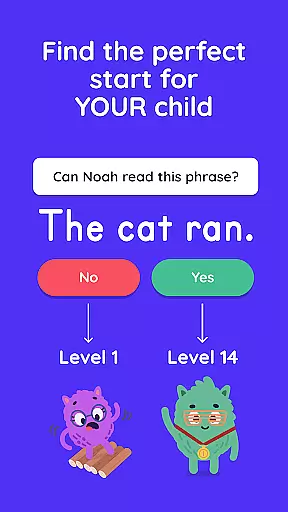
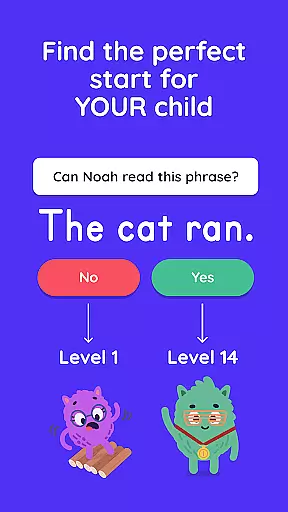
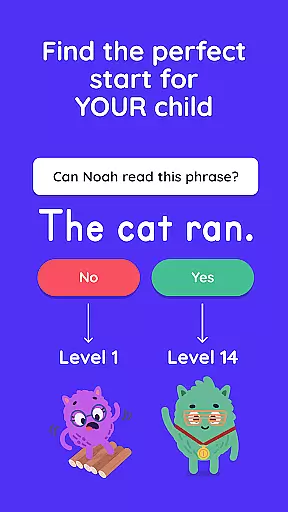
One of the standout features of Reading.com is its ability to create personalized learning paths tailored to each child's unique pace and learning style. The app achieves this through a series of 99 step-by-step phonics lessons designed for co-play between a grown-up and a child. This collaborative approach allows for real-time adjustments and support, ensuring that learning remains relevant and effective.
As children progress through the lessons, they unlock various interactive activities including books, videos, and games. This gamified learning environment keeps young learners motivated and engaged while providing instant feedback and reinforcement. The adaptive nature of these activities means that each child can advance at their own speed, mastering one skill before moving on to the next.
Furthermore, Reading.com supports up to three kid profiles per subscription, allowing families to customize learning experiences for multiple children simultaneously. This flexibility ensures that each child receives individualized attention and guidance, fostering a love for reading that is both personal and enduring.
User-friendly design
Comprehensive phonics coverage
Engaging multimedia content
Flexible learning pace
Multi-profile support
Limited to early grades
Subscription required
No advanced analytics
Internet connection needed
Parental involvement necessary

Bebefinn and Baby Shark educational, animated videos & games for kids
 3.40
3.40
Break Language Barriers with AI—Learn Language Anytime, Anywhere!
4.00
THE MOST COMPREHENSIVE JUMPMASTER STUDY RESOURCE AVAILABLE.
3.40
Practice Casino Roulette Payouts for Table Game Dealers and Croupiers
4.40
Welcome to the Speak Navajo Language Application - Volume 1
4.50
Monkey Preschool Lunchbox: 7 exciting educational games for your preschooler.
4.30
An interactive enhancement of the Sesame Street classic.
4.50
Learn to make peaceful contact with extraterrestrial civilizations
4.10
The "Go To" app for Airmen studying for promotion to SSgt and TSgt
4.30
Hebrew Vocab
4.90
Childcare Management App: Daily sheets, sign in-out, billing and learning tools
4.70
Engage in learning science and math with the award-winning PhET simulations!
4.70
2026 DVSA Driving Theory Test revision with Hazard Perception + Highway Code
4.60
Learn math, step-by-step
4.30
An aviator’s preparation, study and test tool for FAA Knowledge Exams.
3.90
Listen, request and record pronunciations in more than 450 languages. Everywhere
3.90
An aviator’s preparation, study and test tool for FAA Knowledge Exams.
3.80
Quiz App to help case managers studying for CCMC Certification, 200+ Questions
3.40
MONOPOLY JUNIOR brings Hasbro's classic the board game to life.
3.00


User Reviews