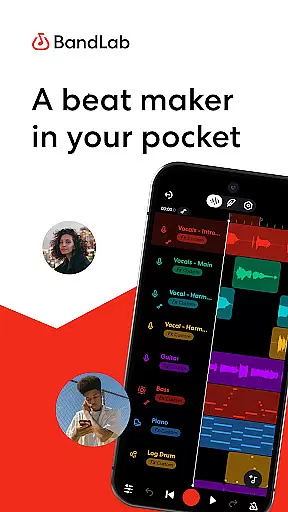
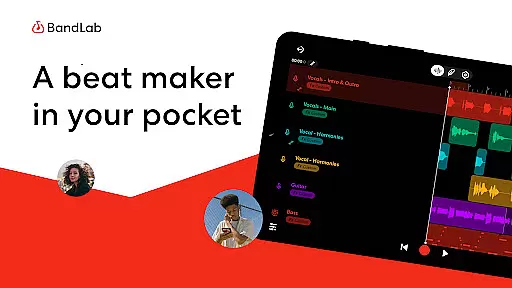
BandLab is a comprehensive music production studio that empowers users to create, mix, and share their music directly from their mobile devices. The app provides an extensive suite of tools including a royalty-free sample library, MIDI instruments, vocal presets, and AI-powered stem separation. Whether you're a beginner or a seasoned producer, BandLab offers features like SongStarter for creative inspiration and professional mastering tools to refine your tracks.
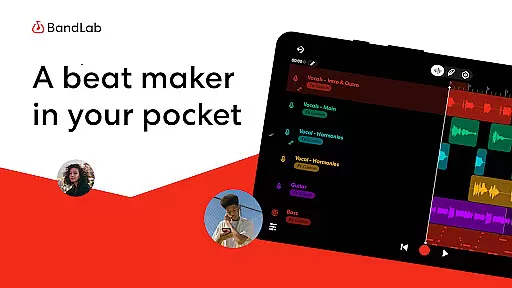
The platform supports multi-track projects and seamless cross-device synchronization, allowing musicians to work on their compositions anytime, anywhere. With its integrated distribution network, artists can release their music globally across popular streaming platforms while retaining 100% of their earnings. This makes BandLab not just a creation tool but also a potential revenue generator for independent musicians.
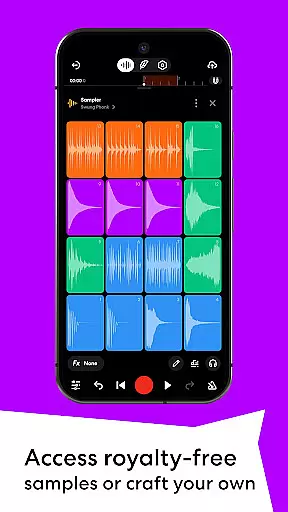
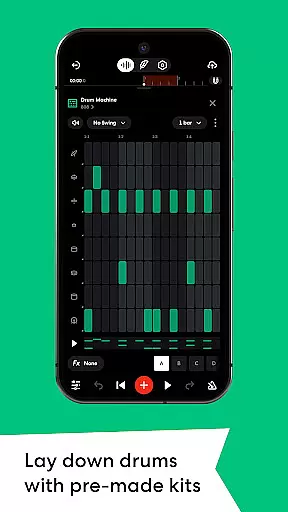
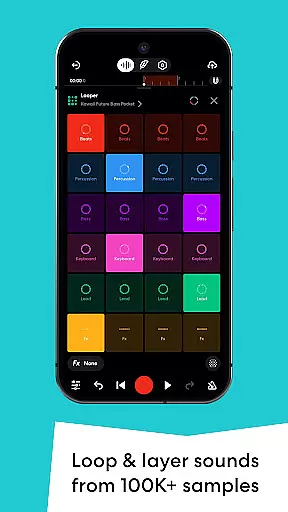
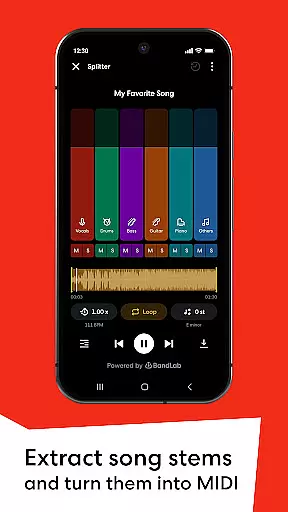
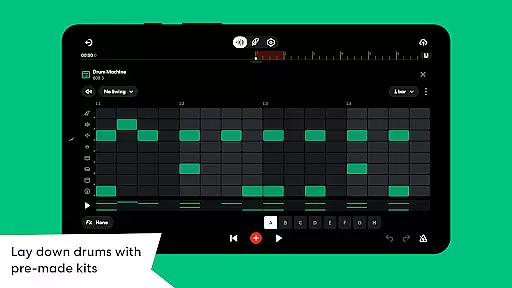
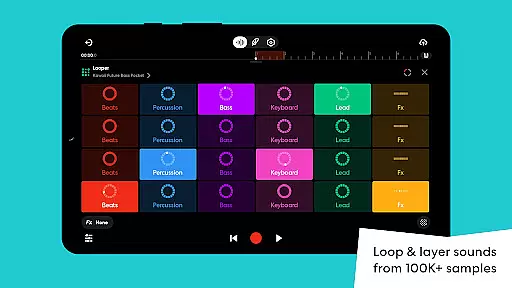
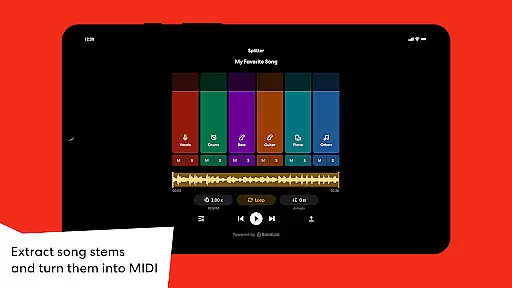
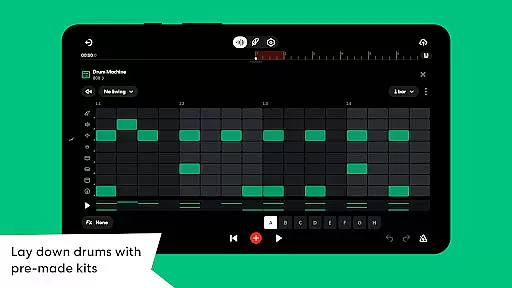
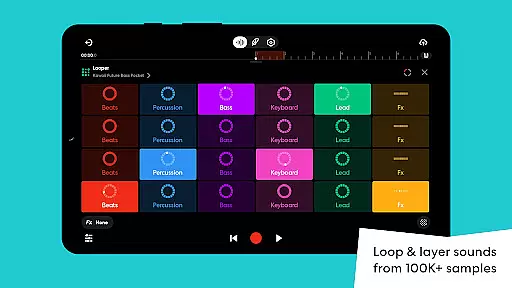
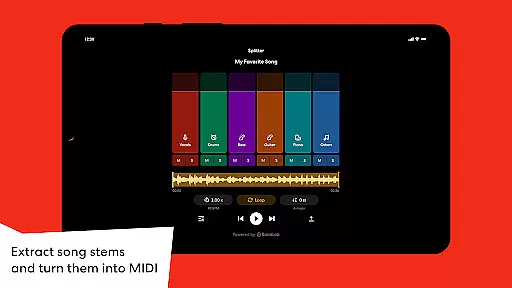
BandLab stands out with its diverse feature set tailored for modern music creators. The app includes a powerful Drum Machine with genre-specific kits, a Looper for quick beat creation, and over 385 Virtual MIDI Instruments for crafting unique sounds. Additionally, the Splitter tool uses AI technology to separate songs into stems, enabling users to isolate vocals or specific instruments for remixing purposes.
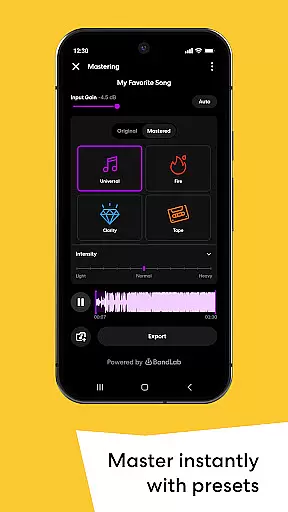
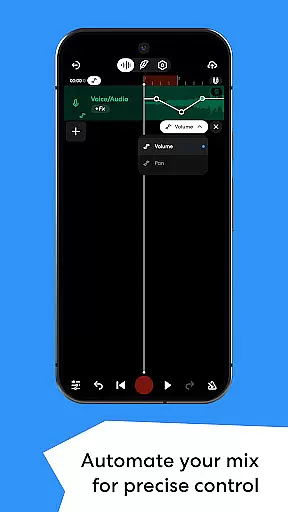
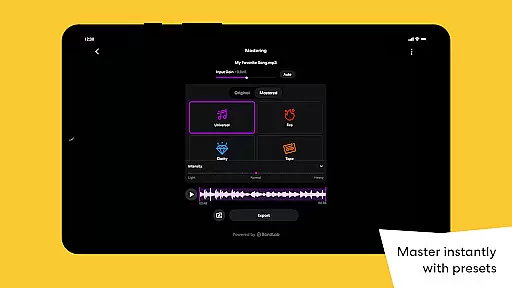
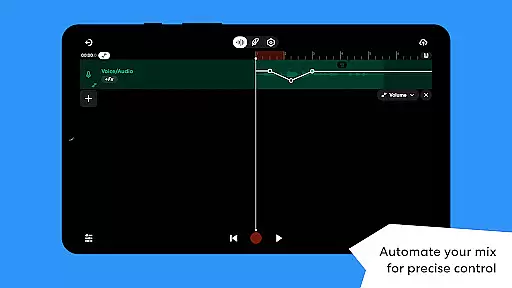
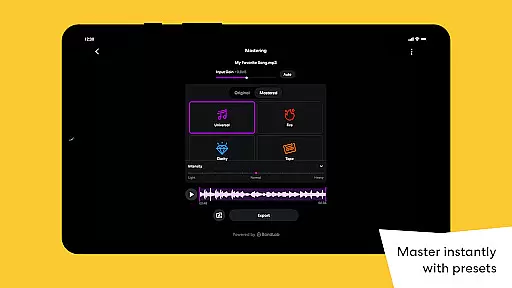
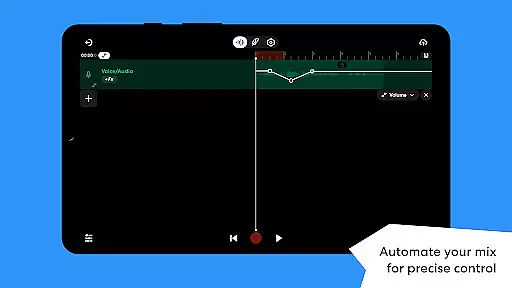
Advanced mixing capabilities such as Automation allow precise control over volume, panning, and effects parameters, ensuring dynamic and polished productions. The inclusion of professional-grade mastering presets designed by award-winning engineers guarantees high-quality audio output suitable for streaming services. These robust functionalities make BandLab an all-in-one solution for both amateur enthusiasts and professional musicians looking to produce top-tier music effortlessly.
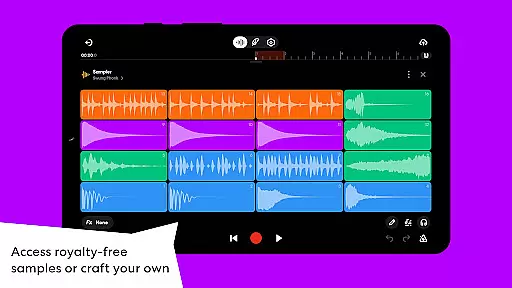
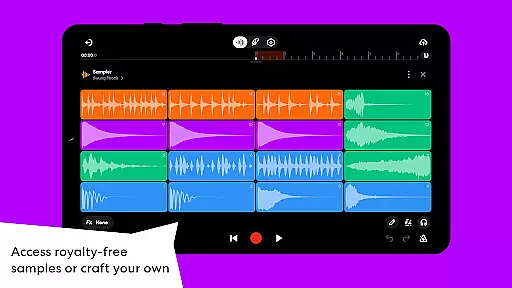
BandLab offers an extensive music library that includes over 100,000 royalty-free samples and 385 virtual MIDI instruments. This vast collection spans various genres and styles, ensuring that creators have access to a diverse range of sounds for their projects.
The app's commitment to copyright authenticity is evident through its BandLab Sounds feature, which provides users with legally safe content. Creators can confidently use these resources in their compositions without worrying about copyright infringement issues.
Additionally, the SongStarter tool generates unique, royalty-free song ideas across 11 different genres. These AI-generated compositions provide a solid foundation for new tracks while maintaining legal integrity.
By offering such comprehensive and authentic music-making tools, BandLab empowers artists to focus on their creativity without concerns about legal complications or limited resources.
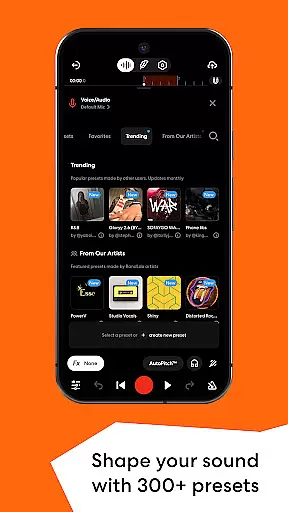
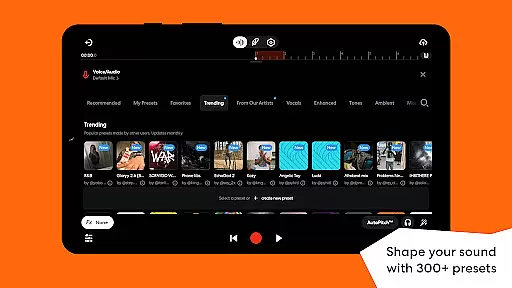
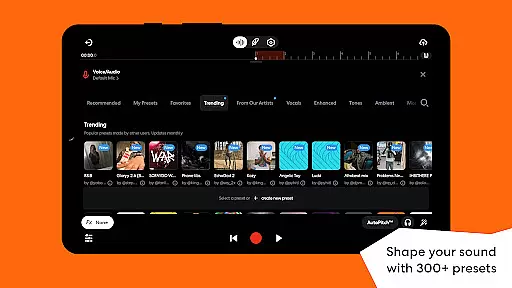
BandLab ensures high-quality audio production through its advanced features and professional-grade tools. The app offers 300+ vocal, guitar, and bass audio presets, allowing users to shape their sound with effects like reverb, delay, and EQ.
The Splitter tool utilizes AI technology to separate songs into high-quality music stems. This feature enables precise isolation of individual elements from any track, maintaining exceptional audio clarity throughout the process.
For final touches, BandLab's mastering feature provides presets designed by multi-Platinum and Grammy-winning engineers. These professional-grade options ensure that tracks achieve industry-standard quality before distribution.
With these sophisticated audio quality options, BandLab delivers a powerful mobile studio experience that rivals traditional desktop DAWs, enabling creators to produce professional-sounding tracks directly from their devices.
User-friendly interface
Extensive sound library
Cross-device sync
Free access
Global distribution
Limited advanced features
Occasional bugs
Ads in free version
Internet required
Learning curve

Powerful beat maker & DJ mixer to remix tracks, make music, & perform DJ mix
 3.70
3.70
More downloads than any other metronome. Includes drum machine & tempo trainer.
4.80
The only true audiophile music player with Hi-Fi audio rendering and DSP engine
3.90
Super Sound Editor, Song Maker & Mixer, Vocal Remover, Voice Recorder & Changer!
4.60
Voice recorder - Audio recorder. Best recorder for recording
4.90
Music, News & Sports Radio Tuner App. Tune in Live FM & AM Radio Stations.
4.80
Offline Tunes, Unlimited Vibes
3.90
Travel To The Music Universe
3.40
Uninterrupted Tunes, Unmatched Vibes
3.90
24,000 free audio books and no ads!
4.90
Offline Music Player & MP3 Player.Powerful equalizer, Lyrics, Themes, Tag Editor
4.80
The best music and audio player, with beautiful UI, music search and equalizer.
4.60
Taal player that lets you sing any Indian & Western song with Tabla & Tanpura
4.60
Save hundreds of dollars for a physical strobe tuner and instead use this app.
4.50
10-Band Audio Equalizer, Sound / Bass Booster for Spotify Users & Music Players
4.40
DJ Music Mixer - DJ Remix: remix songs, make beat music & record mix of DJ.
4.40
The official Sonos app
4.10
The Cubase remote control app
3.60
Make music anywhere. Turn your device into an instrument.
4.2


User Reviews