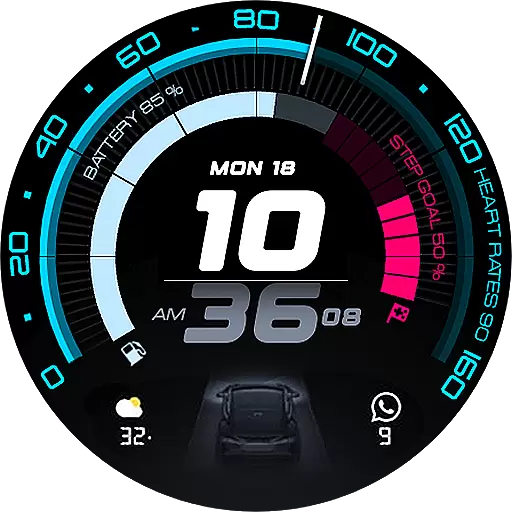
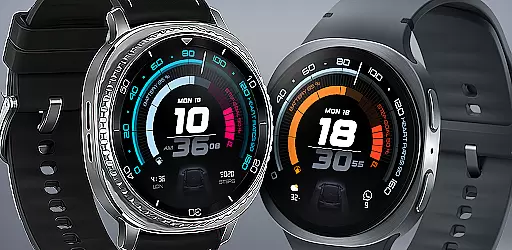
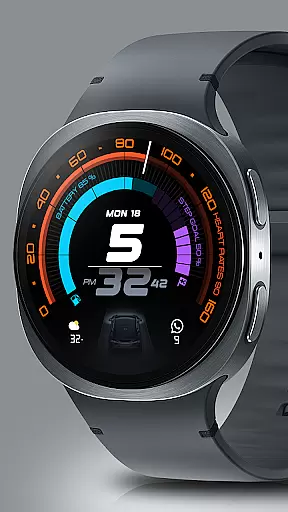
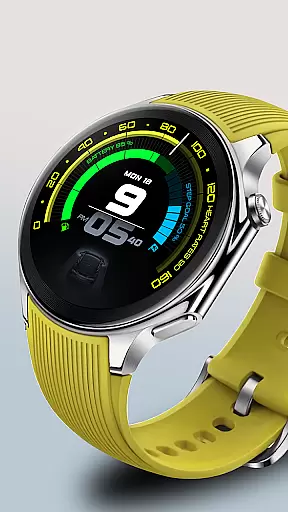
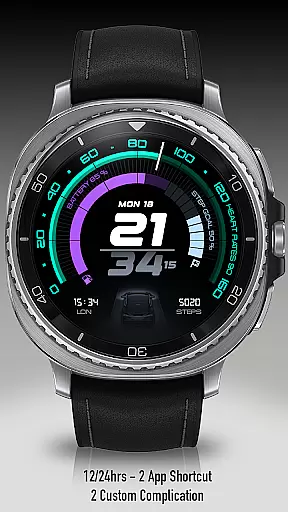
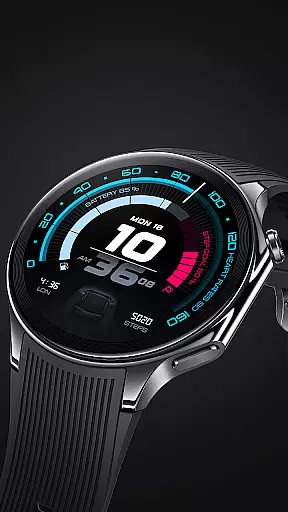
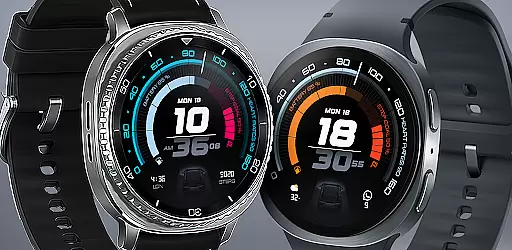
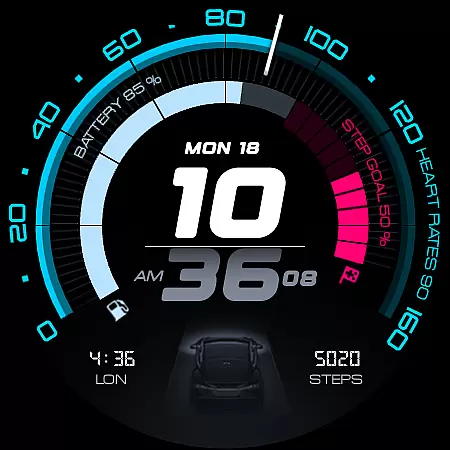
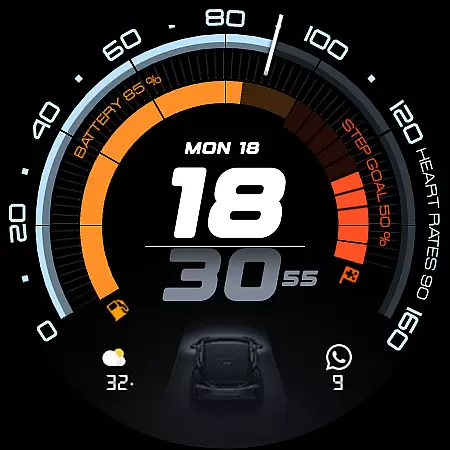
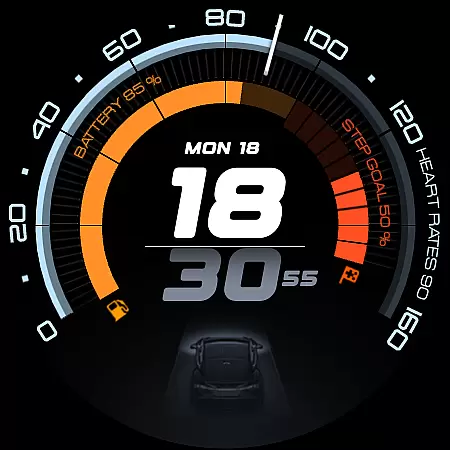
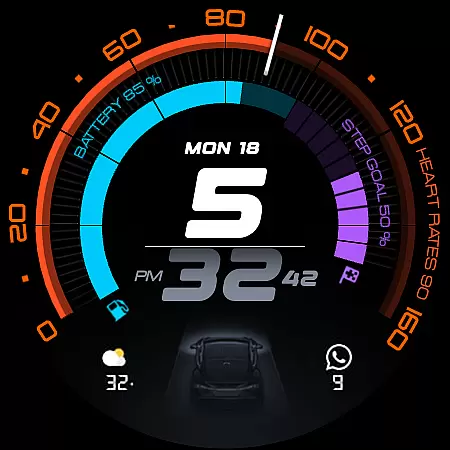
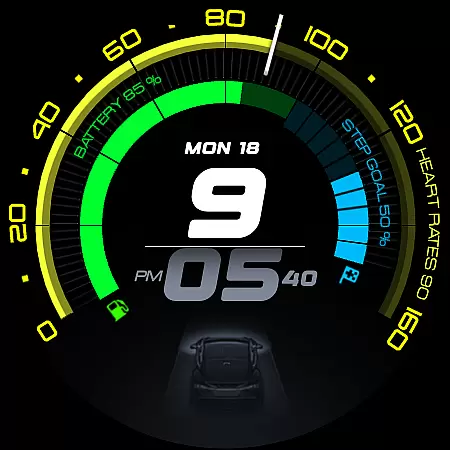
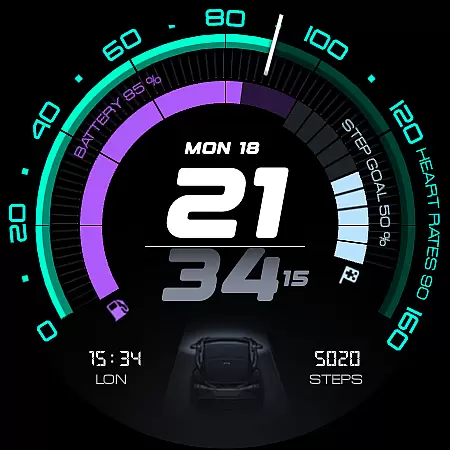
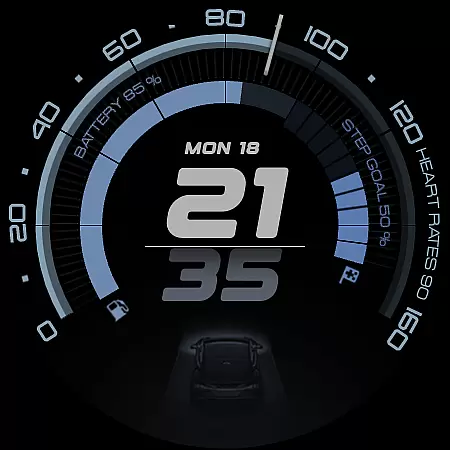
ARS Acceleration is a high-performance watch face designed for users who value both style and functionality. It features a dynamic interface with bold digital time display, vibrant activity arcs, and essential health metrics like heart rate, step count, and battery level.
Inspired by sports dials, this Android Wear app offers real-time updates on weather and fitness tracking while maintaining an elegant automotive-inspired design. Its customizable complications and dual app shortcuts make it adaptable to various user preferences, ensuring both convenience and precision in everyday use.
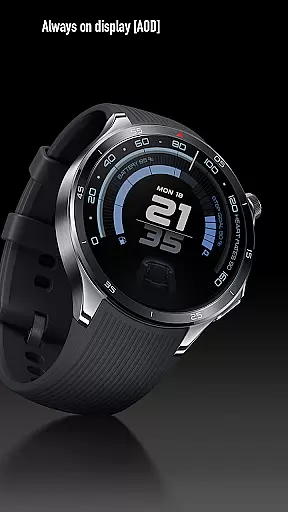
The ARS Acceleration watch face stands out with its vibrant color-coded activity arcs and Always-On Display options, providing users with both bold daytime visibility and subtle nighttime functionality. The inclusion of customizable complications allows users to tailor the interface to their specific needs.
With support for both 12/24-hour time formats and real-time updates on essential metrics such as heart rate, battery status, and weather conditions, this app ensures that users have all necessary information at a glance. Its modern design and performance-driven features make it a top choice for those seeking utility and elegance in a smartwatch face.
Companion app integration is essential for a seamless wearable experience. ARS Acceleration excels in this area by offering users real-time synchronization with their primary devices.
The watch face ensures that all essential data, such as heart rate, battery level, step count, and weather updates, are accurately reflected. This synchronization allows users to stay informed without needing to check their phones constantly.
Additionally, the dual app shortcuts provide quick access to frequently used applications, enhancing productivity and convenience. These features collectively ensure that users can manage their digital lives effortlessly.
Device compatibility is crucial for ensuring that a watch face functions optimally across various devices. ARS Acceleration is meticulously designed to be compatible with Wear OS, providing a consistent experience on all supported devices.
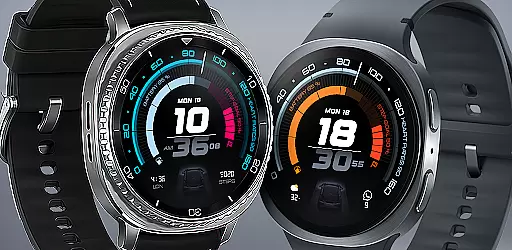
The design takes full advantage of the smartwatch's capabilities, including vibrant color-coded activity arcs and customizable complications. Users can personalize their watch faces while maintaining optimal performance.
Whether you're using it on different Wear OS watches or switching between devices, ARS Acceleration guarantees a smooth and responsive interface. This compatibility ensures that users enjoy a versatile and reliable experience regardless of their device choice.
High-performance design
Vibrant activity arcs
Customizable interface
Real-time updates
Sleek automotive look
Limited to Android Wear
Requires compatible device
Premium features may cost extra
Complex for beginners
Battery usage may increase

Rose gold watch face with festive lights & customizable features.
 4.60
4.60
Snowflake Rose Gold Watch Face - Digital, modern, & sleek with GYRO effect.
4.10
Stunning modern digital watch face with 7 complications and strong contrast
4.1
Digital, flexibly customizable watch face. For Wear OS 5.0, API 34+ and later.
5.00
Structured watch face with seven complications and modular UI elements
3.90
Reliable phone calls with spam protection, caller ID and more helpful features
4.40
Retro digital watch face with customizable colors and a unique lighting effect
4.60
Premium hybrid watch face with many customizations for Wear OS devices.
4.40
Toyota app currently supports 2010 or newer vehicles (2018 or newer for Hawaii).
4.50
Real-time weather radar with temperatures, warnings, hurricanes, and widgets
4.80
Easy Voice Recorder is your everyday companion to record important moments.
4.70
Real-time results, stats, schedules and player profiles for all leagues
4.60
Animated video-game inspired “secret agent” simulation, right on your wrist!
4.20
an Analog Watch Face for winter season with freeze winter background for Wear OS
4.4
Precision analog watch face with 7 complications and style options
4.5
Analog watch face with 8 complications and expedition styling
4.1
Sleek, highly customizable watch face inspired by Galaxy Watch Circle Dashboard.
4.2
3 Complications. All shadow on/off. 30 Themes color palette...
4.5
Hybrid Vibrant Health Watch Face for Wear OS
4.0


User Reviews