
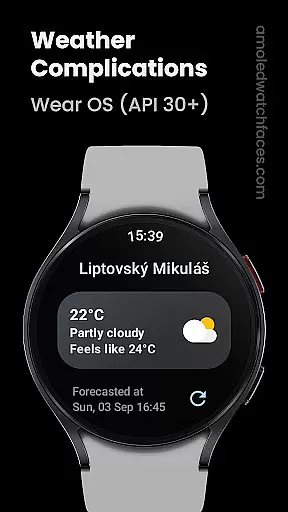
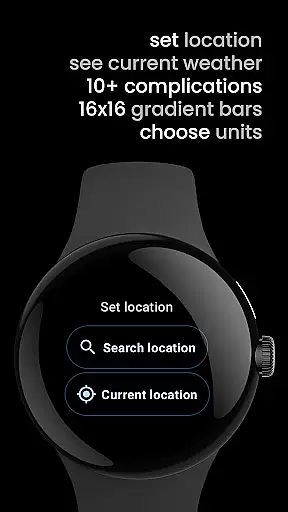
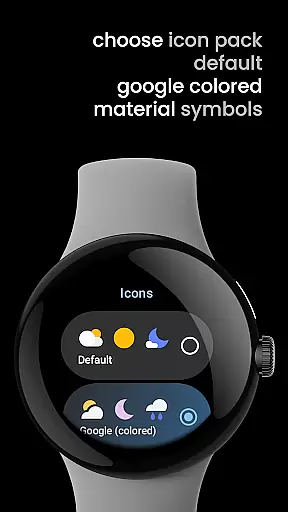
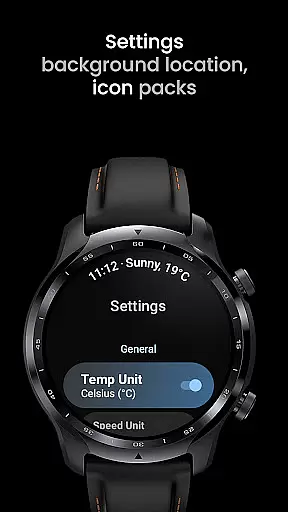
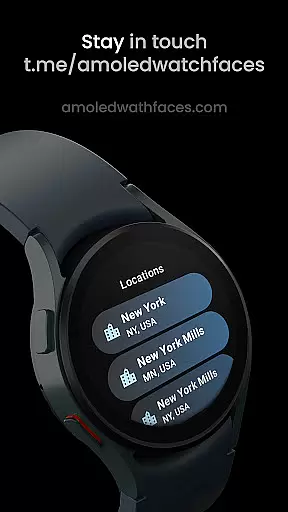
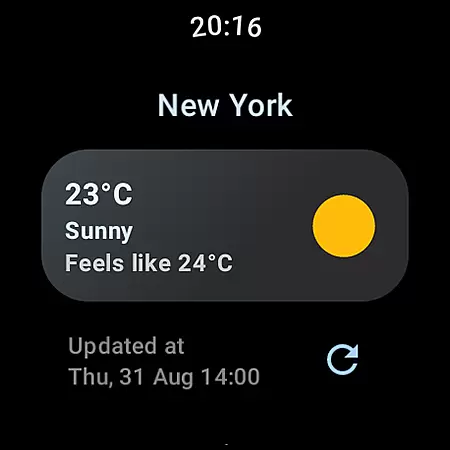
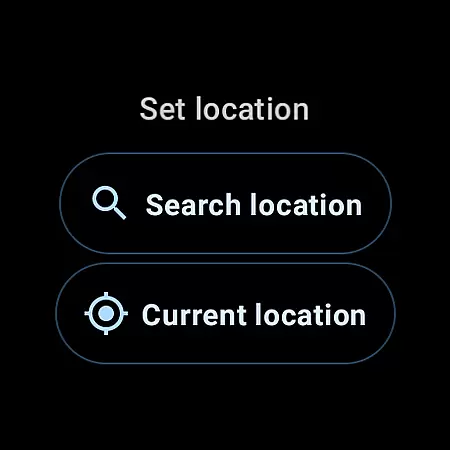
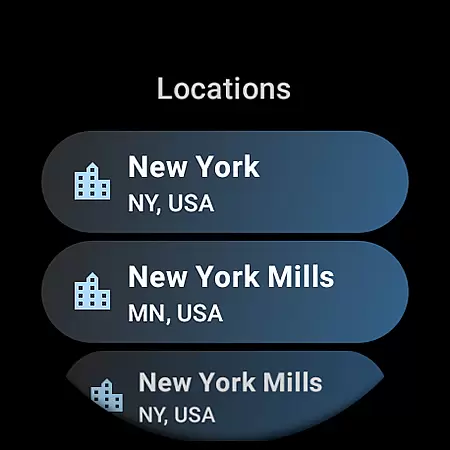
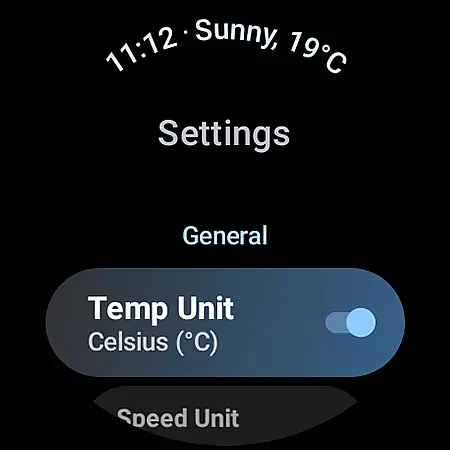
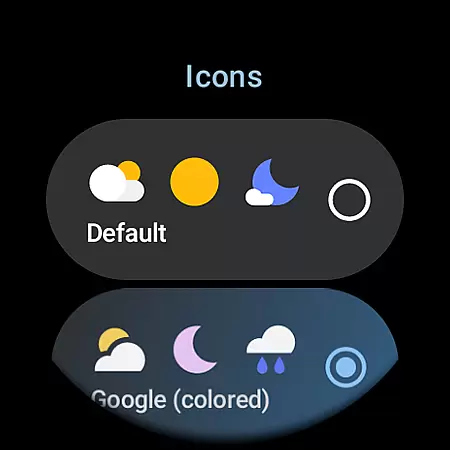
Weather Complications: Wear OS is a specialized application catering to users of Wear OS devices running on API 30 and above. This app consolidates all weather-related custom complications into one place, ensuring that users have access to detailed weather information directly from their watch face.
The app updates its complications at 35-minute intervals, striking an optimal balance between providing up-to-date information and preserving battery life. With weather data freshness of just 15 minutes, it ensures accuracy and reliability. Even when offline, the app continues to display forecasted data for the current hour, making it a dependable companion in any situation.
Weather Complications: Wear OS stands out with its extensive array of supported custom complications. These include essential metrics such as Air Quality Index, Atmospheric Pressure, Humidity, and UV Index, each available in various formats like SHORT_TEXT, LONG_TEXT, RANGED_VALUE, ICON, and SMALL_IMAGE.
Additionally, the app offers unique features such as Beaufort scale representation, Chance of Rain, Current and Feels Like Temperature, and more. Users can also view Hi-Lo Temperature trends and receive detailed summaries combining weather conditions with location data. The app leverages reliable sources like www.weatherapi.com and openweathermap.org for accurate weather data.
Weather Complications for Wear OS provides highly accurate weather forecasts by sourcing data from reliable providers like WeatherAPI and OpenWeatherMap. These sources are renowned for their precision and comprehensive coverage, ensuring users receive dependable weather information.
The app refreshes its complications every 35 minutes, striking a balance between battery efficiency and data relevance. Even when offline, the app continues to display forecasted data for the current hour, maintaining a seamless user experience without interruptions.
By integrating Google's Places API for location services, the app ensures that weather data is both localized and timely. This combination of credible data sources and smart refresh intervals makes Weather Complications a trustworthy tool for staying informed about weather conditions on Wear OS devices.
Weather Complications offers an extensive temporal and spatial forecast range, providing users with detailed weather insights that span various timeframes and geographic locations. The app delivers fresh weather data every 15 minutes, ensuring that users have access to the most up-to-date information available.
With support for multiple custom complications, including Air Quality Index, UV Index, and Humidity, the app covers a wide array of weather parameters. This diversity allows users to tailor their watch faces to display the specific weather metrics that matter most to them.
Whether you're tracking atmospheric pressure or monitoring the chance of rain, Weather Complications ensures that each piece of data is presented clearly and accurately. By offering a broad spectrum of weather details, the app empowers users to make informed decisions based on comprehensive and localized forecasts.
User-friendly interface
Comprehensive weather data
Optimized battery usage
Reliable offline functionality
Multiple data sources
Limited to Wear OS
No BOGO promo availability
Requires API 30+
Dependent on third-party APIs
Complex for beginners

Local weather forecast, reliable daily weather report
 4.30
4.30
Room Temperature Thermometer meter shows indoor, outdoor temperature, humidity.
4.40
Live Alabama weather from James Spann—forecasts, radar, alerts, Spanncams.
4.70
Check forecasts, watch live news & track storms with FOX Weather.
3.80
Determine Best Hunting Times for any date, any location.
2.50
Track lightning strikes with our thunderstorms map, radar and lightning alarm.
4.70
Your Reliable Weather Companion
4.10
The weather channel, tiempo weather forecast, weather radar & weather map
4.70
Precision Weather, Right at Your Fingertips
4.40
Aviation weather made simple. Visual decoder for METAR & TAF
4.90
Hurricane Tracker, Rain Map
4.80
Hourly and daily weather forecast, current condition, temperature, UV and more!
4.70
Check room temperature with this indoor thermometer. thermostat & hydrometer
4.70
Accurate Thermometer: indoor & outdoor temperature, humidity, pressure, and wind
4.50
Accurate Weather App: various widgets, real-time storm radar, hurricane tracker.
4.50
Weather watch face for Wear OS 5
4.40
Personal Weather Station PRO - Meteo monitor to check your WU info and charts.
4.20
Live NOAA weather app to track storm, rain, wind, lightning & real local updates
4.20
Get instant weather & temperature predictions right on your Wear OS smartwatch!
4.2


User Reviews