
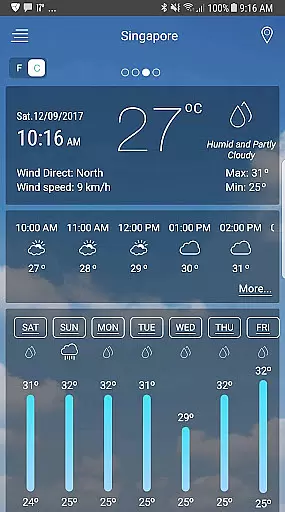
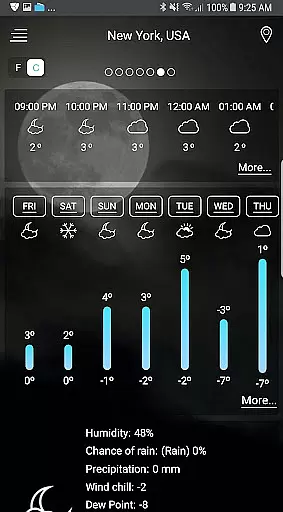
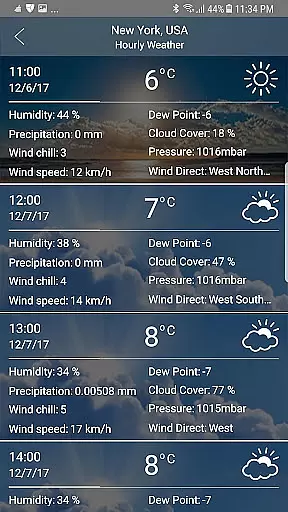
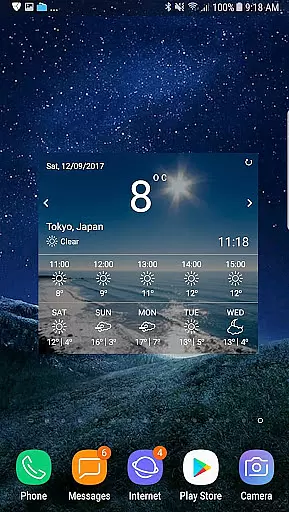
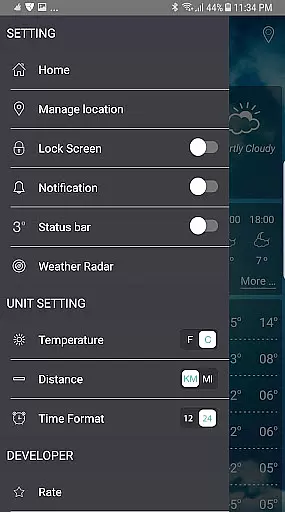
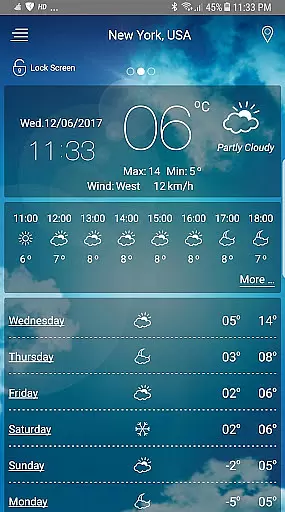
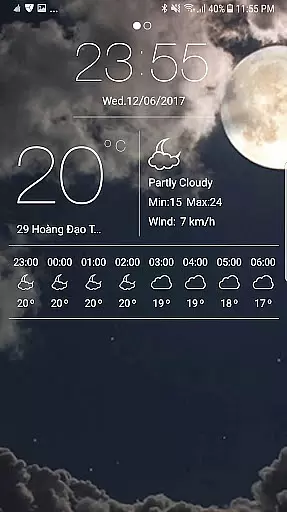
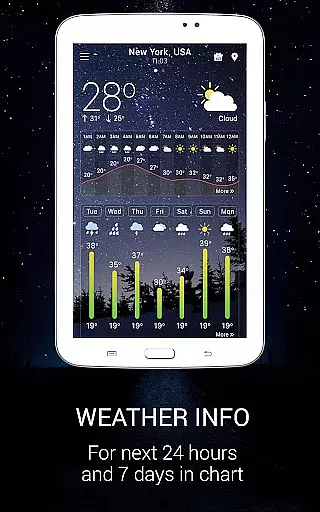
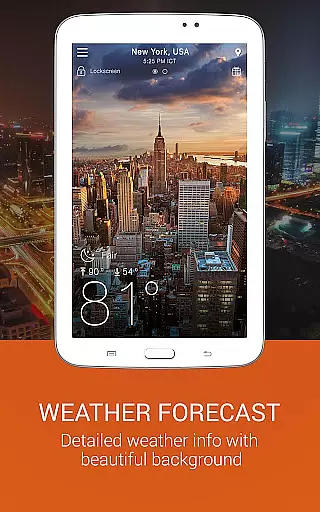
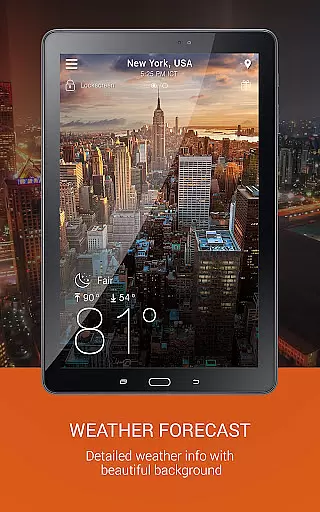
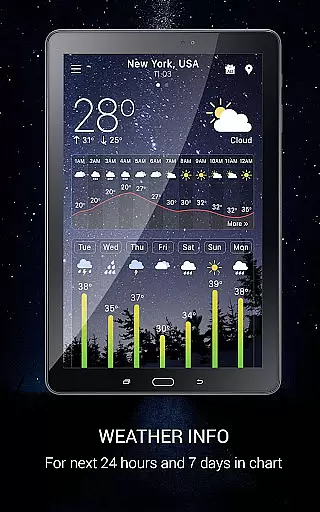
Weather app is a comprehensive weather forecasting application that provides users with detailed local and worldwide weather information. The app offers current temperature readings in both Celsius and Fahrenheit, sunrise and sunset times based on city time zones, atmospheric pressure, visibility distance, relative humidity, precipitation in various units, dew point, wind speed, and direction.
In addition to real-time weather data, the app also provides forecasts for the next ten days and hourly updates. Users can access animated weather conditions with live background images, weather alerts three times a day, storm warnings, and notifications. The app includes features like temperature conversion, wind speed measurement in different units, and a wind guru tool for wind forecasting.
This app is particularly useful for planning trips, work, and daily life activities by offering reliable weather information tailored to user needs.
Weather app stands out due to its extensive feature set designed to cater to all weather-related needs. One of its main highlights is the provision of a full-featured weather map service, including radar scopes for rain/snow, temperature, pressure, wind, clouds, humidity, waves, and storm tracking.
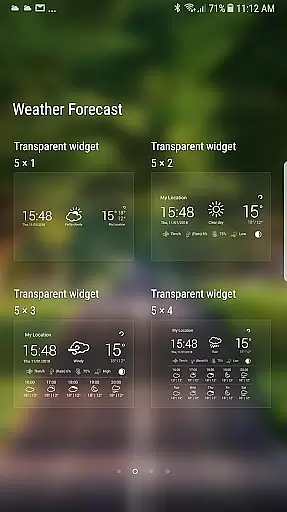
The app also excels in providing customizable widgets for Android devices, featuring beautiful styles for weather radar and clock displays. Users can benefit from detailed hourly and daily forecasts, as well as a worldwide weather report. Additional functionalities include storm warnings, notifications, sunrise and sunset times, and even moon phases and cycles.
Unique to this app is its ability to operate without GPS, using network location detection instead. It also offers an ongoing notification system with a forecast bar, multiple widgets, and lock screen info, ensuring users have constant access to critical weather data without needing to open the app.
Forecast accuracy and data credibility are crucial elements of any reliable weather application. This app ensures that users receive precise weather forecasts based on advanced meteorological algorithms and real-time data collection.
The app provides detailed local forecasts and global weather predictions, ensuring the current temperature is displayed in both Celsius and Fahrenheit. It also offers accurate sunrise and sunset times according to the city's timezone, enhancing its reliability for users worldwide.
In addition to temperature, the app delivers atmospheric pressure readings, visibility distance, relative humidity, and precipitation levels in various units. These comprehensive details help users plan their daily activities with confidence, knowing they have trustworthy information at their fingertips.
Temporal and spatial forecast range refers to the app's ability to provide accurate weather predictions across different timeframes and geographical locations. This feature is essential for users who need reliable weather updates for multiple days or specific regions.
With this app, users can access an hourly forecast for the next seven days, as well as a detailed weekly outlook. The inclusion of animated weather conditions with live background images enhances the user experience by visually representing upcoming weather patterns.
Furthermore, the app supports worldwide weather forecasts, allowing users to track weather conditions in various locations simultaneously. This capability is particularly beneficial for travelers or those managing international operations, ensuring they stay informed about changing weather conditions wherever they are.
User-friendly interface
Comprehensive weather data
Customizable widgets
Real-time updates
Worldwide coverage
Occasional inaccuracies
High battery usage
Ads in free version
Limited offline functionality
Complex settings

The Weather Network TV App - Your weather when it really matters
 2.90
2.90
Accurate Thermometer: indoor & outdoor temperature, humidity, pressure, and wind
4.50
Live Alabama weather from James Spann—forecasts, radar, alerts, Spanncams.
4.70
Track rainfall totals with ease using our rain gauge app. Accurate rain tracker.
4.50
Your ultimate app for accurate local weather information!
4.60
3D Animation Weather Icon
4.00
Weather Forecast, Trending News, Hurricane & Storm Tracker, Alerts & Live Radar.
4.80
Prepare for severe weather with notifications, future radar, and live alerts.
4.60
All-in-one weather radar launcher with rain, temperature maps & local forecast.
4.30
Accurate weather forecast, daily weather changes are easy to grasp
4.90
Weather radar, hyperlocal tracker and weather maps: follow your weather station
4.80
NOAA forecast & radar for your exact location.
4.80
Track lightning strikes with our thunderstorms map, radar and lightning alarm.
4.70
Local forecast, alerts, rain, snow and wind radar, air quality & weather widget
4.60
NOAA radar, weather forecasts, hurricane tracking & customizable alerts.
4.50
Weather watch face for Wear OS 5+
4.40
Live weather radar, widgets & forecasts. Track rain, storms & temperature.
4.20
Retro TV-style digital watch face with weather, heart rate, steps & events!
4.5
Your local weather app with storm radar, rain tracker, weather maps & AQI.
4.3


User Reviews