
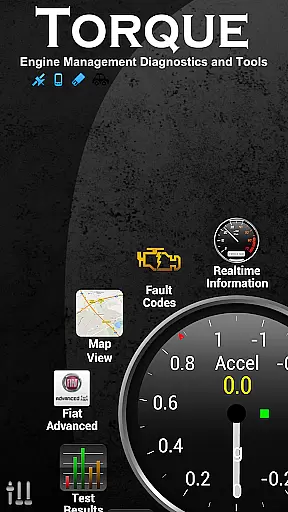
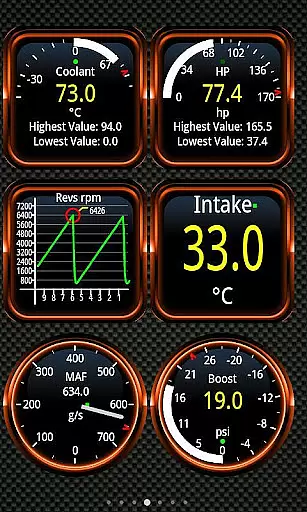
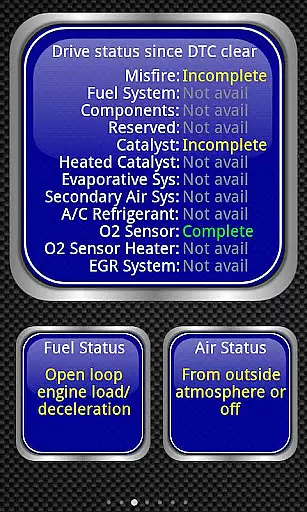
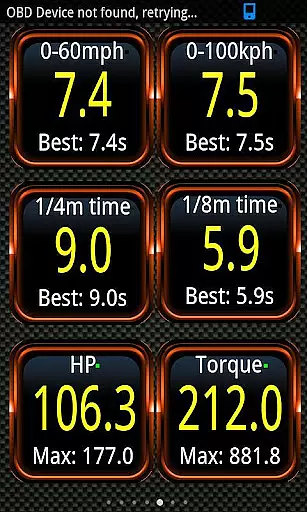
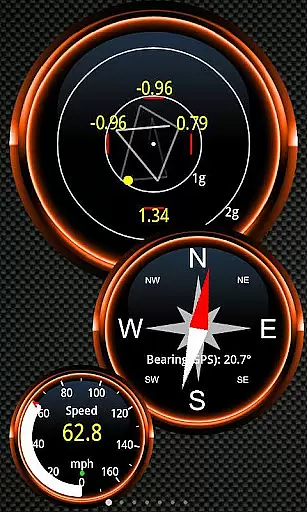
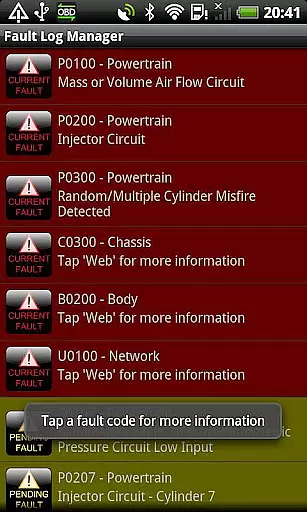
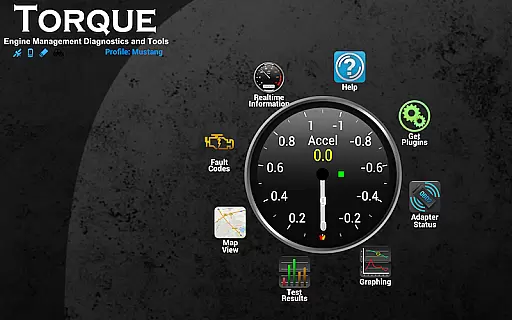
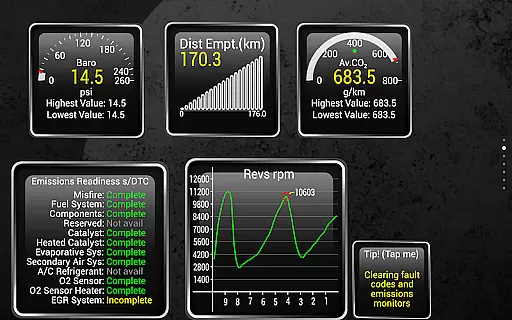
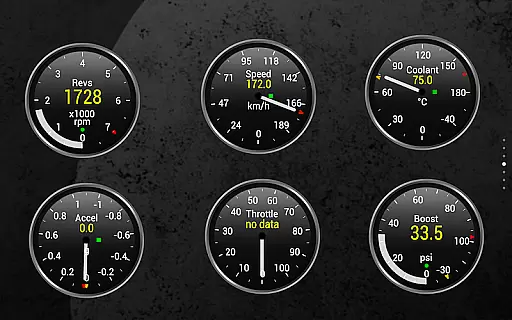
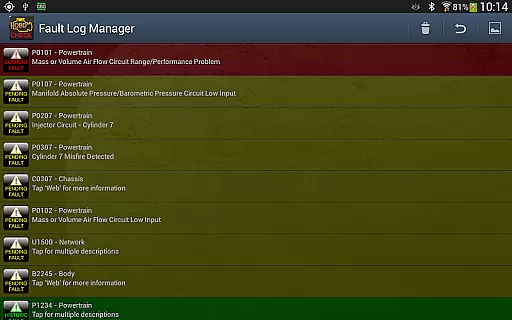
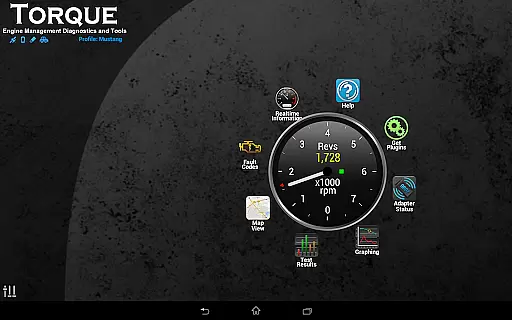
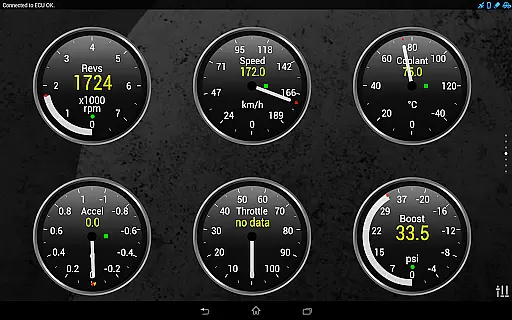
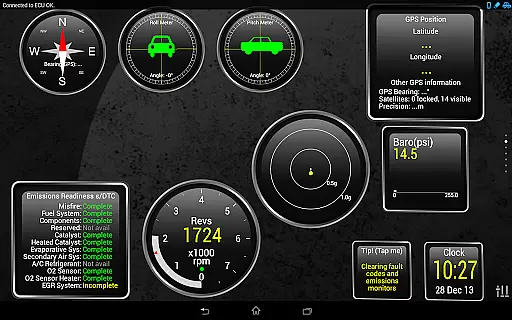
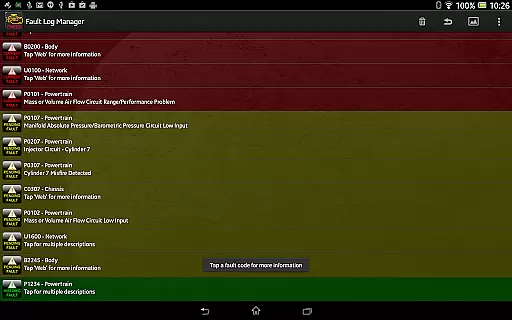
Torque Pro is a comprehensive vehicle diagnostics and performance monitoring tool designed for car enthusiasts and professionals alike. This app utilizes an OBD II Bluetooth adapter to connect to your vehicle's engine management system, providing real-time data on fault codes, car performance, and sensor readings. With its customizable dashboard, users can create personalized layouts with desired widgets and gauges, making it easy to monitor specific parameters that matter most to them.
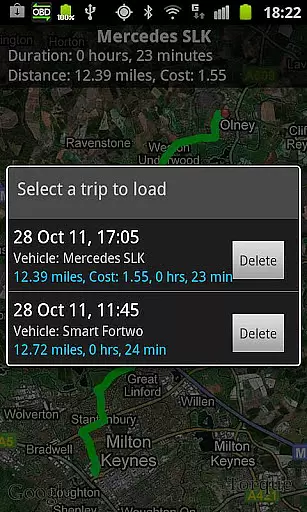
One of the standout features of Torque Pro is its ability to log and track GPS-tagged journeys, allowing users to review their driving history alongside corresponding engine data. Whether you're diagnosing issues indicated by a check engine light or looking to measure your vehicle's horsepower and torque, this app offers detailed insights that can help optimize performance and reduce repair costs. Its compatibility with a wide range of vehicles and support for tablet devices further enhances its versatility and accessibility.
Torque Pro stands out with its extensive feature set tailored for in-depth vehicle analysis. The app provides functionalities such as dyno testing for measuring horsepower and torque, reading transmission temperatures, and calculating 0-60 speed timings with greater accuracy than standalone GPS systems. Additionally, it includes a CO2 emissions readout and turbo boost feature for supported vehicles, offering a holistic view of your car's performance metrics.
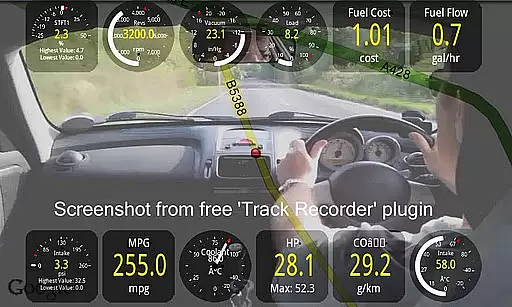
Customization is at the heart of Torque Pro's design. Users can personalize their dashboards with various themes and profiles, ensuring the interface suits their preferences and needs. Advanced capabilities like video recording with on-screen OBDII data overlay serve as a black box for your vehicle, while automatic GPS-tagged tweets add a social dimension to road trips. Furthermore, the app supports third-party integrations through its AIDL API and Telnet interface, expanding its utility beyond just diagnostics to a versatile automotive tool.
Real-time messaging speed and reliability are crucial for any communication app, especially in automotive diagnostics. Torque Pro ensures that the data exchange between your vehicle's OBD II system and your mobile device is both rapid and dependable.
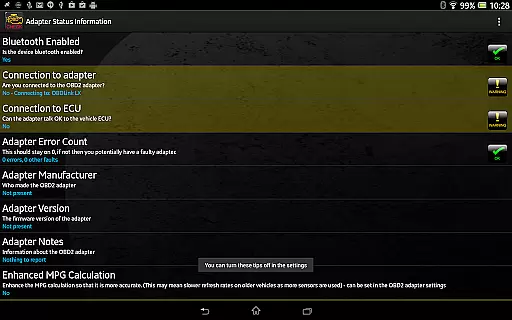
This application uses a Bluetooth adapter to connect to your car's OBD2 engine management system. The connection allows for real-time data streaming, which means you can see what your car is doing at any given moment without delay.
The reliability of this communication is vital when diagnosing issues or monitoring performance. With Torque Pro, users can trust that the information they receive is accurate and up-to-date, allowing them to make informed decisions about their vehicle's maintenance and performance tuning.
Moreover, the app's ability to provide timely alerts and warnings, such as coolant temperature spikes, ensures drivers can take immediate action to prevent potential damage. This reliable messaging system helps maintain the health of your vehicle and can save on costly repairs.
Media sharing support in Torque Pro enhances the user experience by allowing drivers to share their vehicle's performance data and diagnostics with others. This feature is particularly useful for car enthusiasts who wish to discuss their findings with peers or mechanics seeking expert advice.
Torque Pro offers the capability to export logging information via email in CSV or KML formats. These files can be opened in spreadsheet software like Excel or OpenOffice, making it easy to analyze and share detailed reports with professionals or within online communities.
In addition to exporting data, Torque Pro also supports video recording of journeys using the Track Recorder plugin. This feature overlays OBDII data onto the video, creating a comprehensive record of your trip that can be shared as a black box for your car or truck.
Furthermore, the app enables social media sharing, allowing users to post screenshots directly to platforms like Facebook, Twitter, Google+, and more. This seamless integration facilitates community engagement and provides an accessible way to showcase your vehicle's performance metrics with friends and fellow enthusiasts.
User-friendly interface
Extensive vehicle compatibility
Real-time diagnostic data
Customizable dashboard
Advanced performance metrics
Requires separate OBD2 adapter
Some features vehicle-dependent
Potential Bluetooth connectivity issues
Subscription fees for full functionality
Complexity may overwhelm casual users

A web browser that respects your privacy.
 4.30
4.30
Save 10% automatically on your first international mobile top up.
4.60
Messages: Fast, simple SMS app with scheduling and smart features.
4.00
Manage BoostMobile Account
4.60
Quickly and easily identify and block unknown callers
3.70
Comprehensive and powerful scan tool app with enhanced functions
3.00
Watchgram for Telegram: Experience seamless Telegram messaging on your watch
1.80
TeamSpeak - Secure Chat for Gaming & Business
3.10
FolderSync enables easy sync of files between cloud storage and Android devices.
4.60
فیلتر شکن قوی پرسرعت کلید جدید برای اندرویدسریع ترین وی پی ان برای همه اپراتورها
4.70
Enhance browsing with AI-powered features and Copilot.
4.70
Phone Dialer with Caller ID, Address Book & Contacts Manager.
4.30
BE PRIVATE
Anonymous. No Trace. Fast.
4.20
A softphone with crystal clear SIP Calling & Reliable VoIP dialer
4.00
Threema is the messenger with the most consistent focus on security and privacy.
4.00
Fun, free app that lets kids video call and message family and close friends.
3.80
Weargram is an unofficial Telegram Client for Wear OS.
3.50
Official NDI app: turn your phone into a professional live-streaming IP camera.
3.20
Radio communication simulator for gaming communities
4.0


User Reviews