
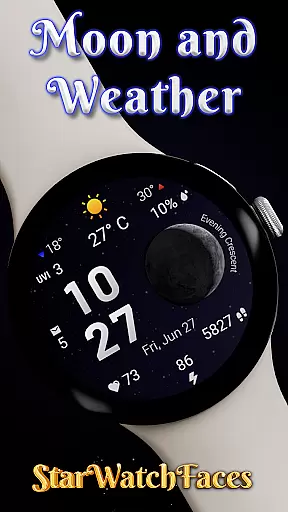
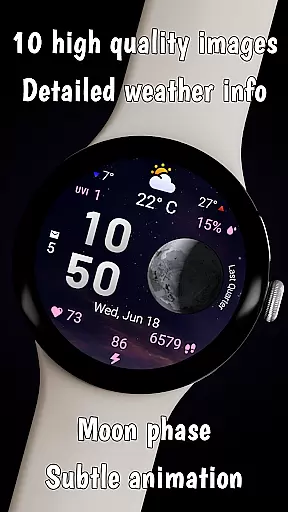
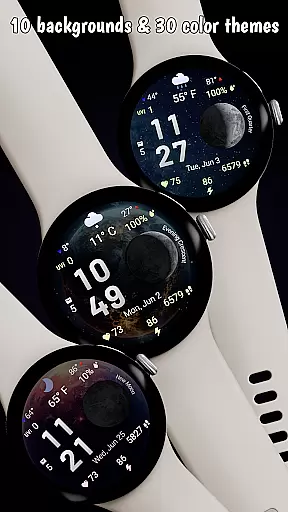

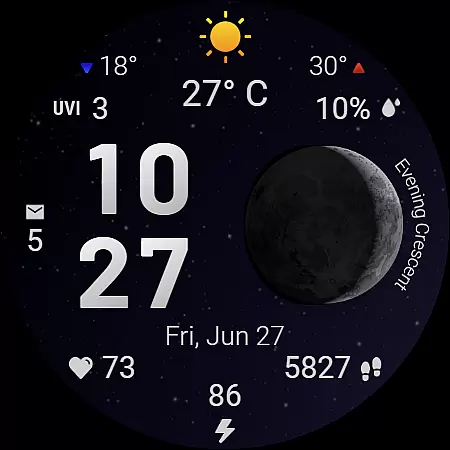
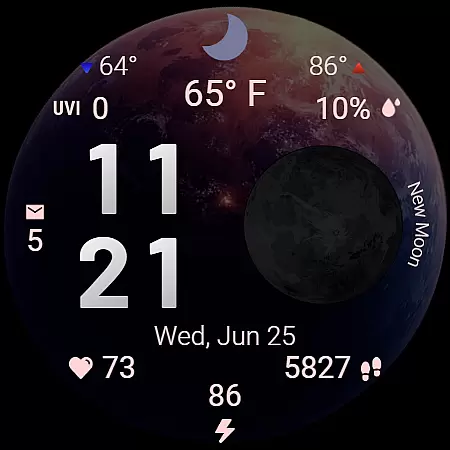
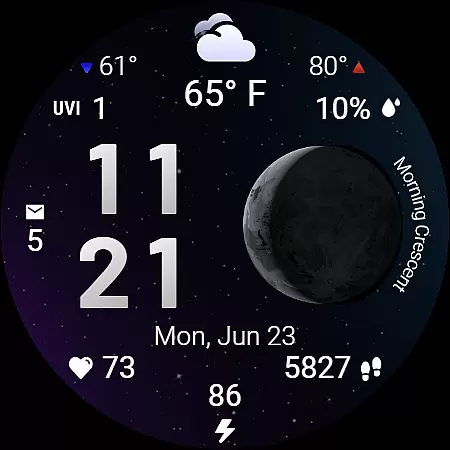
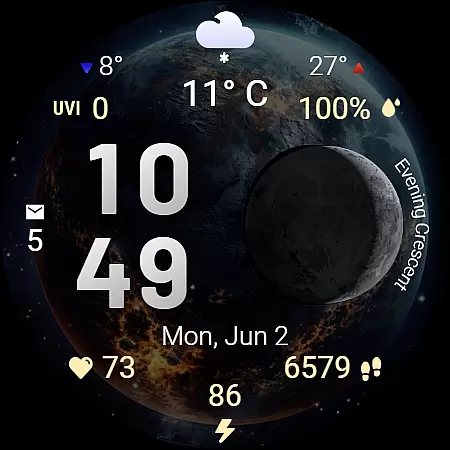
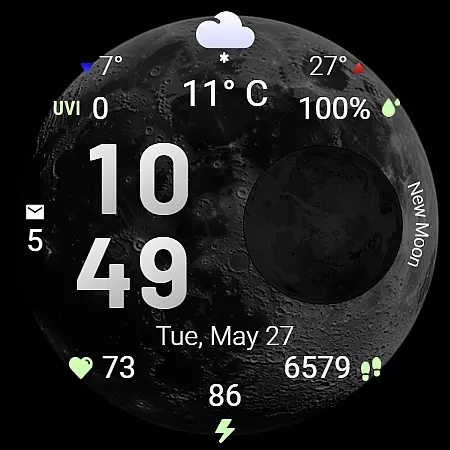
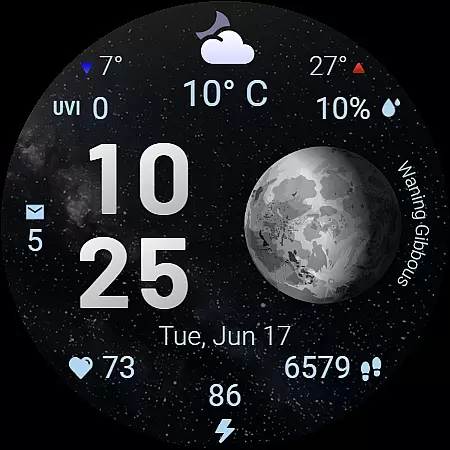
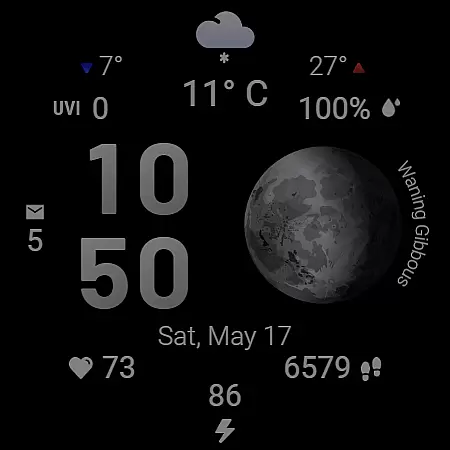
Moon & Weather is a premium Wear OS watch face that combines astronomy, weather data, and health monitoring into an elegant, animated display. Featuring 10 space-themed backgrounds with subtle animations, it brings the cosmos to your wrist while providing practical information at a glance.
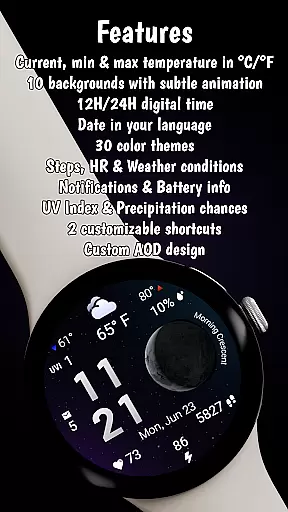
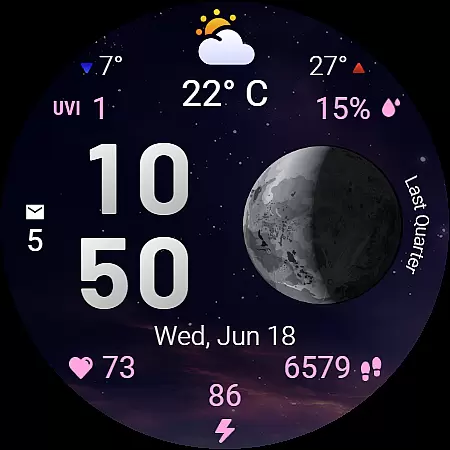
The watch face offers detailed weather insights including current temperature, UV index, and precipitation chances alongside health stats like heart rate and step count. With customizable color themes, app shortcuts, and always-on display support, it balances aesthetics with functionality for Galaxy Watch users.
This watch face stands out with its live moon phase visualization that accurately displays phases like 'Full Moon' or 'Evening Crescent.' The 30 color themes enhance both legibility and mood, adapting seamlessly to different lighting conditions throughout the day.
Weather features include min/max temperatures with directional indicators and condition-specific icons. Health enthusiasts will appreciate real-time heart rate monitoring and step tracking. The optimized performance ensures smooth operation even with multiple active complications and animations.
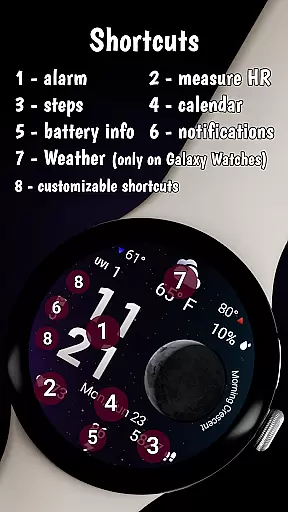
Unique productivity features include two customizable shortcut areas for quick app launching and an always-on display mode that maintains full functionality while conserving battery life.
Forecast accuracy and data credibility are essential for any weather-related application, ensuring users receive reliable and actionable information. Moon & Weather watchface excels in this area by providing precise current temperature readings, daily minimum and maximum temperatures, and clear weather condition indicators such as sunny, cloudy, or rainy statuses.
The integration of UV index levels and precipitation chances further enhances the credibility of the data presented. By displaying numerical clarity for UV levels and percentage-based precipitation forecasts, the watch face empowers users to make informed decisions about their day-to-day activities while outdoors.
Additionally, the watch face supports both Celsius and Fahrenheit scales, catering to a global audience and reinforcing its commitment to delivering accurate and user-friendly weather data. This attention to detail ensures that whether you're checking the weather for your morning run or planning an outdoor event, the information is both dependable and accessible right from your wrist.
Temporal and spatial forecast range refers to the ability of a weather application to provide timely and geographically relevant weather updates. Moon & Weather watchface achieves this by offering at-a-glance weather information tailored to the user's current location, ensuring that the displayed weather conditions, temperatures, and forecasts are always pertinent.
With features like live moon phase visualization and adaptive date display based on the device language, the watch face not only provides localized weather data but also enriches the user experience with astronomical insights. These elements combine to create a comprehensive environmental awareness tool that is both informative and visually captivating.
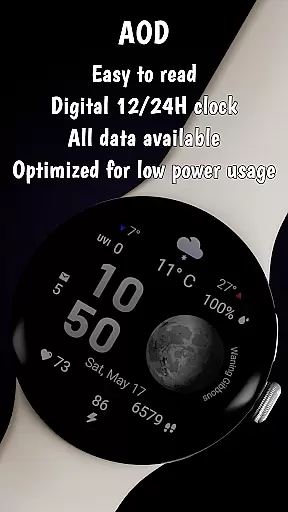
Furthermore, the Always-On Display mode ensures uninterrupted glanceability, allowing users to access crucial weather details without interacting with their device. This seamless integration of temporal and spatial data ensures that whether you're a casual user or a dedicated weather enthusiast, Moon & Weather watchface delivers timely and accurate forecasts that enhance your daily life.
Stunning space visuals
Accurate moon phases
Rich customization
Health integration
Weather details
Limited Wear OS
High battery use
Paid features
Complex setup
Device limits

Personal Weather Station PRO - Meteo monitor to check your WU info and charts.
 4.20
4.20
My Tide Times Pro is the only tide tables and forecasts application you'll need.
4.80
Storm Radar, Alerts & Live Weather Forecasts Right on Your Home Screen
3.70
3D Animation Weather Icon
4.00
Determine Best Hunting Times for any date, any location.
2.50
Weather watch face for Wear OS 5+
4.40
Advanced weather toolkit, providing detailed weather information for any season!
3.50
Your Reliable Weather Companion
4.10
Weather radar map, storm tracker, local forecast, live rain alerts & daily news.
4.60
NOAA forecast & radar for your exact location.
4.80
The moon phases app for tracking the lunar calendar, blue moon and full moon.
4.80
Your ultimate app for accurate local weather information!
4.60
Get the ad-free version of the highly rated WeatherBug app for accurate weather!
4.50
Super-res, real-time weather radar. Be prepared for extreme weather.
4.50
Hyperlocal Forecasts, Live Radar, Severe Weather alerts & Homescreen Widgets
4.30
Weather forecast & live radar map
4.20
Accurate Local Weather Forecast, let you easily understand the nearby weather!
4.20
Stay ahead of the weather with Daily Weather
4.10
Analog Weather Watch Face for Wear OS 5+
4.10


User Reviews