
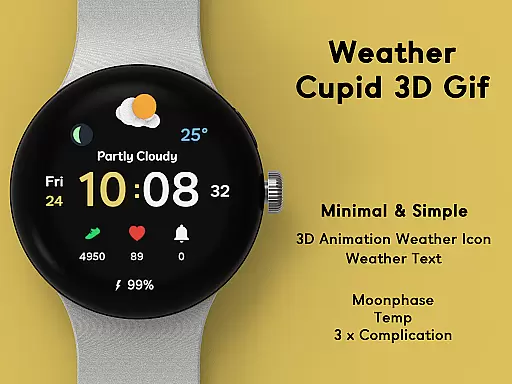
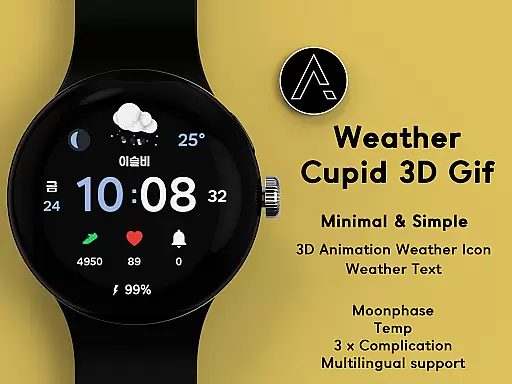
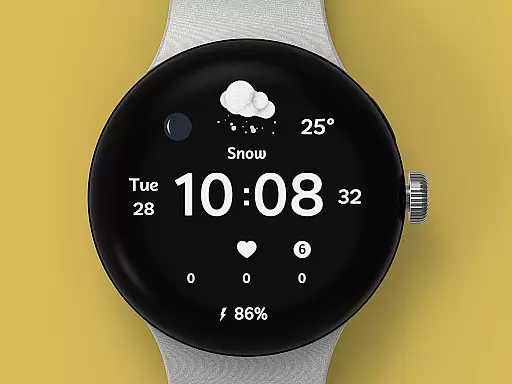
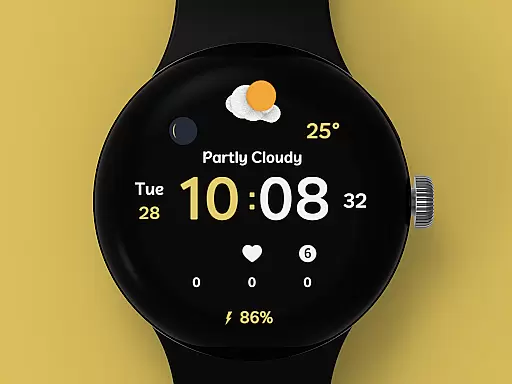
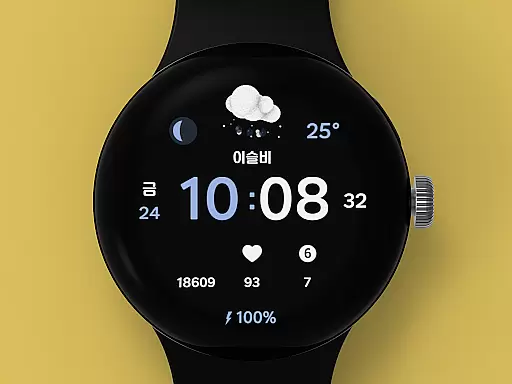
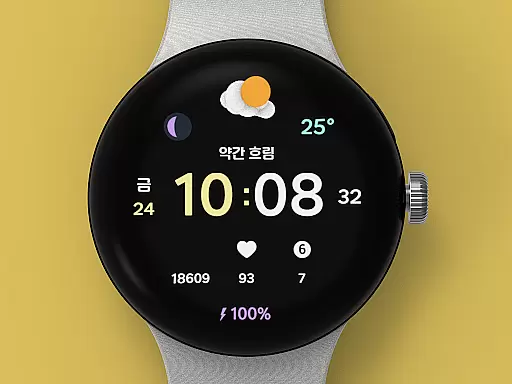
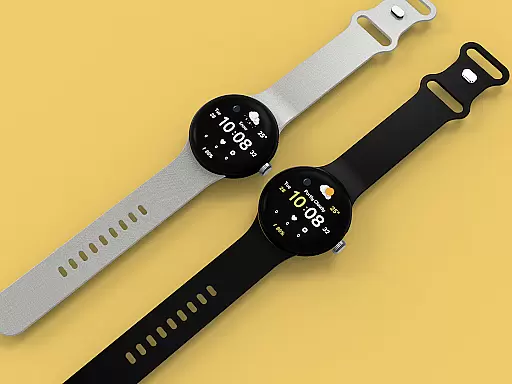
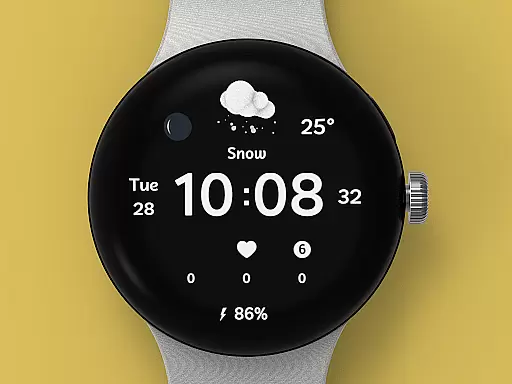
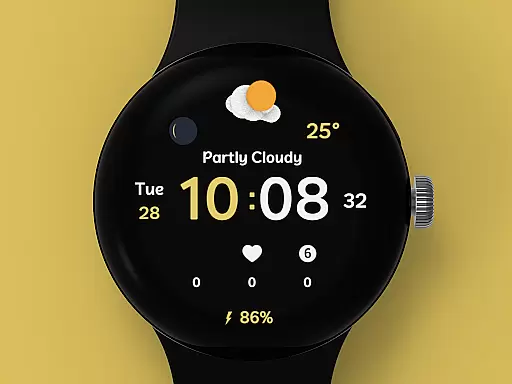
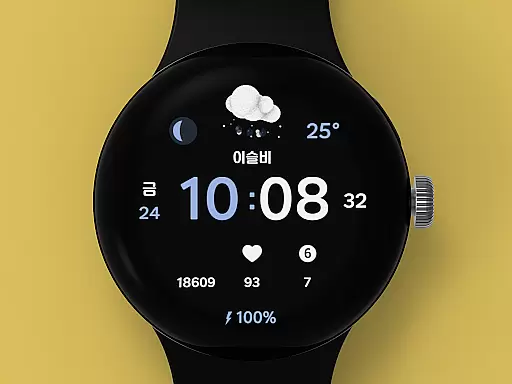
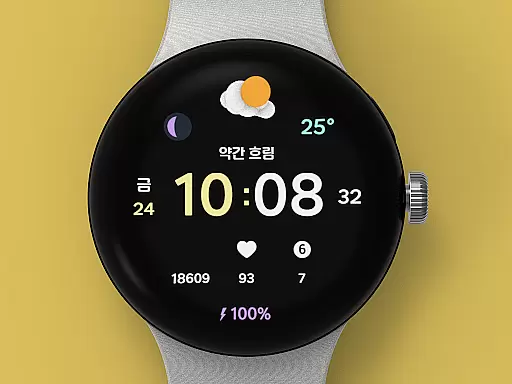
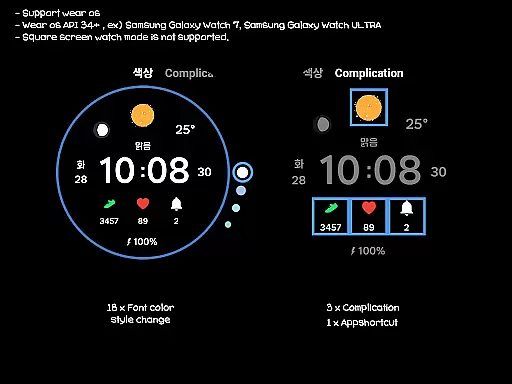
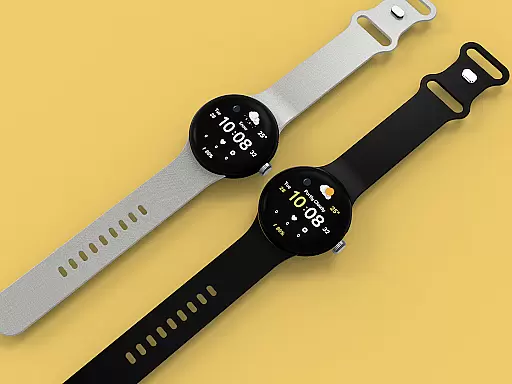
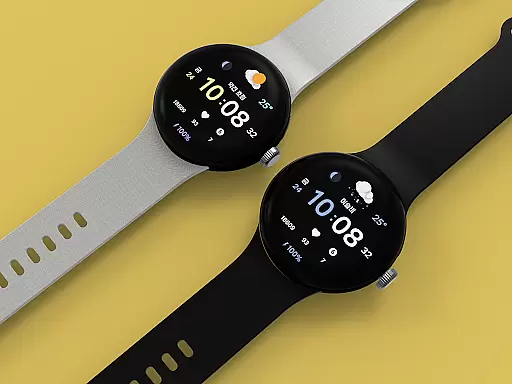
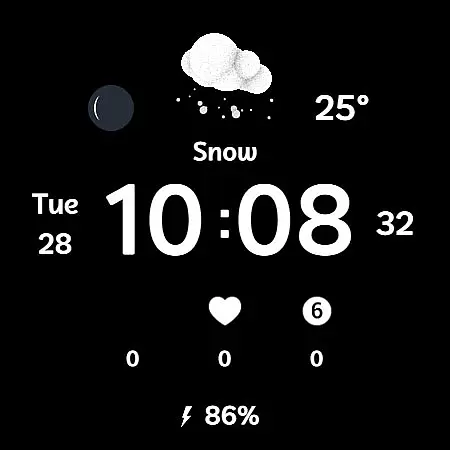
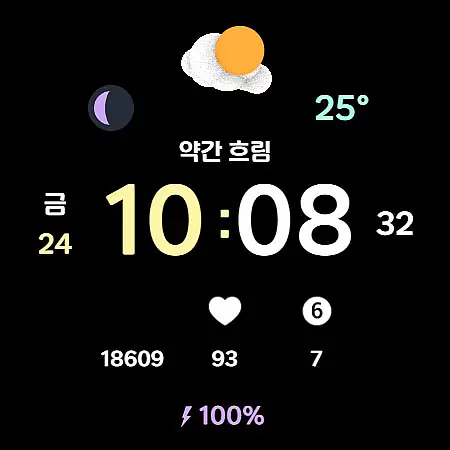
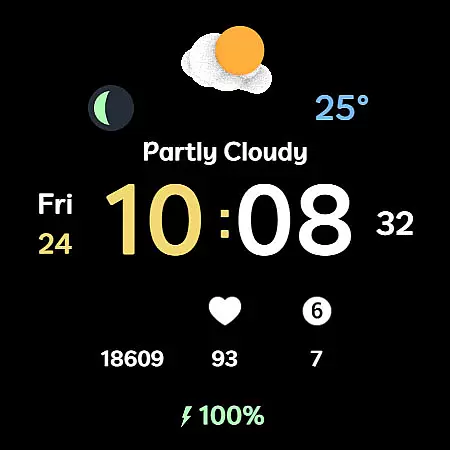
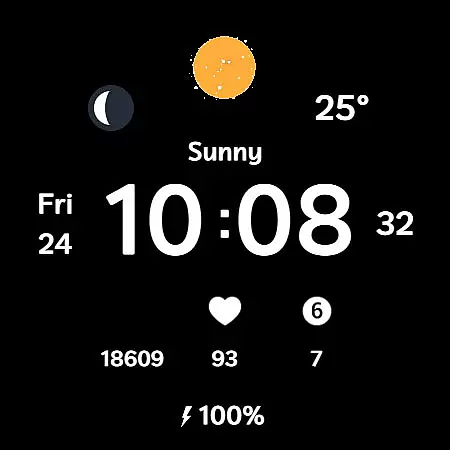
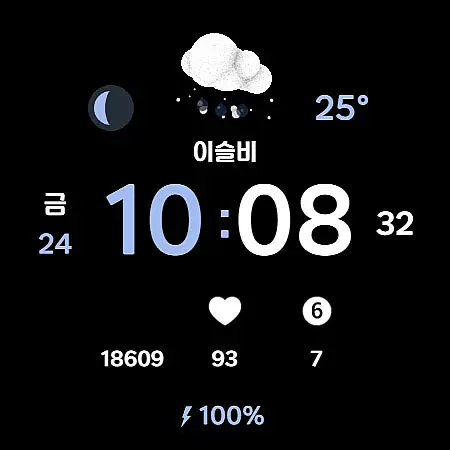
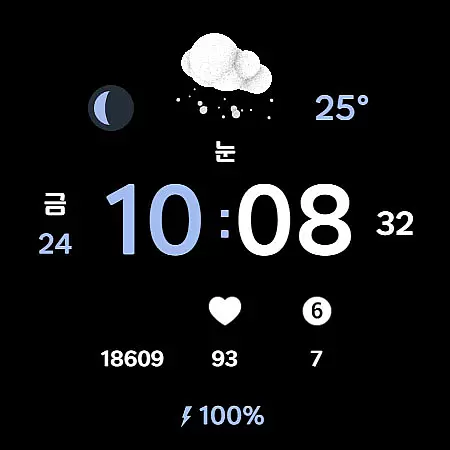
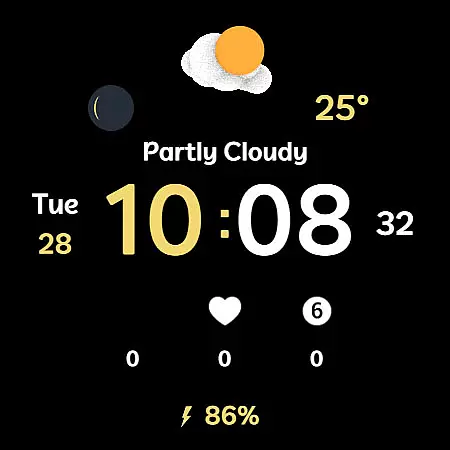
Weather Cupid 3D Gif is a visually appealing Wear OS watch face that combines functionality with aesthetics. This digital watch face features a minimalistic design complemented by lively 3D animated weather icons, making it both practical and engaging. Users can easily check essential information such as temperature, moon phase, and battery percentage directly from their watch screen.
The app supports multiple languages and offers both 12h/24h time formats, catering to a global audience. Weather data is automatically updated every 30 minutes, ensuring users have access to current information. With support for Samsung's weather API and customizable elements like font color styles and complications, this watch face provides both personalization and utility in one package.
Weather Cupid 3D Gif stands out with its unique combination of features designed for Wear OS devices. The watch face displays temperature readings in both Celsius and Fahrenheit, along with detailed moon phase information. Its multilingual support makes it accessible to users worldwide, while the intuitive 12h/24h digital time display ensures easy readability.
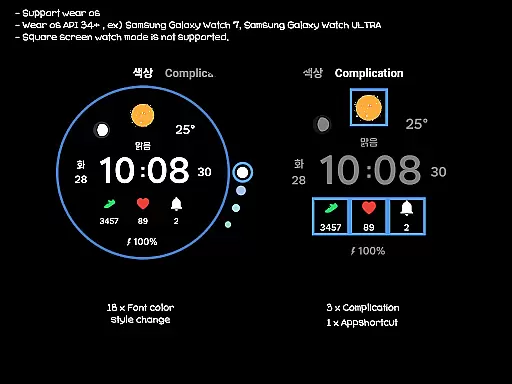
One of the key highlights is the vibrant 3D weather animation that brings the watch face to life. Users can customize their experience with 18 different font color styles, three complication options, and an app shortcut feature. The weather information updates automatically every 30 minutes, or manually through the update button. Although square screen modes aren't supported, the overall design perfectly matches round Wear OS devices.
Weather Cupid 3D Gif provides accurate weather forecasts based on Samsung's API, ensuring reliable data for users. The temperature updates every 30 minutes, offering both Celsius and Fahrenheit support to cater to a global audience.
Users can trust the forecast information displayed on their Wear OS device, although slight variations may occur compared to other providers. This ensures that whether you're checking the current temperature or planning your day, the data is both timely and credible.
In cases where weather information does not display after restarting the watch, reapplying the watch face typically resolves the issue. This reaffirms the app's commitment to delivering dependable weather updates directly to your wrist.
The Weather Cupid 3D Gif watch face offers an extensive temporal and spatial forecast range, allowing users to stay informed about upcoming weather conditions. With animated 3D weather icons, it vividly presents the forecast for different times of the day and various locations.
By supporting multilingual options, this application broadens its reach, providing localized weather details that are easily understandable. Users can access moon phase information alongside standard time and battery indicators, enhancing their overall situational awareness.
For those who require precise updates, manual refresh options ensure the latest meteorological data is always available. This feature-rich design makes Weather Cupid 3D Gif a versatile tool for anyone seeking detailed and expansive weather insights on their smartwatch.
Visually appealing design
Real-time weather updates
Customizable interface
Multilingual support
Intuitive usability
Limited to Wear OS
No square screen support
Weather data delay
Initial setup complexity
Battery consumption

Ultimate Lunar Calendar for 2021!
 4.80
4.80
Retro TV-style digital watch face with weather, heart rate, steps & events!
4.3
Hurricane Tracker, Rain Map
4.80
Global weather forecast, powered by layered radar & hourly weather updates
4.10
Powerful US and worldwide earthquake feed with earthquake alerts and maps.
4.60
Accurate Local Weather Forecast, let you easily understand the nearby weather!
4.20
Determine Best Hunting Times for any date, any location.
2.50
Track lightning strikes with our thunderstorms map, radar and lightning alarm.
4.70
Magnetic Compass meets smart tech: Get directions and weather alerts seamlessly
3.30
Ultimate weather forecast + moon phase for Wear OS 5+ (Pixel, Galaxy, et al.)
4.70
Powerful US and worldwide earthquake feed with earthquake alerts and maps.
4.70
Your ultimate app for real-time weather information!
4.70
Track rainfall totals with ease using our rain gauge app. Accurate rain tracker.
4.50
Local weather forecast, reliable daily weather report
4.30
Live NOAA weather app to track storm, rain, wind, lightning & real local updates
4.20
Weather watch face for Wear OS 5+
4.10
Check forecasts, watch live news & track storms with FOX Weather.
3.80
Moon phase calendar with live wallpaper, lunar widget, & 3D simulation.
3.60
Your local weather app with storm radar, rain tracker, weather maps & AQI.
4.0


User Reviews