
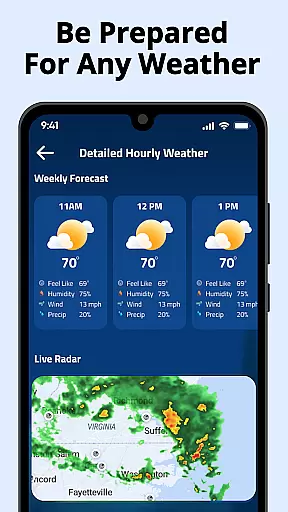
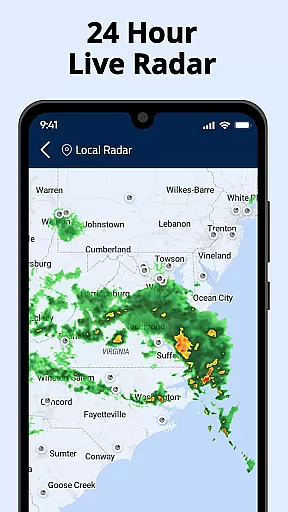
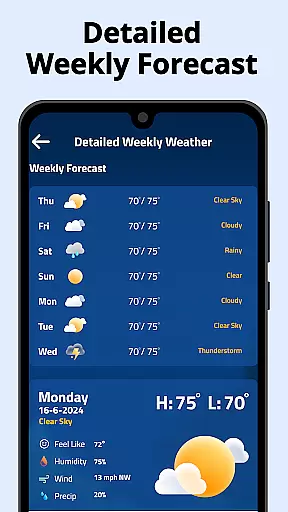
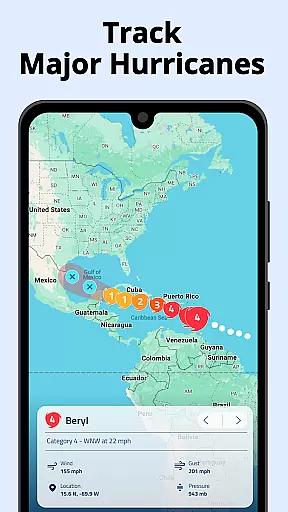
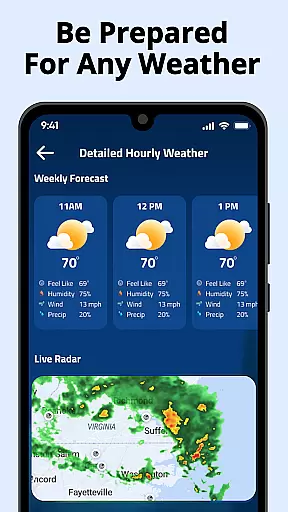
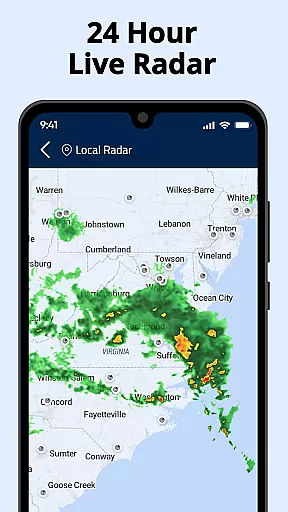
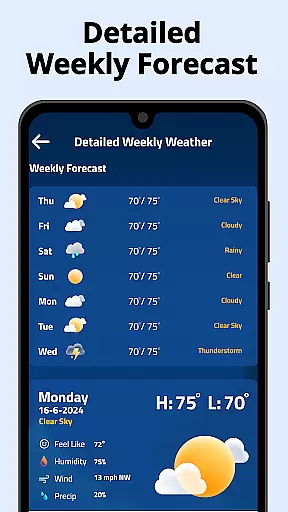
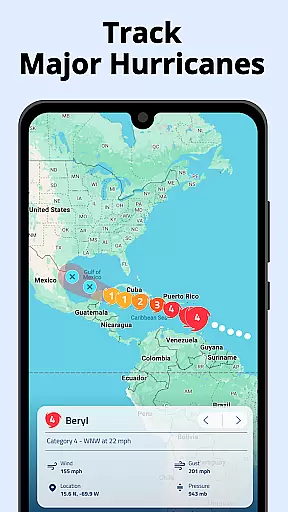
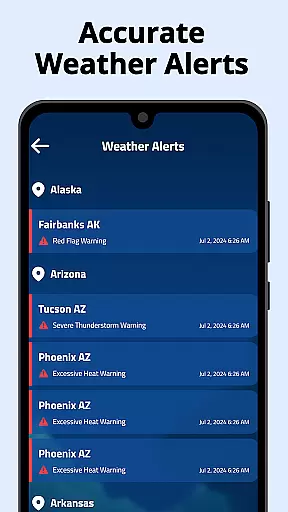
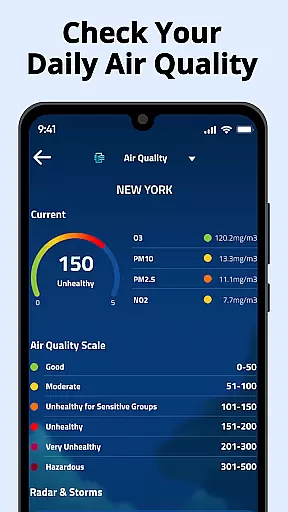
Weather Radar Home is a comprehensive weather application that provides real-time radar, precipitation, temperature, and air pressure data. The app offers accurate weather maps with multi-layer radar coverage for locations worldwide, completely free of charge. Its intuitive interface and customizable widgets allow users to stay prepared for any weather condition.
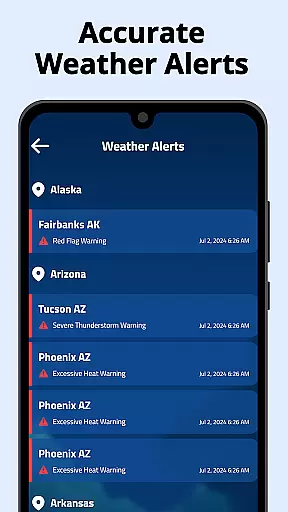
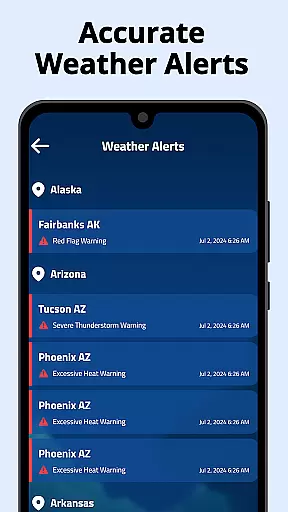
The application stands out through its detailed weather tracking features. Users can access US radar data, monitor air quality, view wind patterns, and receive alerts for severe weather. With global radar coverage, the app ensures users can track weather conditions not just locally but anywhere in the world they need.
A key advantage of Weather Radar Home is its integration into the Android experience. By setting the app as the home screen, users can swipe to access all relevant weather data on the minus-one screen. This makes it an essential tool for those who want instant access to crucial weather information while enjoying a customized Android interface.
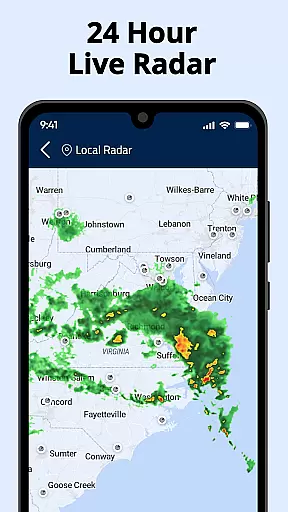
Weather Radar Home delivers an impressive range of features designed to provide users with precise and actionable weather data. One of its core functionalities is the accurate US radar data that detects rain, snow, mixed precipitation, and even air pollution levels. The app also supports customizable radar maps, enabling users to overlay various weather layers and track rainfall movement with precision.
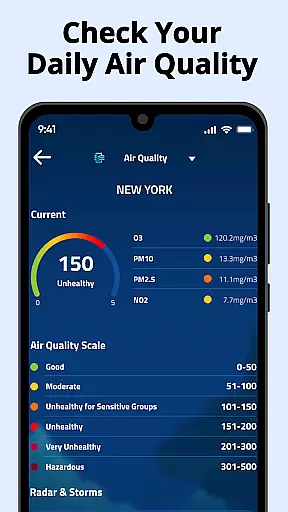
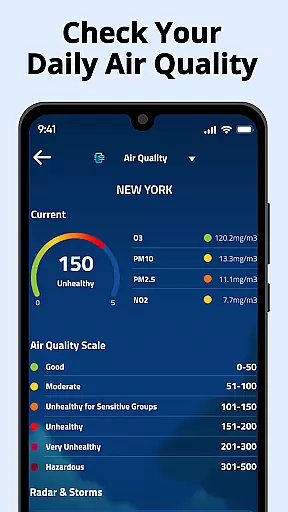
In addition to radar capabilities, the app offers both hourly and daily forecasts, helping users plan their day with confidence. It includes critical details such as temperature changes, UV index, chance of rain, pollen levels, and air pollution indices. For those managing multiple locations, the app allows saving several places for quick weather updates across different areas of interest.
Another standout feature is the app's ability to integrate weather functionality directly into the Android launcher. This unique combination of a weather app and a customizable home screen enhances accessibility and convenience. Users can personalize their interface with themes, widgets, and layouts while receiving real-time weather updates, making Weather Radar Home both a functional and aesthetic enhancement for Android devices.
Weather Radar Home stands out for its commitment to forecast accuracy and data credibility. The app provides real-time radar updates, precipitation tracking, temperature readings, and air pressure monitoring with precision. These features are crucial for users who rely on accurate weather information to plan their daily activities or prepare for severe weather conditions.
The app's use of multi-layer radar ensures comprehensive coverage and reliable data interpretation. By offering detailed weather maps and overlays, it allows users to track rainfall movement and monitor various weather layers such as rain, snow, mixed precipitation, and air pollution. This level of detail empowers users to make informed decisions based on trustworthy data.
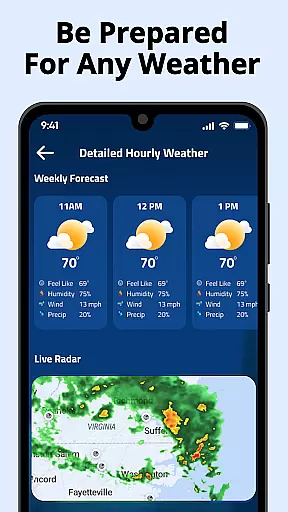
For those who need localized weather updates, Weather Radar Home delivers precise hourly and daily forecasts alongside critical metrics like UV index, wind speed, humidity levels, sunrise and sunset times, chance of rain, pollen index, and air pollution index. With this information at hand, users can stay ahead of changing weather patterns and ensure they are prepared for any conditions that may arise.
One of the key strengths of Weather Radar Home is its extensive temporal and spatial forecast range. Users can access detailed weather forecasts not only for their current location but also for multiple saved locations worldwide. This global reach ensures that no matter where you are or where you care about, you will have access to up-to-date weather information.
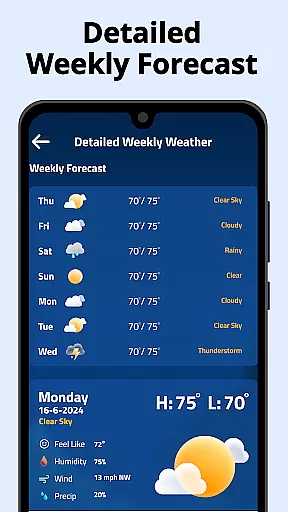
The app offers a 7-day local weather forecast along with an hourly detailed intra-day forecast. This allows users to plan both short-term activities and long-term events with confidence in the reliability of the predictions provided by the app. Whether it's preparing for storms or simply deciding what to wear tomorrow, having a broad forecast range is invaluable.
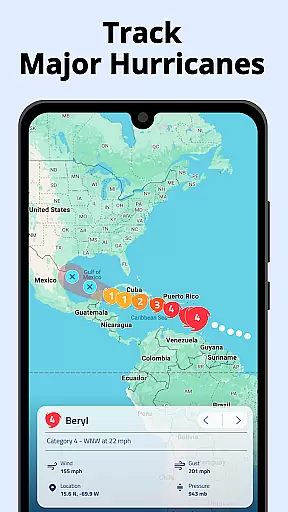
In addition to traditional forecasting methods, Weather Radar Home includes advanced features such as temperature forecast maps and fire hotspots tracking. These tools enhance situational awareness by providing visual representations of expected weather patterns over time and space. As a result, users gain deeper insights into potential environmental hazards while enjoying convenience at their fingertips through customizable widgets and intuitive interface design.
Real-time radar updates
Customizable widgets
Global weather coverage
User-friendly interface
Comprehensive weather data
Requires frequent updates
High battery usage
Complex for beginners
Limited offline functionality
Some features may feel overwhelming

The most accurate weather app, hourly and daily weather, severe weather alerts
 4.50
4.50
Super-res, real-time weather radar. Be prepared for extreme weather.
4.50
No ads, No data collected. Beautiful and powerfully customizable weather app
4.90
72-hour weather & daily forecasts with extreme weather alerts
4.60
Download now and give your smartwatch a fresh, premium look!
4.20
Weather watch face for Wear OS 5+
4.40
Analog Weather Watch Face for Wear OS 5+
4.10
Weather watch face for Wear OS 5
4.40
Stay Ahead Of Changing Weather Conditions
4.00
A professional, comprehensive and accurate weather forecast app
4.90
The moon phases app for tracking the lunar calendar, blue moon and full moon.
4.80
Live local weather updates: various widgets & radar maps & hourly forecast.
4.70
Accurate Thermometer: indoor & outdoor temperature, humidity, pressure, and wind
4.50
Accurate, beautiful weather with landscapes depicting weather, sky, season.
4.50
Accurate weather forecast and beautiful weather & clock widgets
4.20
Personal Weather Station PRO - Meteo monitor to check your WU info and charts.
4.20
Advanced weather toolkit, providing detailed weather information for any season!
3.50
Get instant weather & temperature predictions right on your Wear OS smartwatch!
4.1
Quickly check the Hanalei river gauge height during heavy rains on Kaua'i.
4.0


User Reviews