
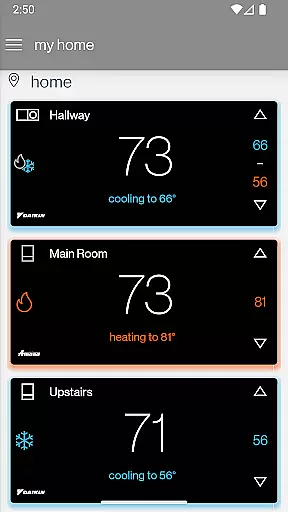
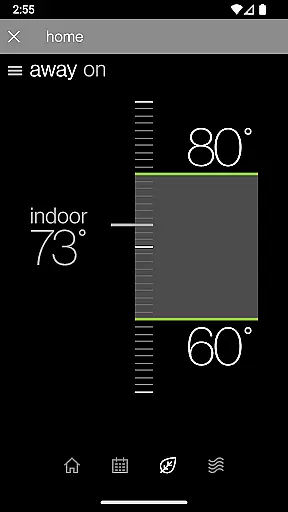
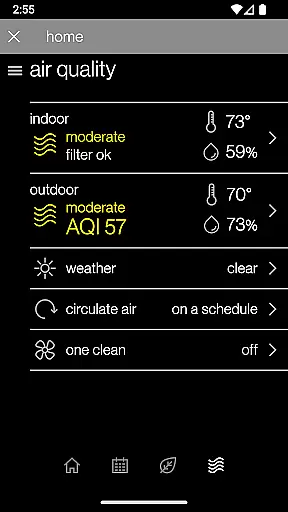
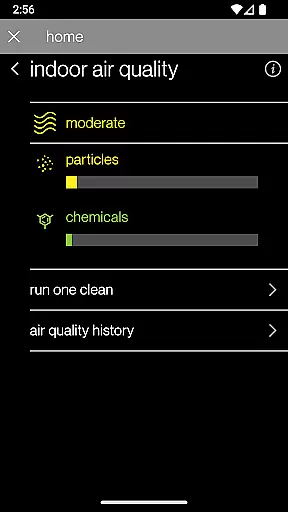
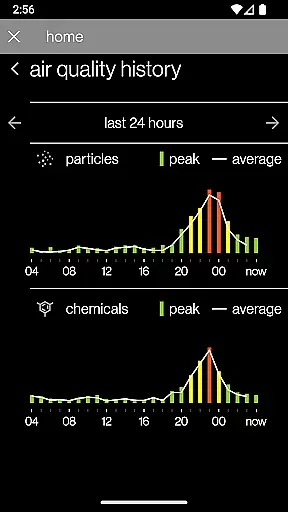
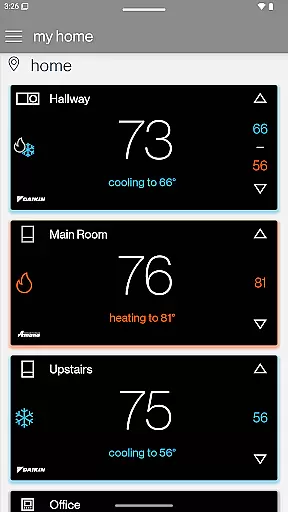
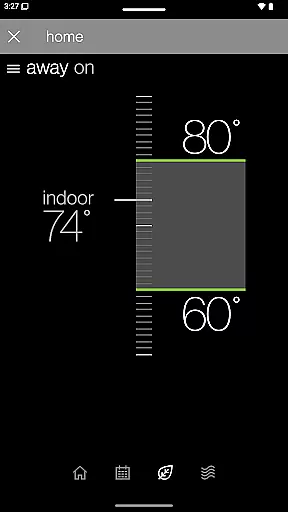
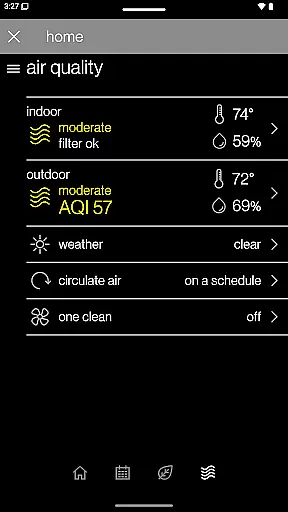
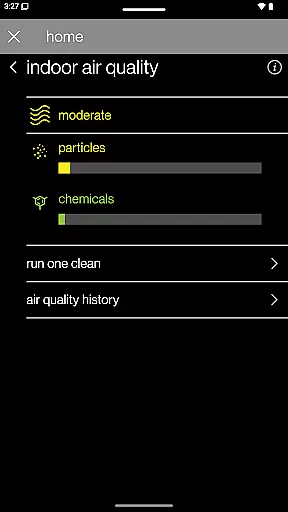
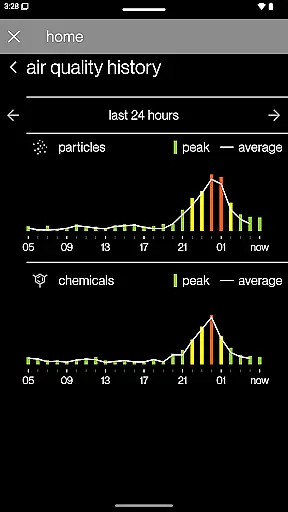
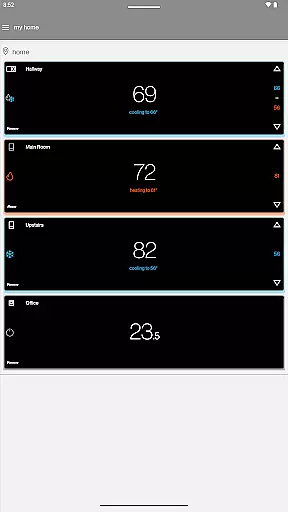
SkyportHome is a comprehensive smart home solution designed specifically for homeowners with Daikin, Amana, and Goodman HVAC systems. This innovative mobile application enables users to remotely monitor and control their heating and cooling systems from anywhere, at any time. The app's intuitive interface allows for effortless management of multiple locations and smart thermostats across different brands.
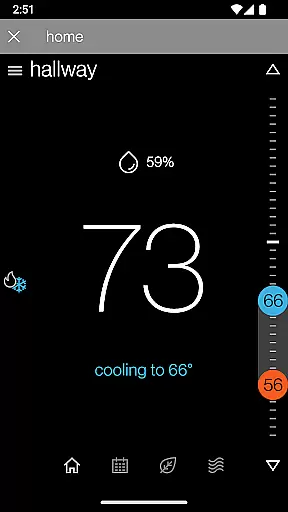
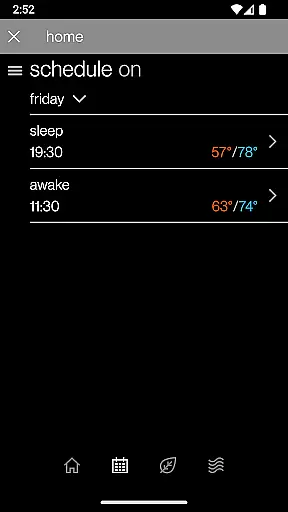
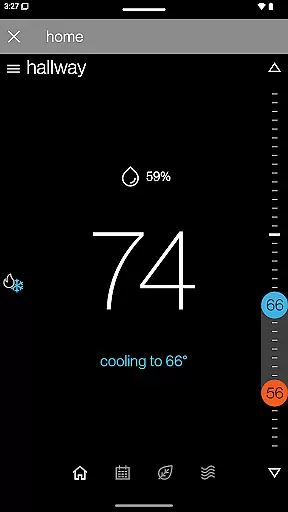
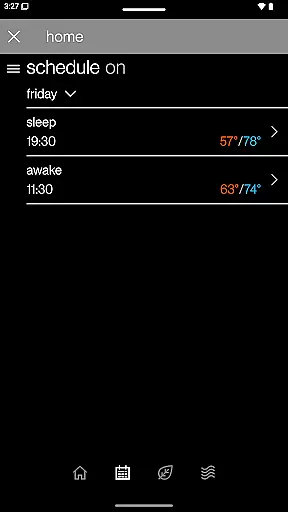
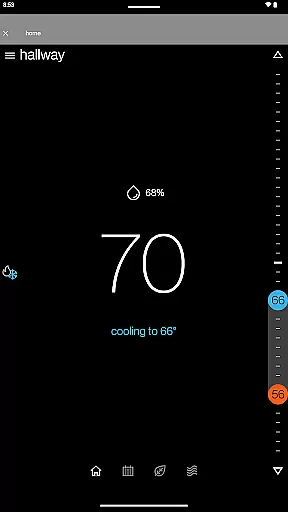
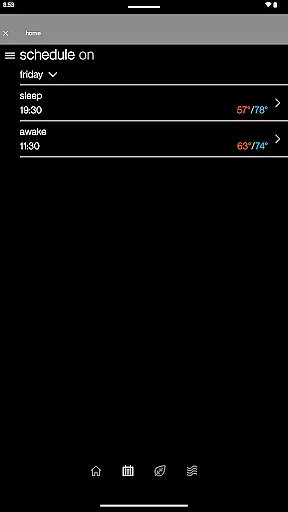
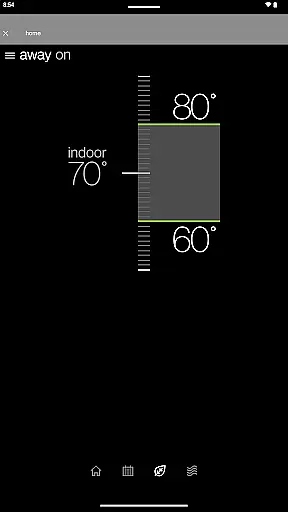
One of the standout features is the ability to edit and manage thermostat schedules directly from your mobile device. Users can set Adjustment Mode or Away Mode with a single tap, adjust temperature, humidity, and fan settings remotely, and view current weather conditions and forecasts for each location. Additionally, real-time alerts, maintenance reminders, and system notifications ensure that homeowners are always informed about their home environment.
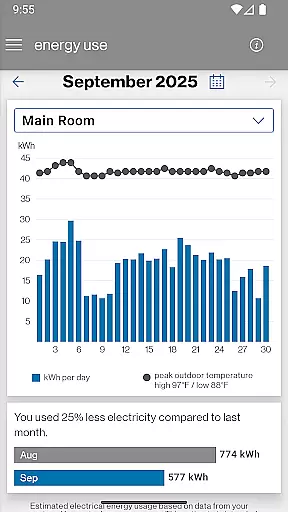
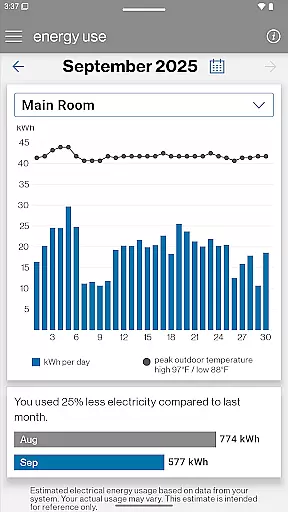
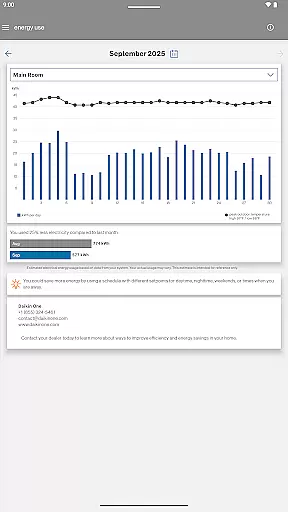
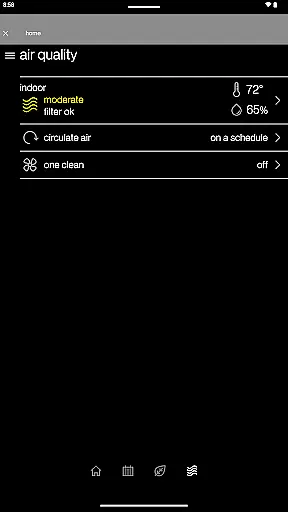
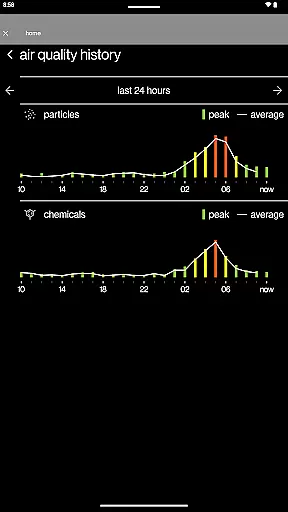
The app also provides valuable insights into the system’s estimated monthly energy usage through its Energy Report feature. While compatible with all Daikin, Amana, and Goodman smart thermostats, certain advanced functionalities like indoor air quality history require a compatible Daikin One Home Air Monitor device. SkyportHome represents a significant advancement in home climate control, offering convenience, efficiency, and peace of mind to modern homeowners.
SkyportHome offers an array of sophisticated features that cater to the needs of tech-savvy homeowners. The app's primary advantage lies in its ability to seamlessly integrate with Daikin, Amana, and Goodman smart thermostats, allowing users to control multiple systems from a single platform. This cross-brand compatibility is particularly beneficial for households with mixed-brand HVAC installations.
A key innovation is the remote scheduling capability, which lets users create and modify thermostat schedules with remarkable ease. The intuitive mobile interface enables precise control over temperature, humidity, and fan settings, while the single-tap mode switching feature simplifies daily operations. The inclusion of real-time weather information and forecasting for each registered location adds another layer of convenience, helping users optimize their energy usage based on current and predicted weather conditions.
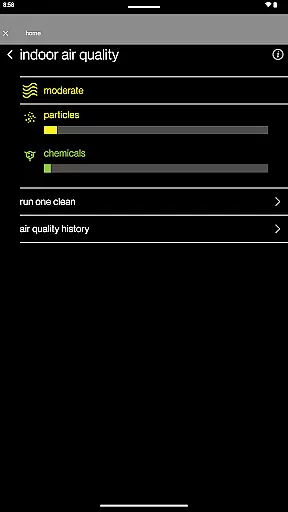
The app's notification system stands out as a crucial safety feature, delivering instant alerts about system performance, maintenance requirements, and potential issues. The Energy Report functionality takes this a step further by providing detailed insights into monthly energy consumption patterns. For users seeking even more advanced capabilities, the integration with Daikin One Home Air Monitor devices offers comprehensive indoor air quality monitoring and historical data tracking, making SkyportHome a complete solution for modern home climate management.
In the context of smart home management, ensuring the authenticity and accuracy of connected devices is crucial. SkyportHome takes this responsibility seriously by providing verified connections to Daikin, Amana, and Goodman heating and cooling systems.
The app maintains a comprehensive database of compatible devices, ensuring that each listed thermostat or air monitor is certified for seamless integration. This verification process guarantees users can trust the information displayed and controls provided.
Through regular system updates and maintenance notifications, SkyportHome ensures all connected devices remain current with manufacturer specifications. This commitment to accuracy extends to real-time weather data and energy usage reports.
Users benefit from complete transparency regarding device compatibility and functionality, enabling informed decisions about their home climate systems while avoiding potential connectivity issues.
SkyportHome offers an extensive suite of home management tools designed to simplify HVAC system control. The app's intuitive interface allows homeowners to manage multiple locations and thermostats across different brands from a single dashboard.
Advanced scheduling capabilities enable precise temperature regulation through customizable programs. Users can quickly activate Away Mode or Adjustment Mode with minimal effort, optimizing energy consumption while maintaining comfort.
The application provides detailed environmental controls, including temperature, humidity, and fan settings. These parameters can be adjusted remotely, ensuring optimal indoor conditions are maintained regardless of location.
Additional features such as maintenance reminders, system alerts, and monthly energy reports contribute to comprehensive home management, helping users maintain efficient operation while reducing unexpected service interruptions.
User-friendly interface
Multi-brand compatibility
Remote scheduling flexibility
Real-time system alerts
Energy usage insights
Limited to specific brands
Additional device required
Internet connection needed
Premium feature costs
Learning curve for setup

Download today to join the community to help bring lost pets home faster.
 4.70
4.70
Control Fire TV & mirror your phone screen instantly over Wi-Fi.
3.30
Resident Center, powered by Buildium, is designed with simplicity in mind.
4.50
View houses and apartments for rent, updated daily.
4.80
Your guide to apartments & rental homes. Find your next place to rent with AG.
4.60
A Smarter Home in Seconds
4.70
Connect with reliable pros for maintenance services, plumbing, and home design!
4.80
Set up your devices, customize settings, and monitor your home—from anywhere
4.40
Make your phone a surveillance camera remote with a home camera app for Android!
4.40
Tailored Care Guides For Houseplants, Indoor Plants, Garden Plants & Flowers.
4.60
Innovative and budget-friendly housing options
4.60
The official app for Home Assistant. Control your home anywhere in the world.
4.30
Find contractors for all home renovation projects. Remodeling, repair, and more.
4.20
Floor Plan Creator Home Design with 2D interior design and 3d view.
3.90
Technology powering many in-home services for residents across the United States
3.80
Our app allows Sunrun customers to monitor systems, pay bills, and get support.
3.80
PRO Version of GLB AR Viewer
4.5
Universal TV remote Control for Roku TV brands via WiFi remote
4.4
Universal TV Remote for TV, control all Smart TVs with your mobile phone.
4.2


User Reviews