
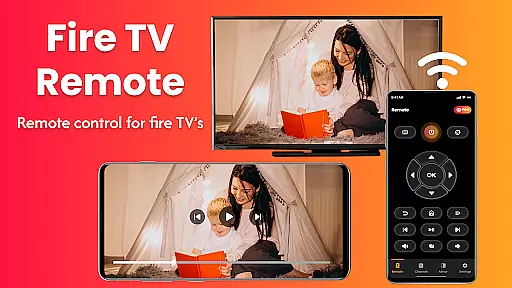
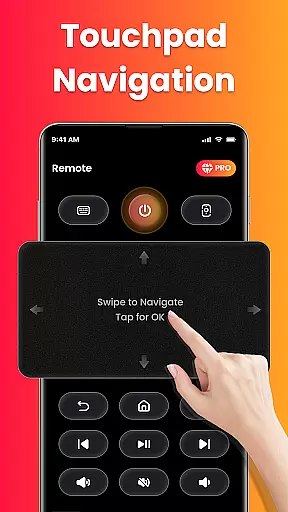
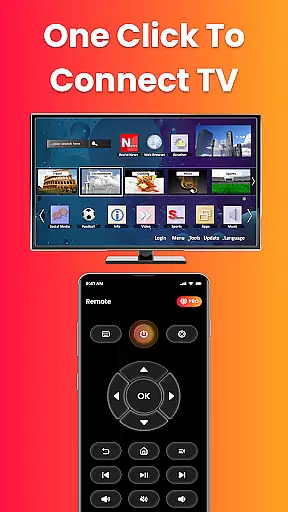
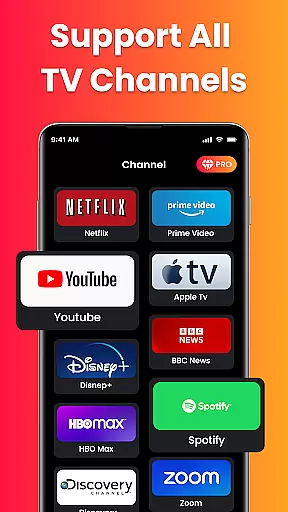
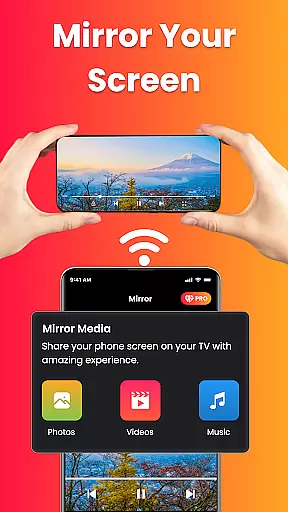
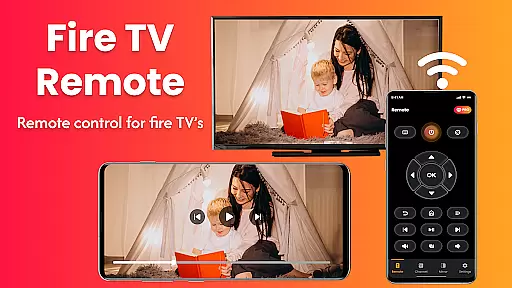
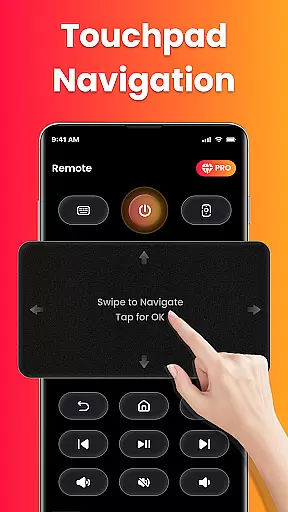
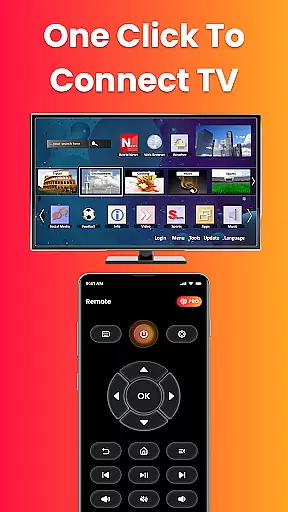
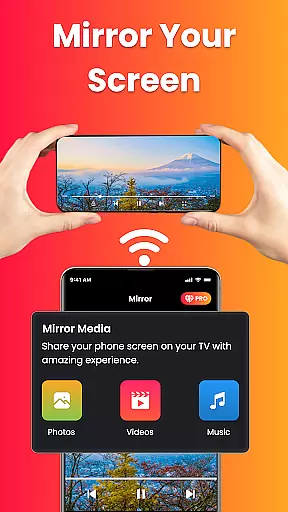
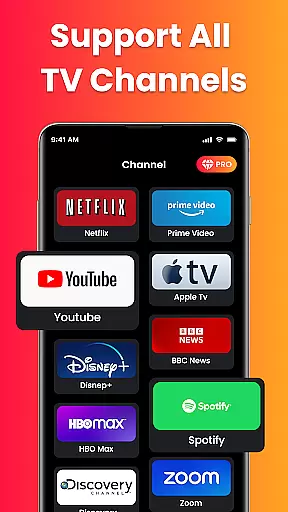
Fire Remote TV Control is a powerful application designed to turn your Android phone into a complete remote control for Fire TV and Fire Stick devices. This app offers full navigation, playback controls, volume management, and screen mirroring capabilities, all without the need for pairing codes or complex setups.
Designed exclusively for the Fire TV platform, this app provides users with an intuitive interface that includes directional pad controls, an on-screen keyboard for quick typing, and instant connection over Wi-Fi. Whether you've misplaced your physical remote or simply desire more functionality, Fire Remote TV Control delivers a seamless experience tailored specifically for Fire TV users.
With its ability to mirror your phone's screen directly to your Fire TV, this app is perfect for sharing photos, streaming videos, or presenting content wirelessly. Its lightweight design ensures fast performance while maintaining battery efficiency, making it an essential tool for enhancing your home entertainment system.
Fire Remote TV Control boasts a range of features that cater specifically to Fire TV and Fire Stick users. The app provides comprehensive remote functionalities including menu navigation, playback controls, volume adjustments, and power management where supported. These features are seamlessly integrated into an intuitive touch interface that mimics the traditional remote experience while adding modern conveniences.
One standout feature is the screen mirroring capability, which allows users to cast their phone's display directly onto their Fire TV with just a single tap. This function supports various use cases such as watching mobile videos on a larger screen, displaying photo slideshows, or even presenting work-related content during meetings. Additionally, the inclusion of an on-screen keyboard simplifies search operations and text input tasks within apps.
The app's compatibility extends across multiple Fire TV models including Fire TV Sticks (all versions), Fire TV Stick 4K/4K Max, Fire TV Cube, and Fire TV Edition smart TVs from brands like Toshiba and Insignia. By focusing solely on the Fire TV ecosystem, Fire Remote TV Control ensures optimized performance and reliability, setting it apart from generic remote applications.
In the context of smart home management, ensuring the authenticity and reliability of connected devices is crucial. Fire Remote TV Control excels in this area by offering a seamless connection experience specifically designed for Fire TV and Fire Stick devices.
The app guarantees that only verified and compatible devices are listed and accessible within its interface. This means users can trust that their Fire TV Stick, Fire TV Cube, or other supported models will work reliably with no compatibility issues.
By focusing exclusively on Amazon's Fire TV ecosystem, the app ensures that all device listings are authentic and fully functional. This targeted approach eliminates concerns about unsupported or counterfeit devices being misrepresented.
Users benefit from a curated selection of compatible devices, ensuring their home entertainment setup remains secure and optimized. The app's strict compatibility standards provide peace of mind when managing multiple Fire TV devices across different rooms or properties.
Effective home management requires intuitive tools that simplify daily tasks. Fire Remote TV Control delivers comprehensive features that transform how users interact with their Fire TV devices, making home entertainment management more efficient.
The app provides complete navigation controls, including directional pad functionality and touch controls, enabling users to effortlessly manage their Fire TV interface. Advanced features like volume management, mute/unmute functions, and power control (where supported) create a centralized command center for home entertainment systems.
With integrated screen mirroring capabilities, users can easily display mobile content on their television screens. This feature extends beyond entertainment, supporting professional presentations and educational content sharing throughout the home.
Additional home management benefits include an on-screen keyboard for quick searches and instant Wi-Fi connection without pairing codes. These features combine to create a powerful tool for managing both individual and multiple Fire TV devices within a household, enhancing overall home entertainment efficiency.
User-friendly interface
Instant Wi-Fi connection
Screen mirroring feature
Comprehensive remote controls
Lightweight and efficient
Limited to Fire TV devices
No Chromecast support
Third-party application
Wi-Fi dependent
Device-specific functions

Unlock AI-based barcode scanning and support the development of Grocy Android
 4.4
4.4
Draw your floor plan smartly. Make house design blueprint with home planner app
3.60
Innovative and budget-friendly housing options
4.60
Your guide to apartments & rental homes. Find your next place to rent with AG.
4.60
Real estate app to find homes for sale or rent in the right neighborhood for you
4.70
Security App with HD Video, 2-way Audio, and event detection for Home monitoring
4.40
Fire & Power Safety
4.50
Apartment finder for apartments for rent. Compare prices, amenities & rentals.
4.50
Find homes for sale and apartments for rent in the best neighborhood.
4.70
MLS-powered real estate app to find homes for sale & apartments for rent
4.70
AI-powered home design, interior design, home decor, and room design solutions
4.50
Rent on-the-go with TurboTenant’s app made just for renters
4.50
Make Renting Easy
4.40
WiZ smart light system
4.40
Set up your devices, customize settings, and monitor your home—from anywhere
4.40
Fully control your Philips TV with this all-in-one remote control app.
4.20
Find contractors for all home renovation projects. Remodeling, repair, and more.
4.20
Design your dream home with 3D planning app, Visualize your dream home in 3D.
4.20
Schlage Lock Company LLC
4.00


User Reviews