
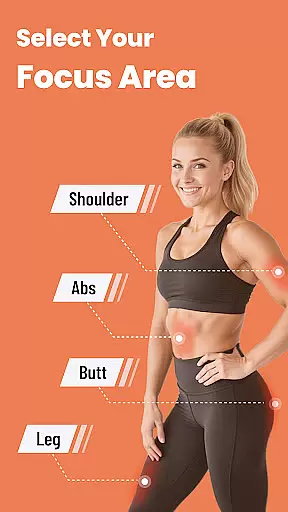
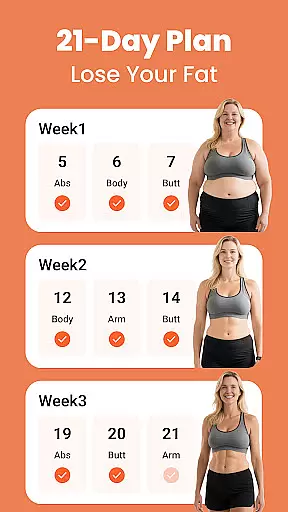
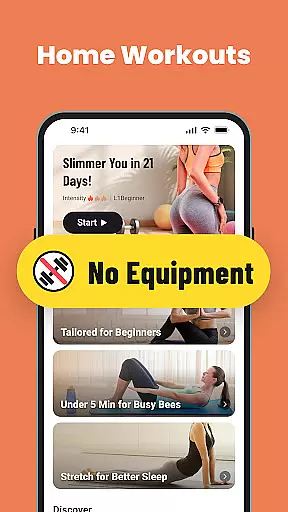
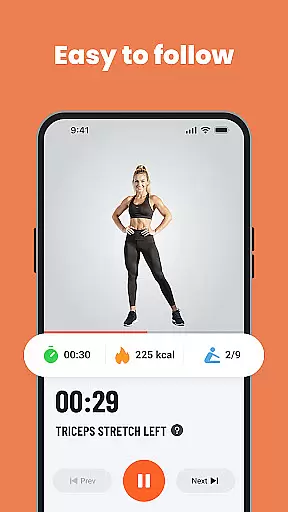
Home Workout for Women is a premier fitness application designed exclusively for women who prefer working out from the comfort of their homes. This app transforms any living space into a personal gym, offering diverse workout routines tailored to individual schedules and preferences.
The app provides full-body workouts ranging from high-intensity interval training (HIIT) sessions to gentle stretching exercises. It includes features like a customizable workout planner, video tutorials, step-by-step instructions, and coach tips, ensuring users can exercise safely and effectively. Whether you're a beginner or an experienced fitness enthusiast, Home Workout for Women caters to all levels, making it easy to achieve your fitness goals without needing any equipment.
With its focus on weight loss and overall fitness, this app is perfect for those looking to lose weight, tone up, or simply maintain an active lifestyle. The added benefits of a workout timer, calorie tracker, and warm-up/stretch routines make it a comprehensive fitness solution that empowers users to take control of their health journey.
Home Workout for Women stands out with its rich array of features designed to enhance the home workout experience. One of its key highlights is the customizable workout planner, which allows users to tailor sessions according to their specific needs and time availability. This flexibility ensures that even the busiest individuals can incorporate fitness into their daily routines.
The app offers a variety of full-body workouts, targeting different muscle groups through exercises like HIIT, abs workouts, leg routines, and more. Each exercise comes with video tutorials and step-by-step instructions, ensuring users perform movements correctly and safely. Additionally, integrated coach tips provide professional guidance to maximize workout efficiency and results.
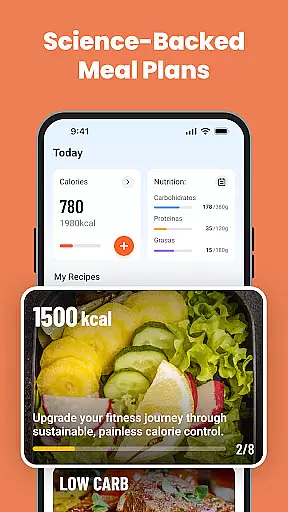
Other notable features include a built-in workout timer to keep sessions on track, a calorie tracker to monitor progress, and warm-up/stretch routines to prevent injuries. These elements collectively create a seamless and enjoyable fitness experience, making Home Workout for Women a top choice for anyone seeking a convenient and effective way to stay fit at home.
Personalized planning in fitness applications refers to the ability to tailor workout routines specifically to individual needs, goals, and capabilities. This feature is crucial as it ensures that users engage in exercises that are most beneficial for their unique circumstances.
Home Workout for Women offers a customizable workout planner that allows users to adjust sessions according to their schedules and preferences. The app provides a variety of workouts targeting different muscle groups without the need for equipment, making personalized fitness accessible to everyone regardless of their resources.
Users benefit from this feature by receiving structured plans that evolve with their progress, ensuring continued motivation and goal attainment. The app's focus on personalization helps women achieve their fitness objectives effectively, whether they aim to lose weight, tone up, or simply maintain an active lifestyle.
The true value of personalized planning lies in its adaptability and precision. By catering to individual requirements, Home Workout for Women empowers users to take control of their fitness journeys, leading to improved health outcomes and enhanced satisfaction with their workout experiences.
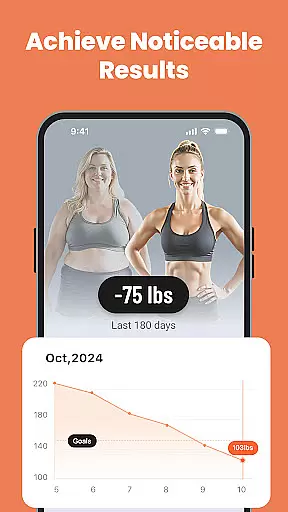
Progress visualization involves presenting users' fitness achievements and milestones in an easily digestible graphical format. This feature is important because it provides tangible evidence of improvement, which can be highly motivating.
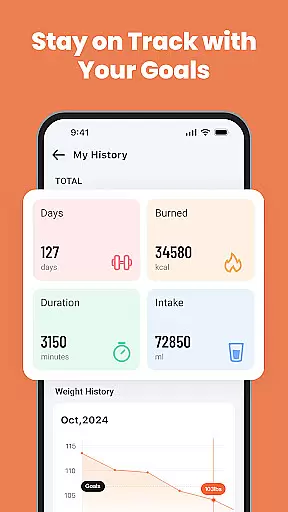
In Home Workout for Women, progress visualization is achieved through tools like a calorie tracker and detailed feedback on completed workouts. These features allow users to monitor their advancements over time, offering insights into how their efforts translate into results.
By visualizing their progress, users gain a clearer understanding of their fitness journey, which can lead to increased commitment and adherence to their workout regimen. Seeing concrete improvements helps maintain motivation levels and encourages users to set and pursue new goals.
This feature distinguishes itself by transforming abstract achievements into visible successes. Home Workout for Women leverages progress visualization to enhance user engagement and satisfaction, ultimately fostering a more committed and empowered user base.
User-friendly interface
No equipment required
Diverse workout options
Professional video tutorials
Customizable workout plans
Limited advanced features
No live coaching sessions
Basic calorie tracking
Few social sharing options
Occasional ads in free version

Weight loss app: home workout for women to lose weight & burn calories.
 4.80
4.80
Personal Measurements - Track your gains!
4.50
Build Healthy Habits!
4.60
Using Recognise™ has been shown to reduce pain, and improve performance.
4.1
Show your support for the development of FitNotes - Gym Workout Log
4.90
Protect your healthy sleep
4.80
The Crunch Mobile app - Find a gym, manage favorites, reserve & cancel classes.
4.60
Grow with self-tests and personal routine.
4.30
Make sense of your health data.
3.80
Wall Pilates at home & Pilates workout for beginners for core and weight loss.
4.80
App to stop smoking slowly or now with a motivational badges and helpful tips
4.80
A brain game that moves you
4.70
The simplest way to track your 21 Day Program containers, exercises, and water.
4.50
Eat smarter with Eato, your personal calorie counter and nutrition tracker!
4.40
This is an application that serves as a companion app for smart watch.
4.20
Create powerful subliminal audio with custom affirmations and background music.
4.00
Understand your body’s most meaningful messages and transform your health.
3.90
Live Heart Rate Pro - Real Time Heart & Workout Data For Wear OS & Bluetooth BLE
3.20
Use your watch as a bike computer, heart rate monitor and cycling power meter
2.50


User Reviews