
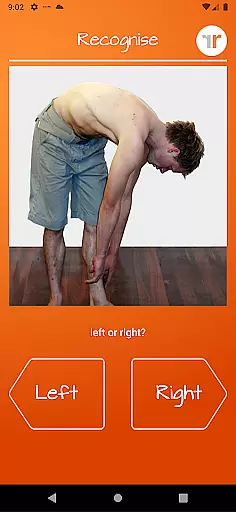
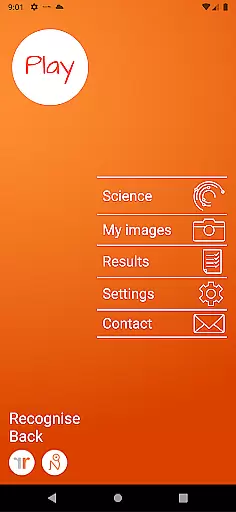
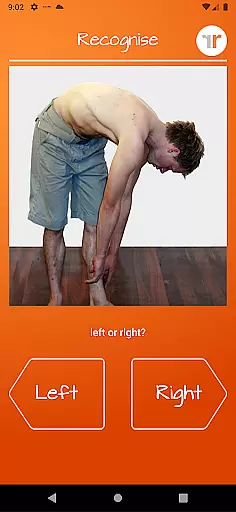
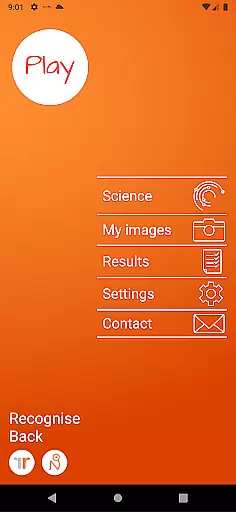
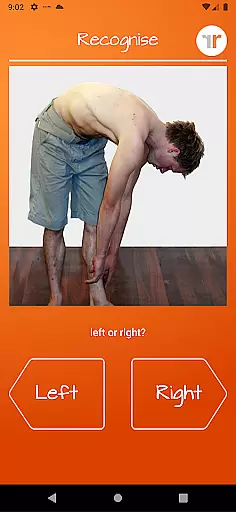
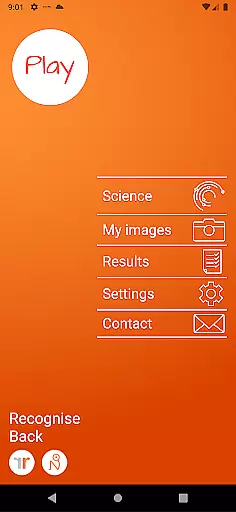
Recognise Back is a specialized health and fitness application designed to assist users in managing pain, enhancing performance, and supporting rehabilitation through a structured Graded Motor Imagery (GMI) program. The app focuses on improving the user's ability to discriminate between left and right body parts, which is crucial for recovery from various complex pain conditions and injuries.
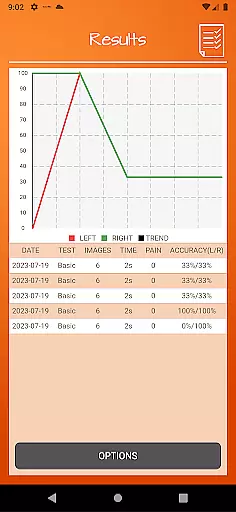
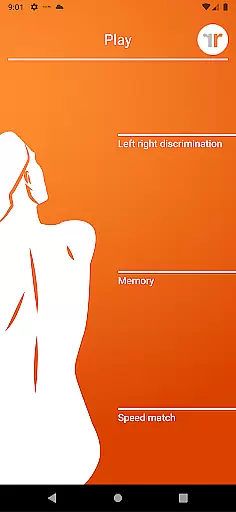
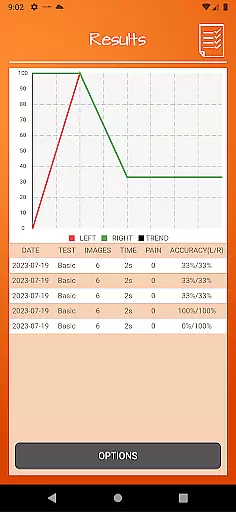
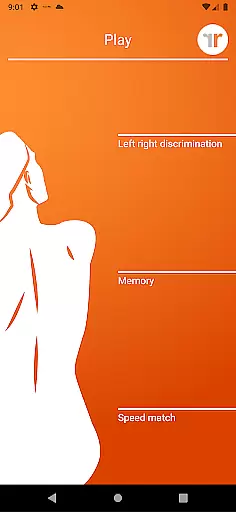
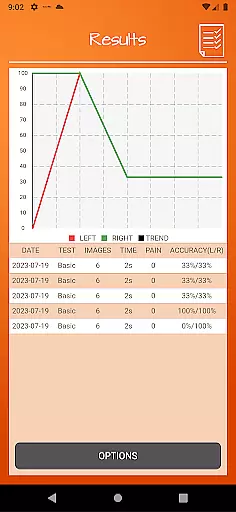
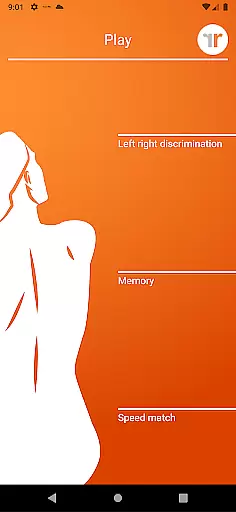
The application offers two main modes: TEST and TRAIN. In TEST mode, users can evaluate their proficiency in recognizing images of body areas as either left or right. TRAIN mode allows users to leverage the brain's neuroplasticity with advanced tools like 'Memory' and 'Speed match', graded difficulty levels, and personal best challenges. Recognise Back also provides detailed progress tracking through onscreen results and graphs, making it an essential tool for both patients and clinicians.
Recognise Back stands out with its comprehensive set of features tailored to enhance motor imagery training. Users can engage with 'Memory' and 'Speed match' tools that elevate their training experience by challenging their cognitive abilities and reaction times. The app includes graded difficulty levels and personal best challenges, ensuring that users remain engaged and see tangible progress over time.
One of the key highlights is the powerful clinical integration tools. Users can export and email their detailed results and progress graphs directly to their healthcare providers. Additionally, the app allows users to capture their own images using their device's camera and incorporate these into their training routines. This feature, combined with a thorough explanation of the science behind Left/Right Discrimination and GMI, makes Recognise Back an invaluable resource for anyone involved in physical rehabilitation.
Recognise Back offers a personalized approach to pain management and rehabilitation through its scientifically-backed training tools. The app's 'Left/Right Discrimination' feature tests your ability to quickly identify body areas, forming the basis for a tailored training plan.
The application provides graded difficulty levels that adapt to your progress, ensuring that each user receives a customized experience. This adaptive training helps harness neuroplasticity, allowing users to improve their performance at a comfortable pace while addressing complex pain and injury states effectively.
With personal best challenges and detailed onscreen results, users can track their improvement over time. These features not only enhance motivation but also allow for adjustments in the training regimen based on individual needs and advancements.
Tracking progress is crucial in any rehabilitation program, and Recognise Back excels in visualizing user advancement through comprehensive graphs and result screens. After each session, users can view their performance metrics, which are presented in an easy-to-understand graphical format.
The app allows users to map their journey by maintaining a detailed record of their test results and training improvements. This data-driven approach enables both users and clinicians to monitor rehabilitation effectiveness accurately.
Furthermore, powerful clinical integration tools such as exporting and emailing results directly to healthcare providers ensure that progress is transparent and easily shareable. This connectivity facilitates better communication between patients and therapists, leading to more informed decision-making throughout the recovery process.
User-friendly interface
Comprehensive progress tracking
Customizable training options
Clinical integration capabilities
Science-backed methodology
Requires consistent use
Premium pricing model
Limited to specific rehabilitation needs
Dependent on device camera quality
May require clinician guidance

Relax to calm sounds, white noise, music, guided meditation and bedtime stories
 4.40
4.40
Interval timer for High Intensity Interval Training, Tabata and Circuit Training
4.20
Show your support for the development of FitNotes - Gym Workout Log
4.90
Pupillary distance PD with camera quick and easy, checking glasses frames on you
3.70
Step Counter, track steps when you walk or run
4.70
Pilates, Calisthenics, Yoga
4.50
Track sleep cycle, relax with white noise, sleep sounds & smart alarm clock
3.80
Your Health Assistant
3.90
Control your blood pressure, heart rate and blood sugar in a fast way.
4.00
Meditation app, head space app provides calm music to help you meditate & sleep
5.00
Build Healthy Habits!
4.60
Mind on steroids - relaxation, productivity, meditation and sleep!
4.60
The Crunch Mobile app - Find a gym, manage favorites, reserve & cancel classes.
4.60
Grow with self-tests and personal routine.
4.30
Pack of 66 calming lullabies for smooth fall asleep and relaxation
4.10
Histamine intolerance, low FODMAP diet and irritable bowel syndrome (IBS)
4.00
Turn your steps into cash, gift cards & rewards with our step counting pedometer
3.80
Sync your activities of the most popular sports tracking services
2.70
Insanity blocks of intense physical activity, short breaks of 30 seconds.
4.3


User Reviews